
3D AI Studio MCP Server
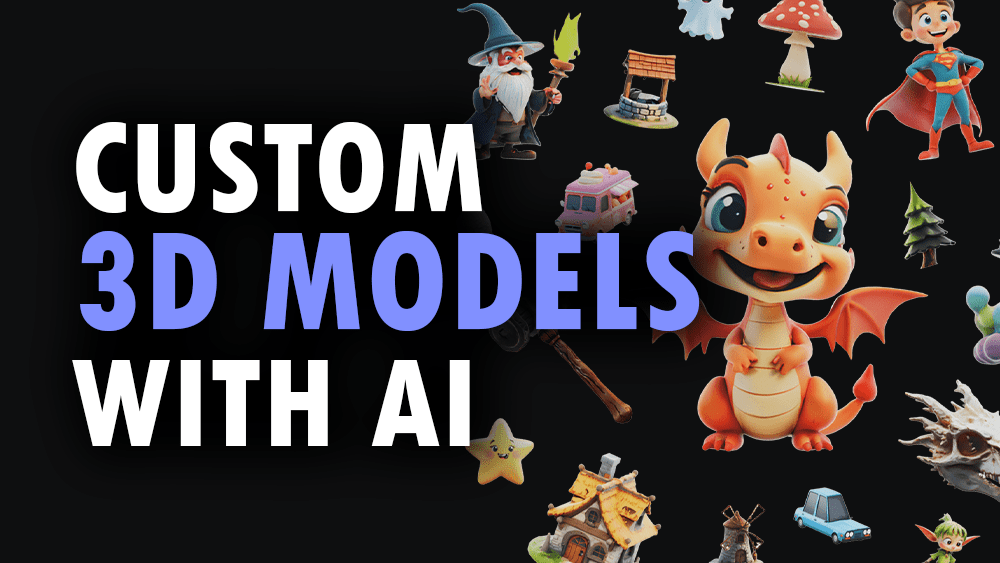
Generate and process 3D models via 3D AI Studio — text-to-3D, image-to-3D, AI texturing, remeshing, rendering, and mesh tools from any AI agent.
Vinkius AI Gateway supports streamable HTTP and SSE.
Works with every AI agent you already use
…and any MCP-compatible client









3D AI Studio MCP Server: see your AI Agent in action
Built-in capabilities (12)
bake_textures_3d
Supports baking normal maps, ambient occlusion, curvature, and other detail maps. Essential for game asset pipelines where high-detail sculpted models need to be baked onto game-ready low-poly meshes. Returns optimized models with baked texture maps. AI agents should use this when users ask "bake normal maps from high-poly to low-poly", "bake ambient occlusion for this model", or need texture baking for game asset preparation. Bake texture maps onto 3D models for optimized rendering
calculate_volume_3d
Supports unit specification (mm, cm, inches, meters) and material density for weight estimation. Essential for 3D printing cost estimation, material requirements planning, shipping calculations, and physical property analysis of 3D models. Returns detailed measurement data. AI agents should reference this when users ask "calculate the volume of this 3D model", "estimate weight for PLA printing", or need physical measurements for manufacturing or cost planning. Calculate volume and physical measurements of 3D models
convert_3d_format
Preserves geometry, textures, materials, and rigging data during conversion. Essential for pipeline integration, platform compatibility, and format standardization. AI agents should use this when users ask "convert this GLB model to FBX", "change this 3D file to STL for 3D printing", or need 3D format conversion for specific platform or software requirements. Convert 3D models between different file formats
generate_ai_texturing
Can repaint or restyle existing 3D models with new materials, colors, and surface details. Generates complete PBR texture sets (albedo, normal, metallic, roughness) from descriptions like "rusty metal", "polished wood", or "cartoon stone". Essential for material iteration, style transfers on 3D assets, and adding surface details to generated models. AI agents should reference this when users ask "add rusty metal texture to this model", "restyle this character with cartoon textures", or need AI-powered material generation on existing 3D meshes. Apply AI-powered PBR texturing to existing 3D models using text or image prompts
generate_image_to_3d
2-4B, and Tripo variants. Accepts product photos, concept art, sketches, or any reference image and generates a corresponding 3D model with PBR textures. Supports style modifiers, face limits, density presets, and orientation control. Returns 3D model files in multiple formats. Essential for e-commerce product visualization, concept art to 3D conversion, and general image-to-3D workflows. AI agents should reference this when users ask "convert this product photo to 3D", "turn this sketch into a 3D model", or need reliable general-purpose image-to-3D conversion. Convert images to 3D models using AI-powered image-to-3D pipeline
generate_multiview_to_3d
Users provide 2 or more images from different angles and the AI constructs a more accurate 3D representation. Essential for product visualization requiring precise geometry, architectural elements, and objects that need to match reference from multiple viewpoints. Supports all available models and output formats. AI agents should use this when users ask "create a 3D model from these multiple product photos", "generate accurate 3D from front and side views", or need multi-view 3D reconstruction. Generate 3D models from multiple reference images for higher accuracy
generate_text_to_3d
2-4B, and Tripo (v3.0, v3.1, P1). Users describe the desired 3D object in natural language and receive a generated model with optional style control, face limits, and density presets (high/medium/low). Returns 3D model files in GLB format by default with PBR textures. Supports output formats GLB, OBJ, FBX, STL, PLY, USDZ, and 3MF. Essential for concept exploration, rapid prototyping from descriptions, and applications where users describe rather than show what they want. AI agents should use this when users ask "create a 3D model of a fantasy sword", "generate a 3D tree from text", or need text-driven 3D generation. Generate 3D models directly from text descriptions
optimize_3d_model
Accepts existing 3D model URLs and returns optimized versions with controlled quality settings. Essential for web-based 3D applications, mobile optimization, file size reduction, and performance-critical 3D rendering. AI agents should reference this when users ask "optimize this 3D model for web", "reduce polygon count of this model", or need mesh optimization for performance or file size constraints. Optimize 3D models for performance and file size reduction
remesh_3d_model
Accepts existing 3D model URLs and returns remeshed versions with controlled face counts and topology type (tri or quad). Essential for game asset preparation, animation-ready meshes, and applications requiring clean topology. AI agents should use this when users ask "remesh this model with clean quads", "optimize topology for animation", or need topology conversion on existing 3D assets. Remesh 3D models with optimized tri or quad topology
render_3d_model
Supports turntable animations, hero shots, and product visualization renders. Outputs images up to 4K resolution in PNG or JPG format. Essential for product showcases, portfolio presentations, marketing materials, and social media content from 3D assets. AI agents should use this when users ask "render this model from multiple angles", "create a turntable video of this 3D model", or need marketing-quality renders from 3D files. Generate rendered images or videos from 3D models
repair_3d_mesh
Accepts existing 3D model URLs and returns repaired, watertight meshes suitable for 3D printing, game engines, and further processing. Essential for 3D printing preparation, fixing generated model artifacts, and ensuring mesh integrity. AI agents should reference this when users ask "fix this mesh for 3D printing", "repair non-manifold geometry", or need mesh cleanup before further processing. Repair 3D mesh issues including non-manifold geometry, holes, and inverted normals
segment_3d_mesh
g., head, body, arms, legs for characters; wheels, body, windows for vehicles). Essential for rigging preparation, material assignment per part, and game engine component workflows. Returns segmented mesh with labeled parts. AI agents should reference this when users ask "segment this character mesh into body parts", "identify components of this vehicle model", or need automatic mesh part identification for further processing. Apply semantic segmentation to 3D mesh parts
What this connector unlocks
Connect your 3D AI Studio API to any AI agent and take full control of production-quality 3D generation, AI texturing, mesh processing, and rendering through natural conversation.
What you can do
- Text to 3D — Generate 3D models from text prompts using Hunyuan 3D, TRELLIS.2, and Tripo models
- Image to 3D — Convert any image to a 3D model with multiple AI model options
- Multi-View to 3D — Generate accurate 3D models from multiple reference images
- AI Texturing — Apply AI-powered PBR texturing to existing models using text or image prompts
- Remeshing — Optimize topology with tri or quad mesh remeshing
- Mesh Repair — Fix non-manifold geometry, holes, and inverted normals
- Format Conversion — Convert between GLB, OBJ, FBX, STL, PLY, USDZ, and 3MF formats
- Model Optimization — Reduce polygon count and compress for web and mobile
- 3D Rendering — Generate high-quality images and turntable videos up to 4K
- Mesh Segmentation — Automatically segment 3D mesh parts by semantic components
- Texture Baking — Bake high-poly details onto low-poly game-ready meshes
- Volume Calculator — Calculate volume, surface area, and weight estimates for 3D printing
How it works
1. Subscribe to this server
2. Enter your 3D AI Studio API key (from the platform dashboard)
3. Start generating and processing 3D models from Claude, Cursor, or any MCP-compatible client
No more manual 3D modeling or expensive artist time. Your AI acts as a dedicated 3D generation and processing assistant.
Who is this for?
- Game Developers — generate game-ready assets with AI texturing and optimized meshes
- E-commerce Teams — create 3D product visualizations and marketing renders
- 3D Printers — repair meshes, calculate volumes, and convert to print-ready formats
- Content Creators — generate 3D assets and renders for videos and social media
Frequently asked questions
Give your AI agents the power of 3D AI Studio
Access 3D AI Studio and 2,000+ MCP servers — ready for your agents to use, right now. No glue code. No custom integrations. Just plug Vinkius AI Gateway and let your agents work.
More in this category
D-ID
10 toolsCreate AI videos via D-ID — generate talking avatars from text or audio, list stock presenters, and monitor credit balance directly from any AI agent.

Spellbook Legal AI
13 toolsAI-powered contract drafting and review — analyze contracts, draft clauses, detect risks, and compare against 2,000+ market precedents via Spellbook.

Firecrawl
4 toolsTurn any website into clean, LLM-ready Markdown with a single API call — scrape, crawl, search, and map the entire web for your AI agent.
You might also like

CallFire
10 toolsManage voice and SMS communications via CallFire — track calls, send texts, and monitor campaigns directly from any AI agent.

Chameleon.io
8 toolsManage product adoption and onboarding via Chameleon — trigger tours, analyze surveys, and track user events directly from any AI agent.

HotDocs
14 toolsAutomate document assembly via HotDocs Advance — list templates, create work items, conduct interviews, and generate documents directly from any AI agent.