
Applitools MCP Server
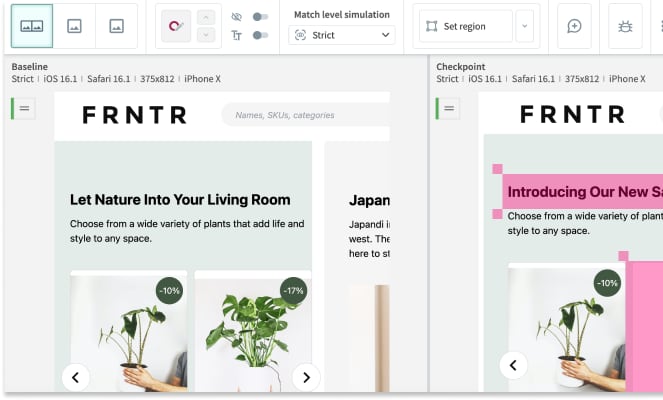
Bring AI-powered visual testing to your AI agent — inspect test batches, review UI diffs, and manage your visual baselines naturally.
Vinkius AI Gateway supports streamable HTTP and SSE.
Works with every AI agent you already use
…and any MCP-compatible client









Applitools MCP Server: see your AI Agent in action
Built-in capabilities (10)
delete_baseline
Use when a baseline is outdated or a page has been redesigned. Delete an Applitools test baseline
delete_batch
Does NOT affect baselines. Use with caution — this is irreversible. Delete an Applitools test batch
get_batch
Use batch ID from list_batches. Get full details of an Applitools batch
get_batch_stats
Returns passed/failed/unresolved/new counts without full test data. Get summary statistics for an Applitools batch
get_session
Provide batch ID and session ID. Get details of a test session within an Applitools batch
list_baselines
Returns baseline IDs, names, and env configs. Filter by app name. List visual baselines for an app on Applitools
list_batches
Batches group related test sessions. Returns batch IDs, names, statuses (Passed/Unresolved/Failed), and test counts. Each batch has a unique ID used to query its results. List all test batches on Applitools Eyes
list_branch_baselines
Use to inspect branch-specific visual states. List baselines for a specific branch on Applitools
list_results
List all test results in an Applitools batch
validate_key
Use to verify connectivity before running tests. Validate the Applitools API key
What this connector unlocks
Connect your Applitools Eyes testing suite to your AI agent and manage your entire visual regression pipeline without opening the dashboard. Allow your agent to spot UI changes, validate baselines, and assess testing health dynamically.
What you can do
- Batch Observability — Query active test batches to view aggregated statuses (Passed, Failed, Unresolved) and completion rates
- Session & Results analysis — Drill down into specific test sessions to examine failed step images, match levels, and browser differences
- Baseline Management — List your "golden" graphical baselines bound to applications or specific Git branches
- Actionable Maintenance — Authorize the agent to delete outdated baselines or discard legacy batches to keep your workspace clean
- Key Validation — Ensure connectivity against your visual AI engine before pipeline triggers
How it works
1. Subscribe to this server
2. Insert your Applitools API Key
3. Review visual bugs and validate frontend changes directly from Claude, Cursor, or any MCP-compatible surface
Who is this for?
- QA Automation Engineers — ask your agent to summarize unresolved test batches and pinpoint exact OS/browser failure combinations
- Frontend Developers — verify branch-specific visual baselines during PRs without context switching
- Engineering Managers — pull high-level batch stats to ensure release criteria are visually met
- Designers — request a quick breakdown of structural UI changes caught by Applitools Visual AI before deployment
Frequently asked questions
Give your AI agents the power of Applitools
Access Applitools and 2,000+ MCP servers — ready for your agents to use, right now. No glue code. No custom integrations. Just plug Vinkius AI Gateway and let your agents work.
More in this category
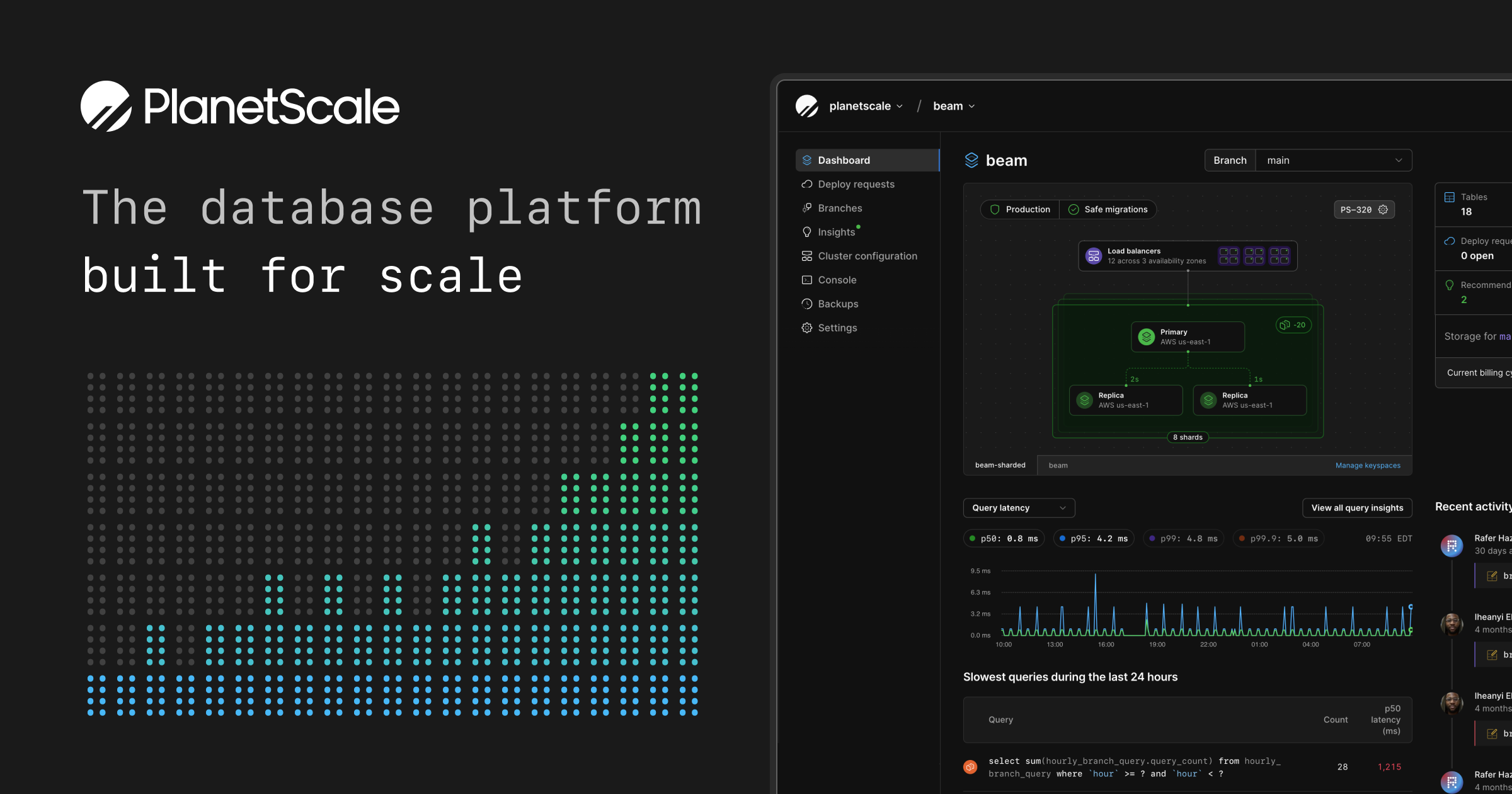
PlanetScale
10 toolsProvision, branch, and manage serverless MySQL databases dynamically via AI.
Netlify
10 toolsManage your Netlify sites and deployments via the Netlify API — list sites, trigger builds, and monitor forms directly from any AI agent.

Vercel
10 toolsBring your Vercel deployment infrastructure into chat. Control project domains, trigger manual builds, and inspect deployment status natively.
You might also like

World Bank Economy
4 toolsInstantly query GDP, inflation, economic growth, and financial sector indicators from the World Bank. Zero auth required.

Bloom Credit
10 toolsUnified access to credit data and reporting via Bloom Credit — manage consumers, order reports, and monitor scores directly from any AI agent.

Wasabi
10 toolsManage buckets, objects, and versioning on Wasabi — the hot cloud storage for high-performance data residency.