
Arlo Smart MCP Server
Control Arlo security cameras — view recordings, arm/disarm devices, and manage security modes via Arlo Smart API.
Vinkius AI Gateway supports streamable HTTP and SSE.
Works with every AI agent you already use
…and any MCP-compatible client









Arlo Smart MCP Server: see your AI Agent in action
Built-in capabilities (11)
arm_arlo_device
This enables motion detection and recording for the device. USE WHEN: - User wants to enable security monitoring - User asks to "arm the cameras" or "turn on security" - User wants to enable motion detection and recording - User is leaving home and wants security enabled PARAMETERS: - deviceId (REQUIRED): Arlo device ID to arm EXAMPLES: - "Arm the front door camera" → call with deviceId="FRONT_DOOR_ID" - "Enable security on the backyard camera" → call with deviceId="BACKYARD_ID" - "Arm the basestation" → call with deviceId="BASESTATION_ID" Arm an Arlo device (enable security monitoring)
delete_arlo_recordings
This action is permanent and cannot be undone. USE WHEN: - User wants to free up cloud storage space - User wants to remove old or unwanted recordings - User asks to "delete recordings from [date]" - User is managing their Arlo cloud storage PARAMETERS: - recordings (REQUIRED): JSON array of recording objects to delete (from get_arlo_recordings response) EXAMPLES: - "Delete these recordings" → call with recordings=[{...}] Delete Arlo recordings from the library
disarm_arlo_device
This disables motion detection and recording for the device. USE WHEN: - User wants to disable security monitoring - User asks to "disarm the cameras" or "turn off security" - User wants to disable motion detection temporarily - User is home and wants to disable security PARAMETERS: - deviceId (REQUIRED): Arlo device ID to disarm EXAMPLES: - "Disarm the front door camera" → call with deviceId="FRONT_DOOR_ID" - "Disable security on the backyard camera" → call with deviceId="BACKYARD_ID" - "Disarm the basestation" → call with deviceId="BASESTATION_ID" Disarm an Arlo device (disable security monitoring)
get_arlo_device_modes
Shows whether the device is armed, disarmed, or in a custom mode. Get the current automation modes for an Arlo device
get_arlo_recording_metadata
Get detailed metadata for an Arlo recording
get_arlo_recordings
Returns presigned URLs for downloading video files along with metadata like duration, device ID, and creation date. USE WHEN: - User wants to download or view Arlo recordings - User needs to check what was recorded on specific dates - User is reviewing security footage - User asks "show me recordings from [date range]" PARAMETERS: - dateFrom (REQUIRED): Start date in YYYYMMDD format (e.g. 20260407) - dateTo (REQUIRED): End date in YYYYMMDD format - deviceId (OPTIONAL): Filter by specific device ID EXAMPLES: - "Get recordings from April 7 2026" → call with dateFrom="20260407", dateTo="20260407" - "Show recordings from last week" → call with dateFrom="20260331", dateTo="20260406" - "Get recordings for camera XYZ on April 5" → call with dateFrom="20260405", dateTo="20260405", deviceId="XYZ" Get Arlo camera recordings for a date range
get_recent_arlo_recordings
Useful for quickly checking recent security activity. Get recent Arlo recordings from the last 24 hours
list_arlo_basestations
Basestations are the central hubs that connect wireless Arlo cameras to your network. List Arlo basestation/hub devices only
list_arlo_cameras
List Arlo camera devices only
list_arlo_devices
Each device includes deviceId, deviceName, deviceType, state, and connection status. USE WHEN: - User wants to see all their Arlo security devices - User needs to find device IDs for other commands - User is exploring their Arlo security setup - User asks "what Arlo devices do I have" EXAMPLES: - "List all my Arlo devices" → call with no params - "Show my Arlo security devices" → call with no params - "What Arlo cameras and basestations do I have?" → call with no params List all Arlo devices (basestations and cameras)
set_arlo_device_mode
Common modes: mode0 (disarmed), mode1 (armed), mode2 (armed with all motion). You can also use custom mode IDs created in the Arlo app. USE WHEN: - User wants to arm or disarm their Arlo security system - User wants to switch between different security modes - User asks to "arm the cameras" or "disarm the system" - User wants to enable/disable motion detection PARAMETERS: - deviceId (REQUIRED): Arlo device ID - mode (REQUIRED): Mode identifier (mode0=disarmed, mode1=armed, mode2=armed all motion, or custom mode ID) EXAMPLES: - "Arm the front door camera" → call with deviceId="FRONT_DOOR_ID", mode="mode1" - "Disarm all cameras" → call with deviceId="BASESTATION_ID", mode="mode0" - "Set to home mode" → call with deviceId, mode="mode_custom_home" Set the automation mode for an Arlo device
What this connector unlocks
Connect to Arlo Smart API and control your Arlo security cameras, review recordings, and manage security modes from any AI agent. Arm and disarm cameras, browse recorded videos, and monitor your home security through natural language commands.
What you can do
- Device Discovery — List all Arlo devices including basestations, cameras, doorbells, and floodlights
- Recording Access — Browse and download recorded videos from any camera with presigned URLs
- Recent Activity — Quickly check today's recordings across all cameras
- Security Modes — View and change automation modes (armed, disarmed, custom modes)
- Arm/Disarm — Enable or disable security monitoring on individual devices or basestations
- Recording Management — Delete old recordings to free up cloud storage space
- Metadata Access — Get detailed recording metadata including duration, timestamps, and download links
How it works
1. Subscribe to this server
2. Enter your Arlo authentication token
3. Start controlling your Arlo security system from Claude, Cursor, or any MCP-compatible client
Your AI becomes a security assistant, helping you monitor recordings, manage security modes, and protect your home.
Who is this for?
- Homeowners — monitor security cameras and review recordings through natural language
- Property Managers — manage Arlo security systems across multiple properties
- Security-Conscious Users — arm/disarm cameras and check recent activity remotely
- Smart Home Enthusiasts — integrate Arlo cameras into broader home automation workflows
- Travelers — check home security recordings and adjust security modes while away
Frequently asked questions
Give your AI agents the power of Arlo Smart
Access Arlo Smart and 2,000+ MCP servers — ready for your agents to use, right now. No glue code. No custom integrations. Just plug Vinkius AI Gateway and let your agents work.
More in this category

World Bank Economy
4 toolsInstantly query GDP, inflation, economic growth, and financial sector indicators from the World Bank. Zero auth required.

U.S. Census Full — Complete Demographic & Economic Intelligence
14 toolsThe U.S. Census Mega-Server: 14 tools providing comprehensive access to the ACS and County Business Patterns. Analyze population, age, race, income, poverty, education, home values, rent, and businesses across all 50 states, 3,000+ counties, and cities.

Google Home
12 toolsControl Google Nest devices — thermostats, cameras, and doorbells via Smart Device Management (SDM) API.
You might also like
Chainlit
6 toolsEmpower your AI agents to audit chat threads, analyze model steps, and track LLM observability metrics securely.
Little Green Light
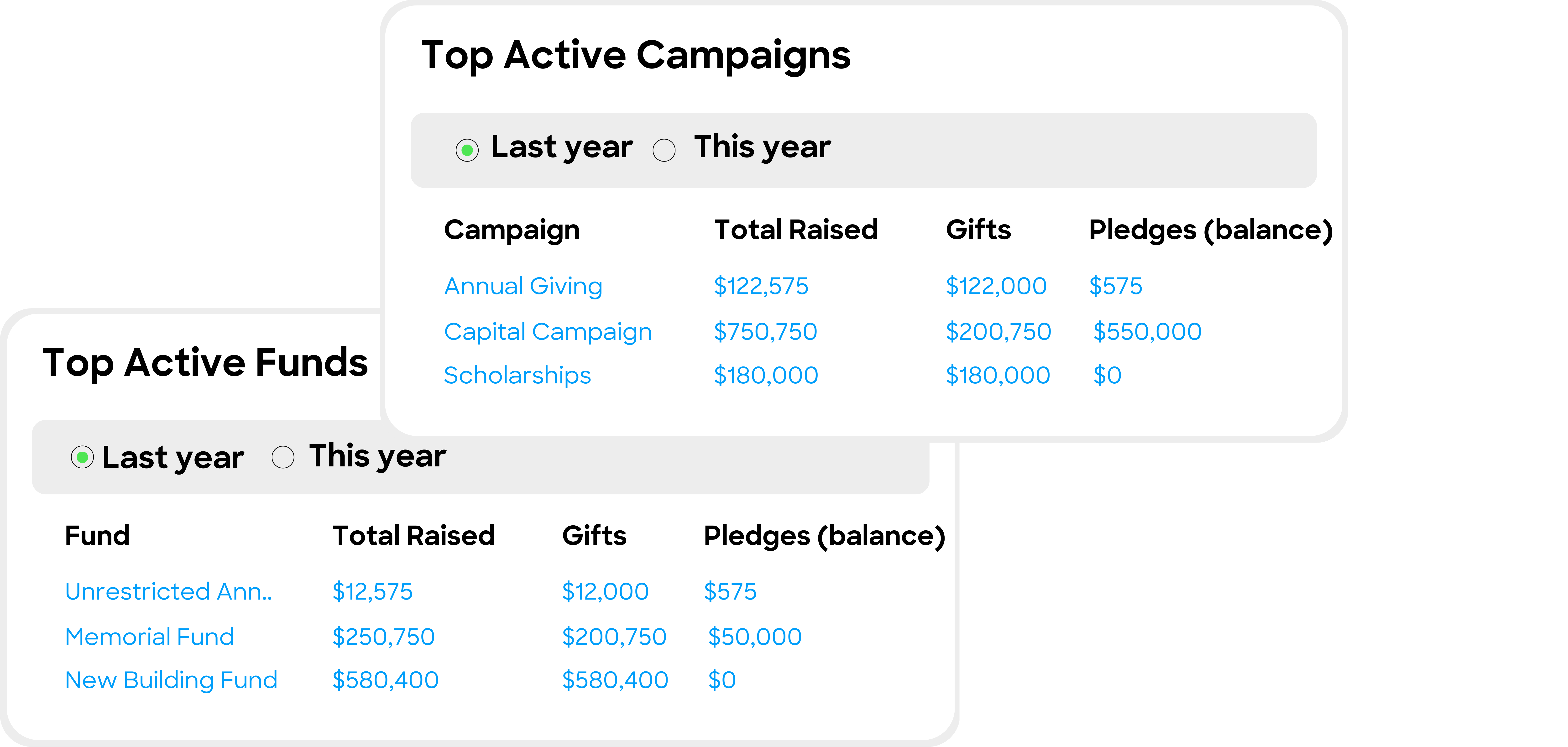
9 toolsManage donor constituents, gifts, and appeals via the Little Green Light REST API.

commercetools
10 toolscommercetools is a flexible, cloud-native e-commerce platform that provides a headless API for composable commerce. This MCP server allows you to manage products, orders, and customer data programmatically.