
BatchDialer MCP Server
Automate your outbound dialing workflows via BatchDialer — manage campaigns, leads, and call logs directly from any AI agent.
Vinkius AI Gateway supports streamable HTTP and SSE.
Works with every AI agent you already use
…and any MCP-compatible client









BatchDialer MCP Server: see your AI Agent in action
Built-in capabilities (10)
add_lead
Add a new lead/contact
get_call_details
Get details of a specific call
get_campaign
Get specific campaign details
get_lead
Get specific lead details
get_user_profile
Get authenticated user profile
list_call_logs
List call logs/history
list_campaigns
List all BatchDialer campaigns
list_dispositions
List call outcomes/dispositions
list_leads
List contacts/leads
list_phone_numbers
List managed phone numbers
What this connector unlocks
Connect your BatchDialer account to any AI agent and take full control of your sales and outbound calling operations through natural conversation.
What you can do
- Campaign Management — List and inspect all dialing campaigns to monitor active sales operations.
- Lead & Contact Control — Add, query, and manage your contacts (leads) to ensure your dialing lists are always up to date.
- Call Log Analysis — Retrieve complete call histories, including durations and outcomes (dispositions).
- Phone Number Management — Monitor your caller IDs and managed phone numbers directly from the agent.
- Outcome Tracking — List and understand call dispositions to categorize lead interactions accurately.
How it works
1. Subscribe to this server
2. Enter your BatchDialer API Key
3. Start managing your dialing operations from Claude, Cursor, or any MCP-compatible client
Who is this for?
- Sales Managers — instantly retrieve campaign statuses and lead metrics without opening the BatchDialer app.
- SDRs & BDRs — add leads and check call history straight from your workflow tools.
- Ops Teams — monitor phone number health and call logs to optimize outbound strategy.
Frequently asked questions
Give your AI agents the power of BatchDialer
Access BatchDialer and 2,000+ MCP servers — ready for your agents to use, right now. No glue code. No custom integrations. Just plug Vinkius AI Gateway and let your agents work.
More in this category

Salesforce Chatter
5 toolsRead your Chatter feed, post messages, search groups, comment on posts, and collaborate across your Salesforce org through natural conversation.

HubSpot Service Hub
6 toolsManage support tickets, track pipelines, and view customer feedback through natural conversation.

Bloomerang
10 toolsManage donors and donations via Bloomerang — list constituents, transactions, and campaigns directly from any AI agent.
You might also like
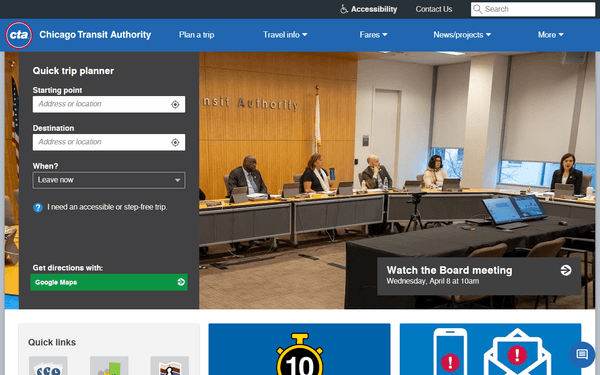
CTA
11 toolsAccess Chicago transit data via CTA — track L trains and buses in real-time, check arrivals, monitor service alerts, and plan trips from any AI agent.
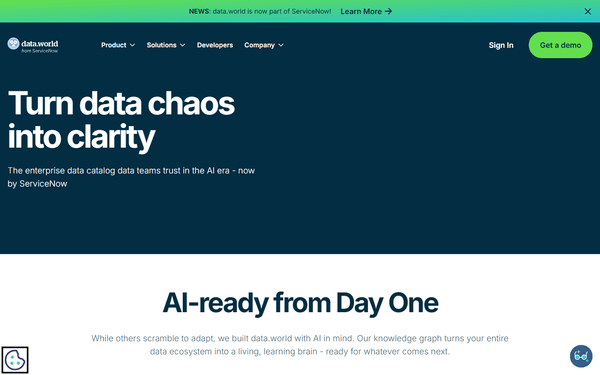
data.world
10 toolsEquip your AI agent to discover and manage data assets, projects, and queries directly via the data.world API.

FireHydrant
12 toolsManage incidents, services, and responder teams via AI agents with FireHydrant.