
BIM 360 Field MCP Server
Manage your construction projects via BIM 360 Field — list issues, checklists, and tasks directly from any AI agent.
Vinkius AI Gateway supports streamable HTTP and SSE.
Works with every AI agent you already use
…and any MCP-compatible client









BIM 360 Field MCP Server: see your AI Agent in action
Built-in capabilities (9)
get_project
Get details of a specific project
list_checklists
List checklists for a project
list_companies
List companies associated with a project
list_issue_types
List configured issue types for a project
list_issues
List issues for a project
list_locations
List locations configured for a project
list_projects
List all accessible BIM 360 Field projects
list_tasks
List tasks/equipment for a project
list_users
List users associated with a project
What this connector unlocks
Connect your BIM 360 Field account to any AI agent and orchestrate your construction management and site execution workflows through natural conversation.
What you can do
- Project Navigation — List and access details for all your assigned construction projects.
- Issue Tracking — Query quality, safety, and punch list issues to monitor site progress.
- Checklist Management — Retrieve QA/QC checklists and safety inspections.
- Equipment & Tasks — Track equipment installation and commissioning tasks.
- Directory Access — List project companies, users, and specific site locations.
How it works
1. Subscribe to this server
2. Enter your BIM 360 Field Username, Password, and Region (US or EU)
3. Start managing your construction site from Claude, Cursor, or any MCP-compatible client
Who is this for?
- Project Managers — quickly check open issues and checklist statuses without navigating the full portal.
- Field Engineers — retrieve equipment task lists and location data straight from their workflow tools.
- Quality & Safety Managers — audit safety issues and inspection logs using natural language.
Frequently asked questions
Give your AI agents the power of BIM 360 Field
Access BIM 360 Field and 2,000+ MCP servers — ready for your agents to use, right now. No glue code. No custom integrations. Just plug Vinkius AI Gateway and let your agents work.
More in this category
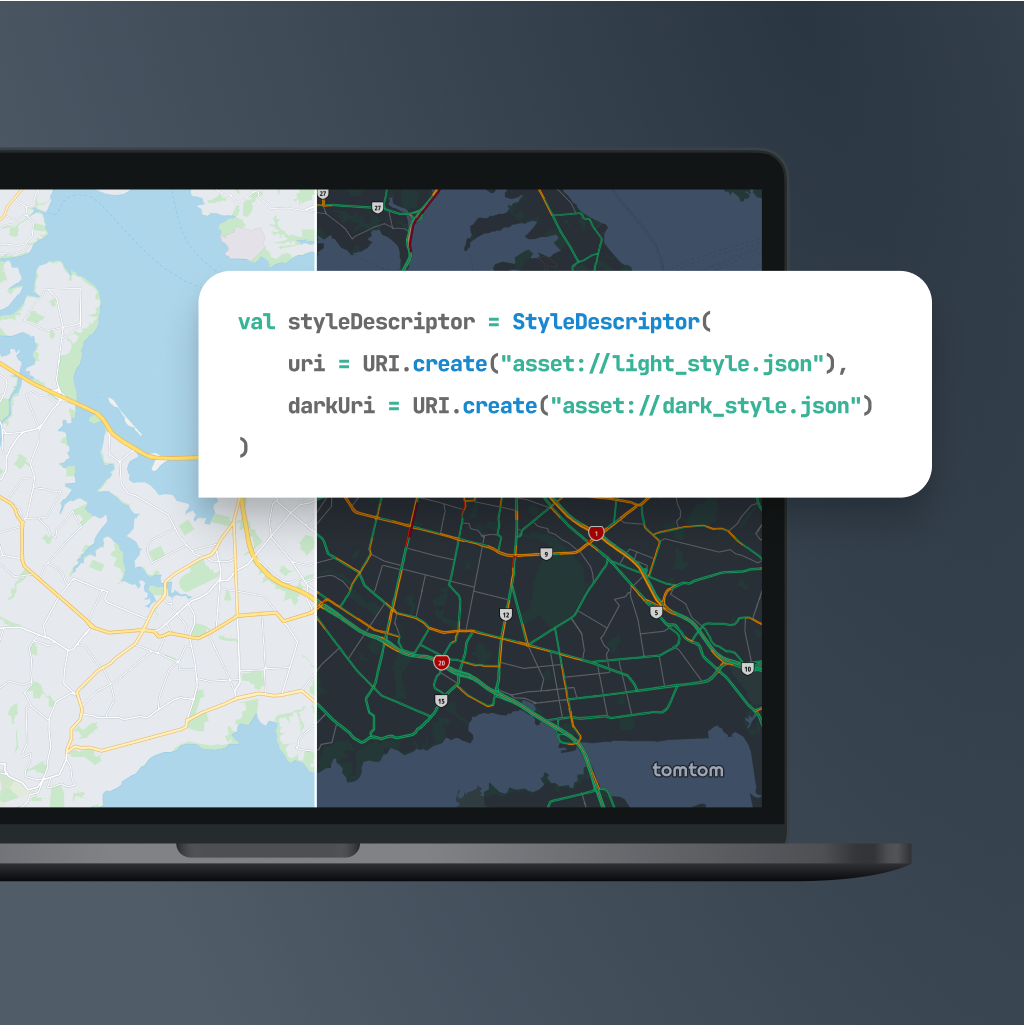
TomTom
10 toolsEquip your AI agent with global mapping, routing, and real-time traffic capabilities powered by TomTom.

Mercado Livre Catalog
9 toolsCreate, update, and manage product listings, stock, and prices on Mercado Livre.
Avalara (AvaTax)
10 toolsAutomate tax calculation and compliance with Avalara AvaTax — calculate rates and resolve addresses via AI.
You might also like
Erply ERP & POS
10 toolsEquip your AI agent to manage retail products, track sales invoices, and monitor inventory via the Erply API.
Clio
8 toolsManage legal practice and matters via Clio — track cases, monitor contacts, and manage firm tasks directly from any AI agent.

Campaigner
10 toolsManage email marketing via Campaigner — track campaigns, manage subscribers, and monitor performance directly from any AI agent.