
DeepSource MCP Server
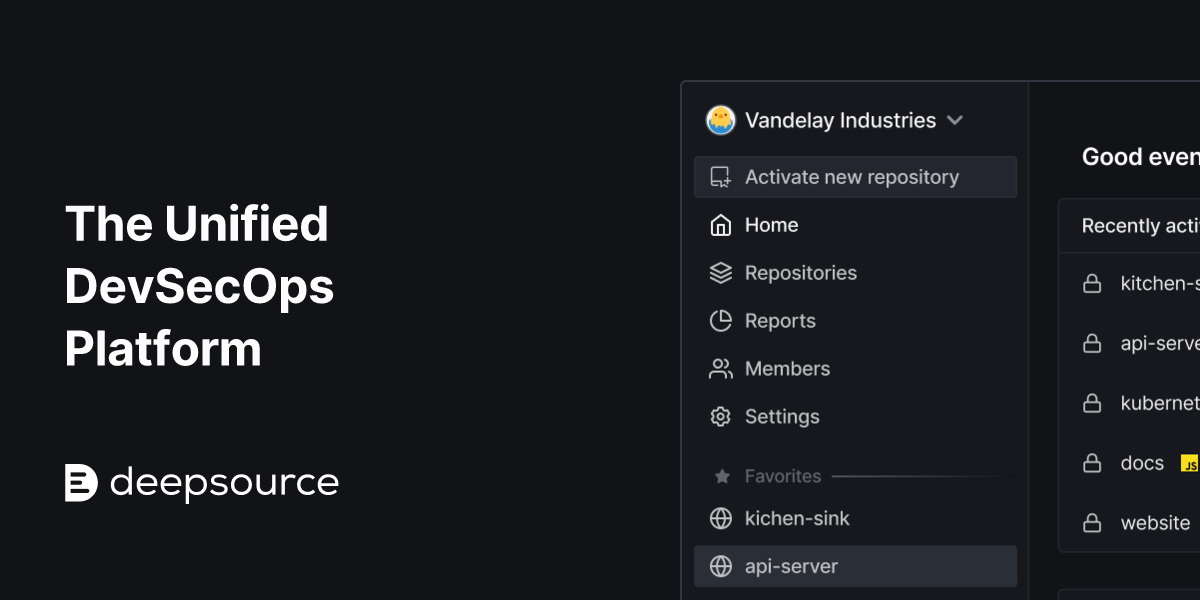
Automate code quality monitoring via DeepSource — analyze issues, vulnerabilities, metrics, and report cards directly from any AI agent.
Vinkius AI Gateway supports streamable HTTP and SSE.
Works with every AI agent you already use
…and any MCP-compatible client









DeepSource MCP Server: see your AI Agent in action
Built-in capabilities (14)
activate_repository
Once activated, DeepSource will start analyzing the code on each push/PR. You must provide the repository ID (obtained from get_repository). Use this to enable code quality monitoring for a repository that was previously inactive. Activate a repository for code analysis in DeepSource
deactivate_repository
No new analyses will run until the repository is reactivated. You must provide the repository ID (obtained from get_repository). Use this to pause analysis for archived repositories or when you want to stop billing for a specific repository. Deactivate a repository to stop code analysis in DeepSource
get_report_card
This provides a quick health check of the repository's overall code quality status. You must provide the repository name, login, and VCS provider. Use this to get a high-level view of code quality trends and identify areas needing improvement. Get the overall report card (grade) for a repository
get_repository
You must provide the repository name, login (user or org name), and VCS provider (e.g., GITHUB, GITLAB, BITBUCKET). Use this to inspect repository configuration before querying issues, analyses, or metrics. Get details of a specific repository in DeepSource
get_repository_metrics
You must provide the repository name, login, and VCS provider. Optionally filter by specific metric shortcodes (e.g., "LCV" for line coverage, "MI" for maintainability index, "CC" for cyclomatic complexity). If no shortcodes specified, returns all available metrics with their values and thresholds. Get code quality metrics for a repository
get_test_coverage
Shows the coverage percentage value and any configured thresholds. You must provide the repository name, login, and VCS provider. Use this to monitor code quality and ensure adequate test coverage across your codebase. Get test coverage metrics for a repository
get_viewer
Use this to verify your API token is working and to get your user details from DeepSource. Get the authenticated user profile from DeepSource
get_vulnerability
You must provide the repository name, login, VCS provider, and the vulnerability occurrence ID (obtained from list_vulnerabilities). Use this to deep-dive into a specific vulnerability before deciding on remediation steps. Get details of a specific dependency vulnerability by its ID
list_analysis_runs
You must provide the repository name, login, and VCS provider. Optionally filter by branch name and limit the number of results (default: 20). Each run shows which analyzer was used (e.g., PYTHON, JAVASCRIPT, GO) and whether the analysis succeeded or failed. List recent code analysis runs for a repository
list_issues
You must provide the repository name, login, and VCS provider. Optionally filter by analyzer short code (e.g., "PYTHON", "JS-A1") and limit results (default: 50). Each issue includes up to 3 sample occurrences with file path and line number. Use this to identify code smells, anti-patterns, and potential bugs across your codebase. List code quality issues in a repository
list_sca_targets
Each target includes ecosystem (e.g., npm, pip, gem), package manager, manifest file path, and activation status. You must provide the repository name, login, and VCS provider. Use this to understand which dependency files are being scanned for vulnerabilities. List all SCA (Supply Chain Analysis) targets in a repository
list_vulnerabilities
Each vulnerability includes severity, CVE ID, CVSS score, description, affected package name and version, reachability status, and fixability. You must provide the repository name, login, and VCS provider. Optionally limit the number of results (default: 20). Use this to identify security risks in your dependencies and prioritize remediation. List dependency vulnerabilities in a repository (SCA)
regenerate_dsn
The DSN is used to authenticate DeepSource analysis runs. You must provide the repository ID (obtained from get_repository). This action invalidates the old DSN and returns the new one. Use this if you suspect the DSN has been compromised or needs rotation. Regenerate the DSN (Data Source Name) for a repository
update_default_branch
This affects which branch is analyzed by default. You must provide the repository ID (from get_repository) and the new branch name (e.g., "main", "develop", "master"). Use this when your team changes the default branch name (e.g., migrating from "master" to "main"). Update the default branch for a repository in DeepSource
What this connector unlocks
Connect your DeepSource account to any AI agent and take full control of code quality analysis, vulnerability detection, and metrics monitoring through natural conversation.
What you can do
- Code Issues — List and inspect code quality issues (code smells, anti-patterns, bugs) across repositories with severity and file locations
- Analysis History — View recent analysis runs with status, branch, and analyzer information (Python, JavaScript, Go, etc.)
- Security Vulnerabilities — Identify dependency vulnerabilities (SCA) with CVE IDs, CVSS scores, reachability, and fixability status
- Code Metrics — Query maintainability index, cyclomatic complexity, lines of code, and test coverage percentages
- Report Cards — Get overall repository health grades (A-F) with score breakdowns and trend analysis
- SCA Targets — List all dependency manifest files being scanned for supply chain security
- Repository Management — Activate/deactivate repos, update default branches, and regenerate DSN tokens
How it works
1. Subscribe to this server
2. Enter your DeepSource Personal Access Token
3. Start monitoring code quality, reviewing issues, and tracking vulnerabilities from Claude, Cursor, or any MCP-compatible client
No more manual navigation through the DeepSource dashboard. Your AI acts as a dedicated code quality analyst or security reviewer.
Who is this for?
- Engineering Managers — instantly review code quality grades, issue counts, and analysis status across multiple repositories without opening the dashboard
- Security Teams — monitor dependency vulnerabilities with CVE details, CVSS scores, and prioritize remediation based on reachability
- Developers — check code issues, metrics, and report cards directly from the IDE to fix quality problems before merging
- DevOps Leads — manage repository activation status, default branches, and DSN rotation across the organization
Frequently asked questions
Give your AI agents the power of DeepSource
Access DeepSource and 2,000+ MCP servers — ready for your agents to use, right now. No glue code. No custom integrations. Just plug Vinkius AI Gateway and let your agents work.
More in this category
Temporal
7 toolsMonitor and manage distributed workflows in Temporal Cloud natively via your AI agent.
Ragas
7 toolsEquip your AI with Ragas to create datasets, run RAG evaluations, and track experiment metrics directly from your workflow.
DataRobot
6 toolsManage AutoML via DataRobot — monitor projects and models, track deployments, and audit ML datasets directly from any AI agent.
You might also like
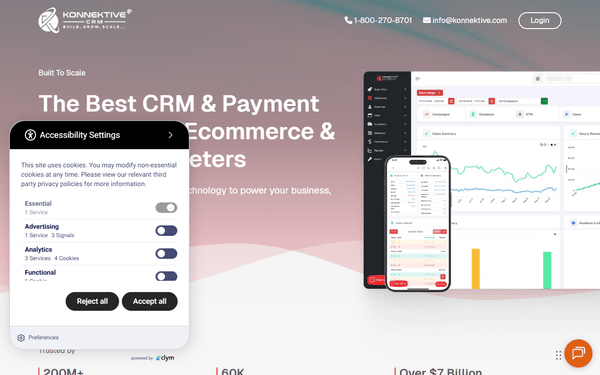
Konnektive
10 toolsManage CRM and billing — list orders, query customers, and audit transactions.

Browserhub
10 toolsAutomate web scraping via Browserhub — run scrapers, manage jobs, and retrieve extracted data directly from any AI agent.

Cora Bank
8 toolsConnect your Cora Corporate account. Have your Ai Assistant generate structured Invoices, Boletos, and Pix codes while tracking active balances.