
Diese MCP Server
Equip your AI agent to manage ERP projects, track invoices, and monitor resource planning via the Diese API.
Vinkius AI Gateway supports streamable HTTP and SSE.

Works with every AI agent you already use
…and any MCP-compatible client









Diese MCP Server: see your AI Agent in action
Built-in capabilities (10)
get_account_metadata
Retrieve metadata and usage limits for your Diese account
get_project_details
Get detailed information for a specific ERP project
list_business_expenses
List all recorded business expenses and their approval status
list_erp_contacts
List all business contacts and partners in the system
list_erp_projects
List all active and archived projects in your Diese account
list_overdue_erp_tasks
Identify project tasks that have passed their deadline (mock logic)
list_project_tasks
List pending and completed tasks across all projects
list_resource_planning
List scheduled planning entries and resource allocations
list_sales_invoices
List all generated sales invoices and their payment status
search_projects_by_name
Search for a project using a name keyword
What this connector unlocks
Integrate Diese, the comprehensive cloud-based ERP software, directly into your AI workflow. Manage your business projects, monitor sales invoices and expenses, track resource planning and tasks, and research business partners using natural language.
What you can do
- Project Oversight — List and retrieve detailed configuration for all active and archived projects in your ERP.
- Billing & Expense Tracking — Monitor sales invoices and business expenses, tracking their status and organizational approval.
- Resource Intelligence — Access scheduled planning entries and resource allocations to ensure project efficiency.
- Task Management — List pending project tasks and identify items that have passed their deadline.
How it works
1. Connect the Diese integration to your AI assistant.
2. Authorize using your Diese API Key and portal Subdomain.
3. Orchestrate your enterprise operations and planning through intuitive conversation.
Who is this for?
- Project Managers — Quickly check project statuses and resource availability on the go.
- Operations Leaders — Monitor invoice processing and expense approvals via chat.
- Finance Teams — Audit billing cycles and project budgets during planning sessions.
Frequently asked questions
Give your AI agents the power of Diese
Access Diese and 2,000+ MCP servers — ready for your agents to use, right now. No glue code. No custom integrations. Just plug Vinkius AI Gateway and let your agents work.
More in this category
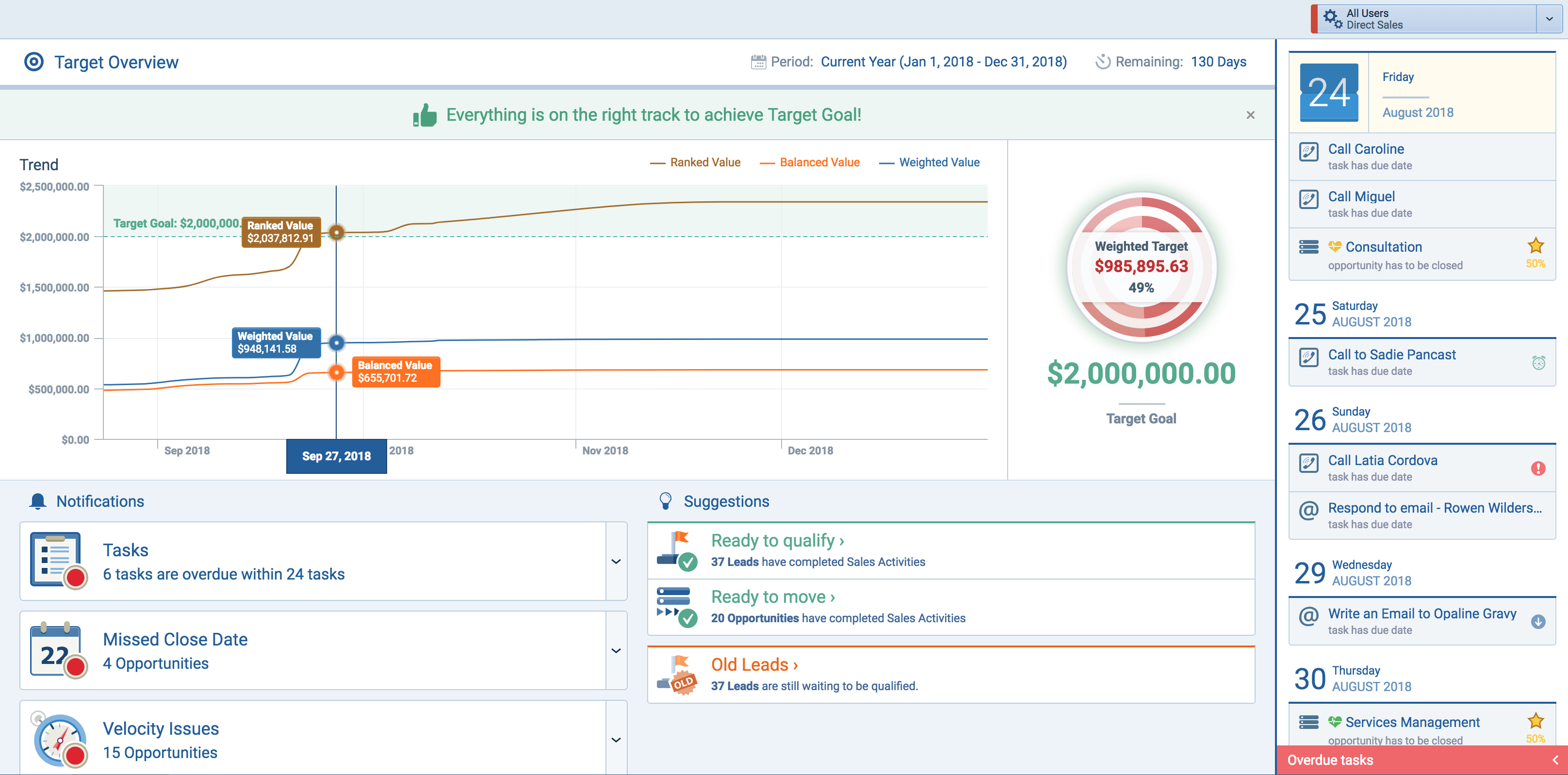
Pipeliner
10 toolsManage sales pipelines and opportunities via Pipeliner CRM — list leads, track deals, and monitor activities directly from any AI agent.
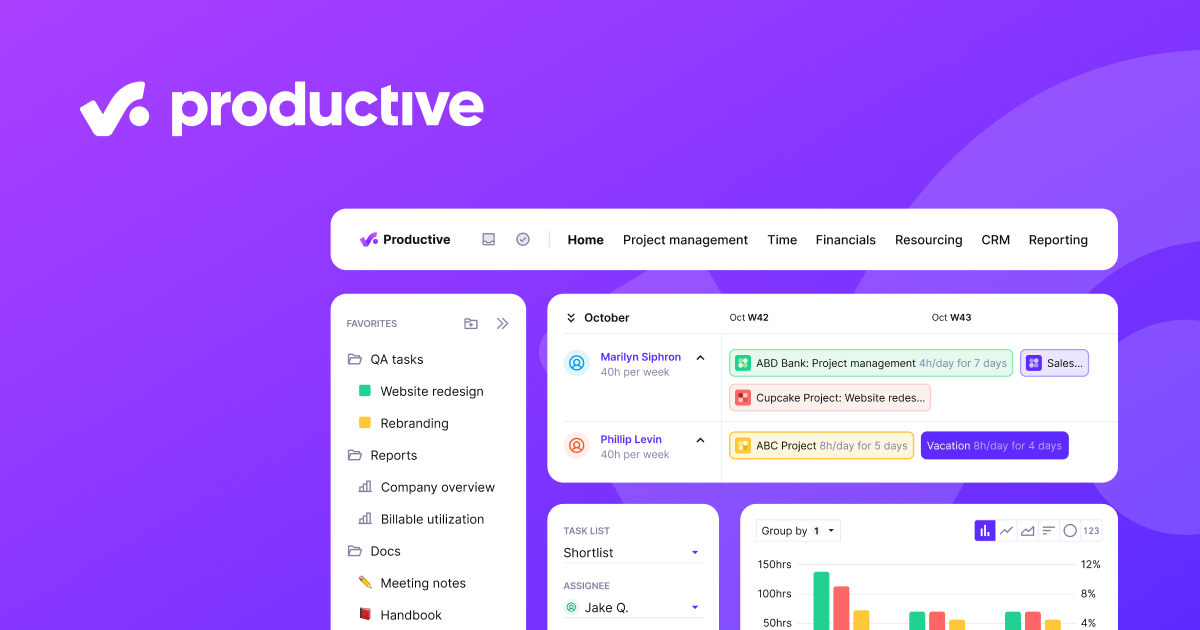
Productive
12 toolsManage your entire agency workflow via Productive — fetch budgets, analyze time entries, track deals, and monitor project health directly from any AI agent.
Freshdesk
12 toolsManage customer support via Freshdesk — track tickets, handle contacts, and oversee agent groups via AI agents.
You might also like
Kaseya
10 toolsManage IT infrastructure, devices, and automation via Kaseya VSA 10.

Common Paper
10 toolsCommon Paper helps you create, send, and sign standard commercial contracts faster. Use this MCP server to automate your contract workflow and track agreement status.
Open-Meteo Geocoding & Elevation
3 toolsResolve any city, village, or address into GPS coordinates instantly: multilingual search, population data, timezones, and terrain elevation at 90m precision — the perfect companion for all weather tools.