
Easemob / 环信 MCP Server
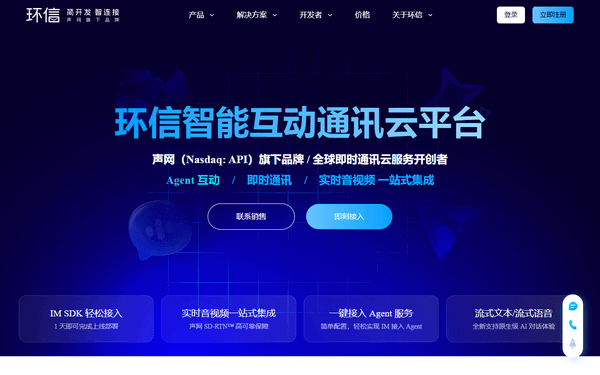
Pioneer massive scale IM Chat SDK and API — manage users, groups, and real-time messaging via AI.
Ask AI about this MCP Server
Vinkius AI Gateway supports streamable HTTP and SSE.
Works with every AI agent you already use
…and any MCP-compatible client









What is the Easemob / 环信 MCP Server?
The Easemob / 环信 MCP Server gives AI agents like Claude, ChatGPT, and Cursor direct access to Easemob / 环信. Pioneer massive scale IM Chat SDK and API — manage users, groups, and real-time messaging via AI. Powered by the Vinkius AI Gateway — no API keys, no infrastructure, connect in under 2 minutes.
Easemob / 环信 MCP Server: see your AI Agent in action
Built-in capabilities (10)
add_group_member
Add group member
create_group
Create chat group
delete_user
Delete IM user
get_chat_history
Get chat history
get_group
Get group details
get_user
Get user details
list_groups
List chat groups
list_users
List IM users
register_user
Register a new IM user
send_text_message
Send text message
What this connector unlocks
Empower your AI agent to orchestrate your real-time communication infrastructure with Easemob (环信), the leading provider of instant messaging services in China. By connecting Easemob to your agent, you transform complex IM user registration, group management, and cross-user messaging into a natural conversation. Your agent can instantly register new users, audit group memberships, send direct text messages, and browse chat histories without you ever needing to navigate a technical dashboard. Whether you are building an automated support bot or coordinating enterprise-wide chat groups, your agent acts as a real-time communication assistant, providing reliable results from a single, unified source.
What you can do
- User Orchestration — Register, retrieve, list, and delete IM users with full support for nicknames and metadata.
- Messaging Control — Send direct text messages between users or broadcast to groups with a simple natural language command.
- Group Management — Create chat groups, manage owners, and add members to ensure seamless collaboration.
- History Auditing — Access and browse historical chat messages for monitoring and analysis purposes.
- System Management — List all active users and groups to maintain operational oversight of your IM ecosystem.
How it works
1. Subscribe to this server
2. Enter your Easemob Org Name, App Name, Client ID, and Client Secret
3. Start managing your IM infrastructure through Claude, Cursor, or any MCP-compatible client
Who is this for?
- Community Managers — manage large chat groups and moderate user lists through natural language queries.
- Support Leads — automate user registration and monitor chat histories directly from your AI-powered workspace.
- Product Engineers — integrate professional IM capabilities into your AI-driven daily routines.
- Easemob Power Users — integrate your existing communication workflows into your AI-driven daily routines.
Frequently asked questions
Give your AI agents the power of Easemob / 环信
Access Easemob / 环信 and 2,500+ MCP servers — ready for your agents to use, right now. No glue code. No custom integrations. Just plug Vinkius AI Gateway and let your agents work.