
Helicone (LLM Observability) MCP Server
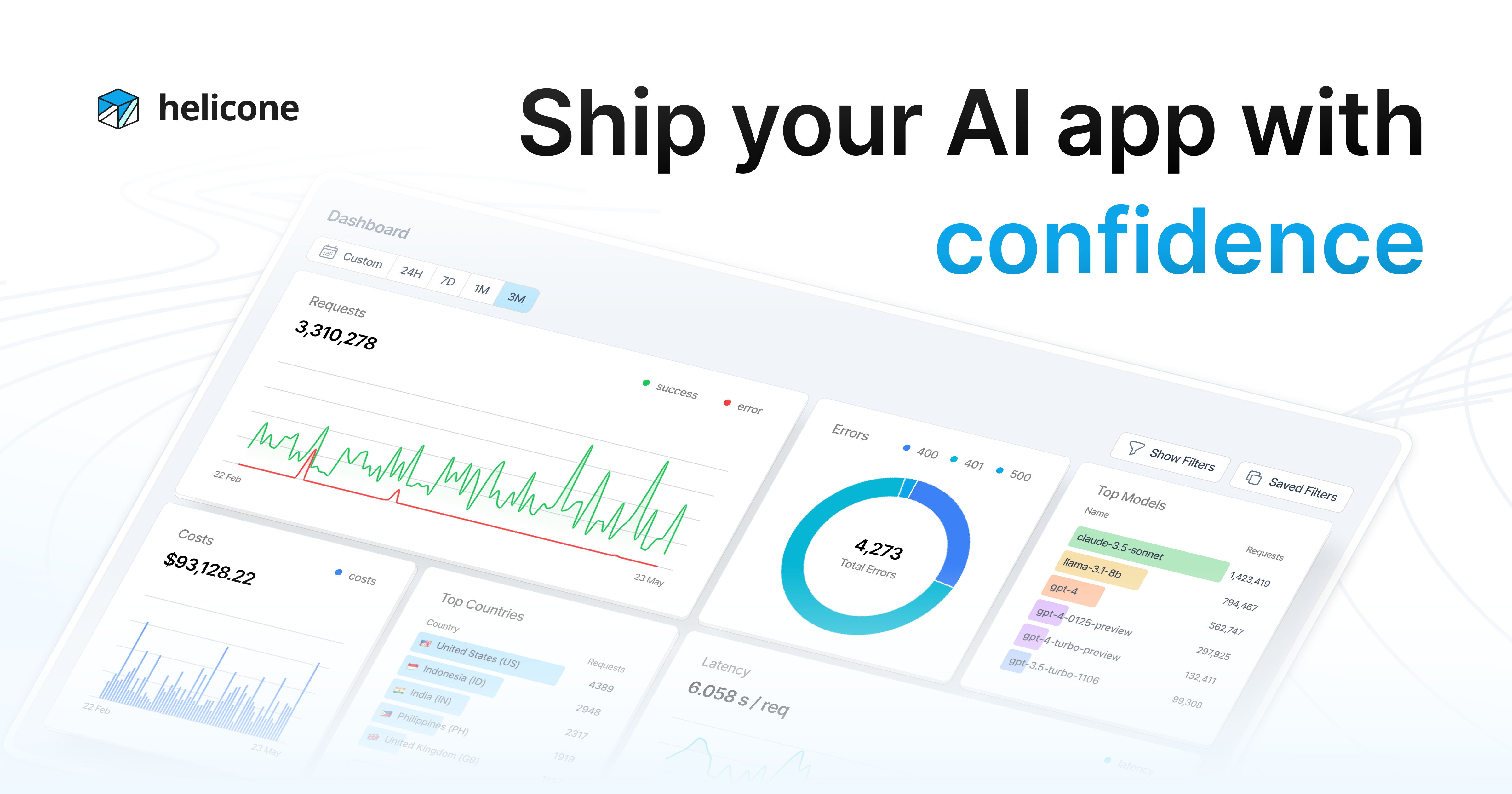
Monitor LLM usage via Helicone — track requests, analyze costs, measure latency, and manage prompts.
Vinkius AI Gateway supports streamable HTTP and SSE.
Works with every AI agent you already use
…and any MCP-compatible client









Helicone MCP Server: see your AI Agent in action
Built-in capabilities (10)
get_prompt_versions
Irreversibly vaporize explicit validations extracting rich Churn flags
list_properties
Identify precise active arrays spanning native Gateway auth
log_feedback
Identify precise active arrays spanning native Hold parsing
query_costs
Perform structural extraction of properties driving active Account logic
query_feedback
Inspect deep internal arrays mitigating specific Plan Math
query_latency
Provision a highly-available JSON Payload generating hard Customer bindings
query_prompts
Retrieve explicit Cloud logging tracing explicit Vault limits
query_requests
Identify bounded CRM records inside the Headless Helicone Platform
query_sessions
Enumerate explicitly attached structured rules exporting active Billing
query_users
Dispatch an automated validation check routing explicit Gateway history
What this connector unlocks
Connect your Helicone account to any AI agent and take full control of your LLM observability and gateway monitoring through natural conversation.
What you can do
- Request Monitoring — Query deep proxy logs to inspect exact prompts and outputs sent to LLM APIs directly from your agent
- Cost Analysis — Break down spending by model, user, or custom metadata properties to monitor your AI burn rate in real-time
- Latency Optimization — Measure Time To First Token (TTFT) and pinpoint slowness caused by specific upstream LLM providers
- Prompt Management — Access managed prompt versions and track iterative changes in your AI instruction logic natively
- Session Tracing — Isolate and analyze multi-turn graph traces connecting consecutive LLM calls to debug complex agentic workflows
- User Insights — Track precise LLM interactions based on Helicone tags and identify your most active human clients
- Feedback & RLHF — Extract user critiques (Thumbs Up/Down) and log offline Human-in-the-Loop verdicts to improve model grounding
How it works
1. Subscribe to this server
2. Enter your Helicone API Key
3. Start monitoring your LLM infrastructure from Claude, Cursor, or any MCP-compatible client
Who is this for?
- LLM Engineers — debug prompt performance and measure TTFT latency across multiple upstream providers
- Product Owners — monitor AI spending and calculate costs per user, feature, or organization
- Data Scientists — analyze user feedback and improve model response quality through logged critiques
- DevOps/SREs — ensure the availability and reliability of your AI gateway and proxy layers
Frequently asked questions
Give your AI agents the power of Helicone
Access Helicone and 2,000+ MCP servers — ready for your agents to use, right now. No glue code. No custom integrations. Just plug Vinkius AI Gateway and let your agents work.
More in this category

Cloudflare
25 toolsAI edge infrastructure: manage Workers, KV, D1, R2, routes, and deployments via agents.

Exa
3 toolsSemantic search engine built for AI — find conceptually relevant web content, not just keyword matches. Powered by neural search technology.

NVIDIA NIM
8 toolsMLOps proxy unifying explicitly local hardware limits extracting telemetry across active NVIDIA AI containers.
You might also like
Fantastical
10 toolsManage calendars via Fantastical — create events using natural language, handle scheduling openings and proposals, and monitor connected accounts directly from any AI agent.

Doctolib
8 toolsManage medical appointments via Doctolib — search practitioners by specialty and city, track availabilities, and book consultations directly from any AI agent.

Zoho Campaign
13 toolsAI email marketing: manage campaigns, contacts, and mailing lists via agents.