
Honeywell Process MCP Server
Connect Honeywell Process to any AI agent via MCP.
Vinkius AI Gateway supports streamable HTTP and SSE.

Works with every AI agent you already use
…and any MCP-compatible client









Built-in capabilities (10)
create_maintenance_ticket
The ticket includes asset identification, problem description, priority level, requested completion date, and any relevant diagnostic data. Upon creation, the system assigns a work order number, routes the ticket to the appropriate maintenance team, and triggers notifications. Use this tool to formally log equipment issues, schedule preventive maintenance, or escalate asset health concerns to the maintenance workflow. Create a new maintenance work order or ticket for an asset
get_asset_details
Returns comprehensive information including hardware specifications, firmware version, network configuration, installation date, assigned location, maintenance history summary, and current operational parameters. Use this tool when you need in-depth information about a particular scanner, sensor, controller, or any other registered device in the Honeywell ecosystem. Get detailed information about a specific Honeywell asset or device
get_asset_health
Health data includes overall health score, component-level status, predicted remaining useful life, active fault codes, sensor readings, and recommended actions. Use this tool to quickly assess whether an asset requires immediate attention, verify post-maintenance recovery, or integrate health data into broader asset management workflows. Requires the specific asset identifier to retrieve targeted diagnostic information. Get real-time health status and diagnostics for a specific asset
get_maintenance_logs
Each log entry includes work order reference, technician details, parts replaced, labor hours, root cause analysis, and resolution notes. Use this tool to track maintenance history, identify recurring failure patterns, verify warranty service records, or audit compliance with preventive maintenance schedules. Filter by asset ID to focus on a specific device, or use date range and log type parameters to narrow the search. Access maintenance and repair logs for Honeywell industrial assets
get_operational_alerts
Alerts include equipment anomalies, threshold violations, process deviations, connectivity issues, and safety warnings. Each alert contains severity level, source asset, description, timestamp, and acknowledgment status. Use this tool to identify current operational issues, review recent incident history, or assess the overall health status of industrial processes. Filter by severity, status, or date range to narrow down results. List operational alerts and notifications from the Honeywell process monitoring system
get_process_metrics
Metrics include throughput rates, efficiency scores, uptime percentages, cycle times, and quality indices across production lines or individual assets. Use this tool to evaluate operational performance, identify bottlenecks, compare shifts or lines, and generate performance reports. Results can be filtered by time range, asset group, or specific metric categories to focus the analysis on relevant operational data. Get real-time and historical process performance metrics
get_production_data
Data is organized by production line, shift, or time period. Use this tool to analyze production trends, verify output targets, compare actual vs. planned production, or generate operational summaries. Filter by site, line, date range, or product type to focus the analysis on specific segments of the production operation. Retrieve production output and operational data from the Honeywell process system
get_scan_events
Each event includes timestamp, device ID, scan type, decoded data, and success/failure status. Use this tool to audit scanning operations, trace barcode or RFID read events, investigate scan failures, or analyze throughput patterns for specific devices or across the entire facility. Optionally filter by a specific asset ID to focus on one device. Retrieve scan event history from Honeywell scanning and mobility devices
get_shift_reports
Reports include output quantities, downtime events, quality metrics, safety observations, and operator notes. Use this tool to review historical shift performance, compare shift-to-shift results, identify recurring issues, or prepare management summaries. Optionally specify a shift ID to retrieve a single detailed report. Retrieve shift operation reports summarizing production activity
list_assets
Supports optional filtering by site, type, or status. Use this tool when you need to discover available assets, check device registration status, or build an overview of the industrial infrastructure. Returns asset IDs, names, types, locations, and current operational status for each registered device. List all registered assets and devices in the Honeywell Operational Intelligence platform
What this connector unlocks
Connect Honeywell Process to any AI agent via MCP.
Give your AI agents the power of Honeywell Process
Access Honeywell Process and 2,000+ MCP servers — ready for your agents to use, right now. No glue code. No custom integrations. Just plug Vinkius AI Gateway and let your agents work.
More in this category

commercetools
10 toolscommercetools is a flexible, cloud-native e-commerce platform that provides a headless API for composable commerce. This MCP server allows you to manage products, orders, and customer data programmatically.

Amazon Marketing Cloud
10 toolsAdvanced advertising analytics — execute SQL queries and monitor workflows via AI.

Google BigQuery
7 toolsEmpower your AI agent to query massive datasets via BigQuery — execute Standard SQL, track active jobs, and inspect table schemas natively.
You might also like

Buffer
10 toolsAutomate social media management via Buffer — schedule posts, track sent updates, shuffle queues, and manage multi-platform profiles with any AI agent.
Cabify
9 toolsAI ride management for business: book rides, track trips, and manage corporate mobility via agents.
ClientSuccess
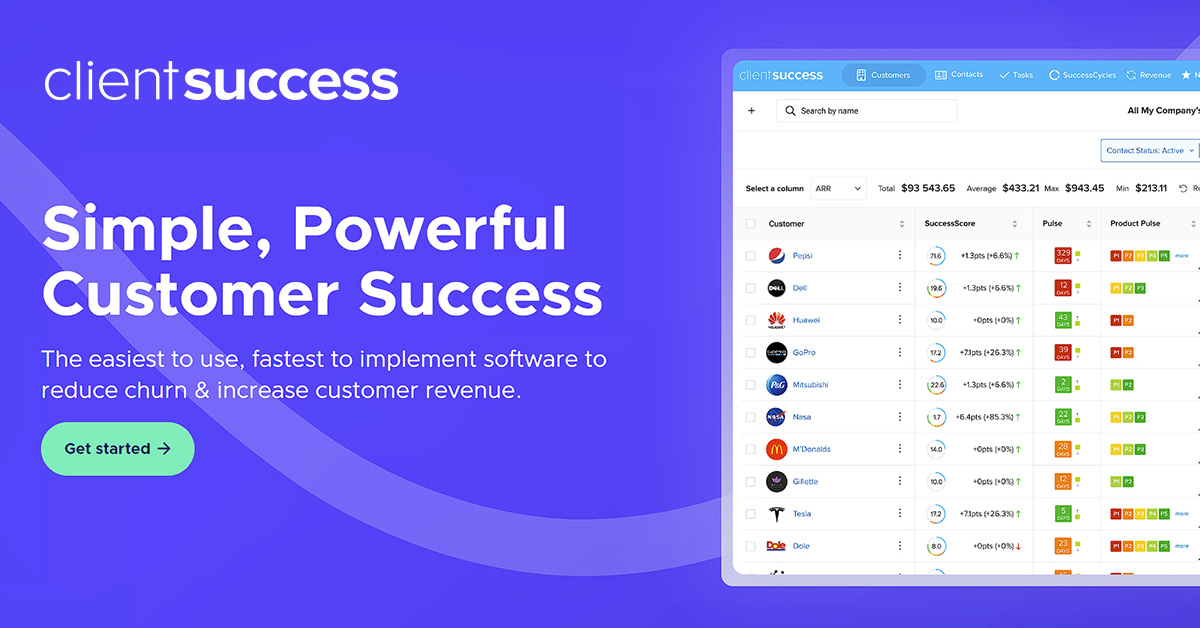
8 toolsManage customer success and retention via ClientSuccess — track client health, monitor subscriptions, and manage success cycles directly from any AI agent.