
Mode (Collaborative Data Platform) MCP Server
Manage collaborative analytics via Mode — list data reports, explore organizational spaces, and audit data sources.
Vinkius AI Gateway supports streamable HTTP and SSE.
Works with every AI agent you already use
…and any MCP-compatible client









Mode MCP Server: see your AI Agent in action
Built-in capabilities (7)
get_report
Get specific analytical parameters mapping a single tracked Mode report token
get_space
Get parameters mapping an explicitly targeted collection Space
list_data_sources
List explicit Database/Warehouse connector sources bound to Mode
list_members
List statically tracked analytical users joined within the workspace
list_reports
List static data reports generated by the Mode workspace
list_spaces
List accessible Spaces isolating datasets across the Mode workspace
search_reports
Search all reports evaluating queries natively against Mode API
What this connector unlocks
Connect your Mode Analytics account to any AI agent and take full control of your enterprise business intelligence, collaborative SQL reporting, and data source management through natural conversation.
What you can do
- Report Orchestration — List all managed data reports and retrieve detailed analytical parameters, including chart configurations and query states directly from your agent
- Space Navigation — Explore organizational 'Spaces' (Personal, Shared) to retrieve the exact report tokens needed to query scoped analytical boundaries natively
- Global Analytics Search — Execute workspace-wide searches to identify specific reports and datasets matching literal metadata descriptions or keywords
- Data Source Audit — Enumerate explicit database and warehouse connector sources bound to your Mode account to understand which schemas are available for querying
- Member Tracking — List statically tracked analytical users within your workspace to verify report ownership and collaborative boundaries securely
- Metadata Inspection — Deep-dive into specific Report or Space tokens to retrieve precise configuration details and chart definitions instantly
How it works
1. Subscribe to this server
2. Enter your Mode Workspace Name, Access Token, and Access Secret
3. Start exploring your analytics from Claude, Cursor, or any MCP-compatible client
Who is this for?
- Data Analysts — verify SQL reporting parameters and audit report configurations through natural conversation without manual workspace navigation
- Business Users — search for specific data insights and retrieve rapid report summaries directly from your workspace
- Analytics Engineers — monitor data warehouse connectors and manage space hierarchies across multiple Mode environments efficiently
Frequently asked questions
Give your AI agents the power of Mode
Access Mode and 2,000+ MCP servers — ready for your agents to use, right now. No glue code. No custom integrations. Just plug Vinkius AI Gateway and let your agents work.
More in this category

Snowflake
7 toolsBring your absolute data cloud into your AI editor. Execute queries, list warehouses, and map complex schemas natively.

Alation
10 toolsData catalog orchestration — search assets, audit metadata, and query data via AI.
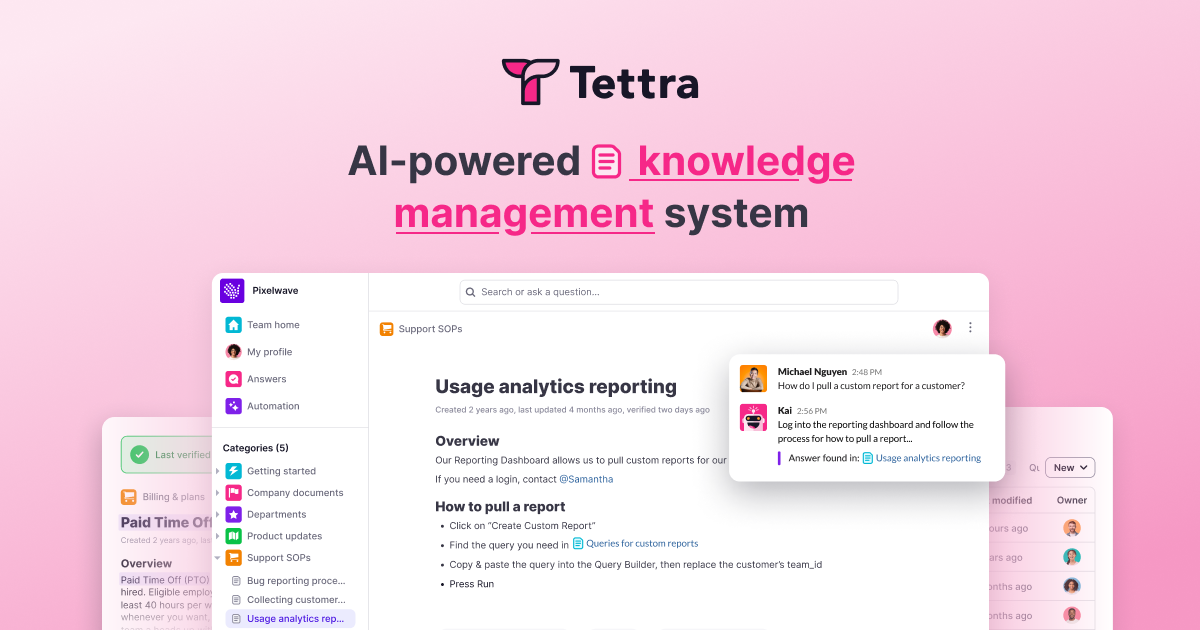
Tettra
12 toolsSearch, read, and create internal wiki pages on your Tettra knowledge base directly from your AI agent.
You might also like
LaunchDarkly
9 toolsManage LaunchDarkly feature flags, environments, assignments and deployments smoothly through conversational AI.

TrueFoundry
8 toolsUniversal LLM Gateway & ML deployment hub: invoke 1000+ proxy models and manage MCP service instances natively.
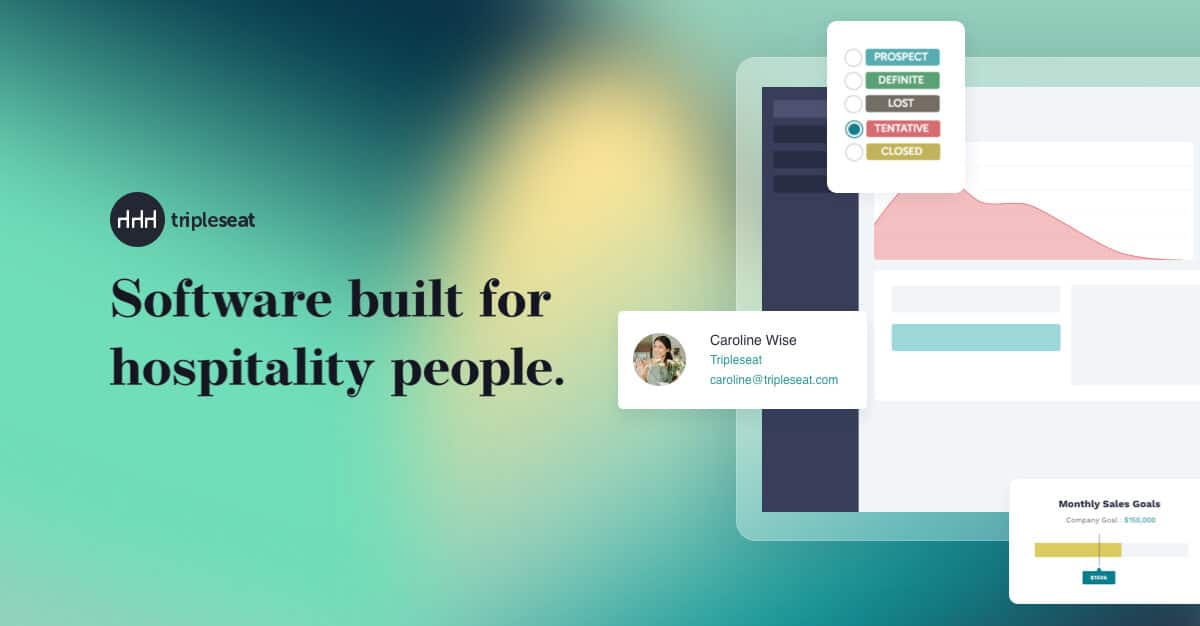
Tripleseat
8 toolsManage event bookings, leads, contacts, venues, and accounts for your Tripleseat event management platform through natural conversation.