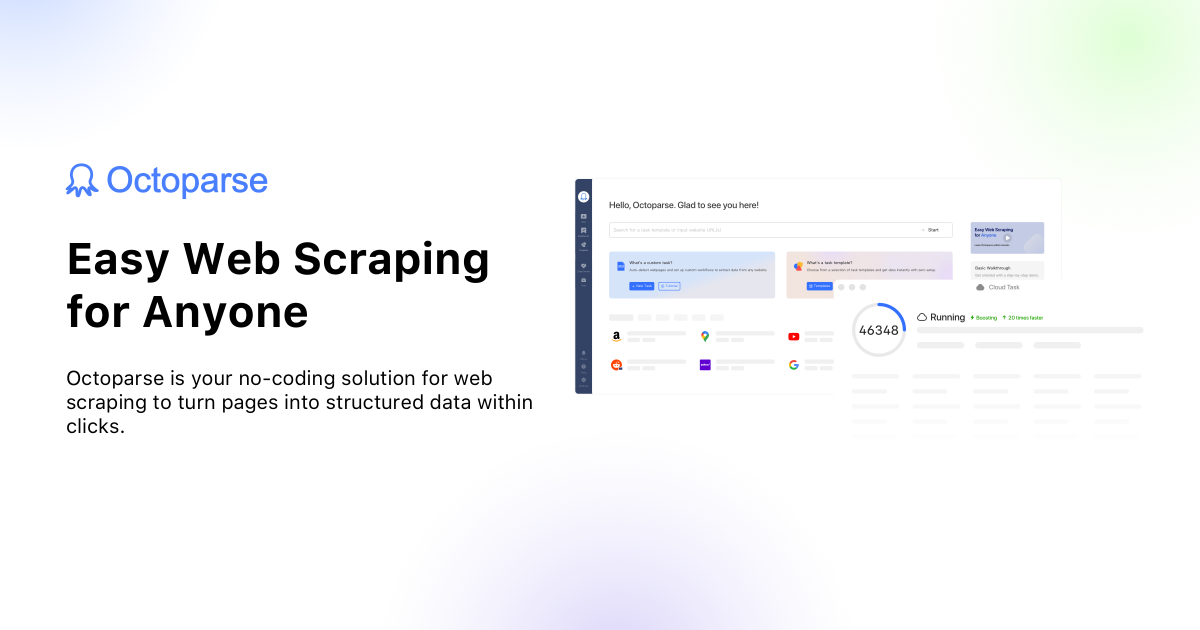
Octoparse MCP Server
Connect your AI agent to Octoparse to trigger cloud web scraping tasks, monitor crawler statuses, and retrieve scraped data directly into chat.
Vinkius AI Gateway supports streamable HTTP and SSE.
Works with every AI agent you already use
…and any MCP-compatible client









Octoparse MCP Server: see your AI Agent in action
Built-in capabilities (10)
clear_task_data
Done to purge testing footprints before production crawls. Delete all securely stored data for an Octoparse task
get_task_data
Use offset-based pagination strictly to prevent memory crash exceptions (max 1000 limit). Export un-exported data from a completed Octoparse scraping task
get_task_status
Get the current running status of an Octoparse cloud task
get_token
0 password grant. Returns an access_token. The access_token must be stored and reused for API calls until expiration. Obtain an OAuth 2.0 access token from Octoparse
list_task_groups
Use these IDs to filter executing scraping tasks nested inside a specific folder limit. List all task groups (folders) in the Octoparse account
list_tasks
Each task includes a taskId, status, and creation date. Use the taskId for starting or polling data. List all configured cloud scraping tasks on Octoparse
mark_data_exported
Execute this immediately after a successful `get_task_data`. Mark all currently stored data in an Octoparse task as extracted
start_task
Task changes status to Running instantly. Start a cloud scraping task on Octoparse
stop_task
Stop a running Octoparse cloud task
update_task_params
g. changing the core search URL or injected keywords) without opening the Octoparse IDE cleanly scaling parameterized bots. Dynamically update URL or parameter constraints driving a task
What this connector unlocks
Connect your Octoparse framework to your AI agent and turn cloud-based web scraping into a fully conversational command center.
What you can do
- Task Execution — Trigger the launch engine using
start_taskwhenever data refresh is needed, or invokestop_taskto halt runaway crawlers instantly. - Status Monitoring — Keep a pulse on active bots by calling
get_task_status, or systematically drill down through your project taxonomy vialist_task_groupsandlist_tasks. - Data Ingestion — Dump the latest extracted web rows natively into the AI's context using
get_task_data, allowing the LLM to format, structure, or summarize the results immediately. - Token Operations — Authenticate dynamically utilizing
get_tokenwith your core credentials.
How it works
1. Subscribe to this server
2. Enter your Premium Octoparse API Credentials (Username/Email and Password)
3. Command your agent (e.g., Claude or Cursor) to spin up scrapers and read the downloaded data directly onto your IDE
Who is this for?
- Data Engineers — trigger scheduled pipelines, check extraction states, and dump JSON samples to debug schemas without leaving your terminal.
- Growth Hackers — quickly spin up an Amazon or LinkedIn scraper, grab the extracted table data, and have the AI formulate email lists simultaneously.
- Business Analysts — fetch the competitive pricing matrices scraped overnight and ask the AI to summarize price drops directly in the conversation.
Frequently asked questions
Give your AI agents the power of Octoparse
Access Octoparse and 2,000+ MCP servers — ready for your agents to use, right now. No glue code. No custom integrations. Just plug Vinkius AI Gateway and let your agents work.
More in this category
TestLink
10 toolsNavigate your self-hosted TestLink instance to inspect test plans, suites, cases, and builds natively via your AI agent.
cloudlayer.io
8 toolsGenerate PDFs and screenshots via cloudlayer.io — convert HTML or URLs to high-quality documents and images directly from any AI agent.
Magnolia (Enterprise Headless CMS)
10 toolsManage enterprise content via Magnolia CMS — query JCR nodes, audit template schemas, and orchestrate headless delivery.