
Pipedrive Activities MCP Server
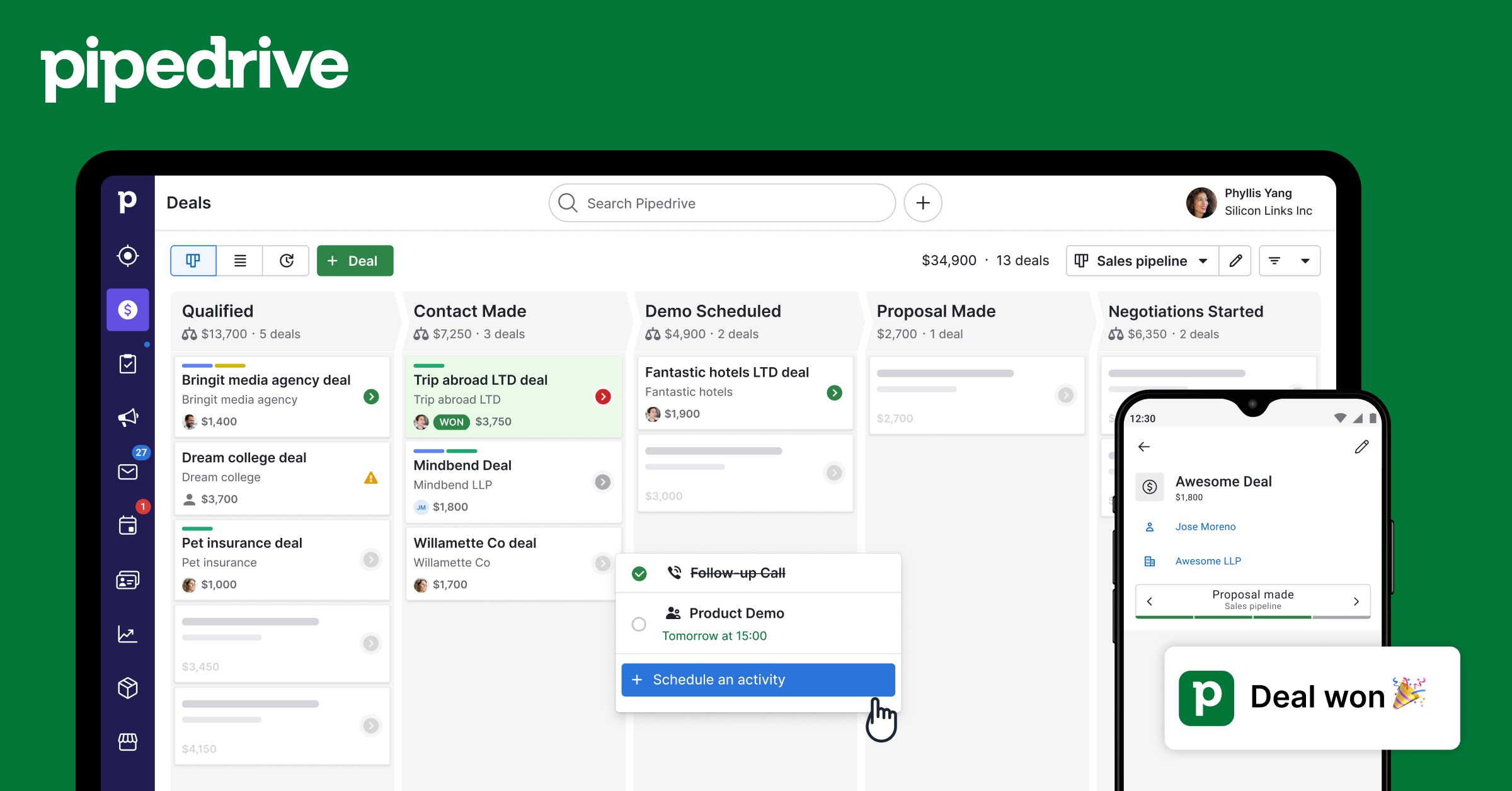
Create and manage calls, meetings, tasks, emails, and deadlines — full activity tracking for your Pipedrive account.
Vinkius AI Gateway supports streamable HTTP and SSE.
Works with every AI agent you already use
…and any MCP-compatible client









Pipedrive MCP Server: see your AI Agent in action
Built-in capabilities (8)
pd_activity_types
Default types: call, meeting, task, deadline, email, lunch. Teams can add custom types. Use to discover available activity types before creating activities, especially in accounts with custom configurations. List all activity types configured in Pipedrive — both default types (call, meeting) and custom types defined by the team
pd_create_activity
Subject and type are required. Type must be: call, meeting, email, task, lunch, or deadline (use pd_activity_types to see custom types). Set due_date (YYYY-MM-DD), due_time (HH:MM), and duration (HH:MM). Link to deals, persons, or orgs. Activities appear in the Pipedrive calendar and task queue for the assigned user. Schedule a sales activity in Pipedrive — a call, meeting, email follow-up, task, lunch, or deadline linked to deals or contacts
pd_deal_activities
Returns all scheduled, pending, and completed activities for that deal. Use when the user asks "what activities are on this deal?", "when is the next meeting for this deal?", or needs to review the engagement history of an opportunity. Get all activities (calls, meetings, tasks) linked to a specific deal for a complete activity history
pd_delete_activity
Consider marking as done (pd_mark_activity_done) instead to preserve history. Use only when the user explicitly wants to remove an activity from the record. Permanently delete a Pipedrive activity — this removes it from history and cannot be undone
pd_get_activity
Returns subject, type, dates/times, duration, notes, linked deal/person/org, and completion status. Use after listing activities to drill into a specific item. Get complete details of a specific Pipedrive activity by ID including notes, duration, and linked records
pd_list_activities
Returns subject, type (call/meeting/email/task/lunch/deadline), due date and time, whether it is done, and linked deal/person/org. Filter by done status: "true" for completed, "false" for pending/upcoming. Use when the user asks about tasks to do, scheduled meetings, overdue items, or recent sales activity. List Pipedrive activities (calls, meetings, tasks, emails) with due dates, types, and completion status
pd_mark_activity_done
The activity remains in history but is no longer in the pending/overdue queue. Use when the user says they completed a call, finished a meeting, or done with a task. Mark a Pipedrive activity as completed — removes it from the pending task queue and logs it as done
pd_update_activity
Only specified fields change. Use to reschedule (change due_date), rename (change subject), or reclassify (change type). Does not mark as done — use pd_mark_activity_done for that. Update an existing Pipedrive activity — reschedule, rename, or change type
What this connector unlocks
Connect Pipedrive CRM to any AI agent — manage your entire sales pipeline without switching tabs.
What you can do
- Deals — Search, create, and update deals with pipeline tracking
- Contacts — Find and create persons with email, phone, and organization
- Organizations — Search companies linked to deals and contacts
- Activities — Create calls, meetings, tasks, and emails
- Notes — Attach notes to deals, persons, or organizations
- Pipelines — View all pipeline stages and deal flow
Who is this for?
- Sales Reps — Manage your pipeline without leaving your AI assistant
- SDRs — Quickly create leads, contacts, and activities
- Sales Managers — Pipeline overview and deal insights through conversation
- RevOps — Full CRM visibility and reporting
Frequently asked questions
Give your AI agents the power of Pipedrive
Access Pipedrive and 2,000+ MCP servers — ready for your agents to use, right now. No glue code. No custom integrations. Just plug Vinkius AI Gateway and let your agents work.
More in this category
Pipedrive CRM (Full)
11 toolsManage deals, contacts, organizations, activities, notes, and pipelines — complete Pipedrive CRM access through natural conversation.
Pipedrive Deals
12 toolsDeep deal management — search, create, update, delete deals with pipeline tracking, timeline analysis, and participant management.
Pipedrive Mail
4 toolsBrowse email threads, read messages, and view deal-linked emails — manage your Pipedrive mail integration through conversation.
You might also like
Jestor
10 toolsManage data, workflows, and records via Jestor low-code API.

Hubstaff
9 toolsAnalyze timesheets, query organizational lists, and manage team activities via Hubstaff seamlessly from any AI agent.
Perplexity AI
14 toolsQuery Perplexity AI for real-time web search with citations — ask questions, deep research, reasoning, and structured answers directly from any AI agent.