
Pixabay API MCP Server
Search stock media — audit images and videos via AI.
Ask AI about this MCP Server
Vinkius AI Gateway supports streamable HTTP and SSE.
Works with every AI agent you already use
…and any MCP-compatible client









What is the Pixabay API MCP Server?
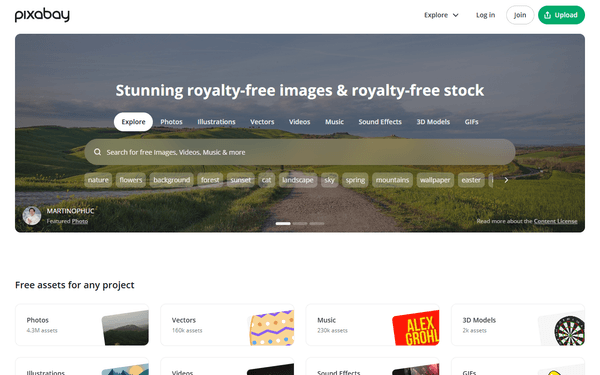
The Pixabay MCP Server gives AI agents like Claude, ChatGPT, and Cursor direct access to Pixabay. Search stock media — audit images and videos via AI. Powered by the Vinkius AI Gateway — no API keys, no infrastructure, connect in under 2 minutes.
Pixabay MCP Server: see your AI Agent in action
Built-in capabilities (3)
check_api_status
Check if the Pixabay service is operational
search_pixabay_images
Search for free high-quality images on Pixabay
search_pixabay_videos
Search for free high-quality videos on Pixabay
What this connector unlocks
Empower your AI agent to orchestrate your entire visual content and media auditing workflow with the Pixabay API, the authoritative source for high-quality, royalty-free stock media. By connecting Pixabay to your agent, you transform complex media searches into a natural conversation. Your agent can instantly search for thousands of images and videos, audit tag distributions, and retrieve direct download links without you ever touching a stock photo portal. Whether you are building marketing collateral or conducting visual research, your agent acts as a real-time creative consultant, ensuring your media is always stunning and properly licensed.
What you can do
- Image Auditing — Search for thousands of high-resolution images by keyword and retrieve detailed metadata, including tags and user info.
- Video Oversight — Audit free video clips to understand the temporal distribution of visual content for your projects instantly.
- Media Discovery — Filter results by image type (e.g., photo, illustration, vector) or orientation to identify relevant assets for your layout.
- Visual Intelligence — Retrieve high-quality web previews and direct links to assist in deep-dive media classification.
- Operational Monitoring — Check API status to ensure your media research workflow is always operational.
How it works
1. Subscribe to this server
2. Enter your Pixabay API Key
3. Start managing your media intelligence through Claude, Cursor, or any MCP-compatible client
Who is this for?
- Content Creators & Designers — monitor media trends and retrieve high-quality visual metadata straight from your workflow.
- Marketing Managers — verify asset availability and audit creative patterns without manual searching.
- Web Developers — perform rapid audits of placeholder images and identify relevant media markers through natural language.
- Operations Leads — automate media data querying to orchestrate cross-functional creative teams smoothly.
Frequently asked questions
Give your AI agents the power of Pixabay
Access Pixabay and 2,500+ MCP servers — ready for your agents to use, right now. No glue code. No custom integrations. Just plug Vinkius AI Gateway and let your agents work.