
Qiniu Cloud MCP Server
Orchestrate Qiniu Cloud storage — manage buckets, handle file uploads, and monitor CDN performance directly from any AI agent.
Ask AI about this MCP Server
Vinkius AI Gateway supports streamable HTTP and SSE.
Works with every AI agent you already use
…and any MCP-compatible client









What is the Qiniu Cloud MCP Server?
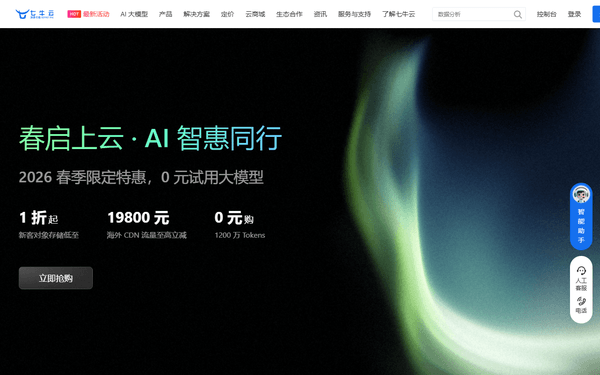
The Qiniu Cloud MCP Server gives AI agents like Claude, ChatGPT, and Cursor direct access to Qiniu Cloud. Orchestrate Qiniu Cloud storage — manage buckets, handle file uploads, and monitor CDN performance directly from any AI agent. Powered by the Vinkius AI Gateway — no API keys, no infrastructure, connect in under 2 minutes.
Qiniu Cloud MCP Server: see your AI Agent in action
Built-in capabilities (11)
delete_file
Delete a file from a bucket
get_account_info
Retrieve Qiniu account profile
get_bucket_domains
Get domains associated with a specific bucket
get_cdn_bandwidth
Get CDN bandwidth statistics
get_file_stat
Get metadata for a specific file
get_pfop_status
Check the status of a persistent processing task
get_sms_stats
Get SMS sending statistics
list_buckets
List all storage buckets in your Qiniu account
list_files
List files within a bucket
persistent_file_op
Trigger persistent file processing (transcoding, etc.)
refresh_cdn_urls
Refresh CDN cache for specific URLs
What this connector unlocks
Connect your AI agents to Qiniu Cloud (七牛云), the leading enterprise cloud storage and content delivery network in China. This MCP provides 10 tools to manage the full lifecycle of your cloud assets, from bucket orchestration and file manipulation to CDN cache refreshment and global traffic monitoring.
What you can do
- Storage Orchestration — List buckets and manage file lifecycles, including deletions and bulk operations
- File Management — Retrieve granular metadata for stored assets and generate download URLs programmatically
- CDN Optimization — Refresh cache and prefetch content to ensure high-performance delivery across the network
- Usage Analytics — Monitor bandwidth consumption and storage quotas directly through natural conversation
How it works
1. Subscribe to this server
2. Log in to the [Qiniu Cloud Console](https://portal.qiniu.com/)
3. Navigate to Access Key settings in your profile
4. Copy your AccessKey and SecretKey
5. Insert your credentials into the fields below to start managing your Qiniu cloud infrastructure.
Who is this for?
- Infrastructure Engineers — automate the management of large-scale cloud storage buckets
- Media Developers — monitor asset delivery and trigger CDN refreshes programmatically
- DevOps Teams — track cloud consumption and manage storage quotas efficiently
Frequently asked questions
Give your AI agents the power of Qiniu Cloud
Access Qiniu Cloud and 2,500+ MCP servers — ready for your agents to use, right now. No glue code. No custom integrations. Just plug Vinkius AI Gateway and let your agents work.