
Relevance AI MCP Server
Equip your AI to trigger custom autonomous agents, execute chained prompts, and manage unstructured knowledge datasets directly within your Relevance AI studio.
Vinkius AI Gateway supports streamable HTTP and SSE.
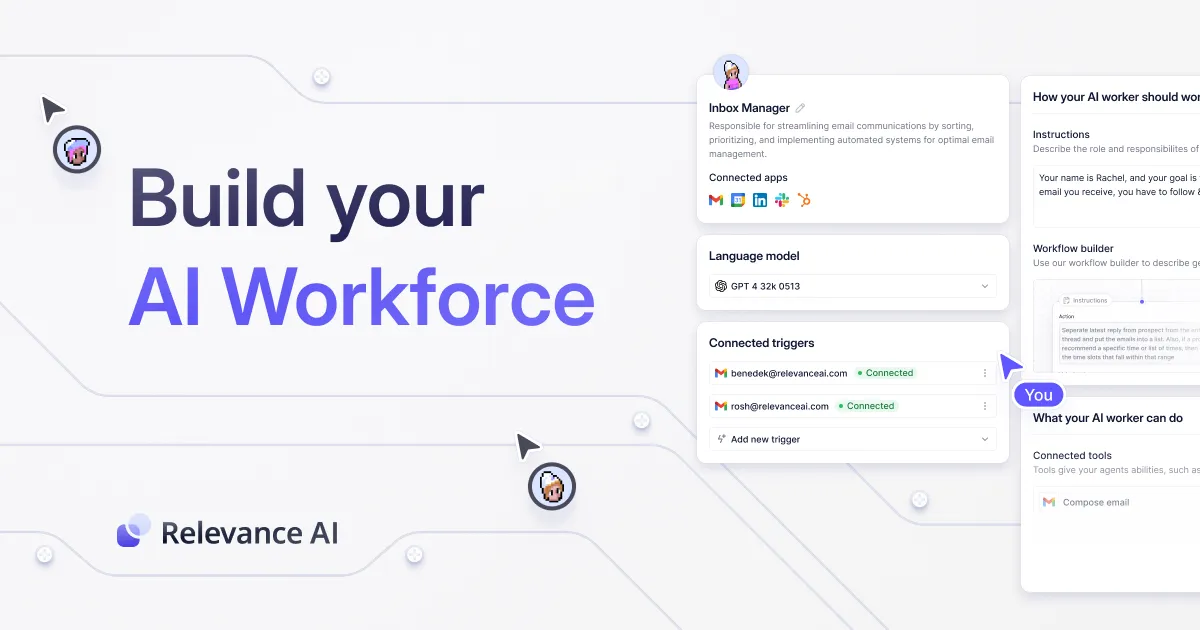
Works with every AI agent you already use
…and any MCP-compatible client









Relevance AI MCP Server: see your AI Agent in action
Built-in capabilities (10)
delete_documents
This action is irreversible. Deletes documents from a dataset by their IDs
get_agent_run
Retrieves the status and logs of a specific agent run
get_documents
Retrieves documents from a dataset
insert_documents
Provide documents as a JSON array of objects. Inserts documents into a dataset
list_agents
Lists all AI agents in the Relevance AI studio
list_datasets
Lists all datasets (knowledge tables) in the project
list_tasks
Lists all tasks (chained prompts) in the studio
list_tools
Lists all custom tools registered in the studio
trigger_agent
Provide inputs as a JSON object. Triggers an AI agent execution
trigger_task
Triggers a specific task execution
What this connector unlocks
Connect your conversational AI to your Relevance AI workspace. By wrapping your custom agents, datasets, and API tools into this MCP extension, you transform your chat interface into a command center for orchestrating complex, autonomous AI operations and large-scale data workflows.
What you can do
- Orchestrate Agents — Command your pre-built autonomous agents to execute tasks (
trigger_agent). Monitor their progress and read their exact reasoning steps dynamically (get_agent_run). Uselist_agentsto discover all available AI worker configurations. - Execute Tasks & Workflows — Trigger predefined chained prompts or specific micro-tasks without leaving your chat (
trigger_task), scaling repetitive workflows reliably. - Manage Knowledge Datasets — Take full control of your vector databases and tables. Insert new rows of knowledge directly from conversational context (
insert_documents), retrieve raw unstructured data entries (get_documents), or surgically delete obsolete knowledge base items (delete_documents).
How it works
1. Add the Relevance AI extension to your MCP hub.
2. Supply your Project ID, API Key, and your assigned Region (e.g., "us-east-1" or "v2") from your Relevance AI settings.
3. Prompt your assistant: "Trigger the 'Lead Research' agent with the company name 'Google' and monitor the run until completion. Then, insert the output directly into our 'competitors' dataset."
Who is this for?
- AI Engineers & Builders — Run end-to-end tests on your chained logic and customized agents directly from your terminal or chat without touching the studio GUI.
- Data Analysts — Move processed insights, raw texts, and structured metadata into Relevance AI datasets using natural language.
- Operations Teams — Combine the output of your everyday AI chat intimately with your specialized Relevance AI autonomous agents for highly productive compounding workflows.
Frequently asked questions
Give your AI agents the power of Relevance AI
Access Relevance AI and 2,000+ MCP servers — ready for your agents to use, right now. No glue code. No custom integrations. Just plug Vinkius AI Gateway and let your agents work.
More in this category

Google BigQuery
7 toolsEmpower your AI agent to query massive datasets via BigQuery — execute Standard SQL, track active jobs, and inspect table schemas natively.
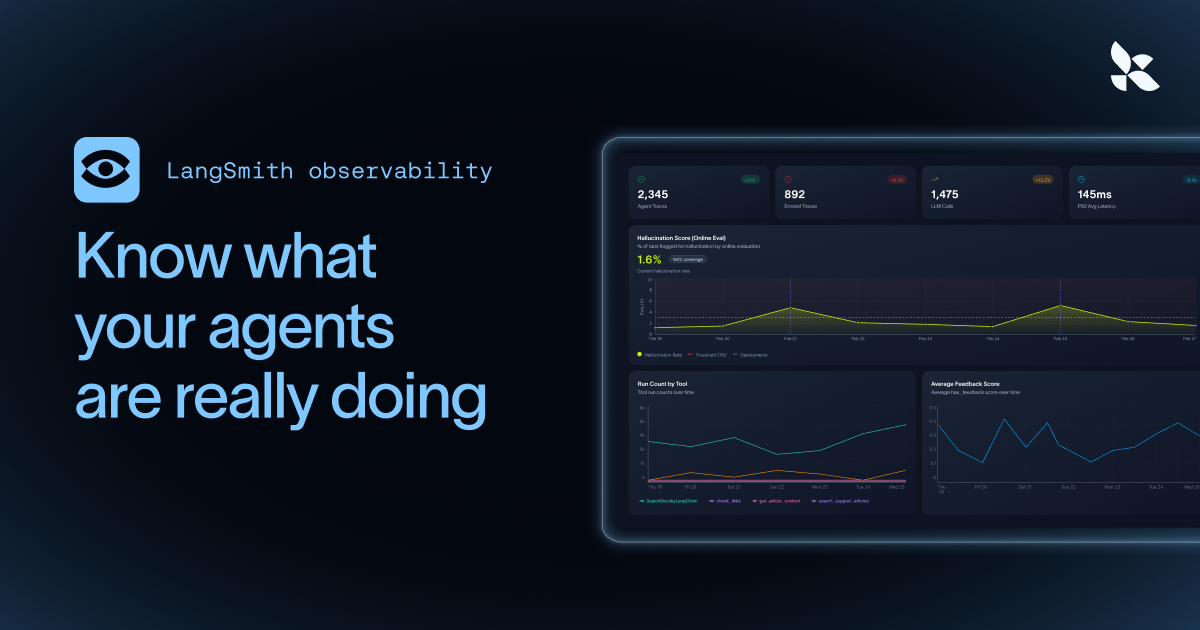
LangSmith (LLM Observability & Hub)
6 toolsMonitor LLM apps via LangSmith — track traces, audit prompt templates, and manage evaluation datasets.

RunPod
7 toolsIntegrate your AI securely to RunPod to cleanly quickly provision scalable GPU pods, manage active instances, and inspect serverless endpoints and custom templates natively.
You might also like

Focus NFe
5 toolsEmit, consult, cancel and download XML for NFS-e and NF-e via Focus NFe API.
Diffbot
10 toolsAutomate web data extraction via Diffbot — turn any website into structured JSON data for articles, products, discussions, and more directly from any AI agent.
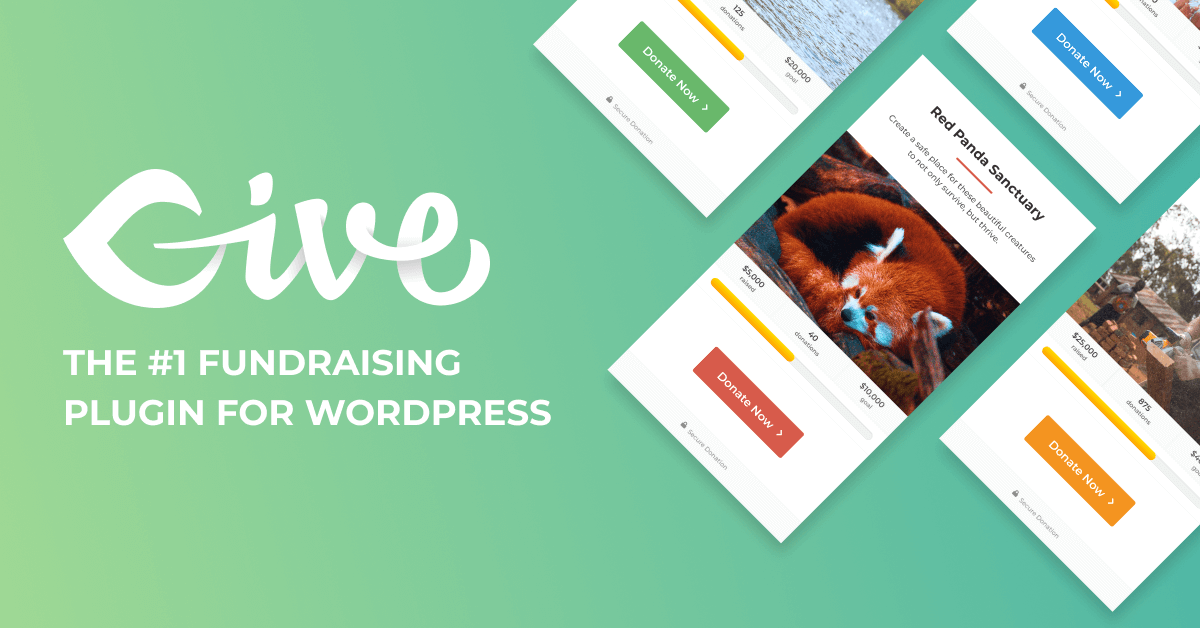
GiveWP
9 toolsManage donation forms, track donors, and oversee fundraising stats via AI agents with GiveWP.