
Shodan MCP Server
Search for internet-connected devices, analyze open ports, discover vulnerabilities and explore the IoT landscape.
Ask AI about this MCP Server
Vinkius AI Gateway supports streamable HTTP and SSE.
Works with every AI agent you already use
…and any MCP-compatible client









What is the Shodan MCP Server?
The Shodan MCP Server gives AI agents like Claude, ChatGPT, and Cursor direct access to Shodan. Search for internet-connected devices, analyze open ports, discover vulnerabilities and explore the IoT landscape. Powered by the Vinkius AI Gateway — no API keys, no infrastructure, connect in under 2 minutes.
Shodan MCP Server: see your AI Agent in action
Built-in capabilities (10)
dns_resolve
Returns a mapping of hostname to IP. Supports comma-separated hostnames. Useful for DNS lookups without leaving the terminal. Resolve hostnames to IP addresses
get_account_info
Useful for checking your remaining usage limits. Get Shodan account information
get_api_info
Useful for monitoring API usage limits. Get API plan information
get_facets
g. country, org, port, os, product). Useful for building advanced search queries with faceted analysis. Get available search facets for result aggregation
get_host_count
Useful for checking how many devices match a filter before running a full search. Get total number of results for a search query
get_host_info
Returns all open ports, hostnames, geographic location, AS/org info, operating system and service banners for every open port. Includes vulnerability data if available. This is the most detailed view of a single host. Get detailed info for a specific IP address
get_my_ip
Useful for identifying your external IP for firewall rules, access control and debugging. Get your current external IP address
get_ports
Useful for understanding which ports are monitored and for reference when building search queries. Get a list of ports that Shod is scanning
reverse_dns
Returns a mapping of IP to hostname(s). Supports comma-separated IPs. Useful for reverse DNS lookups. Resolve IP addresses to hostnames
search_hosts
Supports powerful filters: product name (e.g. "nginx", "apache"), OS (e.g. "Windows", "Linux"), port (e.g. "port:80"), country (e.g. "country:US"), city, org, hostname, vulnerability (e.g. "vuln:CVE-2021-44228"), and many more. Returns matching hosts with IP, port, product, OS, location and banners. Pagination with page parameter. Use get_host for full details on a specific IP. Search Shodan for internet-connected devices
What this connector unlocks
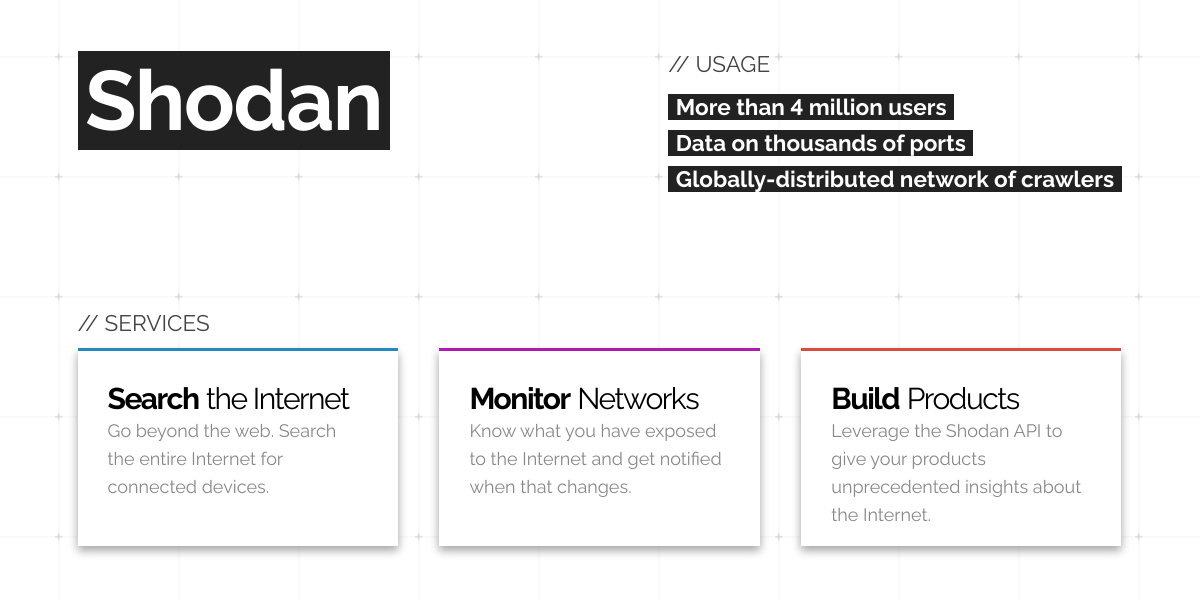
Connect to Shodan, the world's first search engine for internet-connected devices, and explore the digital landscape through natural conversation.
What you can do
- Device Search — Find internet-connected devices by product, OS, port, country, vulnerability and more
- Host Lookup — Get comprehensive info on any IP: open ports, services, banners, location and vulnerabilities
- DNS Lookup — Resolve hostnames to IPs and reverse DNS lookups
- Port Discovery — See which ports Shodan actively scans across the internet
- Account Info — Check your remaining query credits and API plan details
How it works
1. Subscribe to this server
2. Enter your Shodan API Key (free registration at shodan.io)
3. Start exploring the internet's connected devices from Claude, Cursor, or any MCP-compatible client
Who is this for?
- Security Researchers — discover exposed services, scan for vulnerabilities and analyze attack surfaces
- Sysadmins — monitor their organization's exposed services, check for misconfigurations and track open ports
- IoT Analysts — explore IoT device distributions, identify trends and map internet-connected infrastructure
Frequently asked questions
Give your AI agents the power of Shodan
Access Shodan and 2,500+ MCP servers — ready for your agents to use, right now. No glue code. No custom integrations. Just plug Vinkius AI Gateway and let your agents work.