
United Airlines MCP Server
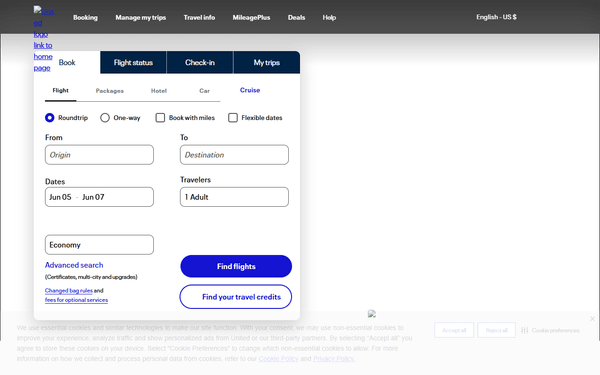
Track United Airlines flights, schedules, routes, delays, and fleet data in real-time via AI agents.
Vinkius AI Gateway supports streamable HTTP and SSE.
Works with every AI agent you already use
…and any MCP-compatible client









United Airlines MCP Server: see your AI Agent in action
Built-in capabilities (12)
get_aircraft_fleet
Returns aircraft types, registration numbers, and other fleet details. Use this when users want to understand the types of aircraft United Airlines operates or find information about specific aircraft in their fleet. This provides static fleet composition data, not real-time aircraft positioning. Get information about United Airlines aircraft fleet
get_airline_info
Use this to get basic information about United Airlines as a carrier. This is primarily useful for verifying airline codes or getting carrier metadata. Get detailed information about United Airlines
get_airline_routes
Returns all origin-destination airport pairs that United serves. Each route includes departure airport IATA code, arrival airport IATA code, and codeshare information if applicable. Use this to understand the full reach of United Airlines network, analyze route coverage, or find if United flies between two cities. This provides static route data, not flight schedules or availability. List all routes operated by United Airlines (origin-destination pairs)
get_airport_info
Returns airport name, city, country, geographic coordinates, timezone, and other relevant details. Use this when users need airport details such as the full name, location, or to verify an airport code. The airport IATA code is required (e.g., "ORD" for Chicago O'Hare, "NRT" for Tokyo Narita). Get detailed information about an airport served by United Airlines
get_arrivals
g., "JFK" for New York JFK, "LAX" for Los Angeles). Optionally filter by date (YYYY-MM-DD format) to see arrivals on a specific day. Returns flight numbers, origin airports, scheduled times, gates, terminals, baggage belts, and current arrival status. Use this when users want to track incoming United flights at a particular airport or check when a flight from a specific origin arrives. List all United Airlines arrivals at a specific airport
get_departures
g., "SFO" for San Francisco, "EWR" for Newark). Optionally filter by date (YYYY-MM-DD format) to see departures on a specific day. Returns flight numbers, destinations, scheduled times, gates, terminals, and current departure status. Use this when users want to see all United flights leaving from a particular airport on a given day. Common United hubs include: EWR (Newark), ORD (Chicago), IAH (Houston), DEN (Denver), SFO (San Francisco), LAX (Los Angeles), IAD (Washington Dulles), LHR (London Heathrow). List all United Airlines departures from a specific airport
get_flight_by_number
This is useful for finding the regular schedule and route of a flight number (e.g., which airports UA1 serves). Returns flight schedule information including departure/arrival airports and times. Use this to understand the typical route and schedule of a specific United flight number. Search for United Airlines flights by flight number across all dates and routes
get_flight_history
Returns actual departure/arrival times, delays, cancellations, and flight outcomes. Use this to analyze past flight performance, check if a flight was delayed or cancelled on a specific date, or review on-time performance. The date must be in YYYY-MM-DD format and should be a past date. Specify "departure" or "arrival" for the type parameter. Get historical United Airlines flight data for a past date
get_flight_status
g., "123" for UA123). Returns departure/arrival airports, scheduled/estimated times, gate, terminal, baggage belt, and current flight status (scheduled, active, landed, cancelled, etc). Use this tool when a user asks about the current status of a specific United flight. The flight number should be just the digits, without the "UA" prefix. Get real-time status of a specific United Airlines flight by flight number (e.g., UA123)
get_flights_by_status
Status values include: "scheduled", "active", "landed", "cancelled", "delayed", "diverted", etc. Use this when users want to see all delayed flights, cancelled flights, or flights in a particular state at an airport. Specify the airport IATA code, the status filter, and whether to check departures or arrivals. This is particularly useful for finding disrupted flights or checking operational impacts at an airport. Find United Airlines flights at an airport with a specific status (delayed, cancelled, active, etc)
get_future_flights
Returns planned departure or arrival information including flight numbers, times, gates, and aircraft types. Use this to check upcoming flight schedules, plan travel, or see which United flights will operate on a future date. The date must be in YYYY-MM-DD format and should be a future date. Specify "departure" or "arrival" for the type parameter. Get scheduled United Airlines flights at an airport for a future date
get_route
Returns route details including whether it is a direct route, codeshare arrangements, and flight frequency if available. Use this when users ask "Does United fly from X to Y?" or want to verify route availability between two airports. Both airport IATA codes are required (e.g., fromIata="SFO", toIata="LHR" for San Francisco to London Heathrow). Check if United Airlines operates a route between two specific airports
What this connector unlocks
Connect United Airlines flight data to any AI agent and gain instant visibility into live flight tracking, airport schedules, route networks, delays, and aircraft fleet information through natural conversation.
What you can do
- Live Flight Tracking — Get real-time status for any United Airlines flight by flight number, including gate, terminal, baggage belt, and current operational status (scheduled, active, landed, delayed, cancelled)
- Airport Departures & Arrivals — List all United flights departing from or arriving at any airport worldwide, filterable by date
- Route Network Analysis — Explore United's complete route map, check if United operates between specific airports, and analyze route coverage across their global network
- Historical Flight Data — Analyze past flight performance, check delays and cancellations on specific dates, review on-time patterns
- Future Flight Schedules — View planned United flight schedules for upcoming dates to plan travel or monitor operations
- Flight Status Filtering — Find all delayed, cancelled, or disrupted United flights at any airport to assess operational impacts
- Airport & Airline Details — Retrieve detailed information about airports served by United and carrier metadata
- Aircraft Fleet Info — Access data about aircraft types and fleet composition associated with United Airlines
How it works
1. Subscribe to this server
2. Enter your Aviation Edge API Key
3. Start tracking United Airlines flights from Claude, Cursor, or any MCP-compatible client
No more switching between multiple flight tracker apps or digging through airline websites. Your AI acts as a dedicated flight operations assistant, delivering precise aviation data instantly.
Who is this for?
- Travelers & Frequent Flyers — instantly check flight status, track incoming aircraft, monitor delays, and review historical performance before heading to the airport
- Travel Agents & Coordinators — retrieve complete departure and arrival boards for United hubs to orchestrate client itineraries and manage disruptions
- Aviation Enthusiasts & Analysts — explore United's route network, analyze fleet composition, and review operational patterns across major hubs like Newark (EWR), Chicago (ORD), Houston (IAH), Denver (DEN), and San Francisco (SFO)
Frequently asked questions
Give your AI agents the power of United Airlines
Access United Airlines and 2,000+ MCP servers — ready for your agents to use, right now. No glue code. No custom integrations. Just plug Vinkius AI Gateway and let your agents work.
More in this category
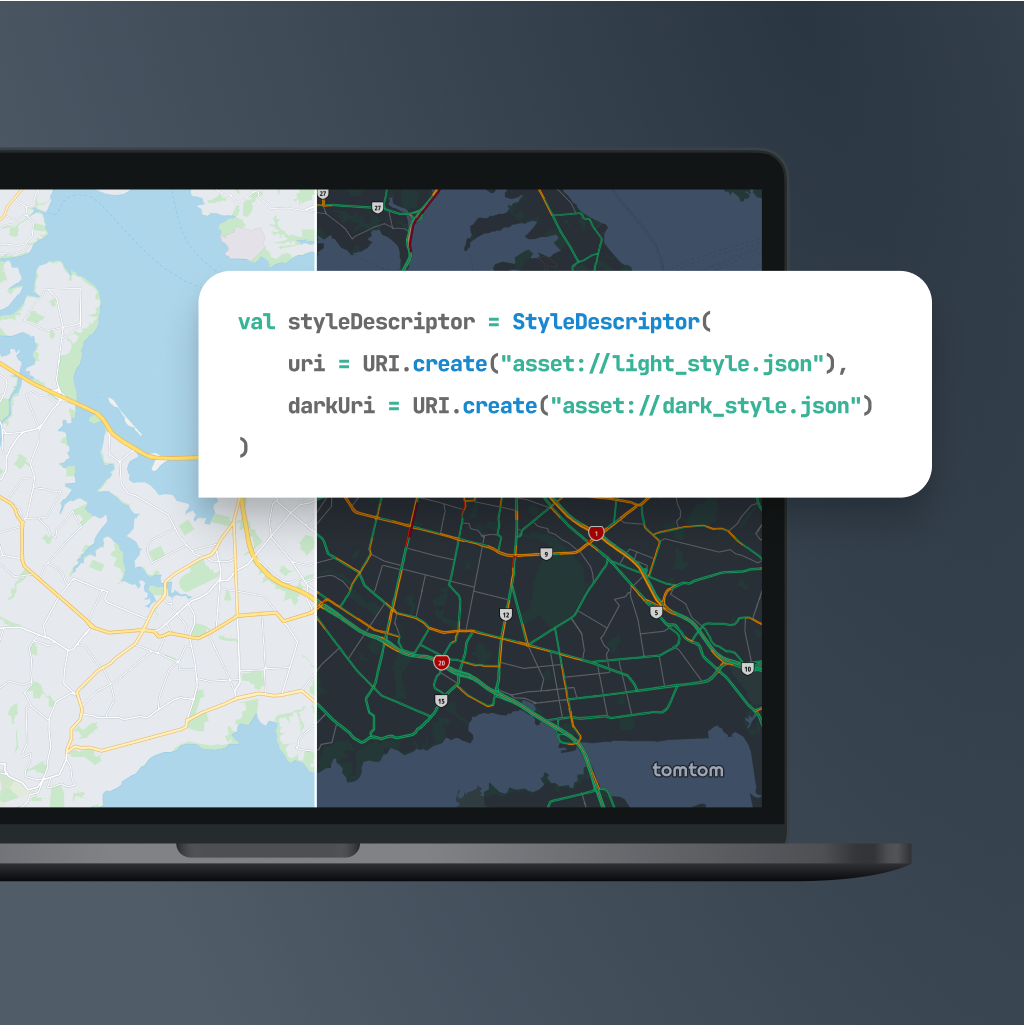
TomTom
10 toolsEquip your AI agent with global mapping, routing, and real-time traffic capabilities powered by TomTom.
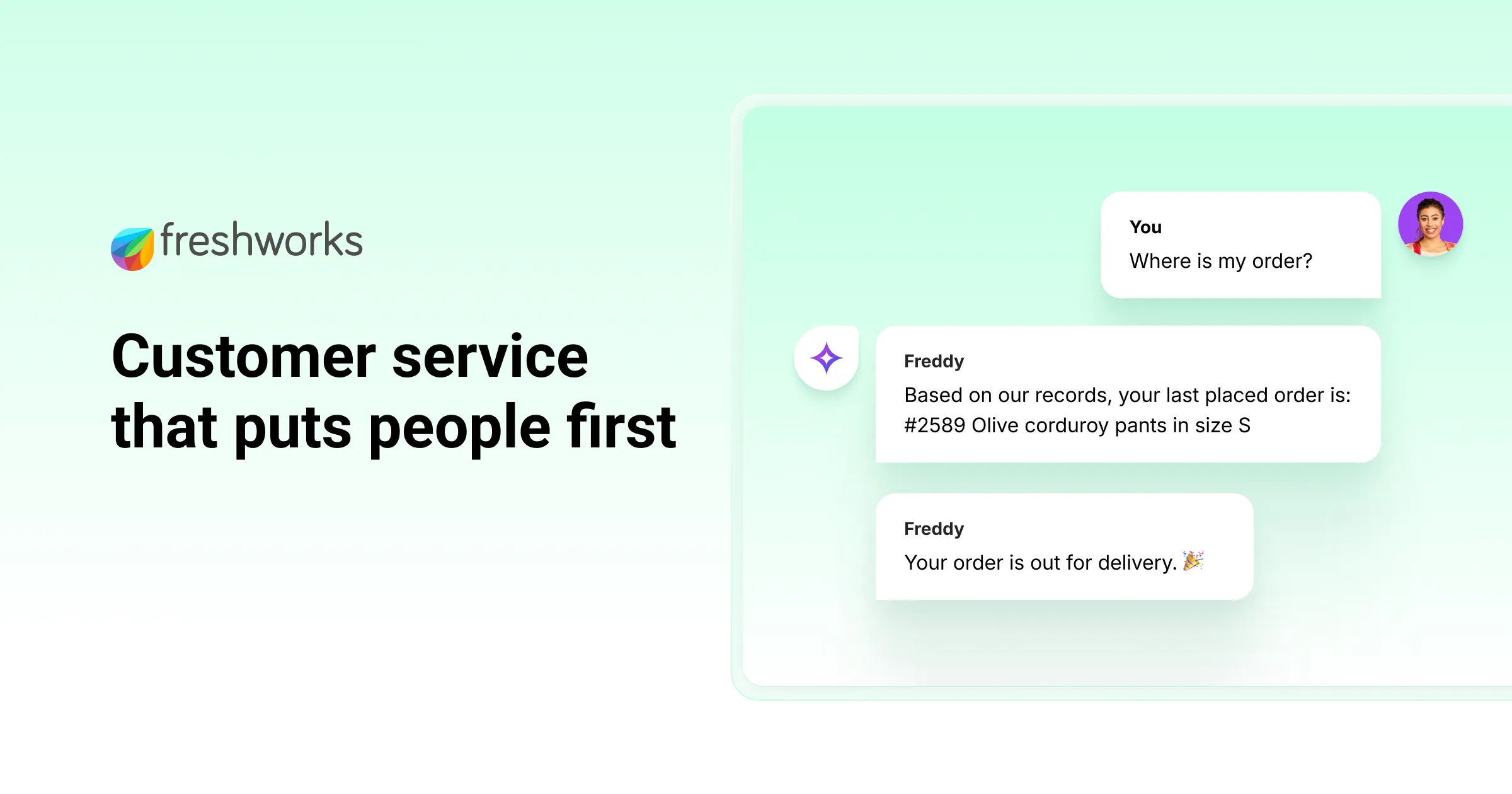
Freshdesk
12 toolsManage customer support via Freshdesk — track tickets, handle contacts, and oversee agent groups via AI agents.

UKG Ready
4 toolsManage employee lifecycle, HCM, payroll, and time via UKG Ready.
You might also like

Bookeo
9 toolsManage bookings, customers, products, payments, and availability for your Bookeo-powered fitness or activity business through natural conversation.

Modash
11 toolsFind and analyze influencers across Instagram, TikTok, and YouTube with Modash.
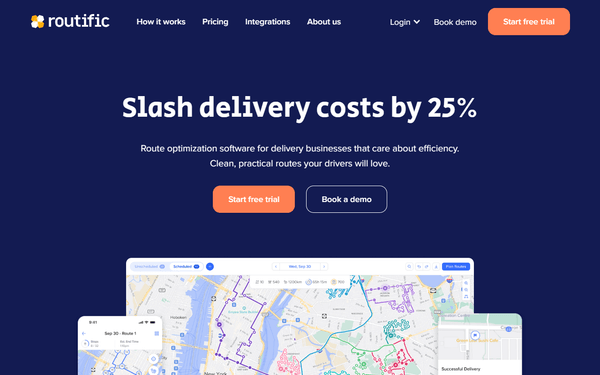
Routific
10 toolsConnect your AI assistant to Routific to solve complex vehicle routing problems, dispatch drivers, and manage global delivery timelines natively through chat.