
Xray (Test Management) MCP Server
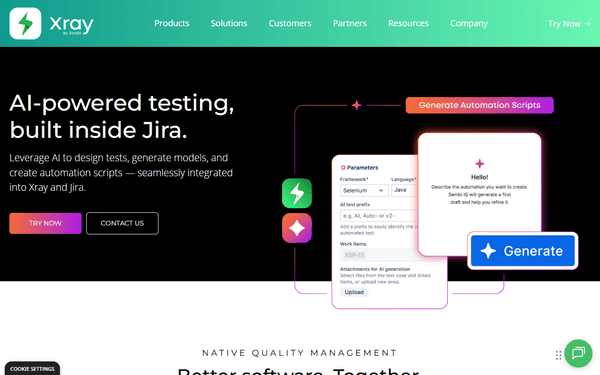
Manage test cases, executions, and plans on Xray — the leading quality assurance platform for Jira.
Vinkius AI Gateway supports streamable HTTP and SSE.
Works with every AI agent you already use
…and any MCP-compatible client









Xray (Test Management) MCP Server: see your AI Agent in action
Built-in capabilities (9)
get_execution_details
Retrieves granular results for a specific test execution
get_individual_test_runs
Retrieves individual test run instances for a specific test
get_test_details
Retrieves comprehensive details for a specific Xray test case
get_test_plan_details
Retrieves details for a specific test plan
get_xray_settings
Retrieves Xray project configuration and field mappings
list_test_executions
Lists all test execution records
list_test_plans
Lists all test plans configured in Xray
list_test_sets
Lists all test sets (groups of tests)
list_xray_tests
g. TST-1). Lists all test cases in the Xray project
What this connector unlocks
Connect your Xray Test Management account to any AI agent and manage your quality assurance workflows through natural conversation.
What you can do
- Test Case Discovery — List and browse all test cases within your project and retrieve unique test keys (e.g., TST-1) for deep inspection
- Execution Monitoring — List and track test execution records to monitor real-time QA results and overall release readiness
- Granular Results — Retrieve detailed results for specific executions to see which steps passed, failed, or encountered errors
- Test Planning — Browse high-level test plans and retrieve scope details to understand your testing strategy and progress
- Logical Grouping — List test sets to see how individual test cases are organized into functional or regression groups
- Historical Auditing — Retrieve the complete run history for a single test across multiple execution cycles to identify flaky tests
- Project Config — Verify environment settings and status mappings to ensure your agent is aligned with your project's workflow
How it works
1. Subscribe to this server
2. Enter your Xray Client ID and Client Secret
3. Start managing your QA library through Claude, Cursor, or any MCP-compatible client
No more manual filtering through complex Jira issue lists to find a test result. Your AI agent becomes your QA operations analyst.
Who is this for?
- QA Engineers — monitor test execution results and audit test case history through simple chat commands
- Test Managers — quickly surface test plan progress and verify test set organization without manual navigation
- Product Owners — check the latest execution status before releases to ensure quality standards are met
- Developers — lookup test steps and preconditions for failed executions to rapidly debug issues
Frequently asked questions
Give your AI agents the power of Xray (Test Management)
Access Xray (Test Management) and 2,000+ MCP servers — ready for your agents to use, right now. No glue code. No custom integrations. Just plug Vinkius AI Gateway and let your agents work.
More in this category
Basin
12 toolsForm backend and lead capture automation — manage form submissions, filter spam, and trigger webhooks via AI.
TestMonitor
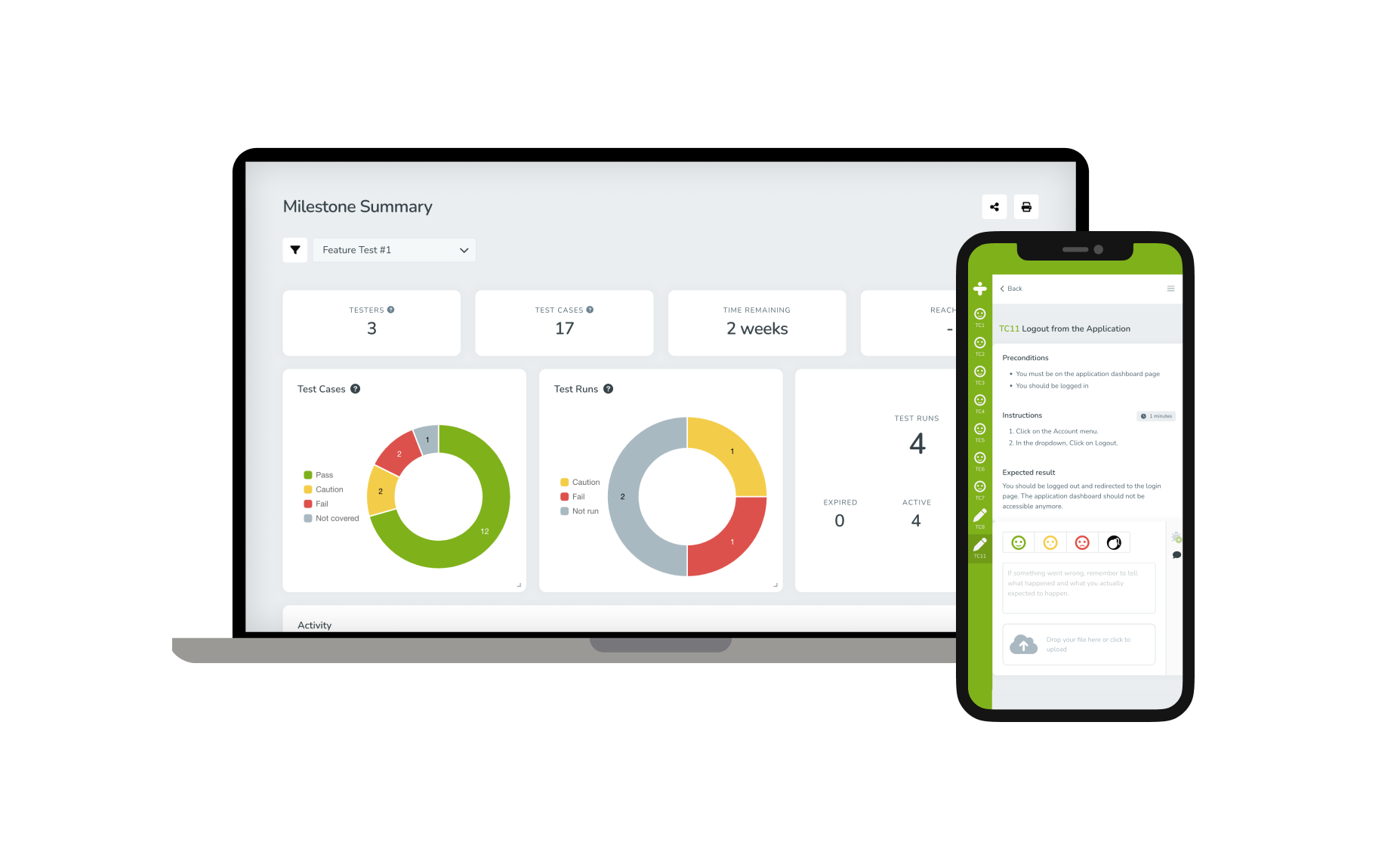
10 toolsList QA projects, extract test runs, read user assignments, and fetch tracked issues strictly from your AI chat.

Column
12 toolsEmpower your Agent to operate a chartered US bank. Create accounts, trigger wire transfers, and orchestrate paper payouts using natural text.
You might also like

Iterable
10 toolsManage cross-channel marketing campaigns, users, and templates via Iterable API.

Flexport
12 toolsManage global freight shipments, purchase orders, and logistics documents via AI agents with Flexport.

Twilio SendGrid
10 toolsEquip your AI agent with capabilities to natively dispatch HTML emails, prune suppression bounce lists, and manage marketing contacts via the SendGrid API.