
Alpic MCP Server
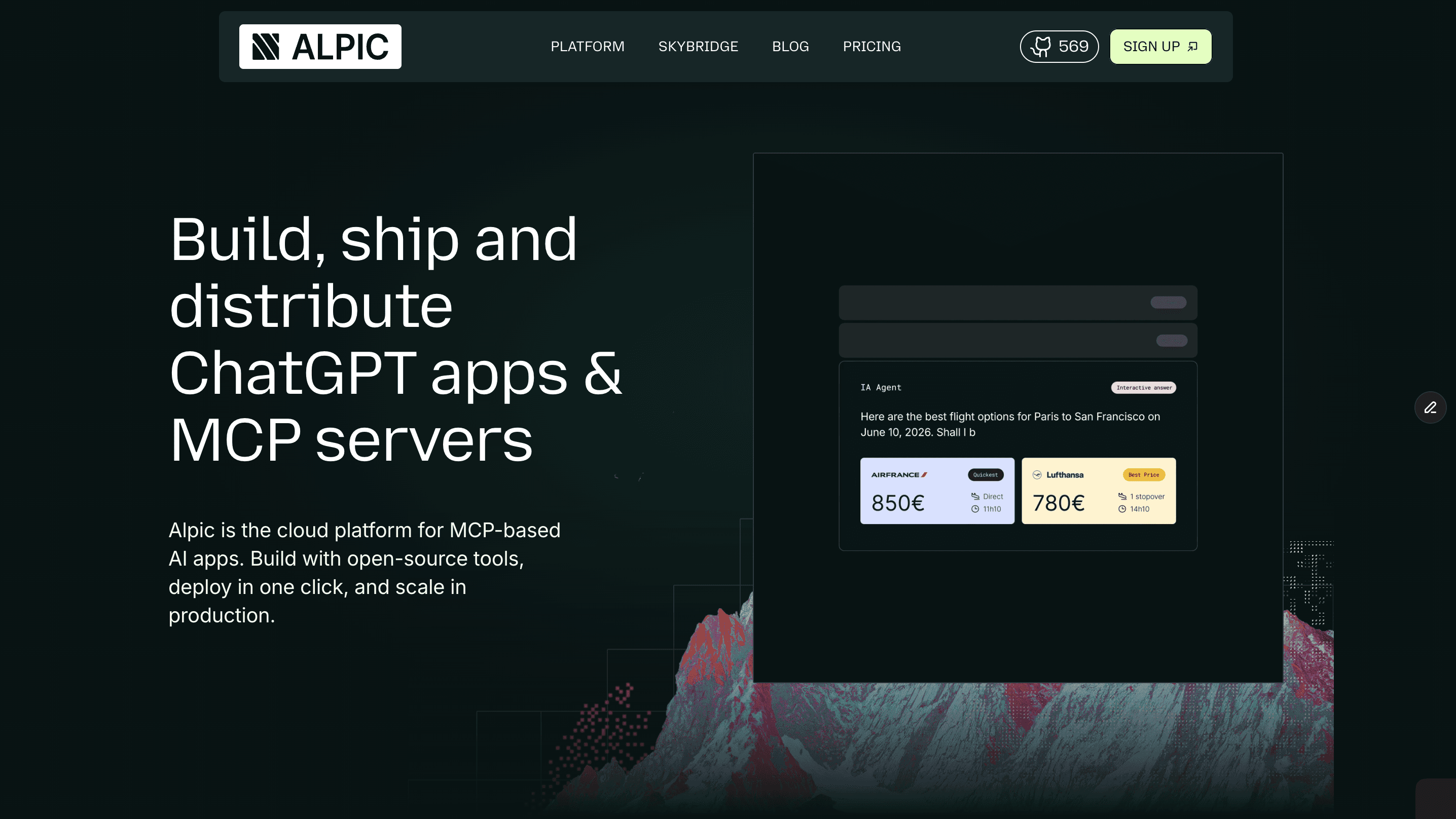
AI MCP infrastructure: deploy, manage, and monitor MCP servers programmatically via agents.
Vinkius AI Gateway soporta streamable HTTP y SSE.
Funciona con todos los agentes de IA que ya usas
…y cualquier cliente compatible con MCP









Alpic MCP Server: mira tu AI Agent en acción
Capacidades integradas (18)
add_variable
Use this to set API keys, database URLs, feature flags, or any configuration needed by your MCP server. Requires project ID, environment ID, variable key, and value. Variable values are stored securely. Add a new environment variable to an Alpic environment
create_environment
Requires environment name and project ID. Optionally set initial variables and configuration. Each environment gets a unique URL for MCP client connections. Returns the created environment details. Create a new deployment environment (dev, staging, prod) for an Alpic project
create_project
Requires project name and team ID. Optionally set description, repository URL, and initial configuration. Returns the created project details including the new project ID needed for subsequent operations. Create a new MCP server project in Alpic
delete_project
This action cannot be undone. Use with caution. Requires the project ID. Confirm with the user before proceeding. Delete an Alpic MCP server project
delete_variable
Use this to clean up unused configuration keys. Requires project ID, environment ID, and variable key. Delete an environment variable from an Alpic environment
deploy_environment
The deployment runs asynchronously. Returns the deployment ID which can be used with get_deployment to check status. Use this to push new MCP server versions to dev, staging, or production environments. Trigger a new deployment for a specific Alpic environment
get_deployment
Requires the deployment ID. Use this to check if a deployment succeeded, review deployment history, or debug failed deployments. Get detailed status and metadata for a specific Alpic deployment
get_deployment_logs
Useful for debugging failed deployments, understanding build output, or verifying successful startup of the MCP server. Requires project ID and environment ID. Get deployment logs for a specific Alpic environment
get_project
Requires the project ID from list_projects results. Use this to review project settings before making updates or triggering deployments. Get detailed information about a specific Alpic MCP server project
get_project_analytics
Requires the project ID. Use this to monitor MCP server health, identify performance trends, and troubleshoot issues. Get analytics and usage data for a specific Alpic project
get_server_info
Use this to verify which MCP tools are exposed and confirm the server is running correctly. Get server information and status for a specific Alpic project
get_tunnel_ticket
Returns the tunnel URL and ticket token. Use this during development to test your MCP server before deploying to a production environment. Get a tunnel ticket for local development and testing of an MCP server
list_environments
Each environment has its own URL, variables, and deployment status. Returns environment IDs, names, URLs, and current deployment state. Use this to identify which environment to deploy to or manage variables for. List all environments (dev, staging, prod) for a specific Alpic project
list_projects
Returns project IDs, names, descriptions, associated teams, deployment status, and environment counts. Use this to overview your entire MCP infrastructure before managing specific projects or triggering deployments. List all MCP server projects in your Alpic account
list_teams
Each team contains projects and environments for deploying MCP servers. Returns team IDs, names, and member counts. Use this first to identify which team to manage projects under. List all teams associated with your Alpic account
list_variables
Variable values are masked for security. Returns variable keys and metadata. Use this to audit environment configuration before deploying or adding new variables. List all environment variables configured for an Alpic environment
publish_to_registry
Requires project ID and optionally a server description and category. Use this to make your MCP server publicly available. Publish an MCP server to the official MCP registry via Alpic
update_project
Only pass the fields you want to change. Requires the project ID from list_projects results. Use this to rename projects, update descriptions, or point to a new repository branch. Update an existing Alpic MCP server project configuration
Lo que este conector desbloquea
What you can do
Connect AI agents to the Alpic platform for complete MCP server lifecycle management:
- List and manage teams with member access controls
- Create, update, and delete MCP server projects with git repository linking
- Deploy to multiple environments (dev, staging, production) with one command
- Monitor deployments with real-time status, logs, and analytics
- Manage environment variables securely for each deployment target
- View analytics including request counts, latency, error rates, and usage patterns
- Publish to the MCP registry to make your servers discoverable
- Create development tunnels for local testing before production deployment
How it works
1. Get your Alpic API token from team settings > API Keys
2. Ask your AI agent to deploy servers, check logs, manage variables, or view analytics
3. Natural language commands replace manual Alpic dashboard operations
4. Multi-environment deployments with isolated configurations per environment
Who is this for?
Essential for MCP server developers, DevOps engineers, platform teams, AI infrastructure managers, and SaaS companies deploying MCP servers. Let AI agents handle continuous deployments, environment variable management, deployment debugging, and infrastructure monitoring. Perfect for teams managing 5+ MCP server environments who want to eliminate manual deployment steps, accelerate iteration cycles, and enable AI-driven infrastructure operations.
Preguntas frecuentes
Dale a tus agentes de IA el poder de Alpic
Accede a Alpic y a más de 2.000 servidores MCP — listos para que tus agentes los usen, ahora mismo. Sin código pegamento. Sin integraciones personalizadas. Solo conecta el Vinkius AI Gateway y deja que tus agentes trabajen.
Más en esta categoría
Relevance AI
10 herramientasEquip your AI to trigger custom autonomous agents, execute chained prompts, and manage unstructured knowledge datasets directly within your Relevance AI studio.
Cognita (RAG Framework)
7 herramientasManage modular RAG via Cognita — list collections, ingest data sources, and perform AI-driven Q&A directly from any AI agent.

Comet ML
6 herramientasManage machine learning experiments via Comet — track model metrics, audit project workspaces, and inspect ML run parameters directly from any AI agent.
También podría gustarte
Sitecore
9 herramientasManage your Sitecore CMS via AI agents — create, search, and update content items, templates, layouts, and workflows directly from your chat.
CallPage
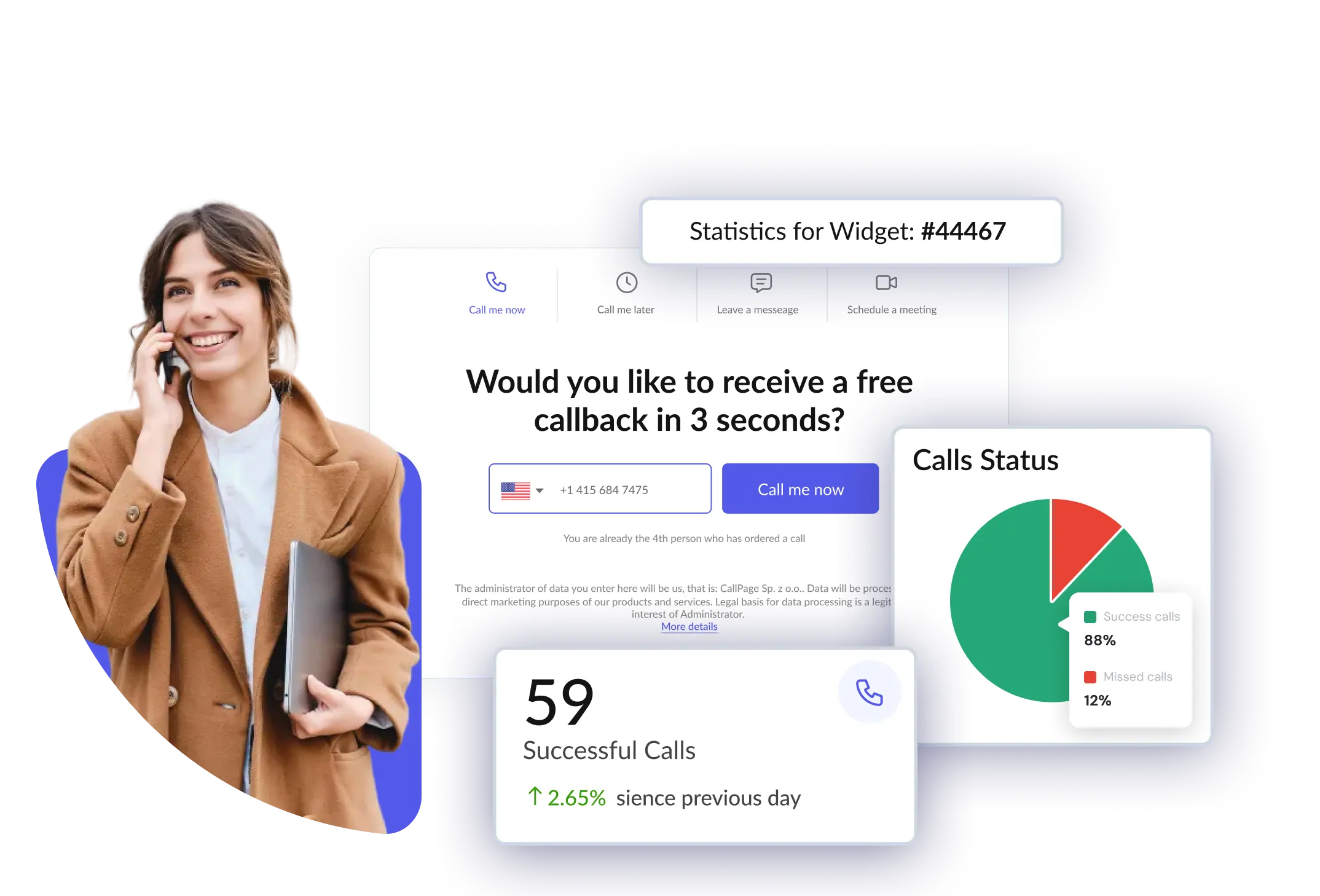
10 herramientasManage callbacks and leads via CallPage — track calls, manage widgets, and coordinate with your sales team directly from any AI agent.

Nabis
10 herramientasCannabis wholesale and distribution — manage orders, inventory, and retailers via Nabis.