
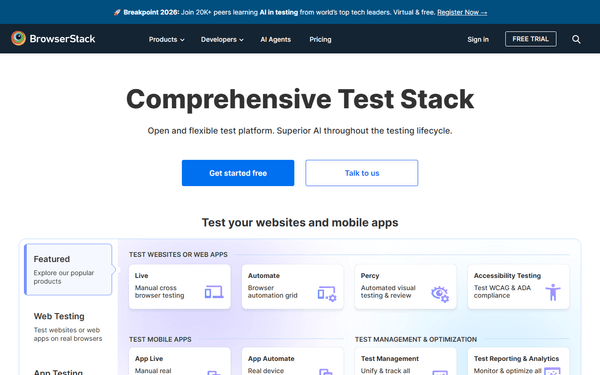
BrowserStack MCP Server
Automate testing via BrowserStack — manage projects, track test builds, fetch session logs, and monitor execution pipelines from any AI agent.
Vinkius AI Gateway soporta streamable HTTP y SSE.
Funciona con todos los agentes de IA que ya usas
…y cualquier cliente compatible con MCP









BrowserStack MCP Server: mira tu AI Agent en acción
Capacidades integradas (10)
delete_build
json`. Delete a BrowserStack build by ID
delete_session
json`. Delete a BrowserStack session by ID
get_build
json`. Returns session details, OS/browser combos, results, and logs. Get all sessions within a BrowserStack automation build
get_plan
json`, including parallel sessions allowed, team parallel sessions used, queued sessions, and plan name. Essential for managing execution concurrency. Get current BrowserStack plan details and parallel session usage
get_project
json`. This includes name, group ID, and recent builds associated with the project. Get full details of a BrowserStack project including linked builds
get_session
json`. Includes name, OS, browser, status, reason, duration, video URL, and log URLs. Get full details of a specific BrowserStack session
get_session_logs
Useful for debugging failed test steps. Get text execution logs of a BrowserStack session
list_browsers
json`. Returns OS names/versions, browser names/versions required for configuring automation desired capabilities. List all supported OS/browser combinations on BrowserStack
list_builds
json`. Returns build names, IDs, statuses (running/done/timeout/failed), durations, and session counts. Useful for tracking test suite execution. List recent builds on BrowserStack Automate
list_projects
json`. Returns project names, IDs, and build counts. Used to organize automation runs. List all projects on BrowserStack Automate
Lo que este conector desbloquea
Connect your BrowserStack Automate account to any AI agent and take full control of your automated cross-browser testing pipeline through natural conversation.
What you can do
- Project Management — List all test projects and drill down into specific project details
- Build Tracking — Surface your recent automation builds, their statuses (running, failed, passed), and duration
- Session Deep Dive — Retrieve the granular executions of a specific test session, including OS and browser stats
- Log Extraction — Automatically dump and analyze the raw Selenium/Appium logs of a failed session
- Quota & Plan — View your current plan's parallel session usage and testing queue length
- Environment Specs — List all supported OS/browser combinations required to configure your capabilities
How it works
1. Subscribe to this server
2. Enter your BrowserStack Username and Access Key
3. Start investigating your test suite directly from Claude, Cursor, or any MCP-compatible client
No more context switching to the BrowserStack dashboard just to figure out why a test timed out.
Who is this for?
- QA Engineers — fetch the exact log output of a failing session directly into your IDE for rapid debugging
- DevOps — check parallel session concurrency limits and clean up stuck execution sessions
- Software Developers — parse build results in natural language without opening the CI/CD test reports
- Test Automators — retrieve exact OS/browser configuration payload limits when updating test scripts
Preguntas frecuentes
Dale a tus agentes de IA el poder de BrowserStack
Accede a BrowserStack y a más de 2.000 servidores MCP — listos para que tus agentes los usen, ahora mismo. Sin código pegamento. Sin integraciones personalizadas. Solo conecta el Vinkius AI Gateway y deja que tus agentes trabajen.
Más en esta categoría

OpenSearch Vector
6 herramientasRun k-NN vector searches on OpenSearch — create indexes, upsert embeddings, query similar documents, and manage your vector store from any AI agent.
GitLab
12 herramientasManage projects, track issues, and oversee CI/CD pipelines via AI agents with GitLab.
Netlify
10 herramientasManage your Netlify sites and deployments via the Netlify API — list sites, trigger builds, and monitor forms directly from any AI agent.
También podría gustarte
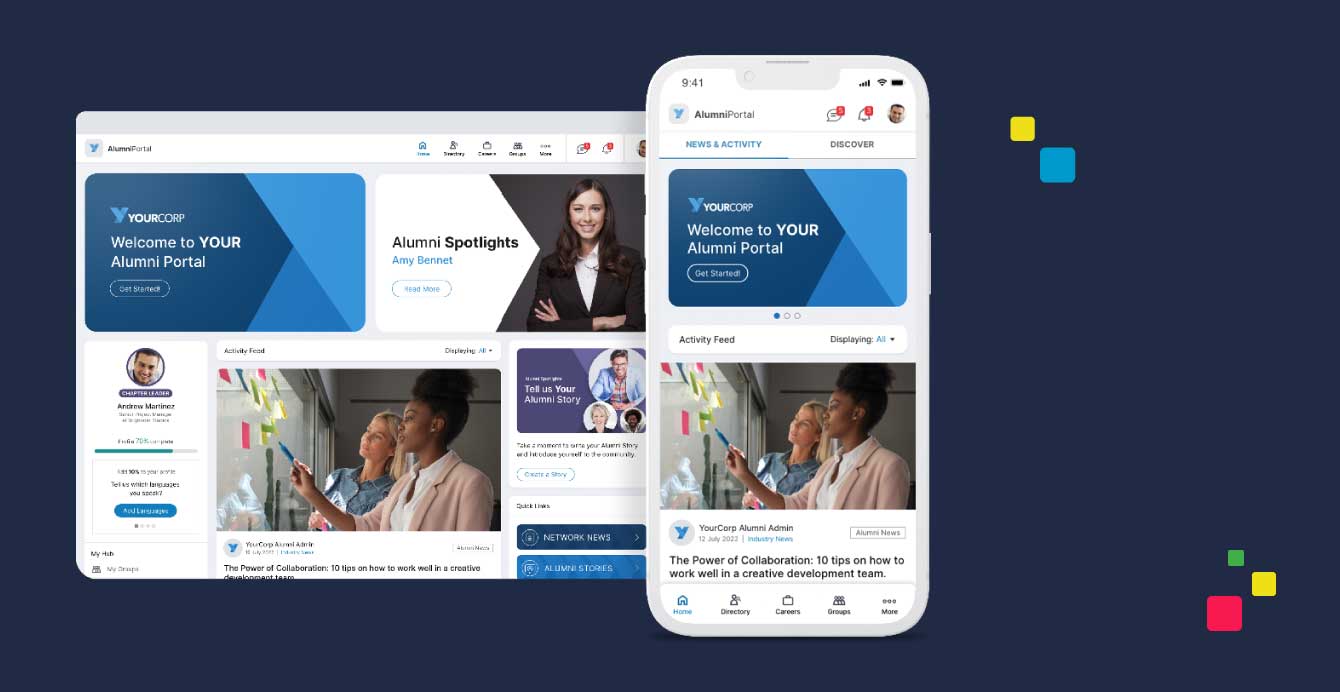
EnterpriseAlumni
10 herramientasEquip your AI agent to manage alumni networks, track engagement, and monitor member profiles via the EnterpriseAlumni API.
NiftyImages
10 herramientasManage personalized images and dynamic content via NiftyImages — track images, widgets, and countdown timers directly from your AI agent.

World Bank Countries
3 herramientasThe definitive geographic metadata API for resolving country ISO codes, geographic regions, and global income/lending classifications.