
Odoo HR MCP Server
Search employees, manage leaves, track attendance and expenses — Odoo HR through natural conversation.
Vinkius AI Gateway soporta streamable HTTP y SSE.

Funciona con todos los agentes de IA que ya usas
…y cualquier cliente compatible con MCP









Odoo MCP Server: mira tu AI Agent en acción
Capacidades integradas (9)
odoo_create_leave
leave record in "draft" state. Requires the employee ID (from odoo_search_employees), leave type ID (from odoo_list_leave_types), and date range in format "YYYY-MM-DD HH:MM:SS". The request goes through the standard approval workflow. Use when the user wants to request time off for an employee. Submit a leave request for an employee with specific leave type, start date, and end date
odoo_list_attendance
attendance records ordered by check-in time descending. Returns employee name, check-in timestamp, check-out timestamp (if clocked out), and total worked hours. Use when the user asks about who is currently working, attendance history, or daily hours tracking. List employee attendance records (check-in/check-out times and worked hours) from Odoo
odoo_list_departments
department records showing the organizational structure. Returns department name, department manager, parent department (for hierarchy), and total employee count. Use when the user asks about org structure, department headcounts, or management hierarchy. List all departments in Odoo HR with their managers, parent departments, and headcount
odoo_list_employees
employee records — the full employee directory. Returns name, department, job title, work email, and direct manager for each employee. Use for a headcount overview, department composition analysis, or when the user wants to browse the org chart. List all employees in the Odoo HR directory with departments, job titles, and contact information
odoo_list_expenses
expense records ordered by date. Returns expense description, employee, state (draft/reported/approved/done/refused), total amount, and date. Use when the user asks about pending expense reports, reimbursement requests, or wants to review recent employee expenses. List employee expense reports in Odoo with amounts, approval status, and submission dates
odoo_list_jobs
job records — the defined job positions in the organization. Returns job title, department, number of open recruitments, and recruitment state. Use when the user asks about open positions, hiring pipeline, or workforce planning. List open job positions and recruitment status in Odoo HR with department and vacancy count
odoo_list_leave_types
leave.type records — the categories of leave employees can request. Returns type name and configuration. Use to find the correct leave type ID before creating a leave request, or when the user asks what kinds of time off are available. List available leave types (Paid Time Off, Sick Leave, Unpaid, etc.) configured in Odoo HR
odoo_list_leaves
leave records ordered by date. Returns employee name, department, leave type (e.g., Paid Time Off, Sick Leave), state (draft/confirm/validate/refuse), number of days, and date range. Use when the user asks about upcoming absences, pending leave approvals, vacation schedules, or team availability. List leave requests (vacation, sick, personal days) in Odoo with approval status and duration
odoo_search_employees
employee records by name. Returns employee name, department, job title/position, work email, direct manager, and hire date. Use when the user wants to find a specific employee, look up their department or manager, or get contact details for an internal team member. Search employees in Odoo by name, returning their department, job title, email, and manager
Lo que este conector desbloquea
Connect Odoo ERP to any AI agent — manage your entire business without switching tabs.
What you can do
- CRM — Search and create leads, track opportunities through your pipeline
- Contacts — Find individual contacts and companies, create new partners
- Sales — List and manage sales orders with full order details
- Notes — Add comments and notes to any record in your Odoo instance
Who is this for?
- Sales Teams — CRM pipeline at your fingertips through AI
- Account Managers — Quick access to contact and company information
- Operations — Monitor sales orders without switching screens
- Odoo Administrators — Query any module through natural conversation
Preguntas frecuentes
Dale a tus agentes de IA el poder de Odoo
Accede a Odoo y a más de 2.000 servidores MCP — listos para que tus agentes los usen, ahora mismo. Sin código pegamento. Sin integraciones personalizadas. Solo conecta el Vinkius AI Gateway y deja que tus agentes trabajen.
Más en esta categoría
Eurostat Demographics — EU Population & Labor
6 herramientasEU demographics and labor market: population by age and sex, monthly unemployment rates, employment data, immigration by citizenship, life expectancy, and minimum wages for all 27 EU member states.

Cloud Assess
8 herramientasManage vocational training and assessments via Cloud Assess — track students, monitor enrolments, and audit assessment records directly from any AI agent.
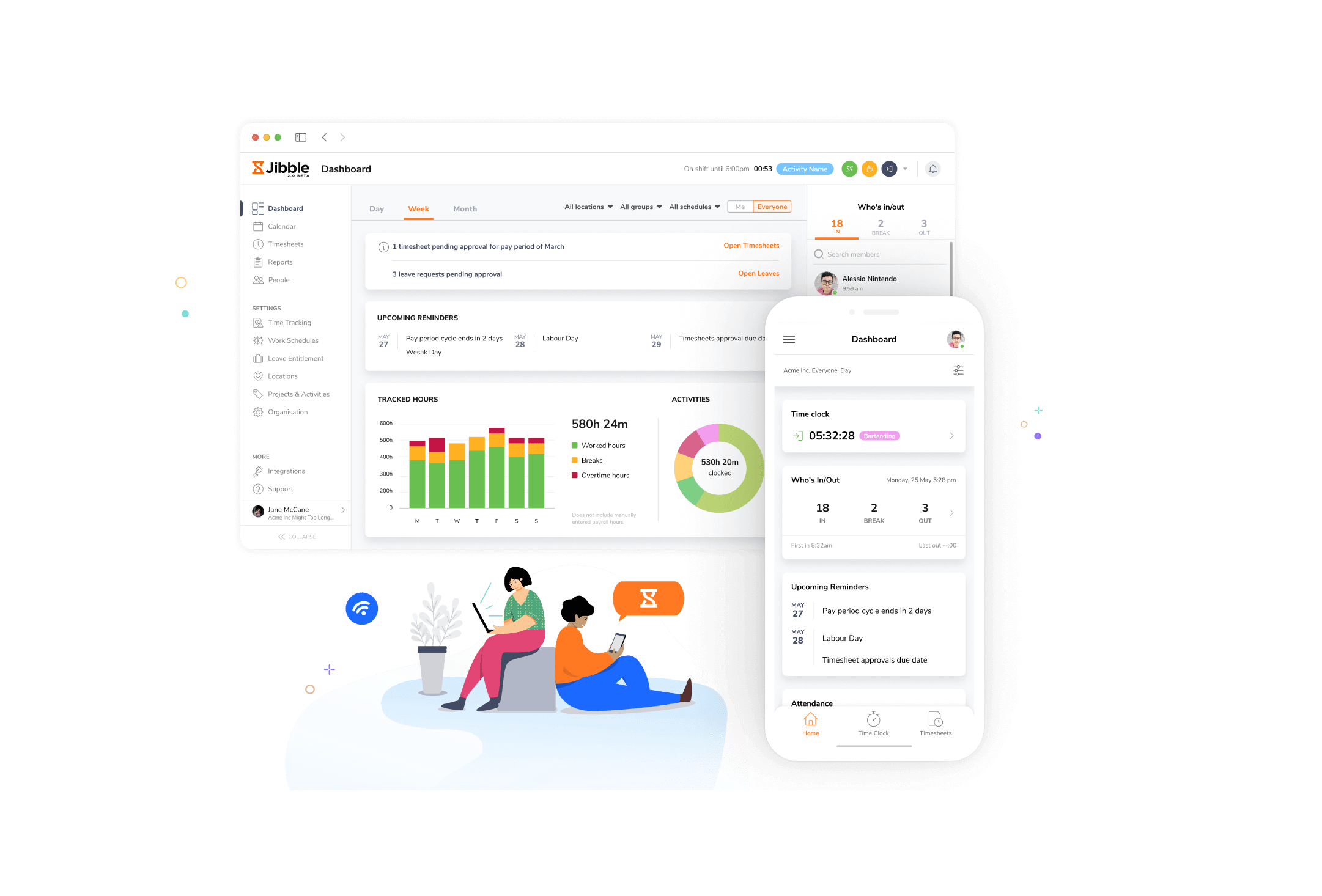
Jibble
10 herramientasTrack time, attendance, and projects via Jibble API.
También podría gustarte
Metatext
10 herramientasNo-code NLP and AI model management via Metatext — run inference and manage datasets.

Google Forms
2 herramientasAnalyze datasets actively — list active Google Forms, query exact responses, and fetch metadata programmatically.

New Relic AI (LLM Observability)
10 herramientasMonitor and audit LLM telemetry via New Relic AI — track token costs, p95 latency, and user feedback.