
Pipedrive Activities MCP Server
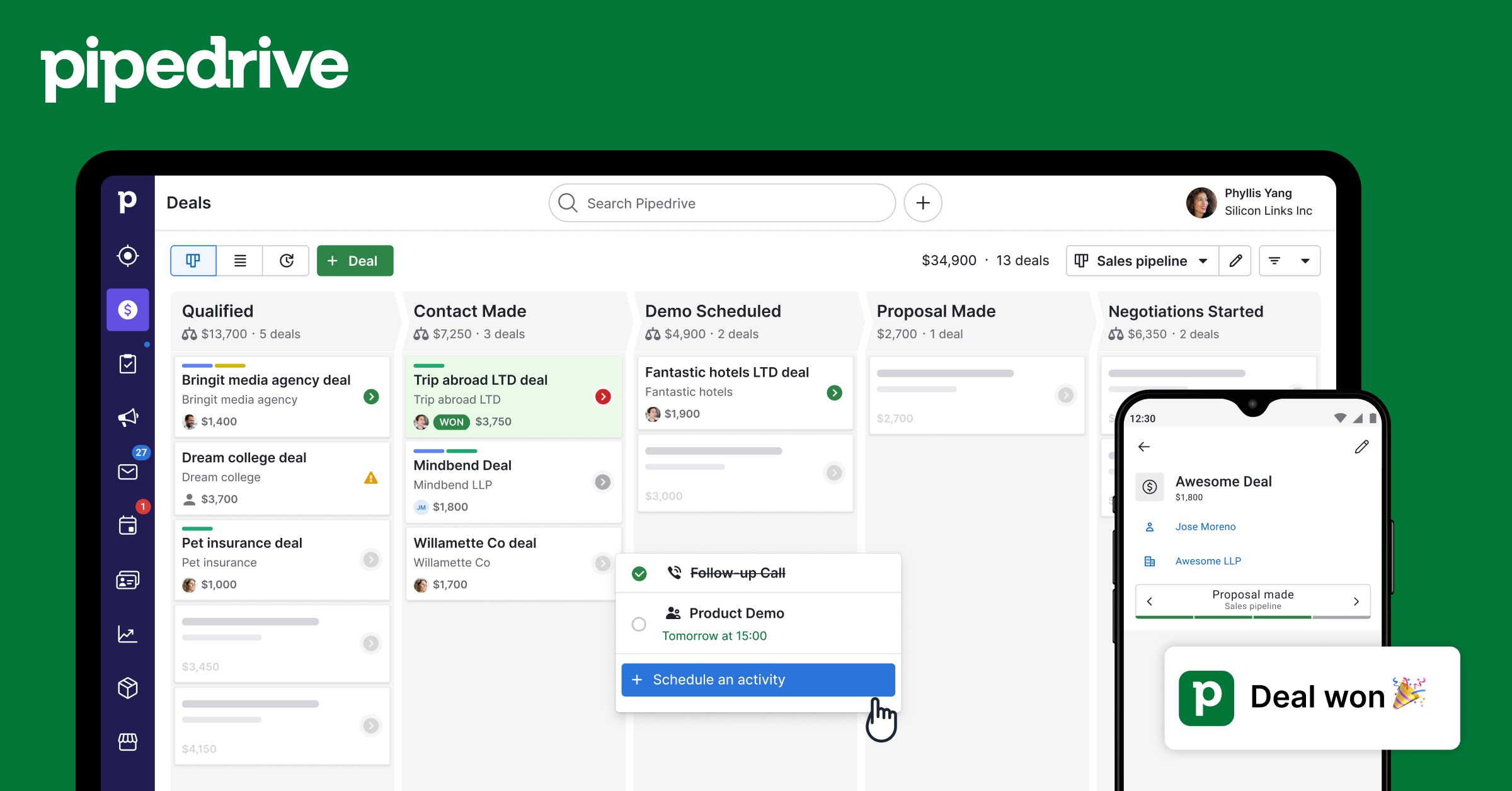
Create and manage calls, meetings, tasks, emails, and deadlines — full activity tracking for your Pipedrive account.
Vinkius AI Gateway soporta streamable HTTP y SSE.
Funciona con todos los agentes de IA que ya usas
…y cualquier cliente compatible con MCP









Pipedrive MCP Server: mira tu AI Agent en acción
Capacidades integradas (8)
pd_activity_types
Default types: call, meeting, task, deadline, email, lunch. Teams can add custom types. Use to discover available activity types before creating activities, especially in accounts with custom configurations. List all activity types configured in Pipedrive — both default types (call, meeting) and custom types defined by the team
pd_create_activity
Subject and type are required. Type must be: call, meeting, email, task, lunch, or deadline (use pd_activity_types to see custom types). Set due_date (YYYY-MM-DD), due_time (HH:MM), and duration (HH:MM). Link to deals, persons, or orgs. Activities appear in the Pipedrive calendar and task queue for the assigned user. Schedule a sales activity in Pipedrive — a call, meeting, email follow-up, task, lunch, or deadline linked to deals or contacts
pd_deal_activities
Returns all scheduled, pending, and completed activities for that deal. Use when the user asks "what activities are on this deal?", "when is the next meeting for this deal?", or needs to review the engagement history of an opportunity. Get all activities (calls, meetings, tasks) linked to a specific deal for a complete activity history
pd_delete_activity
Consider marking as done (pd_mark_activity_done) instead to preserve history. Use only when the user explicitly wants to remove an activity from the record. Permanently delete a Pipedrive activity — this removes it from history and cannot be undone
pd_get_activity
Returns subject, type, dates/times, duration, notes, linked deal/person/org, and completion status. Use after listing activities to drill into a specific item. Get complete details of a specific Pipedrive activity by ID including notes, duration, and linked records
pd_list_activities
Returns subject, type (call/meeting/email/task/lunch/deadline), due date and time, whether it is done, and linked deal/person/org. Filter by done status: "true" for completed, "false" for pending/upcoming. Use when the user asks about tasks to do, scheduled meetings, overdue items, or recent sales activity. List Pipedrive activities (calls, meetings, tasks, emails) with due dates, types, and completion status
pd_mark_activity_done
The activity remains in history but is no longer in the pending/overdue queue. Use when the user says they completed a call, finished a meeting, or done with a task. Mark a Pipedrive activity as completed — removes it from the pending task queue and logs it as done
pd_update_activity
Only specified fields change. Use to reschedule (change due_date), rename (change subject), or reclassify (change type). Does not mark as done — use pd_mark_activity_done for that. Update an existing Pipedrive activity — reschedule, rename, or change type
Lo que este conector desbloquea
Connect Pipedrive CRM to any AI agent — manage your entire sales pipeline without switching tabs.
What you can do
- Deals — Search, create, and update deals with pipeline tracking
- Contacts — Find and create persons with email, phone, and organization
- Organizations — Search companies linked to deals and contacts
- Activities — Create calls, meetings, tasks, and emails
- Notes — Attach notes to deals, persons, or organizations
- Pipelines — View all pipeline stages and deal flow
Who is this for?
- Sales Reps — Manage your pipeline without leaving your AI assistant
- SDRs — Quickly create leads, contacts, and activities
- Sales Managers — Pipeline overview and deal insights through conversation
- RevOps — Full CRM visibility and reporting
Preguntas frecuentes
Dale a tus agentes de IA el poder de Pipedrive
Accede a Pipedrive y a más de 2.000 servidores MCP — listos para que tus agentes los usen, ahora mismo. Sin código pegamento. Sin integraciones personalizadas. Solo conecta el Vinkius AI Gateway y deja que tus agentes trabajen.
Más en esta categoría
Pipedrive Deals
12 herramientasDeep deal management — search, create, update, delete deals with pipeline tracking, timeline analysis, and participant management.
Pipedrive CRM (Full)
11 herramientasManage deals, contacts, organizations, activities, notes, and pipelines — complete Pipedrive CRM access through natural conversation.
Pipedrive Mail
4 herramientasBrowse email threads, read messages, and view deal-linked emails — manage your Pipedrive mail integration through conversation.
También podría gustarte

Finch
11 herramientasConnect Finch to automate HRIS and Payroll integration — list employees, retrieve employment data, and manage pay statements directly from your AI agent.
SEC EDGAR Filings — 10-K, 10-Q, 8-K, Insider Trades & Full-Text Search
6 herramientasAccess all SEC filings: 10-K annual reports, 10-Q quarterly reports, 8-K material event disclosures, Form 4 insider trading data, and full-text search across every document ever filed on EDGAR. Filter by company, form type, and date range.

Zenkit
8 herramientasManage workspaces, lists, and entries via the Zenkit API.