
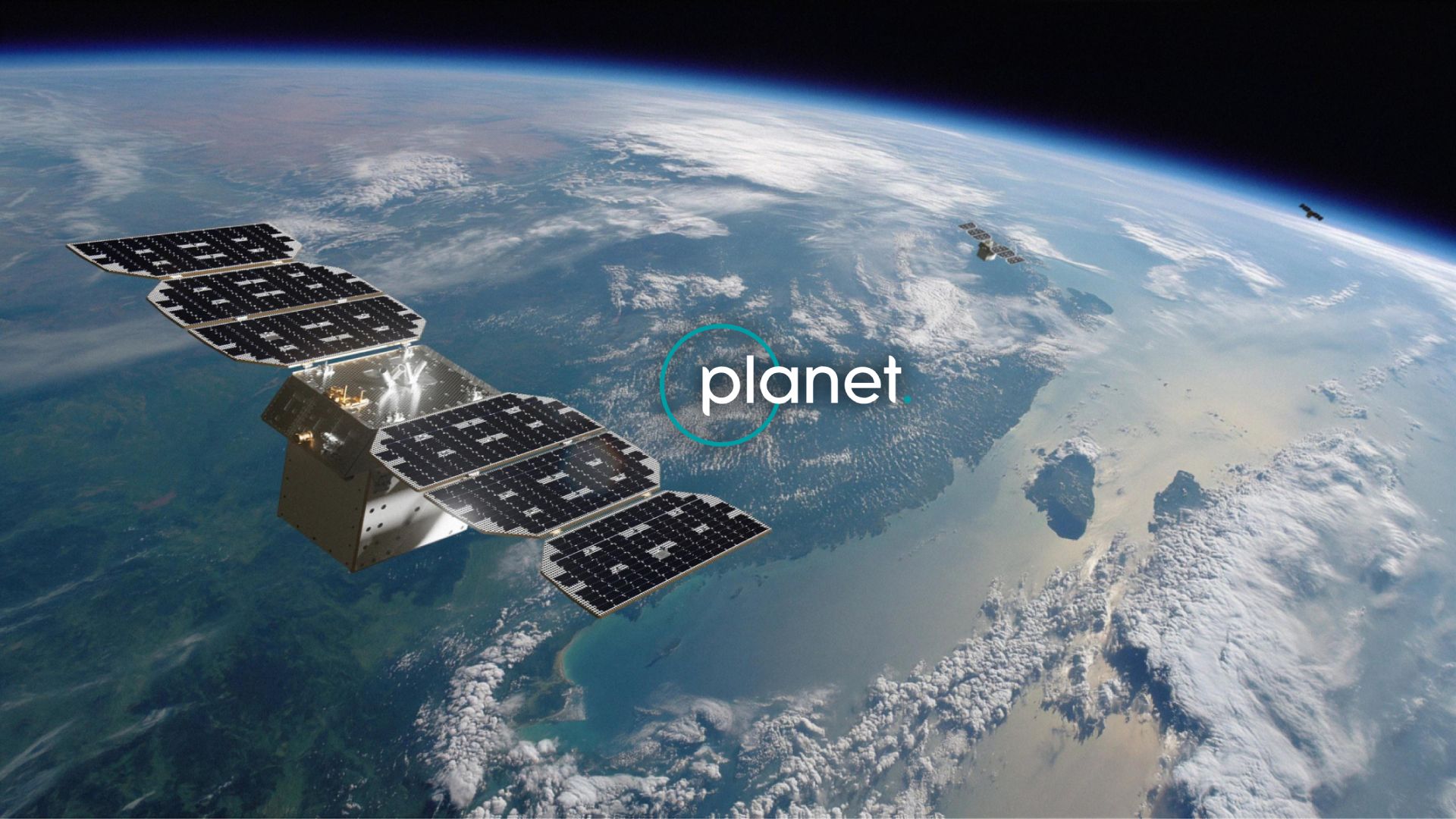
Planet Labs MCP Server
Access daily satellite imagery via Planet Labs — search PSScene, SkySat, and RapidEye imagery, filter by cloud cover, and set up automated imagery delivery from any AI agent.
Vinkius AI Gateway soporta streamable HTTP y SSE.
Funciona con todos los agentes de IA que ya usas
…y cualquier cliente compatible con MCP









Planet Labs MCP Server: mira tu AI Agent en acción
Capacidades integradas (12)
create_saved_search
Accepts the same filter parameters as quick_search including geometry, date range, cloud cover, and item types. Returns a search ID that can be used with get_search_results to execute the search on demand. Essential for automated monitoring, change detection workflows, and recurring imagery retrieval. AI agents should use this when users ask "set up a search for new imagery over my field every week", "create a saved search for cloud-free images", or need to establish recurring imagery monitoring for a specific area. Create a saved search for continuous imagery monitoring
create_subscription
Accepts geometry, date range, cloud cover filters, item types, and delivery destination (cloud storage or webhook). Returns the created subscription with ID and status. Essential for setting up automated monitoring, establishing continuous data feeds for change detection, and ensuring regular imagery delivery for operational workflows. AI agents should use this when users ask "set up daily imagery delivery for my farm", "create a subscription for cloud-free images over this area", or need to establish automated imagery delivery for monitoring applications. Create a new subscription for continuous automated imagery delivery
get_cloud_coverage
Returns clear percentage, cloud percentage, and status information. Essential for quality assessment before downloading imagery, filtering cloudy images from analysis workflows, and ensuring usable imagery for visual interpretation. AI agents should use this when users ask "how cloudy is this image", "what percentage of this scene is clear", or need to assess imagery quality before committing to download. Estimate cloud coverage and clear area percentage for a specific imagery item
get_item_assets
Each asset includes download URLs, file sizes, and permissions. Essential for selecting the appropriate data product for analysis, downloading imagery for GIS processing, and understanding available data products. AI agents should use this when users ask "what assets are available for this image", "get download URLs for analytic imagery", or need to select specific asset types (visual for display, analytic for analysis) for download. List all available asset types (visual, analytic, UDM) for a specific imagery item
get_item_details
Essential for evaluating image quality before download, understanding acquisition conditions, and preparing orders for specific imagery. AI agents should reference this when users ask "show me details for this image", "what is the cloud cover and acquisition time for item X", or need to evaluate imagery quality before downloading. Get detailed metadata for a specific satellite imagery item
get_search_results
Supports pagination (page, page_size) and sorting (acquired asc/desc, published asc/desc). Returns imagery items with acquisition dates, cloud cover, geometry, and available asset types. Essential for retrieving results from pre-configured monitoring searches and executing recurring imagery queries. AI agents should use this when users ask "run my Weekly Farm Monitoring search", "get results from saved search X", or need to execute a saved search and retrieve the latest imagery results. Execute a saved search and retrieve imagery results
get_search_statistics
Essential for understanding imagery availability patterns, planning data collection schedules, and assessing temporal coverage for change detection analysis. AI agents should use this when users ask "how many images are available per month for my area", "show me imagery availability statistics", or need to understand temporal patterns of satellite coverage before setting up monitoring. Get statistical histograms of available imagery for an area and time period
list_asset_types
Returns asset type IDs, display names, and descriptions. Essential for selecting the appropriate data product for specific use cases (visual for visualization, analytic for NDVI calculation, UDM for quality filtering). AI agents should reference this when users ask "what asset types can I download", "difference between analytic and visual assets", or need to understand available data products for analysis. List all available asset types (visual, analytic, UDM, etc.) and their properties
list_item_types
Returns item type IDs, display names, and supported asset types for each. Essential for understanding available imagery sources, selecting appropriate resolution and coverage for analysis, and planning data acquisition strategies. AI agents should use this when users ask "what satellite imagery types are available", "compare PSScene vs SkySat resolution", or need to understand the full catalog of Planet imagery options. List all available satellite imagery item types and their supported assets
list_saved_searches
Returns search names, IDs, filter criteria, item types, and creation dates. Essential for managing monitoring workflows, reviewing existing search configurations, and selecting searches for execution. AI agents should reference this when users ask "show me all my saved searches", "list my monitoring configurations", or need to review existing saved searches before executing them. List all saved searches in your Planet account
list_subscriptions
Returns subscription names, IDs, filter criteria, delivery destinations, and status. Essential for monitoring automated imagery delivery, reviewing subscription configurations, and managing continuous data feeds. AI agents should reference this when users ask "show me all my subscriptions", "list automated imagery deliveries", or need to review existing subscription configurations. List all active imagery subscriptions for continuous cloud delivery
quick_search
Supports item types including PSScene (PlanetScope, 3-5m resolution, daily global coverage), SkySat (sub-meter resolution, high-detail), RapidEye (5m resolution, historical archive), Landsat 8/9 (30m resolution, USGS), and Sentinel-2 (10m resolution, ESA). Returns imagery items with acquisition dates, cloud cover percentages, sun elevation, instrument mode, geometry, and available asset types. Essential for satellite imagery discovery, change detection analysis, disaster monitoring, and agricultural assessment. AI agents should use this when users ask "find cloud-free imagery over this area from last month", "search for PSScene images of my farm", or need to discover available satellite imagery for a specific location and time period. Geometry must be provided as GeoJSON (Point, Polygon, or MultiPolygon). Date filtering uses the acquired property in ISO 8601 format. Cloud cover and sun elevation are filtered using the filter object with range operators. Search for satellite imagery from Planet Labs with geometry, date, and cloud cover filters
Lo que este conector desbloquea
Connect your Planet Labs API to any AI agent and take full control of daily satellite imagery search, discovery, automated delivery, and imagery analysis through natural conversation.
What you can do
- Quick Search — Search for satellite imagery with geometry, date range, cloud cover, and sun elevation filters
- Saved Searches — Create and manage saved searches for recurring imagery monitoring workflows
- Search Results — Execute saved searches with pagination and sorting to retrieve imagery results
- Search Statistics — Get histograms of imagery availability by time interval for planning analysis
- Item Details — View detailed metadata for specific imagery items including acquisition conditions
- Asset Discovery — List all available asset types (visual, analytic, UDM2) for each imagery item
- Item Types — Browse all available satellite imagery types (PSScene, SkySat, RapidEye, Landsat, Sentinel-2)
- Asset Types — Understand available data products (true-color, surface reflectance, uncertainty masks)
- Cloud Coverage — Estimate clear area percentage before downloading imagery for quality assessment
- Subscriptions — List and create automated subscriptions for continuous cloud delivery of imagery
- Multi-Satellite Access — Search across PlanetScope (3-5m), SkySat (sub-meter), RapidEye (5m), Landsat (30m), and Sentinel-2 (10m)
- Global Daily Coverage — Access daily imagery of Earth landmass with 200+ PlanetScope satellites
How it works
1. Subscribe to this server
2. Enter your Planet API key (from My Settings in your Planet account)
3. Start searching satellite imagery from Claude, Cursor, or any MCP-compatible client
No more manual satellite catalog browsing or complex GIS workflows. Your AI acts as a dedicated satellite imagery analyst and data acquisition assistant.
Who is this for?
- Agriculture Teams — monitor crop health with daily cloud-free imagery and NDVI analysis
- Environmental Scientists — track deforestation, wetland changes, and habitat loss over time
- Disponse Response Teams — rapidly acquire pre and post-event imagery for damage assessment
- GIS Professionals — discover, evaluate, and download satellite imagery for mapping projects
Preguntas frecuentes
Dale a tus agentes de IA el poder de Planet Labs
Accede a Planet Labs y a más de 2.000 servidores MCP — listos para que tus agentes los usen, ahora mismo. Sin código pegamento. Sin integraciones personalizadas. Solo conecta el Vinkius AI Gateway y deja que tus agentes trabajen.
Más en esta categoría
Ambee Soil
5 herramientasAccess real-time soil data via Ambee — monitor soil moisture, temperature, and properties globally for precision agriculture from any AI agent.

NOAA Full — Ultimate Weather & Climate Intelligence
36 herramientasThe definitive NOAA Mega-Server: 36 tools spanning weather forecasts, severe alerts, current observations, aviation METARs/TAFs, marine tides and currents, space weather aurora and solar wind, and decades of historical climate records — all from 5 official NOAA APIs.

Farmonaut
12 herramientasAccess satellite agriculture data via Farmonaut — monitor crop health with NDVI, weather, soil moisture, crop advisory, and deforestation alerts from any AI agent.
También podría gustarte
CBRE Econometric Advisors (EA)
8 herramientasAccess global real estate market data via CBRE EA — track rents, vacancy rates, and market forecasts directly from any AI agent.
Umami Cloud
4 herramientasPrivacy-focused web analytics alternative to Google Analytics.

Google Cloud Storage
12 herramientasManage your GCS buckets and objects — list files, upload data, and audit permissions via AI.