
Render MCP Server
Equip your AI to orchestrate cloud infrastructure, manage service deployments, and execute scaling operations natively on your Render platform.
Vinkius AI Gateway soporta streamable HTTP y SSE.

Funciona con todos los agentes de IA que ya usas
…y cualquier cliente compatible con MCP









Render MCP Server: mira tu AI Agent en acción
Capacidades integradas (10)
create_service
Specify type, name, owner, and repository. Creates a new Render service from a GitHub repository
delete_service
This action is irreversible. Permanently deletes a Render service
get_deploy
Retrieves details for a specific deployment
get_service
Retrieves details for a specific Render service
list_deploys
Lists recent deployments for a service
list_services
Lists all services (web apps, databases, cron jobs) in the Render account
resume_service
Resumes a previously suspended service
suspend_service
Suspends a service to stop execution and billing
trigger_deploy
Triggers a manual deployment for a service
update_service_branch
Updates the tracked GitHub branch for a service
Lo que este conector desbloquea
Connect your AI assistant directly to your Render cloud infrastructure via their official capabilities API. By granting your agent access to your hosting environments, you transform standard chat text into a powerful DevOps control center. Command deployments, scale back background workers to save costs, and instantiate brand-new services linked directly from your GitHub repositories without ever opening the Render dashboard.
What you can do
- Control Services & Spend — Retrieve status checks on all active web endpoints, databases, and cron jobs (
list_services). Instantly pause compute on unused projects usingsuspend_serviceand wake them back up later withresume_serviceto manage hosting costs. - Trigger & Monitor Deployments — Inspect the deployment history for a specific application (
list_deploys). Noticed a hotfix on GitHub? Tell your AI to forcefully restart the build pipeline executingtrigger_deploywhile optionally clearing the build cache. - Architect Environments — Direct the agent to dynamically provision fresh infrastructure (
create_service) pointing to a specific GitHub repository branch. Or easily swap which branch an existing project trails usingupdate_service_branch. - Clean Up Infrastructure — Quickly tear down obsolete staging instances permanently by instructing the AI via natural language to purge unwanted resources (
delete_service).
How it works
1. Install the Render platform extension module in your MCP.
2. Obtain your personal Render API Key from your Render Account Settings under the API Keys section. Insert it securely into the connection configuration below.
3. Chat with your AI using natural DevOps phrasing like: "List my web services, then suspend the one named 'old-staging-app'."
Who is this for?
- DevOps & Infrastructure Engineers — Control routing, execute cache-cleared deployments, or suspend costly non-production workers directly from your command prompt logic.
- Backend Developers — Quickly spin up private services or background workers for new architectures by just typing a repo link in your chat window.
- Startups & Indie Hackers — Save time managing platform UI. Just ask your AI companion to identify, suspend, and analyze your app deployments natively in seconds.
Preguntas frecuentes
Dale a tus agentes de IA el poder de Render
Accede a Render y a más de 2.000 servidores MCP — listos para que tus agentes los usen, ahora mismo. Sin código pegamento. Sin integraciones personalizadas. Solo conecta el Vinkius AI Gateway y deja que tus agentes trabajen.
Más en esta categoría
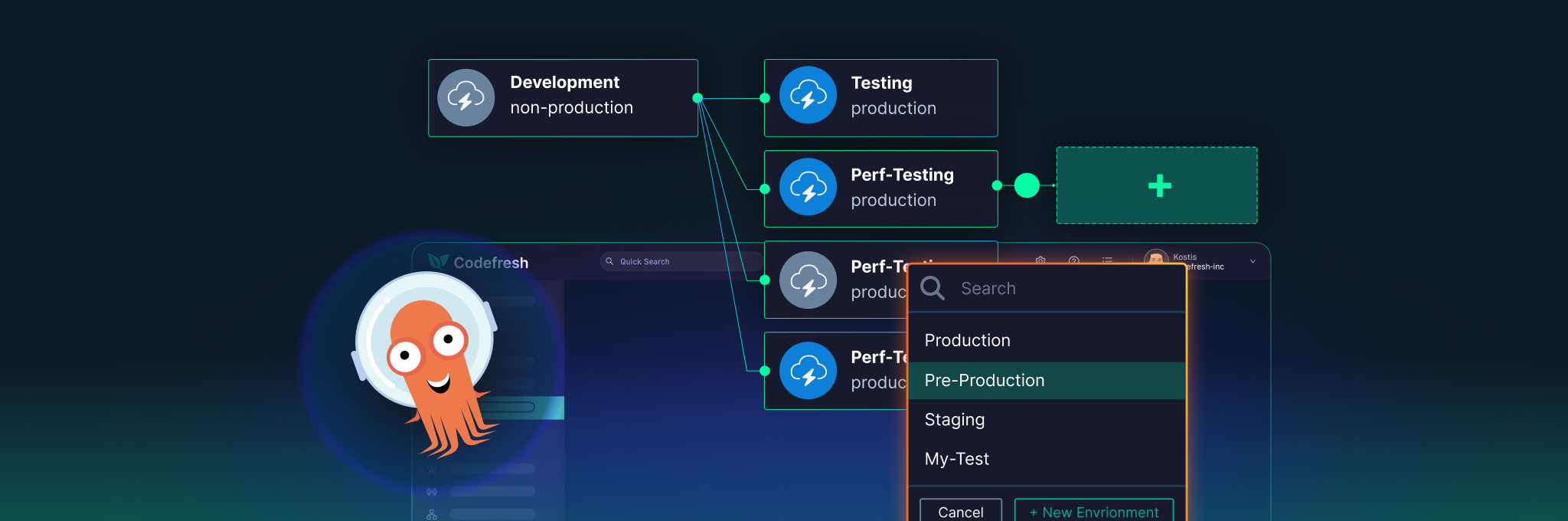
Codefresh
8 herramientasManage CI/CD and GitOps via Codefresh — track pipelines, trigger builds, and monitor delivery clusters directly from any AI agent.

Concord (Workflow Orchestration)
10 herramientasEnable your AI agent to manage CI/CD processes, inspect execution logs, and list organizations in your self-hosted Concord instance.

Linear (Issue Tracking & PM)
8 herramientasManage product development via Linear — track issues, monitor sprint cycles, and audit team projects.
También podría gustarte
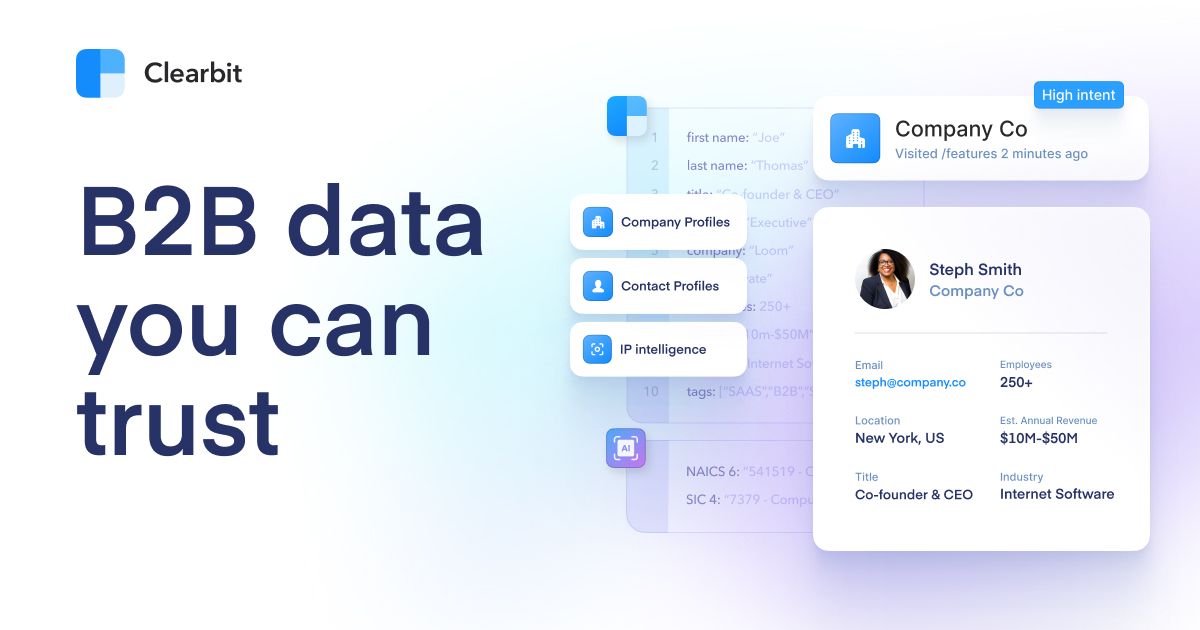
Clearbit (HubSpot)
8 herramientasEnrich person and company data via Clearbit — track leads, monitor firmographics, and audit B2B intelligence directly from any AI agent.
OpenRouteService
10 herramientasPlan routes and analyze spatial data via OpenRouteService — calculate directions, isochrones, distance matrices, VRP optimization, and geocoding from any AI agent.
Anura
1 herramientasAd fraud detection MCP server. Validate visitors in real-time and manage fraud reports via Anura.io.