
Retool MCP Server
Connect your AI assistant to Retool to inspect applications, audit users, review connected resources, and monitor workflows directly from chat.
Vinkius AI Gateway soporta streamable HTTP y SSE.

Funciona con todos los agentes de IA que ya usas
…y cualquier cliente compatible con MCP









Retool API MCP Server: mira tu AI Agent en acción
Capacidades integradas (7)
get_app
Retrieves details for a specific Retool application
list_apps
Lists all applications in the Retool organization
list_folders
Lists all folders in the Retool workspace
list_groups
Lists all permission groups
list_resources
Lists all data resources configured in Retool
list_users
Lists all users in the Retool organization
list_workflows
Lists all Retool Workflows
Lo que este conector desbloquea
Connect your conversational assistant directly to the Retool ecosystem. This integration enables your AI to explore the organizational structure of your internal tools, auditing who has access to what, and reviewing which databases are connected.
What you can do
- Audit Applications — Ask your assistant to scan your Retool workspace (
list_apps) and drill down into the configuration of specific tools (get_app). Observe how tools are organized by requesting a view of the folder hierarchy (list_folders). - Manage Permissions & Users — Review the active members of your Retool organization (
list_users) and understand their access levels by listing the existing permission groups (list_groups). - Review DevOps & Infrastructure — Command the AI to inspect which data sources or APIs are wired into your operational stack (
list_resources), and list any active background automation tasks (list_workflows).
How it works
1. Install the Retool extension module in your MCP environment.
2. Obtain your Retool Access Token and your Retool Domain from your network settings. Enter them securely below.
3. Converse naturally: "List all our active Retool users and tell me if we have any database resources connected."
Who is this for?
- IT Administrators — Run quick audits of internal user privileges and database connections without diving into several clicks in the Retool dashboard.
- Engineering Leads — Monitor the landscape of internal tools and workflows directly while chatting about operations.
- Data Teams — Quickly verify if the relevant PostgreSQL database has been integrated to Retool for team usage.
Preguntas frecuentes
Dale a tus agentes de IA el poder de Retool API
Accede a Retool API y a más de 2.000 servidores MCP — listos para que tus agentes los usen, ahora mismo. Sin código pegamento. Sin integraciones personalizadas. Solo conecta el Vinkius AI Gateway y deja que tus agentes trabajen.
Más en esta categoría
ArcGIS
10 herramientasAutomate mapping and spatial analysis via ArcGIS — perform geocoding, route solving, vehicle routing, and calculate origin-destination matrices from any AI agent.

Paperspace
6 herramientasProvision and track powerful GPU workloads via Paperspace — list compute instances, fetch active deployments, trace team projects, and query Gradient environments via AI.
OpenAI
10 herramientasUse GPT-4o, DALL-E 3, embeddings, fine-tuning, and moderation as tools inside your AI agent workflows.
También podría gustarte
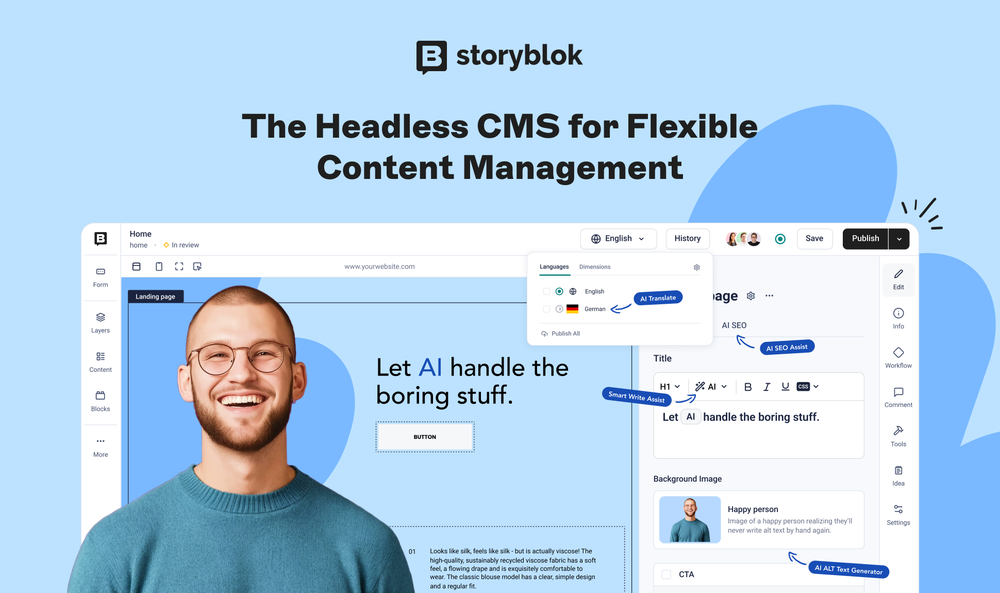
Storyblok
9 herramientasConnect your AI to Storyblok. Manage content spaces, craft data stories, and orchestrate headless CMS elements effortlessly.

Sift (Chargeback)
8 herramientasManage fraud prevention and chargebacks via Sift — track user scores, report disputes, and apply decisions directly from any AI agent.
myDevices
8 herramientasIoT device management — monitor telemetry and control assets via myDevices Cayenne.