
Rocket.Chat MCP Server
Connect your AI assistant to Rocket.Chat to seamlessly send messages, explore channels, manage directories, and orchestrate chat operations directly.
Vinkius AI Gateway soporta streamable HTTP y SSE.
Funciona con todos los agentes de IA que ya usas
…y cualquier cliente compatible con MCP









Rocket.Chat MCP Server: mira tu AI Agent en acción
Capacidades integradas (10)
chat_delete_message
You must provide both room ID and message ID. Deletes a message from a room
chat_post_message
Sends a message to a channel or user by name
chat_send_message
Sends a message to a specific room by ID
chat_update_message
Updates the text of an existing message
get_channel_info
Retrieves details for a specific channel
get_user_info
Retrieves detailed information for a specific user
list_direct_messages
Lists all active direct message rooms
list_private_groups
Lists all private groups (channels) the user is a member of
list_public_channels
Lists all public channels in the workspace
list_users
Lists all users in the workspace directory
Lo que este conector desbloquea
Connect your conversational assistant directly to Rocket.Chat, the open-source team communication platform. This integration transforms your AI into an active participant capable of chatting, sending notifications to channels, identifying active users, and auditing chat room data organically within your workspace.
What you can do
- Communicate Actively — Instruct your assistant to post messages into public channels or private direct messages (
chat_post_message,chat_send_message). Need to fix a typo? The AI can seamlessly edit (chat_update_message) or delete previous messages (chat_delete_message). - Explore Channels & Groups — Give your assistant vision over public discussions (
list_public_channels) or private channels you belong to (list_private_groups). You can then extract deep information about specific rooms usingget_channel_info. - Audit Users in the Network — Scan the entire user directory (
list_users) to locate team members and review their roles and connection status directly (get_user_info).
How it works
1. Install this module in your MCP connectivity environment.
2. Visit your Rocket.Chat profile's 'Personal Access Tokens' panel online to configure and generate an Auth Token.
3. Securely enter your Rocket.Chat URL, your associated Rocket.Chat User ID, and the Auth Token in the form below.
4. Interact naturally with your AI: "Send a welcome message to #general thanking the new members, and then list all of my active direct messages."
Who is this for?
- Team Leaders — Orchestrate team-wide announcements asynchronously or ask the AI to summarize active channels without navigating through clunky chat apps.
- Support Staff — Instantly ping specific users or lookup a colleague's profile and roles using natural language.
- Operations & IT — Empower your conversational agent to act as a responsive chatbot directly inside Rocket.Chat, running commands and pushing logs directly to specific channels.
Preguntas frecuentes
Dale a tus agentes de IA el poder de Rocket.Chat
Accede a Rocket.Chat y a más de 2.000 servidores MCP — listos para que tus agentes los usen, ahora mismo. Sin código pegamento. Sin integraciones personalizadas. Solo conecta el Vinkius AI Gateway y deja que tus agentes trabajen.
Más en esta categoría
Gmail
12 herramientasManage your inbox from AI — read, search, organize, and reply to emails across your Gmail efficiently.
Vonage
10 herramientasSend SMS, WhatsApp, and Viber messages, and manage virtual numbers and 2FA via Vonage communications platform.

Gupshup Messaging
6 herramientasSend WhatsApp messages, templates, media, and reactions via Gupshup API.
También podría gustarte
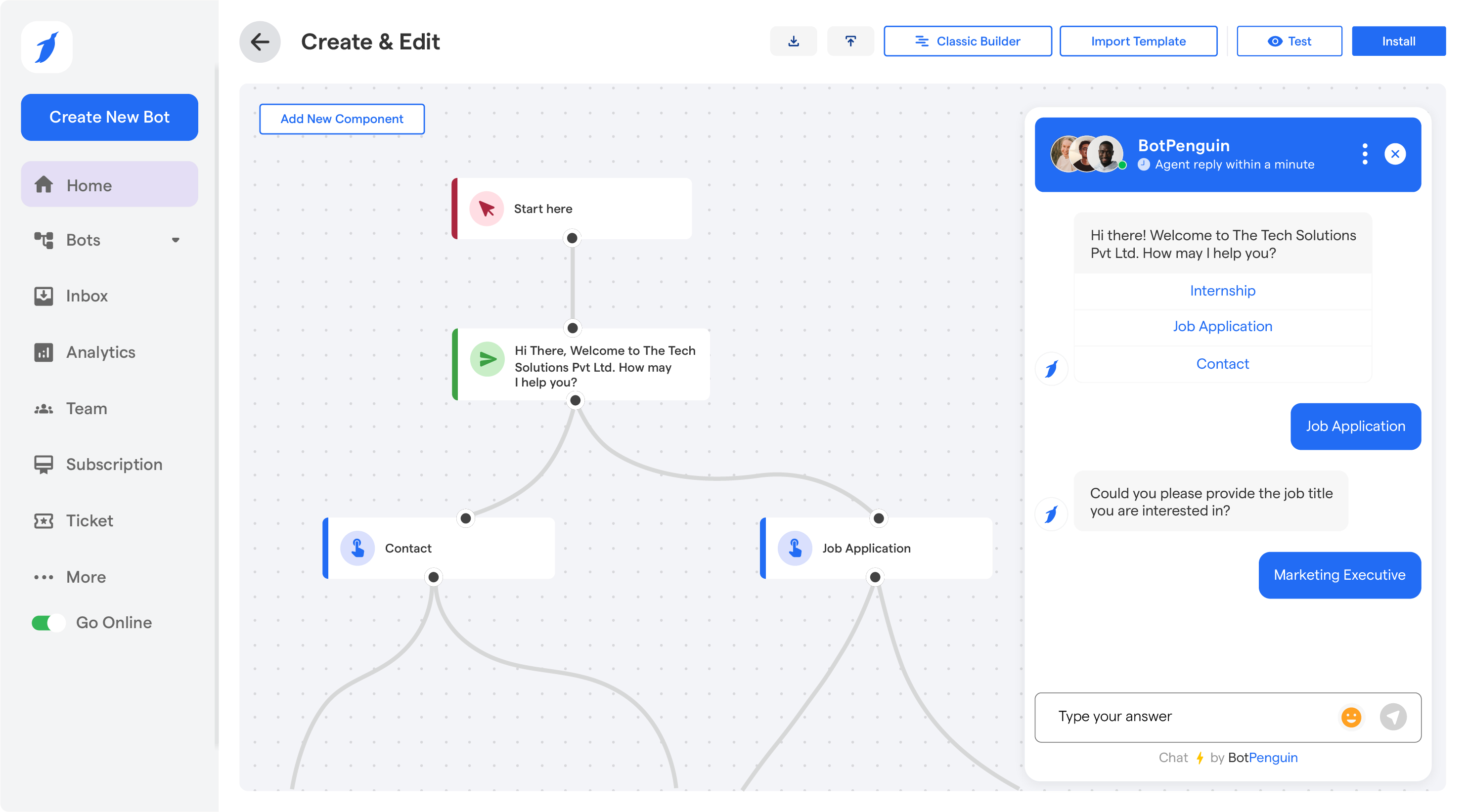
BotPenguin
8 herramientasManage your chatbots and live chat via BotPenguin — list contacts, orchestrate chats, and send messages directly from any AI agent.

JumpCloud
10 herramientasManage users, systems, and directories via JumpCloud API.
Eden AI
10 herramientasEquip your AI agent to manage unified AI workflows, track providers, and monitor API usage via the Eden AI platform.