
Strava Planning MCP Server
Plan routes, export GPX/TCX, create activities, manage gear, and star segments on Strava.
Vinkius AI Gateway soporta streamable HTTP y SSE.
Funciona con todos los agentes de IA que ya usas
…y cualquier cliente compatible con MCP









Strava Planning MCP Server: mira tu AI Agent en acción
Capacidades integradas (14)
create_activity
Required: name (activity name), type (activity type like "Run", "Ride", "Swim", "Walk", "Hike"), startDate (ISO 8601 format), elapsedTime (seconds). Optional: description, distance (meters). Use this to log activities recorded outside of Strava (gym workouts, yoga, cross-training, etc.). Activity types must match Strava's valid types list. Create a manual activity in Strava
export_route_gpx
GPX files can be downloaded and loaded onto GPS devices (Garmin, Wahoo, etc.) for navigation. The routeId is from Strava route URLs. Use this to export routes to your GPS device for guided training. Get the GPX export URL for a Strava route
export_route_tcx
TCX files include route data with additional training metadata. Compatible with Garmin Training Center and other fitness platforms. Use this to export routes with training metadata. Get the TCX export URL for a Strava route
get_athlete
Use this to review personal profile details, check equipment assignments, or verify account settings. Get the authenticated athlete's profile information
get_athlete_zones
Required for zone-based training analysis. Use this to review training zones, ensure zones are correctly set, or use zone data for activity analysis. Get the athlete's custom heart rate and power zones
get_gear
The gearId is found in activity data or athlete profile. Use this to check equipment mileage for maintenance planning or to analyze performance with specific gear. Get details about a piece of equipment (bike, shoes) tracked in Strava
get_route
The routeId is found in Strava route URLs. Use this to review route characteristics before training or to plan similar routes. Get detailed information about a specific Strava route
get_route_streams
The "types" parameter is comma-separated: "latlng", "altitude", "distance". Use this to preview a route's elevation profile, understand the terrain, or export GPS data for navigation. Get elevation and GPS data streams for a Strava route
get_upload_status
Status values: "Your activity is ready" (success), "Your activity is still processing" (wait and retry), or error messages. The uploadId is returned by upload_activity. Poll this endpoint every 5-10 seconds after upload until ready. Check the status of a Strava activity upload
list_routes
Each route includes: name, distance, elevation gain, type (ride/run), description, and whether it's private. Use this to review saved routes, plan upcoming workouts, or export route data for GPS devices. List all routes created by the authenticated athlete
star_segment
Set starred=true to favorite, starred=false to unfavorite. The segmentId is from Strava segment URLs. Use this to manage your favorite segments for quick access and training focus. Star (favorite) or unstar a Strava segment
update_activity
The activityId is the numeric ID. Updatable fields: name, description, sport_type, gear_id (to assign equipment), commute (mark as commute: "true"/"false"), trainer (mark as indoor: "true"/"false"). Use this to correct activity details, assign gear, or add descriptions after the fact. Update an existing Strava activity
update_athlete
Currently only "weight" (in kg) is supported by the API. Accurate weight is important for power-to-weight ratio calculations and performance analysis. Use this when your weight changes to keep performance metrics accurate. Update the authenticated athlete's profile information
upload_activity
Supported data_type: "fit", "fit.gz", "tcx", "tcx.gz", "gpx", "gpx.gz". Returns an upload ID to check status with get_upload_status. Note: Actual file upload requires multipart/form-data with the file content. This endpoint initiates the process. Check upload status periodically — processing takes 10-60 seconds. Upload an activity file (FIT, TCX, GPX) to Strava for processing
Lo que este conector desbloquea
Connect Strava Planning to any AI agent and manage your training logistics — route creation, GPX/TCX export, manual activity logging, gear tracking, segment favoriting, and profile management.
What you can do
- Route Management — List, view, and analyze all your saved routes with distance, elevation, and descriptions
- Route Streams — Get GPS coordinates, elevation profiles, and distance data for any route
- Route Export — Export routes to GPX and TCX formats for GPS devices (Garmin, Wahoo, etc.)
- Manual Activity Creation — Log activities not recorded by Strava (gym, yoga, cross-training) with full details
- Activity Updates — Edit activity names, descriptions, assign gear, mark commutes or indoor sessions
- File Uploads — Upload FIT, TCX, or GPX files for processing by Strava with status tracking
- Segment Management — Star (favorite) or unstar segments for quick training access
- Athlete Profile — View and update your profile information including weight for accurate power-to-weight ratios
- Athlete Zones — Review your heart rate and power zone configurations
- Gear Details — Track equipment mileage, models, and primary gear assignments
How it works
1. Subscribe to this server 2. Enter your Strava Access Token (OAuth2) 3. Start planning routes and managing training data from Claude, Cursor, or any MCP-compatible clientWho is this for?
- Route Planners — create, review, and export training routes to GPS devices for guided workouts
- Multi-Sport Athletes — log non-GPS activities (gym, pool, yoga) alongside Strava-tracked workouts
- Equipment Managers — track bike and shoe mileage for maintenance planning and rotation
- Data Exporters — export route data in GPX/TCX formats for use with other platforms and devices
Preguntas frecuentes
Dale a tus agentes de IA el poder de Strava Planning
Accede a Strava Planning y a más de 2.000 servidores MCP — listos para que tus agentes los usen, ahora mismo. Sin código pegamento. Sin integraciones personalizadas. Solo conecta el Vinkius AI Gateway y deja que tus agentes trabajen.
Más en esta categoría
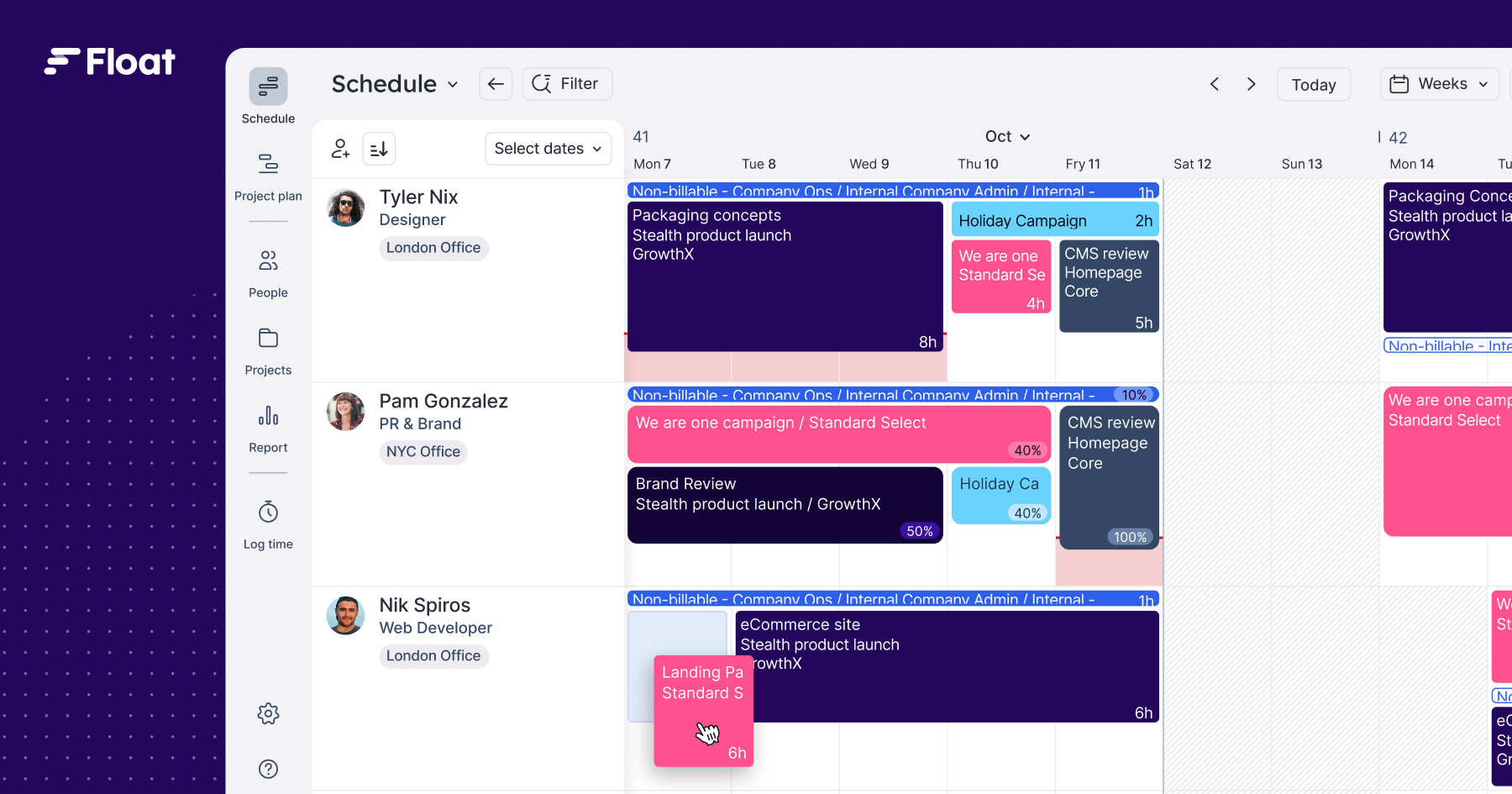
Float
12 herramientasManage team scheduling, project allocations, and time off via AI agents with Float.

Fulcrum
10 herramientasManage field data collection, track form records, and query datasets via AI agents with Fulcrum.

IgnitePOST
10 herramientasManage hand-written note orders and outreach campaigns via IgnitePOST API.
También podría gustarte
Zapier Smart Home
12 herramientasControl smart home devices via natural language through Zapier NLA API — access 5000+ app integrations for home automation.

Givebutter
12 herramientasManage fundraising campaigns, track donations, and oversee donors via AI agents with Givebutter.
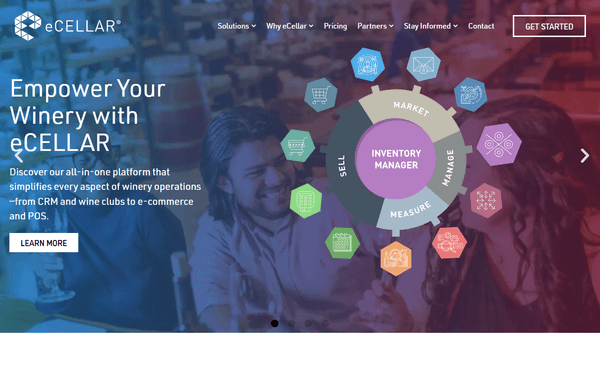
eCellar
10 herramientasManage premium winery customers, orders, wine clubs, products, reservations, and inventory for your eCellar DTC platform through natural conversation.