
Zoho CRM Activities MCP Server
Create and manage tasks, calls, events, and notes — full activity tracking for your Zoho CRM.
Vinkius AI Gateway soporta streamable HTTP y SSE.
Funciona con todos los agentes de IA que ya usas
…y cualquier cliente compatible con MCP









Zoho CRM MCP Server: mira tu AI Agent en acción
Capacidades integradas (8)
zoho_create_call
Subject is required. Call_Type: Outbound or Inbound. Call_Purpose describes the reason (Prospecting, Follow-up, Demo, etc.). Call_Start_Time uses ISO format. Use to log completed calls or schedule upcoming ones. Log a call in Zoho CRM with subject, type (Inbound/Outbound), purpose, and start time for activity tracking
zoho_create_event
Event_Title, Start_DateTime, and End_DateTime are required (ISO format). Events appear in the Zoho CRM calendar and can be linked to contacts, leads, and deals. Use to schedule meetings, demos, or any time-bound activity. Create a calendar event in Zoho CRM with title, start/end times, and description for meetings and appointments
zoho_create_task
Subject is required. Status: Not Started, Deferred, In Progress, Completed, Waiting on someone else. Priority: High, Highest, Normal, Low, Lowest. Due_Date uses YYYY-MM-DD. Use for scheduling follow-ups, assigning action items, or creating reminders. Create a task in Zoho CRM with subject, due date, priority, and status for sales and support follow-ups
zoho_list_calls
Returns call subject, type (Inbound/Outbound), call result/disposition, duration, and linked contact/lead. Use when the user asks about call activity, wants to review call history, or needs to audit sales call volume. List call logs in Zoho CRM with subject, call type (Inbound/Outbound), result, duration, and linked contacts
zoho_list_events
Returns event title, start and end DateTime, location, and linked records. Events represent meetings, demos, webinars, and other calendar-based activities. Use when the user asks about scheduled meetings, upcoming events, or calendar review. List calendar events in Zoho CRM with title, start/end dates, location, and linked contacts
zoho_list_notes
Requires module (Leads, Contacts, Deals, Accounts) and recordId. Returns note title, content, and creation date. Use when the user asks "what notes are on this contact?" or wants to review the activity history of a record. List notes attached to a specific Zoho CRM record — see the activity log and history for any contact, deal, or account
zoho_list_tasks
Returns task subject, due date, status, priority, and linked record. Tasks are action items assigned to CRM users — follow-up calls, document preparation, or approval steps. Use when the user asks about pending work, due dates, or task status. List Zoho CRM tasks with subject, due date, status (Not Started/In Progress/Completed), and priority (High/Normal/Low)
zoho_update_task
Only specified fields change. Common operations: set Status to "Completed" when done, change Priority for escalation, push Due_Date when rescheduling. Update an existing Zoho CRM task — change status, priority, due date, or subject to reflect progress
Lo que este conector desbloquea
Connect Zoho CRM to any AI agent — manage your entire CRM without switching tabs.
What you can do
- Leads — Search and create leads with source and status tracking
- Contacts — Find and create contacts linked to accounts
- Accounts — Search companies and organizations
- Deals — Search, create, and track deals through pipeline stages
- Notes — Create notes attached to any CRM record
- Generic List — Query any Zoho CRM module directly
Who is this for?
- Sales Reps — CRM at your fingertips through AI
- BDRs — Quickly qualify and create leads
- Sales Managers — Pipeline visibility and deal insights
- Support Teams — Access contact and account data seamlessly
Preguntas frecuentes
Dale a tus agentes de IA el poder de Zoho CRM
Accede a Zoho CRM y a más de 2.000 servidores MCP — listos para que tus agentes los usen, ahora mismo. Sin código pegamento. Sin integraciones personalizadas. Solo conecta el Vinkius AI Gateway y deja que tus agentes trabajen.
Más en esta categoría
Avalara (AvaTax)
10 herramientasAutomate tax calculation and compliance with Avalara AvaTax — calculate rates and resolve addresses via AI.
Google Business Profile
12 herramientasManage your local business presence — track reviews, posts, and customer Q&A via AI.
.&logoUrl=https%3A%2F%2Ffiles.readme.io%2F47390bd59964307d1c3b59a8b4502f367f251b4747df65c2afc1d0cf9258ec4b-small-sp-api-logo.png&color=%23232f3b&variant=light)
Amazon Selling Partner
10 herramientasE-commerce and marketplace orchestration — manage orders, FBA inventory, and catalogs via AI.
También podría gustarte

Zendesk QA (Klaus)
7 herramientasExport QA reviews, search conversations, and import ticket data via the Klaus (Zendesk QA) API.

HubSpot Sales Hub
9 herramientasManage deals, pipelines, products, quotes, and meetings in your HubSpot Sales Hub through natural conversation.
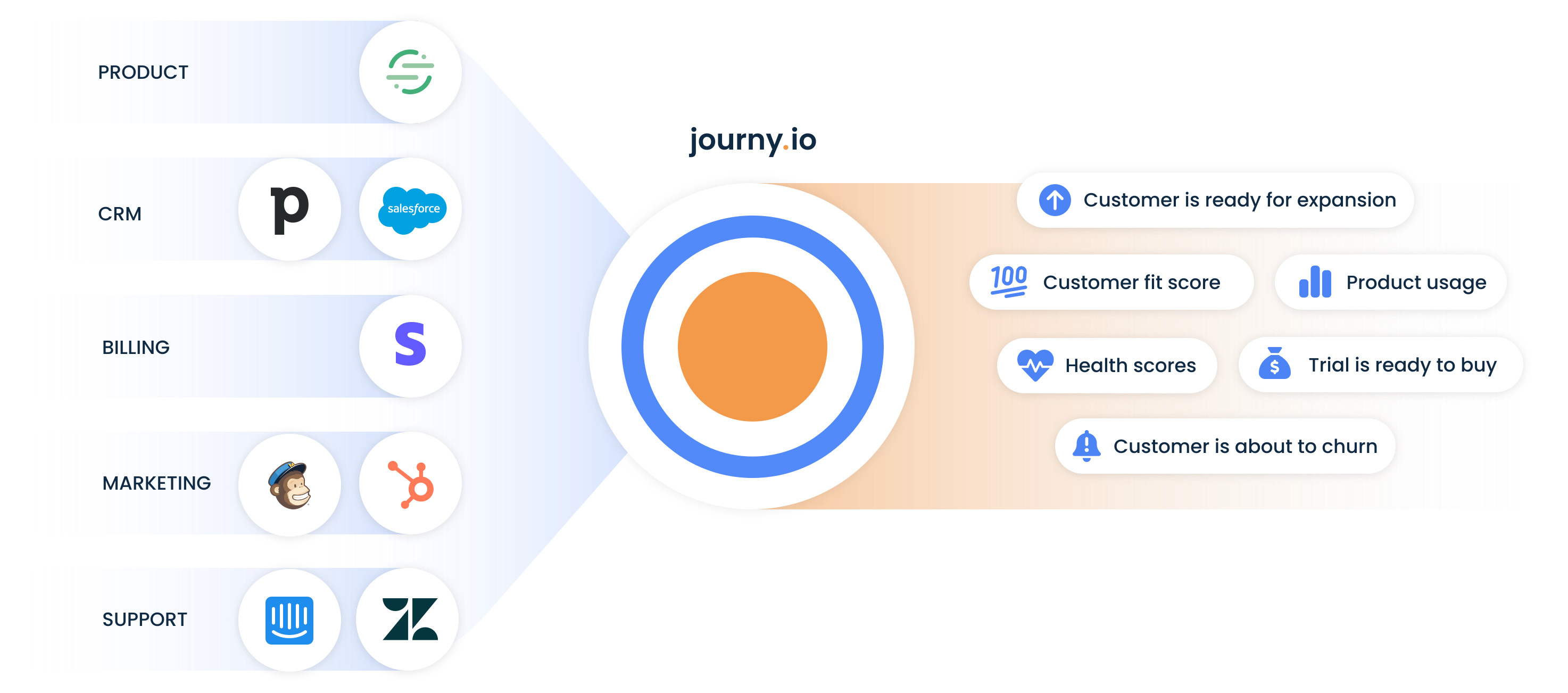
journy.io
10 herramientasManage SaaS growth, users, and accounts via journy.io API.