
Zoho CRM Service MCP Server
Manage support cases and knowledge base solutions — customer service operations through Zoho CRM.
Vinkius AI Gateway soporta streamable HTTP y SSE.

Funciona con todos los agentes de IA que ya usas
…y cualquier cliente compatible con MCP









Zoho CRM MCP Server: mira tu AI Agent en acción
Capacidades integradas (7)
zoho_create_case
Subject is required. Status: New, Assigned, On Hold, Closed. Priority: High, Medium, Low. Case_Origin: Phone, Email, Web, Chat, Forum, Twitter. Case_Reason: Installation, Performance, Feature Request, etc. Use when logging a new customer issue or support request. Create a new support case in Zoho CRM with subject, priority, origin channel, reason, and description
zoho_create_solution
Solution_Title, Question, and Answer are required. Status: Draft, Reviewed, Published. Published solutions are accessible in the self-service knowledge base. Use when the user wants to document a new solution, answer a FAQ, or create a reference article. Create a new knowledge base article in Zoho CRM with title, question, answer, and publish status
zoho_list_cases
Returns case subject, status (New/Assigned/Closed), priority (High/Medium/Low), case origin (Phone/Email/Web/Chat), case reason, and owner. Cases track customer support issues. Use when the user asks about open support cases, case workload, or support queue status. List support cases in Zoho CRM with subject, status, priority, origin channel, and assigned owner
zoho_list_solutions
Solutions are knowledge base articles with a Question and Answer format. Returns title, status (Draft/Reviewed/Published), and content. Use when the user asks about existing KB articles, wants to find documented solutions, or needs to audit the knowledge base. List knowledge base solutions/articles in Zoho CRM with title, question, status, and review information
zoho_search_cases
Returns matching cases with subject, status, priority, origin, and owner. Use when the user wants to find a specific support case, look up a customer issue, or check the status of a reported problem. Search Zoho CRM support cases by subject or keyword to find specific customer issues
zoho_search_solutions
Returns matching KB articles with title, status, and content. Use when the user asks "do we have a KB article about X?" or wants to find existing documentation before creating a new solution. Search the Zoho CRM knowledge base for solutions/articles by keyword to find documented answers to common issues
zoho_update_case
Only specified fields change. Common operations: set Status to "Closed" when resolved, escalate Priority to "High", or update Subject for clarity. Use when a case progresses or needs correction. Update an existing Zoho CRM case — change status, priority, or subject to reflect resolution progress
Lo que este conector desbloquea
Connect Zoho CRM to any AI agent — manage your entire CRM without switching tabs.
What you can do
- Leads — Search and create leads with source and status tracking
- Contacts — Find and create contacts linked to accounts
- Accounts — Search companies and organizations
- Deals — Search, create, and track deals through pipeline stages
- Notes — Create notes attached to any CRM record
- Generic List — Query any Zoho CRM module directly
Who is this for?
- Sales Reps — CRM at your fingertips through AI
- BDRs — Quickly qualify and create leads
- Sales Managers — Pipeline visibility and deal insights
- Support Teams — Access contact and account data seamlessly
Preguntas frecuentes
Dale a tus agentes de IA el poder de Zoho CRM
Accede a Zoho CRM y a más de 2.000 servidores MCP — listos para que tus agentes los usen, ahora mismo. Sin código pegamento. Sin integraciones personalizadas. Solo conecta el Vinkius AI Gateway y deja que tus agentes trabajen.
Más en esta categoría
MaestroQA
7 herramientasAccess quality assurance reviews, QA scores, and export performance data via the MaestroQA API.

HelpCrunch
11 herramientasAutomate customer support via HelpCrunch — manage chats, customers, and team assignments directly from any AI agent.
Bazaarvoice
10 herramientasAnalyze and manage user-generated content via Bazaarvoice — list products, reviews, and customer questions directly from any AI agent.
También podría gustarte
Udemy
7 herramientasAccess Udemy API to search courses, retrieve instructor reviews, QA, and messages.

DevCycle
10 herramientasEquip your AI agent to manage feature flags, monitor environments, and track variations via the DevCycle API.
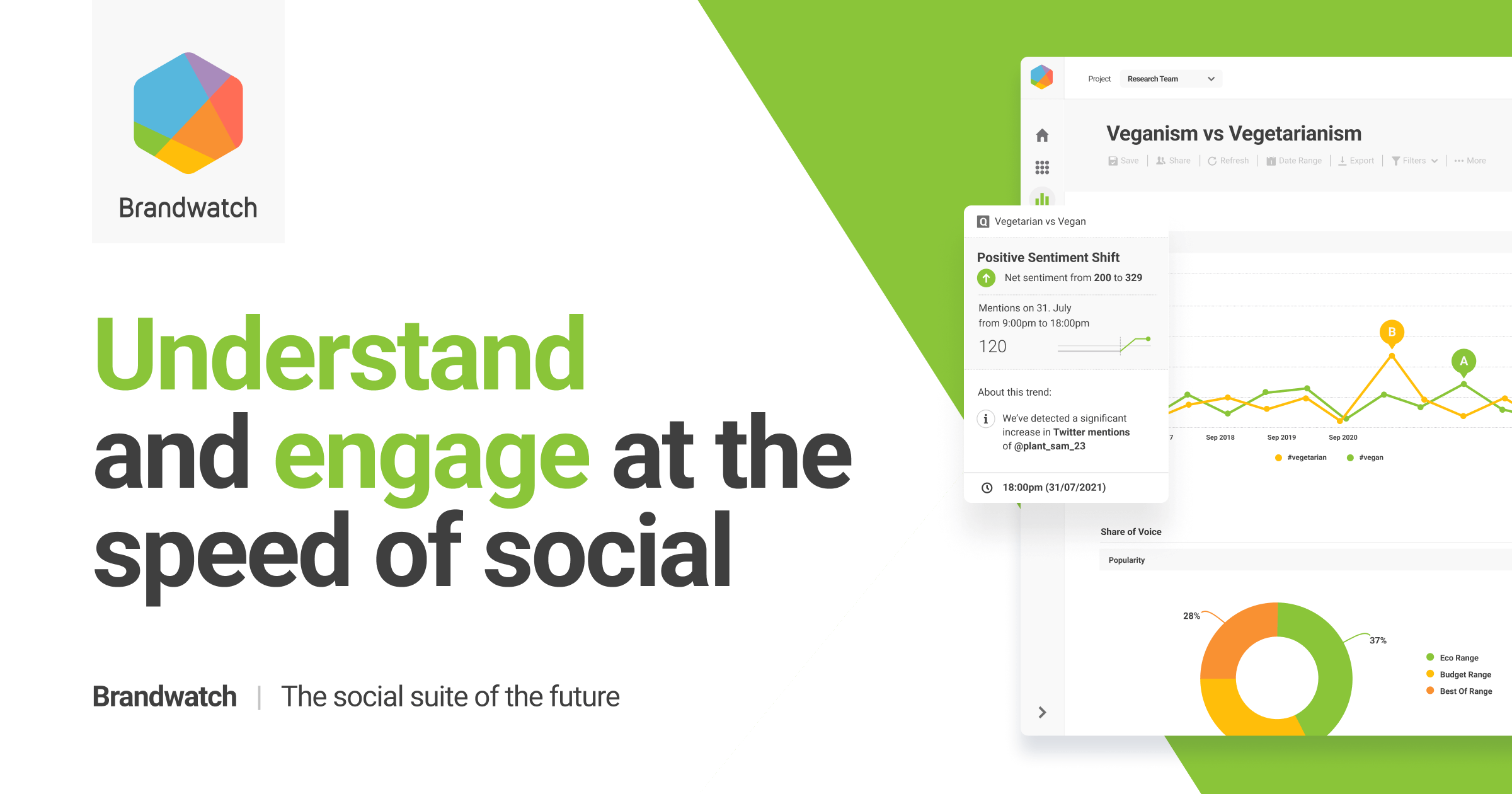
Brandwatch
8 herramientasAccess consumer research via Brandwatch — list projects, track queries, and retrieve social mentions directly from any AI agent.