
Kintone MCP Server
Manage custom business apps, records, and workflows via Kintone.
Vinkius AI Gateway prend en charge le streamable HTTP et le SSE.
Fonctionne avec tous les agents IA que vous utilisez déjà
…et tout client compatible MCP









Kintone MCP Server : voyez votre AI Agent en action
Capacités intégrées (10)
add_record
Requires a JSON object mapping field codes to values. Add a new record to an app
delete_records
Requires an array of record IDs. Delete records from an app
get_app_details
Get details for a specific app
get_app_layout
Get the field layout of an app
get_record
Get a specific record from an app
list_apps
Use this to identify App IDs for record operations. List all Kintone apps
list_form_fields
List form fields for an app
list_records
You can optionally provide a query string for filtering. List records from an app
list_space_members
List members of a Kintone space
update_record
Update an existing record
Ce que ce connecteur débloque
Connect your Kintone platform to any AI agent to automate your business operations. This MCP server enables your agent to interact with custom apps, manage data records, and query organizational metadata directly.
What you can do
- Record Management — List, retrieve, add, and update records in any of your Kintone apps
- App Discovery — List all available applications and retrieve detailed configurations and field mappings
- Data Querying — Use Kintone's powerful query language to filter records based on complex criteria
- Form Inspection — Access form field settings and layouts to understand data structures
- Space Visibility — List members and participants within your Kintone collaboration spaces
How it works
1. Subscribe to this server
2. Enter your Kintone Subdomain and API Token
3. Start managing your business data from Claude, Cursor, or any MCP-compatible client
Who is this for?
- Operations Teams — Automate data entry and record updates via natural language commands
- Project Managers — Quickly query project statuses and task records from your IDE
- Business Analysts — Retrieve and analyze app data without manually exporting CSV files
Questions fréquemment posées
Donnez à vos agents IA la puissance de Kintone
Accédez à Kintone et à plus de 2 000 serveurs MCP — prêts à être utilisés par vos agents, dès maintenant. Pas de code glue. Pas d'intégrations personnalisées. Branchez simplement Vinkius AI Gateway et laissez vos agents travailler.
Plus dans cette catégorie

Structured
9 outilsConnect your AI to Structured. Programmatically manage your daily planner, tasks, and routines seamlessly directly from your terminal.
Spoonacular
4 outilsThe most comprehensive recipe API — search recipes, plan meals, find dishes by ingredients, and get full nutritional analysis for everything you cook.
Courier
10 outilsEquip your AI agent to send multi-channel notifications and monitor delivery status through the Courier API.
Vous pourriez aussi aimer
Metatext
10 outilsNo-code NLP and AI model management via Metatext — run inference and manage datasets.
ContextQA
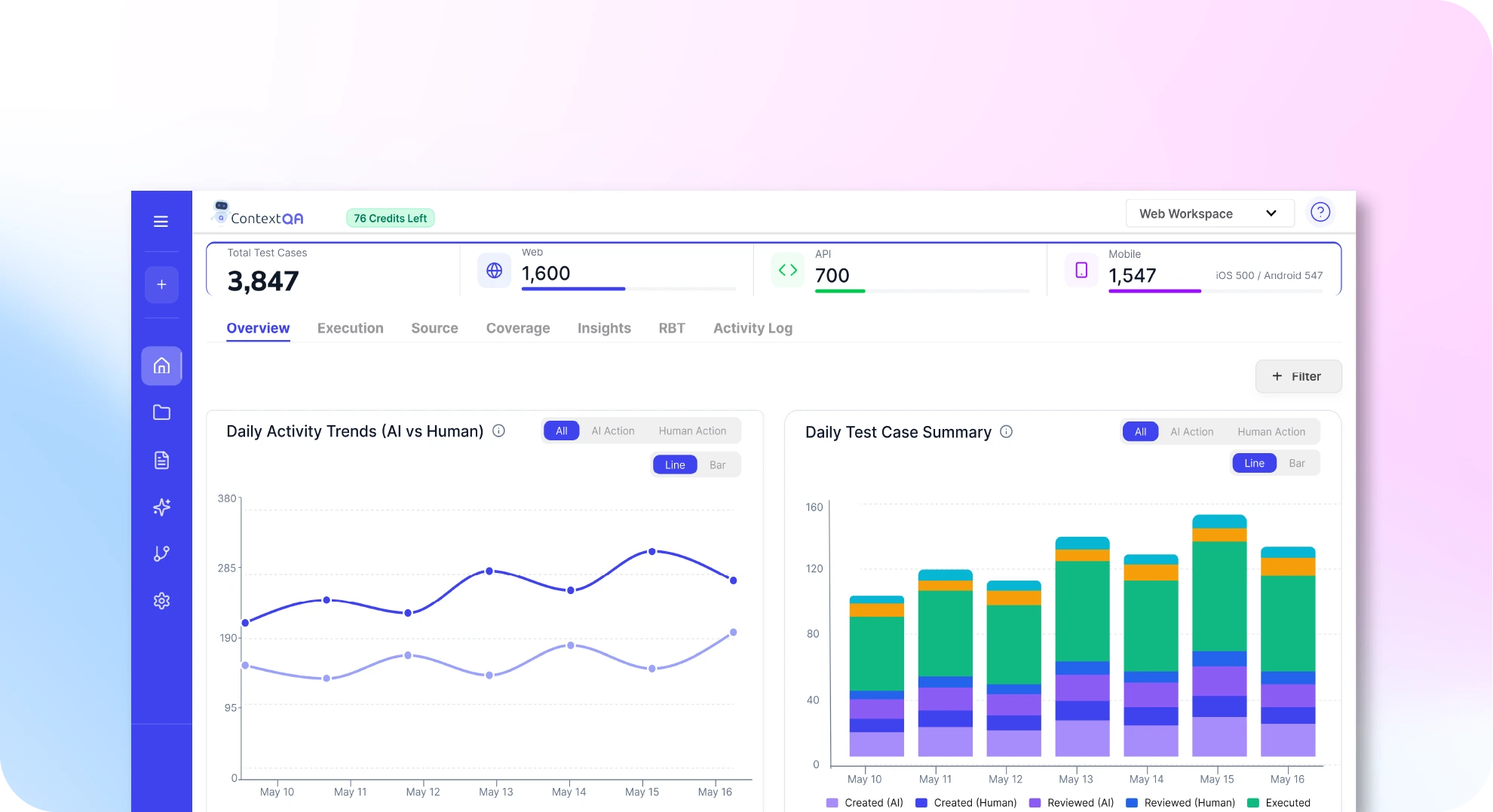
10 outilsAutomate testing via ContextQA — manage test suites, track AI-healing executions, trigger automated runs, and audit API tests directly from any AI agent.

Corsizio
10 outilsEquip your AI agent to manage event registrations, attendees, and payments through the Corsizio API.