
Procore MCP Server
Manage construction projects via Procore — track RFIs, submittals, punch lists, daily logs, and drawings from any AI agent.
Vinkius AI Gateway prend en charge le streamable HTTP et le SSE.

Fonctionne avec tous les agents IA que vous utilisez déjà
…et tout client compatible MCP









Procore MCP Server : voyez votre AI Agent en action
Capacités intégrées (8)
get_project
Includes budget, schedule, team, and project settings. Get project details
list_daily_logs
Includes weather, workforce count, equipment, notes, and delays. List daily construction logs
list_drawings
Includes discipline, set, revision, and approval status. List project drawings
list_observations
Includes type, priority, assignee, photos, and status. List field observations
list_projects
List all construction projects
list_punch_items
Includes description, location, assignee, due date, and status. List punch list items
list_rfis
Includes subject, status, assignee, due date, and response history. List RFIs for a project
list_submittals
Includes title, spec section, status, and approver. List submittals
Ce que ce connecteur débloque
Connect your Procore construction management platform to any AI agent and oversee projects, quality, and field operations through natural conversation.
What you can do
- Projects Overview — List all active construction projects with status, addresses, timelines, and budget summaries
- RFIs & Submittals — Track Requests for Information and material approvals with assignees, due dates, and response histories
- Field Observations — Review safety and quality observations from the jobsite including priority, photos, and corrective actions
- Punch Lists — Monitor deficiencies to resolve before closeout with locations, assignees, and deadlines
- Daily Logs — Access daily logs with weather, workforce counts, equipment usage, and delay notes
- Drawings — Browse blueprints, elevations, and shop drawings with revision tracking
How it works
1. Subscribe to this server
2. Enter your Procore Client ID, Client Secret, and Company ID from developers.procore.com
3. Start managing your construction projects from Claude, Cursor, or any MCP-compatible client
Procore is the leading cloud-based construction management software, connecting project teams across the entire building lifecycle.
Who is this for?
- Project Managers — get instant status updates on RFIs and submittals without logging into Procore between site visits
- Superintendents — review daily logs and punch items for multiple projects in a single conversation
- Quality & Safety Managers — pull observation reports and track corrective actions across the entire portfolio
Questions fréquemment posées
Donnez à vos agents IA la puissance de Procore
Accédez à Procore et à plus de 2 000 serveurs MCP — prêts à être utilisés par vos agents, dès maintenant. Pas de code glue. Pas d'intégrations personnalisées. Branchez simplement Vinkius AI Gateway et laissez vos agents travailler.
Plus dans cette catégorie
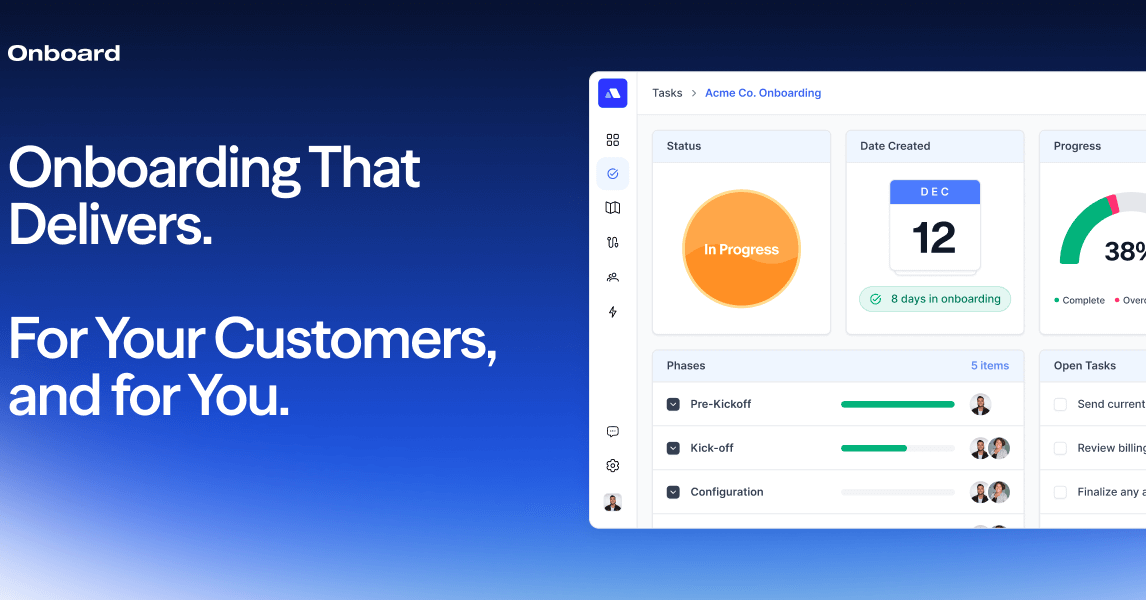
Onboard.io Implementation
10 outilsAutomate and manage customer onboarding via Onboard.io — track launch plans, tasks, and progress directly from your AI agent.
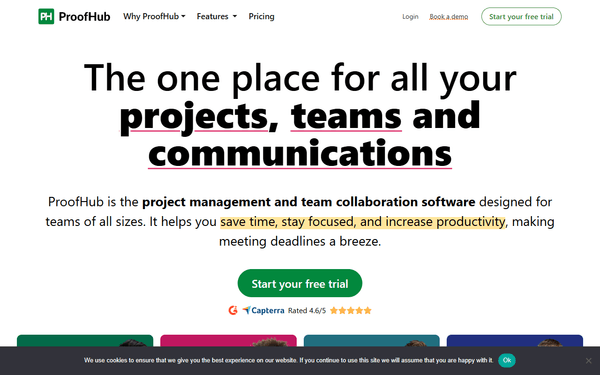
ProofHub
10 outilsEmpower your AI agent to manage your ProofHub projects — list tasks, create to-dos, read discussions, and track timesheets instantly.
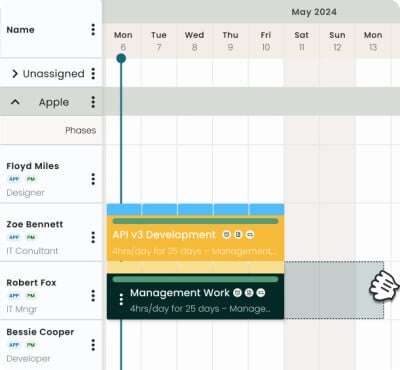
Hub Planner
10 outilsManage resources, projects, and bookings via Hub Planner API.
Vous pourriez aussi aimer

Semantic Scholar
4 outilsSearch 200M+ academic papers with AI-powered TLDR summaries, influential citation tracking, and researcher profiles from the Allen Institute for AI.
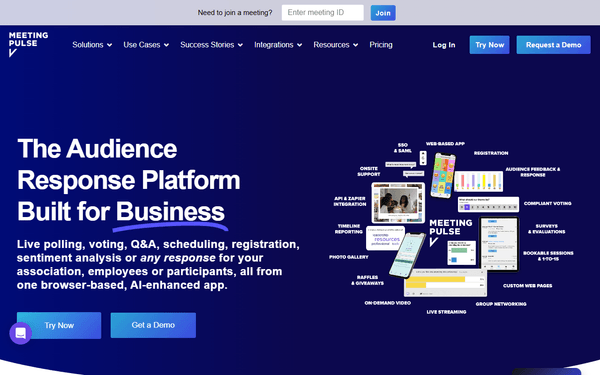
MeetingPulse
10 outilsInteractive audience engagement via MeetingPulse — track polls, Q&As, and meeting analytics.

Deep Talk
10 outilsEquip your AI agent to analyze conversation datasets, extract topics, and monitor sentiment via the Deep Talk API.