
Salesforce Marketing Cloud MCP Server
Manage campaigns, track member engagement, measure marketing ROI, and optimize lead generation through natural conversation.
Vinkius AI Gateway prend en charge le streamable HTTP et le SSE.

Fonctionne avec tous les agents IA que vous utilisez déjà
…et tout client compatible MCP









Salesforce MCP Server : voyez votre AI Agent en action
Capacités intégrées (6)
sf_add_campaign_member
Provide campaignId and either contactId OR leadId (not both). Status defaults to "Sent" but can be set to "Responded", "Registered", etc. based on your campaign member statuses. Returns the created membership record. Add a lead or contact to a Salesforce marketing campaign for attribution tracking and engagement measurement
sf_campaign_members
Returns member name, type (Lead or Contact), status (Sent/Responded/etc.), and response date. Use to see who is in a campaign, track engagement, or analyze campaign reach. Essential for campaign ROI and attribution analysis. Get all leads and contacts enrolled in a specific Salesforce campaign with their membership status and response dates
sf_campaign_performance
Returns the number of campaigns, total leads generated, total conversions, total budgeted cost, and actual cost per campaign type. Provides an instant ROI overview across all marketing channels. Use for marketing dashboard, channel-level performance comparison, or budget allocation analysis. Get aggregate marketing campaign performance — campaign counts, total leads, conversions, and costs grouped by campaign type
sf_campaigns_by_status
Returns campaigns with lead/contact counts, budget, and conversion data. Use for questions like "which campaigns are currently running?" or "show completed campaigns with their results." Get Salesforce campaigns filtered by status — Planned, In Progress, Completed, or Aborted — with full metrics
sf_create_campaign
Name is required. Type: Email, Conference, Webinar, Trade Show, Public Relations, Advertisement, Banner Ads, Telemarketing. Status defaults to "Planned". Dates use YYYY-MM-DD. budgetedCost is the planned spend. Returns the created campaign with its Salesforce ID. Create a new marketing campaign in Salesforce with name, type, status, dates, description, and budget
sf_search_campaigns
Returns campaign name, status (Planned/In Progress/Completed/Aborted), type (Email/Conference/Webinar/Advertisement), start/end dates, number of leads generated, contacts converted, budgeted cost, and actual cost. Use when the user asks about marketing initiatives, campaign performance, or budget spend. Search Salesforce marketing campaigns by name to find initiatives with status, type, budget, and lead/contact conversion metrics
Ce que ce connecteur débloque
Connect Salesforce Marketing to any AI agent.
What you can do
- Campaigns — Search, create, and filter by status
- Members — View and add leads/contacts to campaigns
- Performance — Aggregate metrics by campaign type
Who is this for?
- Marketing Managers — Campaign health at a glance
- Demand Gen — Track lead-to-conversion by campaign
- Growth Teams — ROI analysis through conversation
Questions fréquemment posées
Donnez à vos agents IA la puissance de Salesforce
Accédez à Salesforce et à plus de 2 000 serveurs MCP — prêts à être utilisés par vos agents, dès maintenant. Pas de code glue. Pas d'intégrations personnalisées. Branchez simplement Vinkius AI Gateway et laissez vos agents travailler.
Plus dans cette catégorie

Amadeus
10 outilsSearch flights, hotels, transfers, and destination activities across 400+ airlines and 150,000+ hotels worldwide through natural conversation.
IBM QRadar
10 outilsConnect IBM QRadar to any AI agent via MCP.
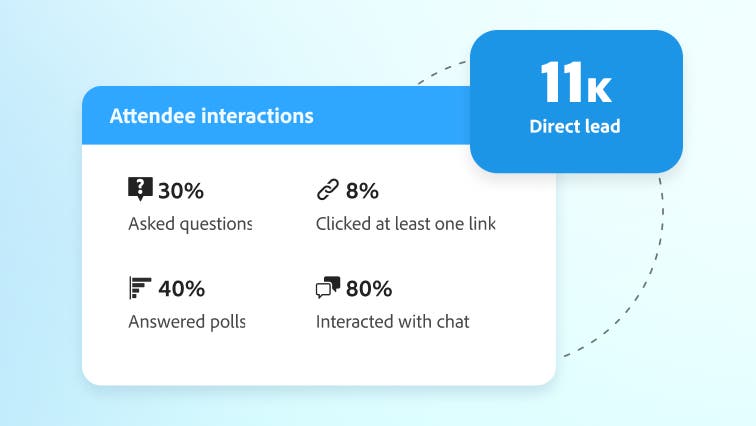
Marketo
11 outilsAutomate marketing workflows via Marketo — manage leads, lists, campaigns, and programs.
Vous pourriez aussi aimer
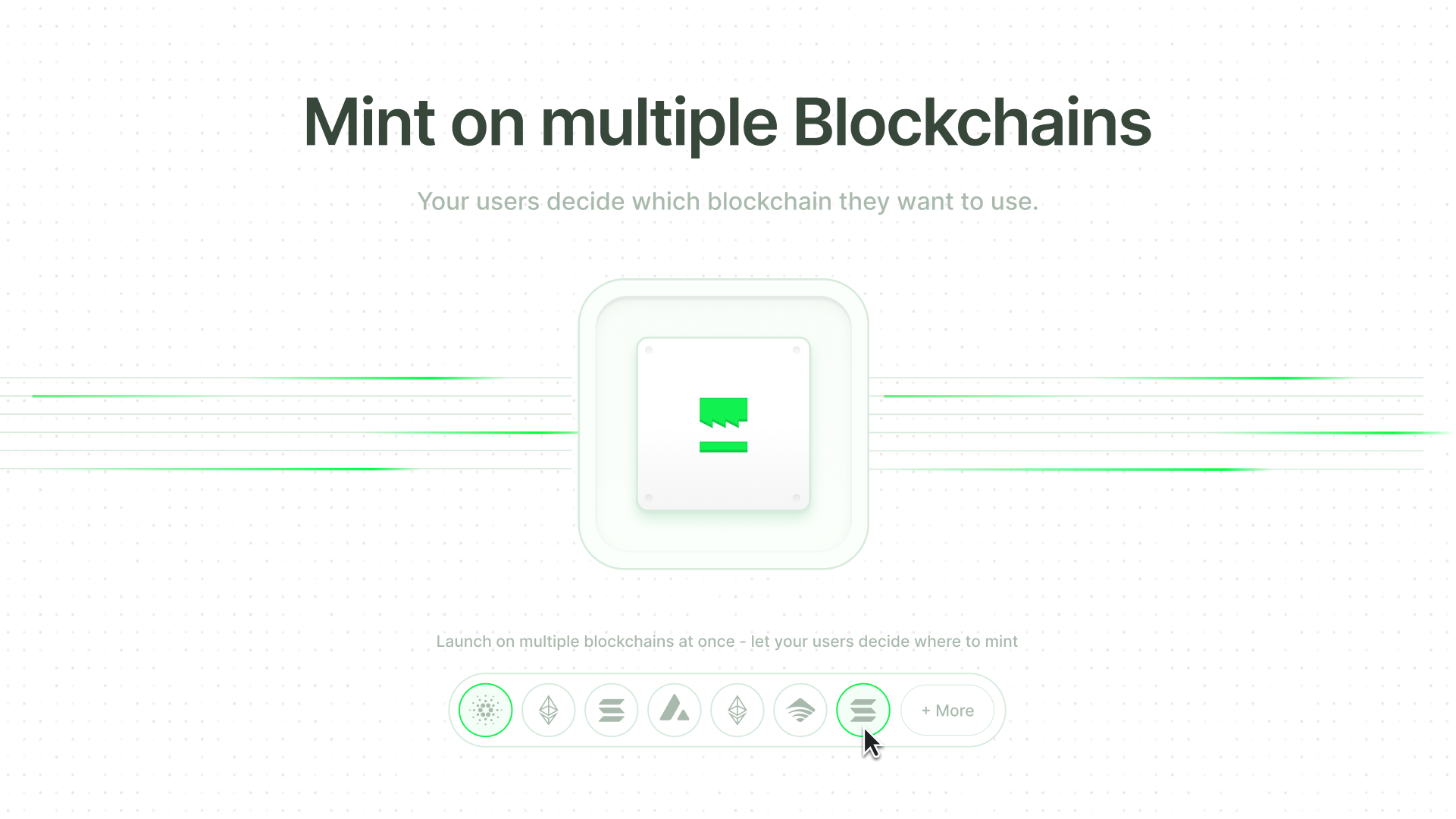
NMKR Cardano
10 outilsManage Cardano NFT projects via NMKR Studio — track assets, minting coupons, and payout wallets directly from your AI agent.

Bureau of Labor Statistics Full — The Mega Server
1 outilsThe ultimate BLS Mega-Server: Access all 6 major datasets including CPI (Inflation), CES (Jobs), CPS (Unemployment), JOLTS (Turnover), LAUS (Local metrics), and OEWS (Wages by Profession).
CrowdStrike Falcon
8 outilsDetect threats, manage endpoints, investigate incidents, and query telemetry from CrowdStrike Falcon — the #1 endpoint detection and response platform.