
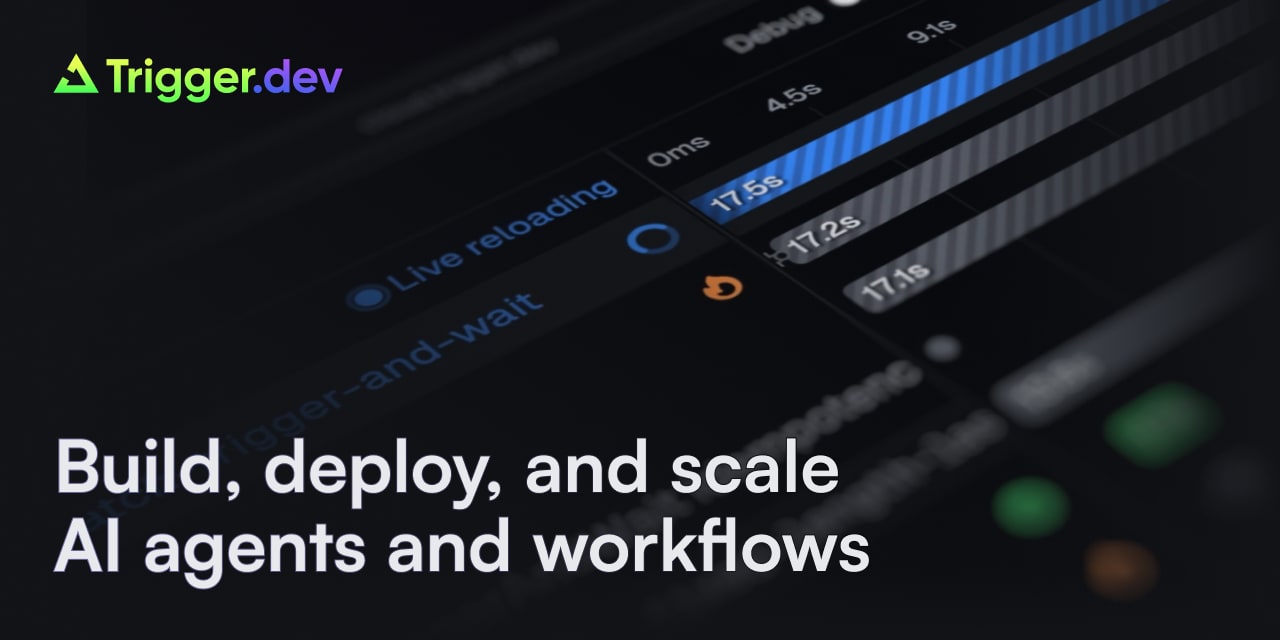
Trigger.dev MCP Server
Equip your AI agent with direct access to Trigger.dev — manage background jobs, monitor task runs, and inspect workflow executions without opening the dashboard.
Vinkius AI Gateway prend en charge le streamable HTTP et le SSE.
Fonctionne avec tous les agents IA que vous utilisez déjà
…et tout client compatible MCP









Trigger.dev MCP Server : voyez votre AI Agent en action
Capacités intégrées (8)
cancel_run
Cancel a running task
get_run
Get run details
list_environments
List deployment environments
list_projects
List all projects
list_runs
List task runs
list_schedules
List cron schedules
replay_run
Replay a completed task
trigger_task
Trigger a background task
Ce que ce connecteur débloque
Connect Trigger.dev to your AI agent and manage your background job infrastructure conversationally.
What you can do
- Job Monitoring — List active, completed, and failed task runs with execution times, statuses, and error details.
- Project Overview — Query projects, environments, and their associated job definitions.
- Run Inspection — Drill into individual runs to view payloads, outputs, logs, and retry history.
- Environment Management — Switch between dev, staging, and production environments to inspect runs across your deployment pipeline.
How it works
1. Subscribe to the Trigger.dev integration on the marketplace.
2. Generate a Secret API Key from your Trigger.dev dashboard (Project → API Keys section — keys start with tr_dev_ or tr_prod_).
3. Ask your AI agent to list job runs, check failures, or inspect task outputs.
Who is this for?
- Backend Developers — Monitor background job health, debug failed runs, and verify task outputs without leaving your code editor.
- DevOps Engineers — Track job execution across environments and identify bottlenecks in your processing pipeline.
- Technical Leads — Get instant visibility into production job queues during incident response without switching to the Trigger.dev dashboard.
Questions fréquemment posées
Donnez à vos agents IA la puissance de Trigger.dev
Accédez à Trigger.dev et à plus de 2 000 serveurs MCP — prêts à être utilisés par vos agents, dès maintenant. Pas de code glue. Pas d'intégrations personnalisées. Branchez simplement Vinkius AI Gateway et laissez vos agents travailler.
Plus dans cette catégorie

Drupal
10 outilsManage headless content via Drupal — list nodes, handle taxonomy terms, manage files, and audit users directly from any AI agent.
CloudConvert
8 outilsManage file conversions via CloudConvert — track jobs, monitor tasks, and automate file processing directly from any AI agent.
Mailgun (Transactional Email & Domains)
10 outilsManage email infrastructure via Mailgun — send transactional emails, monitor domain health, and audit delivery logs.
Vous pourriez aussi aimer

Frame.io
12 outilsCollaborate on video, manage creative assets, and track comments via AI agents with Frame.io.
Digify
10 outilsEquip your AI agent to manage secure files, track data rooms, and monitor document analytics via the Digify API.

Bizzabo
10 outilsOrchestrate your event experience via Bizzabo — manage events, registrations, and attendees directly from any AI agent.