
Evernote MCP Server
Manage personal notes via Evernote — create and search notes, handle notebooks and tags, and monitor account quotas directly from any AI agent.
Vinkius AI Gateway suporta streamable HTTP e SSE.
Funciona com todos os agentes de IA que você já usa
…e qualquer cliente compatível com MCP









Evernote MCP Server: veja o seu AI Agent em ação
Capacidades integradas (10)
create_note
The note is immediately synced and available across all Evernote clients. Create a new note inside a specified Evernote notebook
create_notebook
Returns the newly created notebook GUID and metadata. Create a new Evernote notebook
get_note
The content is returned in Evernote Markup Language (ENML). Retrieve the full content and metadata of a single Evernote note by GUID
get_notebook
Fetch detailed metadata for a specific Evernote notebook by its GUID
get_user
Get profile information for the currently authenticated Evernote user
list_notebooks
Use this to discover available notebooks before listing notes within them. Retrieve all Evernote notebooks for the authenticated account
list_notes
Use en.get_note to fetch full content. List up to 50 notes inside a specific Evernote notebook
list_tags
Useful for filtering and organizing notes. Retrieve all tags defined in the Evernote account
search_notes
Returns matching note metadata. Search across all Evernote notes using Evernote's powerful query syntax
update_note
This triggers a sync and increments the updateSequenceNum. Update the title and/or content of an existing Evernote note
O que esse conector desbloqueia
Connect your Evernote account to any AI agent and take full control of your personal knowledge management and note-taking workflows through natural conversation.
What you can do
- Note & Content Orchestration — Retrieve the full body and metadata of any note by GUID, including ENML body content and nested attachment attributes natively
- Semantic & Syntax Search — Execute powerful queries across all notebooks using Evernote's advanced syntax (keywords, tag filters, creation dates) to find information instantly
- Notebook Management — List all notebooks and retrieve detailed metadata including note counts and stack assignments to browse your workspace hierarchy
- Live Note Creation — Provision new notes inside specific notebooks by providing titles and plain-text or ENML content for immediate cross-device synchronization
- Categorical Tagging — Enumerate explicitly defined tags and manage nested tag hierarchies to filter and organize your personal database strictly
- Account & Quota Oversight — Fetch authenticated profile information including account tier, service level, and real-time quota usage to monitor system limits
- Metadata Auditing — Retrieve structural notebook representations and identify default status boundaries to manage your organizational topology flawlessly
How it works
1. Subscribe to this server
2. Enter your Evernote Developer Token (found in your Evernote Account Settings > Developer Token)
3. Start managing your notes from Claude, Cursor, or any MCP-compatible client
Who is this for?
- Knowledge Workers — search for research notes and organize meeting minutes using natural language
- Writers & Researchers — create and update drafts and manage tag hierarchies without opening the Evernote app
- Project Managers — audit notebook stacks and monitor team contribution counts through natural conversation
- Developers — test and debug Evernote ENML rendering and note synchronization logic in real-time
Perguntas frequentes
Dê aos seus agentes de IA o poder do Evernote
Acesse o Evernote e mais de 2.000 servidores MCP — prontos para seus agentes usarem, agora mesmo. Sem código cola. Sem integrações customizadas. Apenas plugue o Vinkius AI Gateway e deixe seus agentes trabalharem.
Mais nesta categoria

Zoho CRM
10 ferramentasManage leads, contacts, and deals on Zoho CRM — the AI-powered sales platform for growing teams.
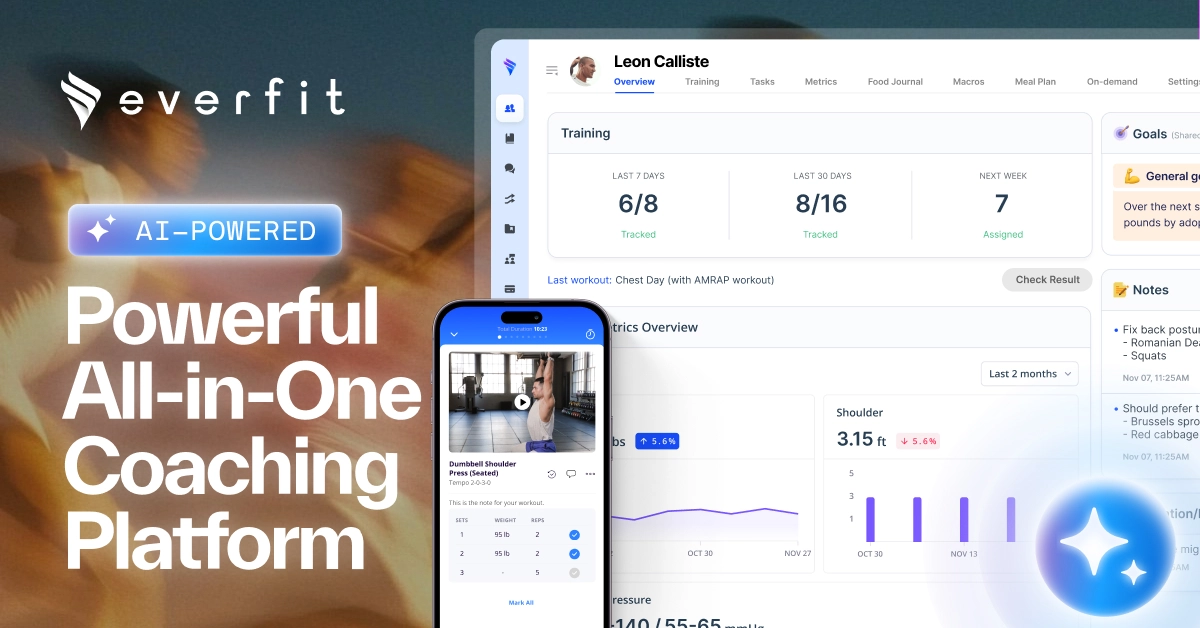
Everfit Coaching
10 ferramentasEquip your AI agent to manage coaching clients, track workout plans, and monitor performance via the Everfit API.
Invoice Ninja (Invoicing & Billing)
10 ferramentasManage invoicing via Invoice Ninja — create clients, track payments, and manage invoices and balances.
Você também pode gostar

Pointr
10 ferramentasGrant your AI access to precision indoor mapping. Navigate buildings, track BLE beacons, and find POIs.
OpenWeather Agro
12 ferramentasAccess agricultural weather and satellite data via OpenWeather — monitor NDVI, soil temperature, evapotranspiration, frost risk, and GDD from any AI agent.
Chatham Financial
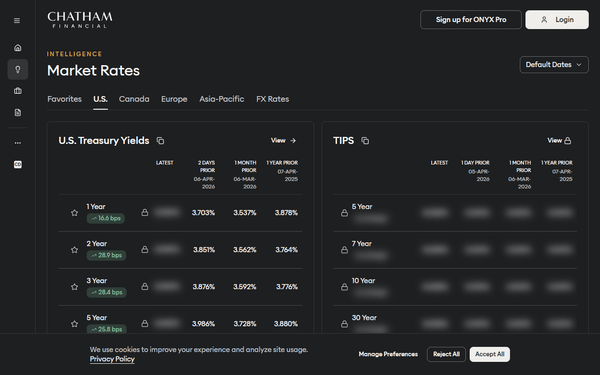
8 ferramentasManage financial risk and valuations via Chatham Financial — track trades, monitor debt, and access market data directly from any AI agent.