
Honeywell Home MCP Server
Connect Honeywell Home to any AI agent via MCP.
Vinkius AI Gateway suporta streamable HTTP e SSE.

Funciona com todos os agentes de IA que você já usa
…e qualquer cliente compatível com MCP









Capacidades integradas (10)
arm_system
Choose the arming mode: "stay" (arms perimeter sensors like doors and windows but ignores interior motion detectors, ideal when occupants are home) or "away" (arms all sensors including interior motion, ideal when the property is empty). After arming, verify the new state with get_security_status. Arm the Honeywell Home security system
disarm_system
Use this when returning home or when authorized personnel need access. After disarming, verify the new state with get_security_status. Disarm the Honeywell Home security system
get_air_quality
Returns data such as PM2.5 particulate levels, VOC (volatile organic compounds) index, CO2 concentration, humidity, and overall air quality rating. Use this to assess whether ventilation or air purification is needed. Get air quality readings from a Honeywell Home device
get_camera_snapshot
The returned data includes an image URL or base64-encoded snapshot. This is useful for a quick visual check of a room or area without streaming live video. Provide the camera device_id from get_devices. Capture a snapshot image from a Honeywell Home camera
get_camera_status
Use the device_id obtained from get_devices. Useful for quickly verifying that a security camera is active and functioning before reviewing footage. Get the status of a Honeywell Home camera
get_devices
Provide a locationId obtained from the get_locations tool. If no locationId is supplied, returns all devices across all locations. Useful for inventorying connected hardware. List all devices at a Honeywell Home location
get_locations
) associated with the authenticated Honeywell Home account. Each location contains metadata such as name, address, timezone, and the list of devices registered at that address. Use this tool first to discover location IDs before querying devices or security systems. List all registered Honeywell Home locations
get_security_status
Returns whether the system is armed (stay or away mode), disarmed, or in alarm, along with the status of connected sensors (doors, windows, motion detectors). Provide a location_id from get_locations. Get the current status of the Honeywell Home security system
get_thermostat_data
Use this to check what temperature the thermostat is targeting and whether the HVAC system is actively running. Get detailed thermostat readings and configuration
update_setpoint
You can adjust the heat setpoint (minimum temperature), the cool setpoint (maximum temperature), or switch the operating mode (heat, cool, auto, off). Only send the parameters you want to change. After modifying setpoints, verify the change with get_thermostat_data. Use this to help users regulate heating and cooling remotely. Adjust the temperature setpoint on a Honeywell thermostat
O que esse conector desbloqueia
Connect Honeywell Home to any AI agent via MCP.
Dê aos seus agentes de IA o poder do Honeywell Home
Acesse o Honeywell Home e mais de 2.000 servidores MCP — prontos para seus agentes usarem, agora mesmo. Sem código cola. Sem integrações customizadas. Apenas plugue o Vinkius AI Gateway e deixe seus agentes trabalharem.
Mais nesta categoria

GrabFood Partner
12 ferramentasAutomate GrabFood restaurant operations — manage orders, update menus, control store status, and run marketing campaigns directly from any AI agent.
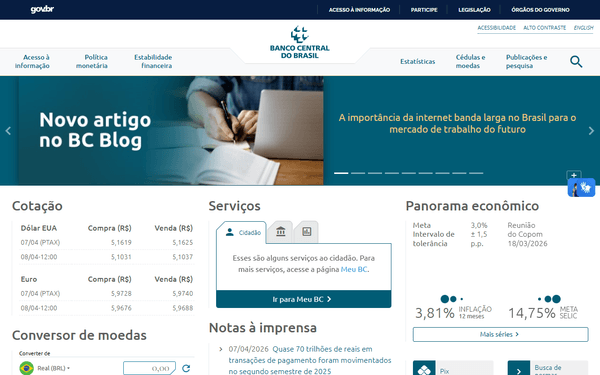
BCB Câmbio — Dólar PTAX, Euro e 150+ Moedas
5 ferramentasOfficial exchange rates from Brazil's Central Bank: daily PTAX dollar quotes (the official BRL/USD reference rate), historical series, any of 150+ currencies against BRL, complete currency catalog, and SGS time series for long-term FX data.

Oracle Vector DB
7 ferramentasRun vector similarity searches on Oracle 23ai — execute VECTOR_DISTANCE queries, inspect schemas, list vector indexes, and query tables from any AI agent.
Você também pode gostar
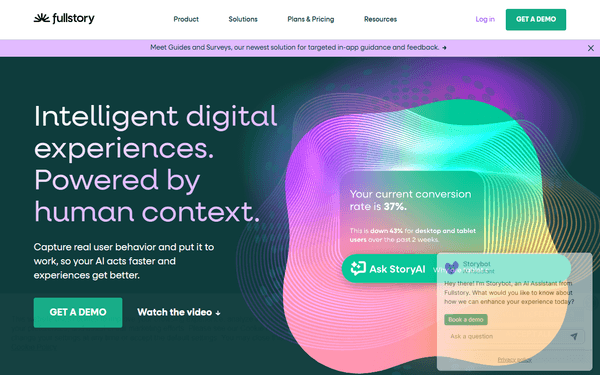
FullStory
11 ferramentasManage digital experience intelligence, track users, and retrieve session data via AI agents with FullStory.
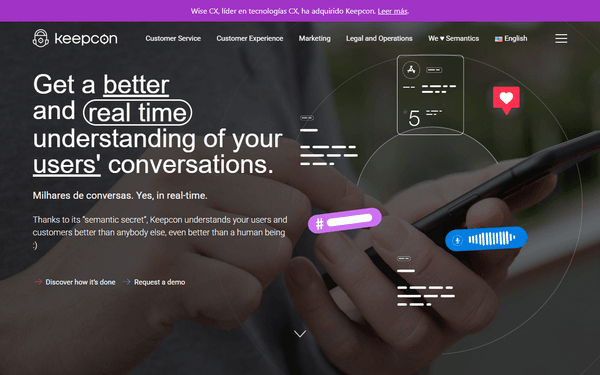
Keepcon
9 ferramentasAutomate content moderation and semantic analysis via Keepcon.

Comet ML
6 ferramentasManage machine learning experiments via Comet — track model metrics, audit project workspaces, and inspect ML run parameters directly from any AI agent.