
HubSpot CRM MCP Server
Search, create, and manage HubSpot contacts, companies, notes, tasks, and associations through natural conversation.
Vinkius AI Gateway suporta streamable HTTP e SSE.

Funciona com todos os agentes de IA que você já usa
…e qualquer cliente compatível com MCP









HubSpot MCP Server: veja o seu AI Agent em ação
Capacidades integradas (10)
hs_create_company
The name is required. Providing the website domain (e.g., "acme.com") helps HubSpot auto-enrich the company with public data. Industry should match HubSpot industry categories. Returns the created company with its new HubSpot ID. Create a new company record in HubSpot CRM with name, domain, industry, and phone
hs_create_contact
Email is the primary deduplication key — if a contact with the same email already exists, the API will return an error. Provide first name, last name, phone, company name, and lifecycle stage to fully populate the record. Returns the created contact with its new HubSpot ID. Create a new contact in HubSpot CRM with email as the unique identifier, plus name, phone, and company
hs_create_note
The body supports HTML. Notes appear in the timeline of associated records — essential for keeping CRM activity history. Provide contact, company, or deal IDs to link the note. Use to log meeting notes, call summaries, or internal context. Create an engagement note in HubSpot attached to a contact, company, or deal for activity logging
hs_create_task
Tasks appear in the tasks queue and can be assigned to owners. Set priority to HIGH, MEDIUM, or LOW. Due date should be ISO format. Associate with a contact by providing their ID. Use when the user wants to schedule follow-ups, create reminders, or assign action items. Create a follow-up task in HubSpot with subject, due date, priority, and optional contact association
hs_get_associations
For example: objectType="companies", objectId="123", toObjectType="contacts" returns all contacts associated with company 123. Common patterns: company→contacts, contact→deals, deal→contacts, contact→tickets. Use when the user asks "which contacts are at this company?" or "what deals does this contact have?" Get associations between HubSpot CRM objects — e.g., find all contacts linked to a company, or deals linked to a contact
hs_get_contact
Returns full contact data including name, email, phone, company, lifecycle stage, lead status, last activity date, and all custom properties. Use after searching contacts to drill into a specific person for full details. Get the complete details of a specific HubSpot contact by their record ID
hs_search_companies
Returns company name, website domain, industry, annual revenue, employee count, and assigned owner. Use when the user wants to find a specific company, look up organizational details, or check company-level CRM data. Search HubSpot CRM companies by name, domain, or industry to find organizations
hs_search_contacts
Returns first name, last name, email, phone, associated company, lifecycle stage (subscriber/lead/MQL/SQL/opportunity/customer/evangelist), and assigned HubSpot owner. Use when the user wants to find a specific person, check contact details, verify lifecycle stage, or look up who is at a particular company. Search HubSpot CRM contacts by name, email, phone, or company to find people in your database
hs_update_company
Only specified fields are updated. Use when the user wants to update company details, correct industry classification, or change the domain. Update properties of an existing HubSpot company by their record ID
hs_update_contact
Only the fields you provide will be updated — other fields remain unchanged. Use when the user wants to correct contact info, update a phone number, change lifecycle stage, or reassign a contact. Update properties of an existing HubSpot contact by their record ID
O que esse conector desbloqueia
Connect HubSpot CRM to any AI agent — instant access to your full CRM data without switching tabs.
What you can do
- Contacts — Search, create, and manage contacts
- Companies — Find companies by name or domain
- Deals — Search and create deals with pipeline tracking
- Tickets — Create and search support tickets
- Notes — Create notes attached to any CRM record
- Owners — View all owners and team assignments
- Pipelines — List deal and ticket pipeline stages
Who is this for?
- Sales Reps — Manage your CRM without leaving your AI assistant
- Support Teams — Create tickets and notes on-the-go
- RevOps — Pipeline snapshots and owner assignments
- Managers — Full CRM visibility through conversation
Perguntas frequentes
Dê aos seus agentes de IA o poder do HubSpot
Acesse o HubSpot e mais de 2.000 servidores MCP — prontos para seus agentes usarem, agora mesmo. Sem código cola. Sem integrações customizadas. Apenas plugue o Vinkius AI Gateway e deixe seus agentes trabalharem.
Mais nesta categoria

Mercado Livre Interactions
5 ferramentasAnswer buyer questions, check reputation, and view metrics on Mercado Livre.
HubSpot Analytics
5 ferramentasView web analytics, track events, list reports, and get email campaign statistics through natural conversation.
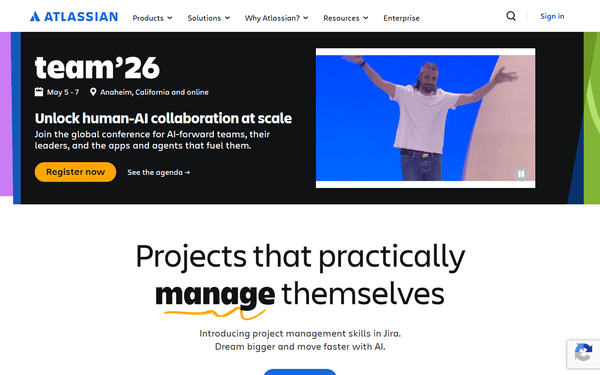
Atlassian Crowd
10 ferramentasEquip your AI agent to manage users, groups, and directory memberships via the Atlassian Crowd API.
Você também pode gostar
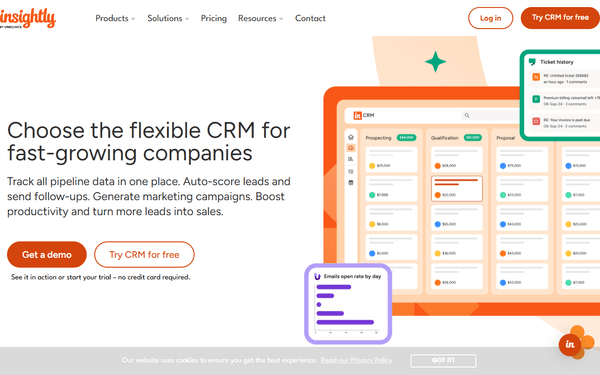
Insightly
10 ferramentasManage CRM contacts, opportunities, and projects via Insightly API.
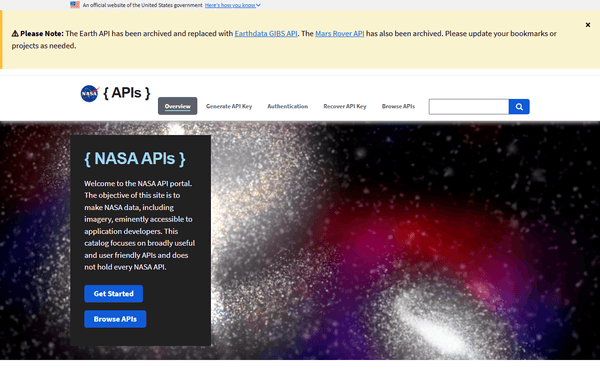
NASA DONKI — Space Weather Intelligence
7 ferramentasNASA's Space Weather Database: coronal mass ejections (CMEs), solar flares (C/M/X class), geomagnetic storms, interplanetary shocks, solar energetic particles, radiation belt events, and real-time notifications from the DONKI system.
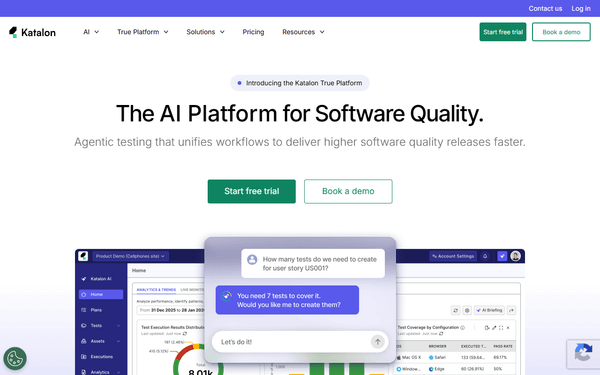
Katalon TestOps (AI Test Management)
10 ferramentasManage test orchestration via Katalon TestOps — rerun test runs, monitor execution results, and audit software releases.