
MyCase Legal MCP Server
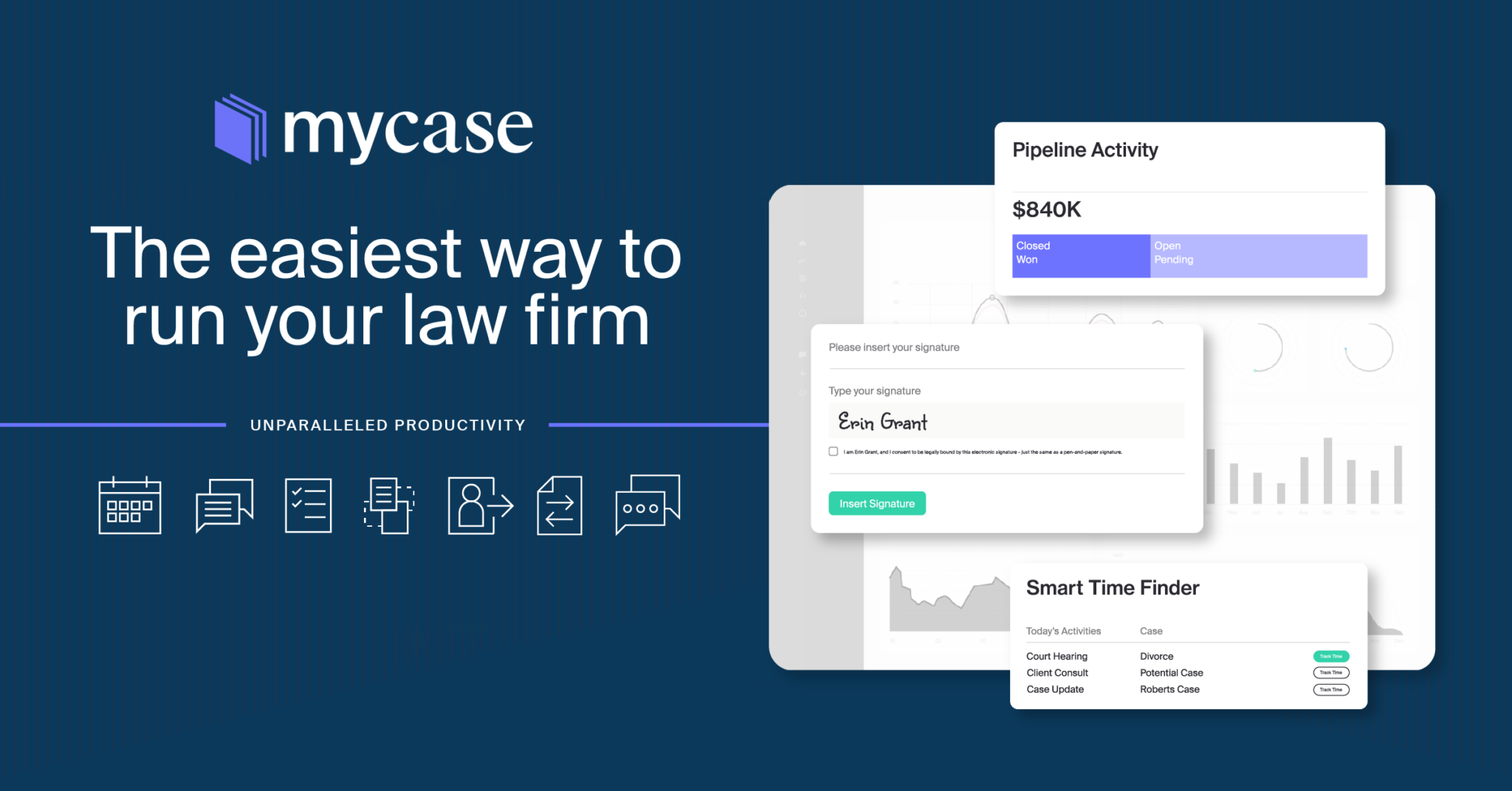
Manage law practice via MyCase — cases/matters, clients, time tracking, invoices, and calendar through MyCase API.
Vinkius AI Gateway suporta streamable HTTP e SSE.
Funciona com todos os agentes de IA que você já usa
…e qualquer cliente compatível com MCP









MyCase MCP Server: veja o seu AI Agent em ação
Capacidades integradas (16)
create_mycase_contact
USE WHEN: - User wants to add a new client - User needs to create a new contact record - User asks to "add a new client" or "create a contact" PARAMETERS: - given_name (REQUIRED): Client's first name - family_name (REQUIRED): Client's last name - email (OPTIONAL): Client's email address - phone (OPTIONAL): Client's phone number - type (OPTIONAL): Contact type — "client" (default), "opposing_party", "witness", "other" EXAMPLES: - "Add a new client John Smith" → call with given_name="John", family_name="Smith" - "Create contact for opposing party Jane Doe, jane@example.com" → call with given_name="Jane", family_name="Doe", email="jane@example.com", type="opposing_party" Create a new contact/client in MyCase
create_mycase_matter
USE WHEN: - User wants to open a new legal case - User needs to create a new matter for a client - User asks to "create a new case" or "open a matter" PARAMETERS: - title (REQUIRED): Matter/case title - client_id (REQUIRED): ID of the client this matter belongs to - status (OPTIONAL): Initial status — "open" (default), "closed", "archived", "on_hold" - practice_area (OPTIONAL): Practice area (e.g. "Family Law", "Criminal Defense") - description (OPTIONAL): Matter description/notes EXAMPLES: - "Create a new case for client 123 titled 'Smith Divorce'" → call with title="Smith Divorce", client_id="123" - "Open a new criminal defense matter for client 456" → call with title="State v. Johnson", client_id="456", practice_area="Criminal Defense" Create a new case/matter in MyCase
create_mycase_time_entry
USE WHEN: - User wants to log time spent on a case - User needs to record billable hours - User asks to "add time entry" or "log hours" PARAMETERS: - matter_id (REQUIRED): Matter/case ID this time entry belongs to - description (REQUIRED): Description of the work performed - duration_minutes (REQUIRED): Duration in minutes - billable (OPTIONAL): Whether this is billable — true (default) or false - rate (OPTIONAL): Hourly rate for this entry EXAMPLES: - "Log 2 hours of research for case 123" → call with matter_id="123", description="Legal research", duration_minutes=120 - "Add 30 minute phone call with client" → call with matter_id="123", description="Phone call with client", duration_minutes=30 Create a new time entry for billing
get_client_mycase_cases
Useful for understanding a client's full legal portfolio. Get all cases/matters for a specific client
get_mycase_contact
Get detailed information for a specific contact/client
get_mycase_invoice
Get detailed information for a specific invoice
get_mycase_matter
Get detailed information for a specific case/matter
list_mycase_calendar_events
List calendar events for the law firm
list_mycase_contacts
USE WHEN: - User wants to see all their clients and contacts - User needs to find a client by name or email - User is exploring their contact database - User asks "list my clients" or "show all contacts" PARAMETERS: - page (OPTIONAL): Page number for pagination - page_size (OPTIONAL): Results per page (default: 25, max: 100) EXAMPLES: - "List all my clients" → call with no params - "Show my contacts" → call with no params - "List clients page 2" → call with page="2" List all contacts/clients in MyCase
list_mycase_documents
List documents for a specific case/matter
list_mycase_invoices
List invoices for the law firm
list_mycase_matters
Essential for case management and tracking. USE WHEN: - User wants to see all their legal cases/matters - User needs to find cases by status (open, closed, archived, on hold) - User is exploring their law firm's caseload - User asks "what cases do I have" or "list my open matters" PARAMETERS: - status (OPTIONAL): Filter by status — "open", "closed", "archived", "on_hold" - practice_area (OPTIONAL): Filter by practice area (e.g. "Family Law", "Criminal Defense") - client_id (OPTIONAL): Filter by specific client ID - page (OPTIONAL): Page number for pagination - page_size (OPTIONAL): Results per page (default: 25, max: 100) EXAMPLES: - "List all my open cases" → call with status="open" - "Show my family law matters" → call with practice_area="Family Law" - "List all matters" → call with no params List all cases/matters in MyCase legal practice management
list_mycase_payments
List payments received by the law firm
list_mycase_time_entries
List time entries for a specific case/matter
search_mycase_matters
Search cases/matters by keyword query
update_mycase_matter
Update an existing case/matter in MyCase
O que esse conector desbloqueia
Connect to MyCase legal practice management platform and manage your entire law practice from any AI agent. Access cases/matters, clients, documents, time entries, calendar events, invoices, and payments—all through a unified API.
What you can do
- Matters/Cases — List, search, create, and update legal cases with status, practice area, and client info
- Contacts/Clients — Manage your client database including name, email, phone, and address
- Client Portfolio — View all cases associated with a specific client
- Documents — Access case documents, filings, correspondence, and evidence
- Time Tracking — Log billable and non-billable time entries against any case
- Calendar — View court dates, hearings, deadlines, and meetings
- Invoices — List and review invoices with amounts, status, and line items
- Payments — Track payments received from clients
- Search — Search cases by keyword across titles, client names, and descriptions
How it works
1. Subscribe to this server
2. Enter your MyCase API key (available in MyCase account settings)
3. Start managing your law practice from Claude, Cursor, or any MCP-compatible client
Your AI becomes a legal practice assistant, helping you track cases, log time, and manage client relationships.
Who is this for?
- Solo Practitioners — manage your entire caseload and client relationships from AI assistants
- Law Firms — track cases across practice areas and monitor billable time across attorneys
- Paralegals — quickly find case details, documents, and client information
- Legal Assistants — log time entries, manage calendars, and track invoices
- Law Students — practice case management and time tracking workflows
Perguntas frequentes
Dê aos seus agentes de IA o poder do MyCase
Acesse o MyCase e mais de 2.000 servidores MCP — prontos para seus agentes usarem, agora mesmo. Sem código cola. Sem integrações customizadas. Apenas plugue o Vinkius AI Gateway e deixe seus agentes trabalharem.
Mais nesta categoria

Checkr
8 ferramentasAutomate background checks via Checkr — screen candidates, monitor reports, and manage compliance directly from any AI agent.

PracticePanther
18 ferramentasManage law practice via PracticePanther — matters, contacts, time tracking, bills, payments, tasks, and calendar.

OneTrust
10 ferramentasManage privacy requests, assessments, vendors, consent, and incidents via OneTrust — automate GDPR, CCPA, and data governance from any AI agent.
Você também pode gostar

ClearBank
8 ferramentasEmpowers algorithmic control over UK Payment Clearing. Execute massive Digital-Signature encrypted transaction structures natively.
Brex
10 ferramentasEquip your AI to navigate your Brex suite. Spin up virtual cards, route new team members, and check daily cash allocations through natural chat.

DoiT
10 ferramentasEquip your AI agent to manage cloud costs, track assets across AWS/GCP/Azure, and monitor cost anomalies via the DoiT API.