
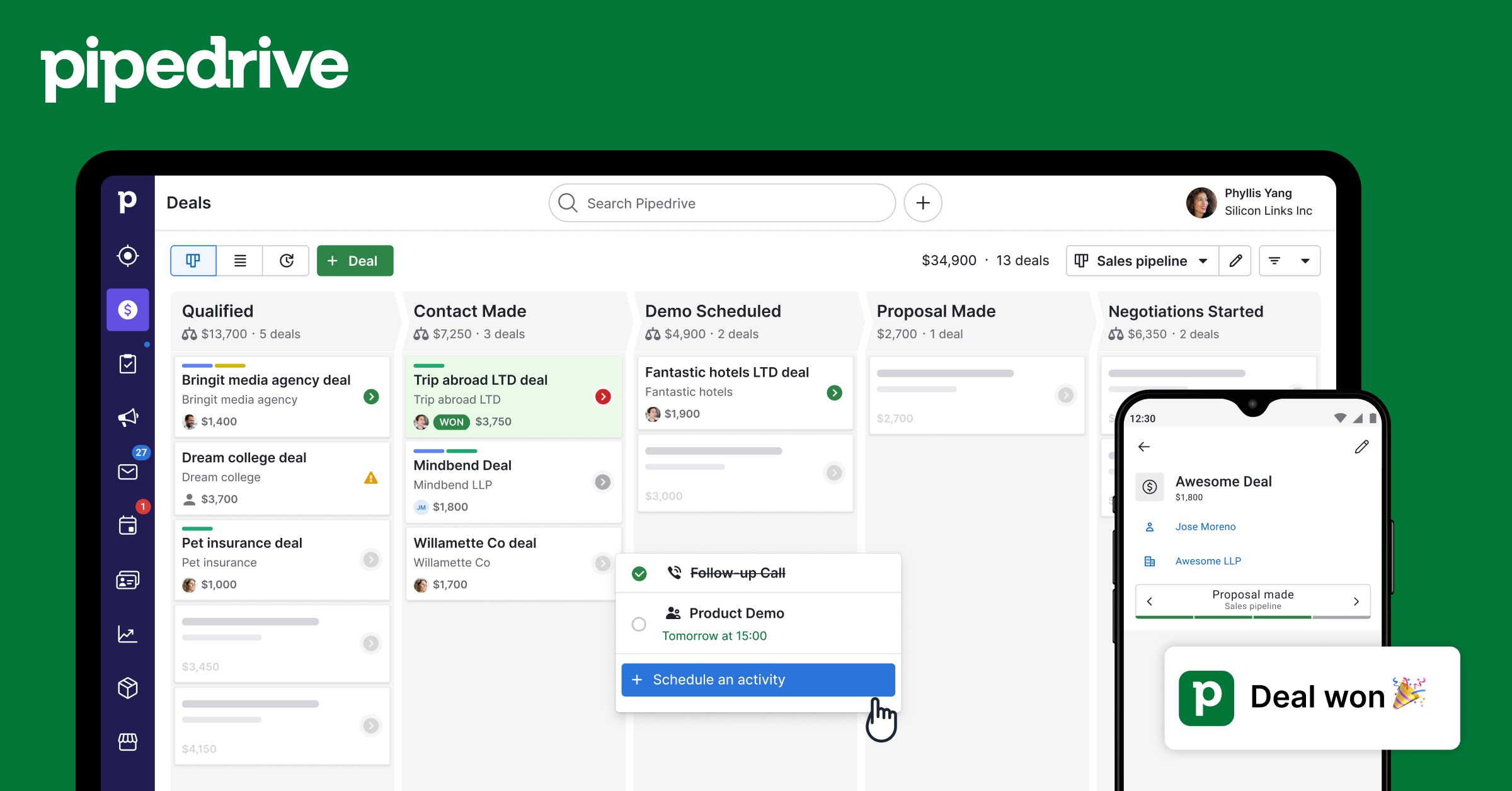
Pipedrive Deals MCP Server
Deep deal management — search, create, update, delete deals with pipeline tracking, timeline analysis, and participant management.
Vinkius AI Gateway suporta streamable HTTP e SSE.
Funciona com todos os agentes de IA que você já usa
…e qualquer cliente compatível com MCP









Pipedrive MCP Server: veja o seu AI Agent em ação
Capacidades integradas (12)
pd_create_deal
Title is required. Use pd_list_pipelines and pd_list_stages to find pipeline_id and stage_id. Link to existing contacts via person_id and org_id (use search tools to find these). Expected close date uses YYYY-MM-DD format. Create a new deal in Pipedrive with title, value, currency, expected close date, and pipeline/stage placement
pd_deal_followers
Followers receive notification updates about deal changes. Use to check who on the team is tracking a deal or to understand deal visibility across the organization. Get internal team members (users) following a specific deal in Pipedrive for visibility tracking
pd_deal_participants
Participants are contacts involved in the deal beyond the primary contact — e.g., decision makers, influencers, legal reviewers. Use when the user asks "who is involved in this deal?" or needs stakeholder information. Get all persons (contacts) participating in a specific Pipedrive deal
pd_deal_timeline
Use for trend analysis: "how many deals were created this month?", "show deal velocity over the last 12 weeks". Interval can be day/week/month, amount is the number of periods to look back. Get deal creation trends over time — how many deals were added per day, week, or month in a pipeline
pd_deals_by_pipeline
Use when the user wants to see all deals in a specific sales process (e.g., "show all deals in the Enterprise pipeline"). Find pipeline IDs using pd_list_pipelines. Get all deals in a specific pipeline for pipeline-level analysis and reporting
pd_deals_by_stage
Returns deals with title, value, persons, and orgs at that stage. Use for questions like "what deals are in Proposal?" or "how much is in Negotiation?". Find stage IDs using pd_list_stages. Get all deals at a specific pipeline stage for bottleneck analysis, forecasting, or stage-specific review
pd_delete_deal
This is permanent and removes all associated data. Consider using pd_update_deal with status="deleted" for soft-delete instead. Use only when the user explicitly wants to permanently remove a deal. Permanently delete a deal from Pipedrive — this action cannot be undone
pd_get_deal
Returns full deal data including title, value, stage, pipeline, linked persons/orgs, expected close date, creation date, and all custom fields. Use after searching to drill into a specific deal. Get the complete details of a specific Pipedrive deal by ID including all custom fields and history
pd_list_pipelines
Use to find pipeline IDs for filtering deals or creating new deals in a specific pipeline. List all sales pipelines in Pipedrive with names, deal counts, and active status
pd_list_stages
Essential for finding stage IDs to create, filter, or move deals. Shows each stage name, its order in the pipeline, and how many deals are at each stage. List stages within a Pipedrive pipeline showing names, display order, and deal counts per stage
pd_search_deals
Returns deal title, monetary value, currency, pipeline stage, pipeline name, linked person, and organization. Use when the user wants to find a specific deal or check pipeline status. Search Pipedrive deals by title or keyword to find opportunities with value, stage, pipeline, and linked contacts
pd_update_deal
Advance stage_id to move deals forward. Set status to "won" or "lost" to close. Update value after negotiation. Only specified fields change. Update a Pipedrive deal — advance stage, change value, or mark as won/lost to reflect pipeline progress
O que esse conector desbloqueia
Connect Pipedrive CRM to any AI agent — manage your entire sales pipeline without switching tabs.
What you can do
- Deals — Search, create, and update deals with pipeline tracking
- Contacts — Find and create persons with email, phone, and organization
- Organizations — Search companies linked to deals and contacts
- Activities — Create calls, meetings, tasks, and emails
- Notes — Attach notes to deals, persons, or organizations
- Pipelines — View all pipeline stages and deal flow
Who is this for?
- Sales Reps — Manage your pipeline without leaving your AI assistant
- SDRs — Quickly create leads, contacts, and activities
- Sales Managers — Pipeline overview and deal insights through conversation
- RevOps — Full CRM visibility and reporting
Perguntas frequentes
Dê aos seus agentes de IA o poder do Pipedrive
Acesse o Pipedrive e mais de 2.000 servidores MCP — prontos para seus agentes usarem, agora mesmo. Sem código cola. Sem integrações customizadas. Apenas plugue o Vinkius AI Gateway e deixe seus agentes trabalharem.
Mais nesta categoria
Pipedrive CRM (Full)
11 ferramentasManage deals, contacts, organizations, activities, notes, and pipelines — complete Pipedrive CRM access through natural conversation.
Pipedrive Activities
8 ferramentasCreate and manage calls, meetings, tasks, emails, and deadlines — full activity tracking for your Pipedrive account.
Pipedrive Contacts
11 ferramentasSearch, create, and manage Pipedrive persons and organizations — full contact lifecycle management through natural conversation.
Você também pode gostar

Epsilon3 Aerospace Operations
10 ferramentasEquip your AI agent to manage operational procedures, track execution runs, and monitor telemetry via the Epsilon3 API.

Airbnb
12 ferramentasSearch and manage Airbnb listings, experiences, reservations, and pricing directly from any AI agent.

ClubReady
11 ferramentasManage members, check-ins, classes, billing, prospects, and staff for your ClubReady (ABC Fitness) gym through natural conversation.