
Road511 MCP Server
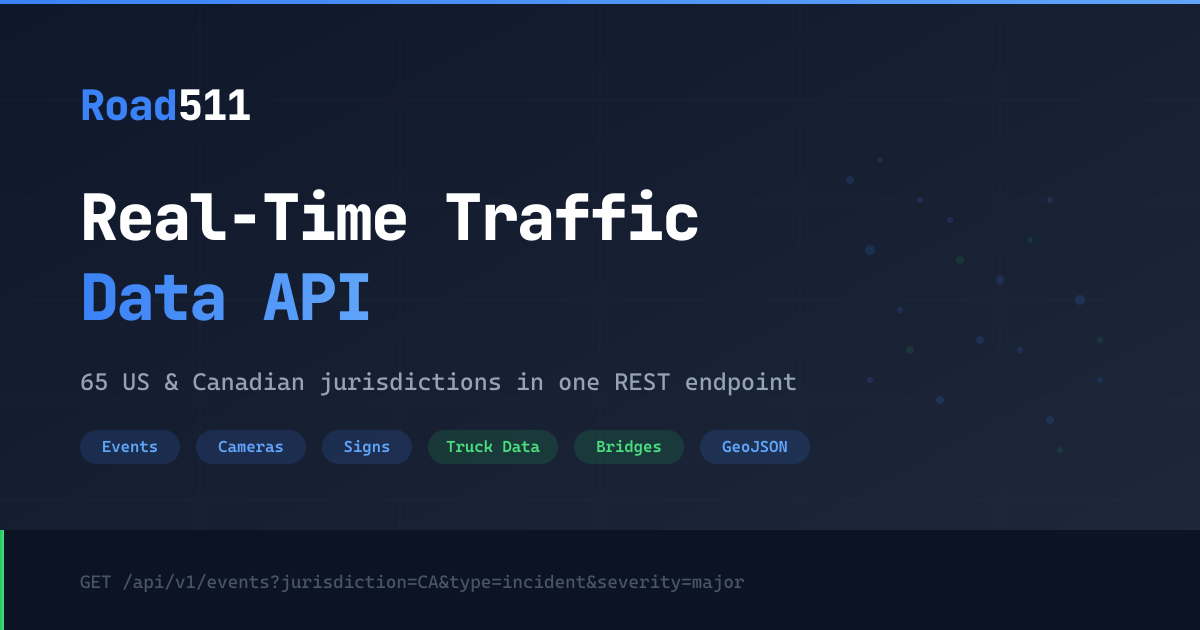
Access real-time US and Canada traffic data via Road511 — track incidents, monitor cameras, check road conditions, and analyze trends from any AI agent.
Vinkius AI Gateway suporta streamable HTTP e SSE.
Funciona com todos os agentes de IA que você já usa
…e qualquer cliente compatível com MCP









Road511 MCP Server: veja o seu AI Agent em ação
Capacidades integradas (8)
get_clearance
Returns average resolution times by incident type, severity, jurisdiction, and time period. Essential for operational efficiency analysis, resource planning, performance benchmarking, and understanding how quickly traffic incidents are resolved in different regions. AI agents should use this when users ask "what is the median resolution time for incidents in California", "how long do major incidents take to clear in Texas", or need performance metrics for traffic incident management analysis. Get incident resolution time metrics (P50/P95) for operational analysis
get_events
Returns event type, severity (minor, moderate, major, critical, info), jurisdiction, road affected, start and end times, lifecycle status, geometry (line/point), and detailed descriptions. Supports filtering by jurisdiction (e.g., CA), type (incidents, construction, closures, events, advisories), severity, road name, status, and geographic area (bbox, lat/lon/radius). Essential for real-time traffic awareness, route planning, delivery logistics, and commuter decision-making. AI agents should use this when users ask "what incidents are on I-405", "show construction in California", or need traffic event data for route optimization. Get traffic incidents, construction, closures, and events across US and Canada
get_events_geojson
Each feature contains event properties (type, severity, jurisdiction, road, times, status, descriptions) in the properties object and point/line geometry in the geometry object. Supports all the same filtering parameters as get_events. Essential for mapping applications, spatial analysis, GIS integration, and visualization dashboards. AI agents should use this when users need to plot traffic events on a map, perform spatial queries, or integrate with GeoJSON-based mapping tools. Get traffic events in GeoJSON format for mapping and spatial analysis
get_features
Returns type, jurisdiction, coordinates, status, and feature-specific details. Use when users ask about traffic cameras, EV chargers, rest areas, road conditions, or need infrastructure data for mapping. Get road infrastructure features including cameras, road conditions, weather stations, and more
get_features_geojson
Each feature includes properties (type, jurisdiction, status, camera URL, road condition, weather data, EV charger info) and point geometry. Supports all the same filtering parameters. Essential for mapping applications, GIS workflows, spatial databases, and visualization dashboards. AI agents should reference this when users need to plot infrastructure features on a map, integrate with GeoJSON tools, or perform spatial analysis on road infrastructure. Get road infrastructure features in GeoJSON format for mapping and GIS integration
get_health
Returns API availability, response times, data source connectivity (per jurisdiction), last update timestamps, and system alerts. Essential for monitoring API reliability, verifying data freshness, troubleshooting integration issues, and ensuring production system uptime. AI agents should use this as a diagnostic tool when users report missing data, when debugging integration issues, or as a periodic health check before making complex traffic data queries. Check API health and data source status
get_summary
Returns event counts by type and severity, active camera counts, data source status (healthy, degraded, down), refresh rates, and data freshness indicators. Essential for data quality monitoring, system health checks, understanding data coverage by region, and verifying API reliability before production use. AI agents should use this when users ask "how many active incidents are there nationwide", "is the California data source healthy", or need a system-wide overview of Road511 data quality and coverage. Get summary statistics and data source health across all jurisdictions
get_trends
Returns incident counts over time, severity distributions, trend directions (increasing, decreasing, stable), peak incident times, and comparative analysis between regions. Essential for traffic pattern analysis, operational planning, resource allocation, and understanding temporal traffic safety trends. AI agents should use this when users ask "are incidents increasing in Texas this week", "show me traffic incident trends for the past month", or need analytical data for traffic safety reporting. Get traffic incident trends and time-series analytics
O que esse conector desbloqueia
Connect your Road511 real-time traffic data API to any AI agent and take full control of North American traffic monitoring, incident tracking, infrastructure awareness, and operational analytics through natural conversation.
What you can do
- Traffic Incidents — Track real-time incidents, construction, closures, special events, and weather advisories across all 50 US states and 13 Canadian provinces
- Traffic Cameras — Access live traffic camera feeds for visual traffic monitoring across North America
- Road Conditions — Check current road conditions, surface status, and weather impacts on roadways
- EV Charging — Find electric vehicle charging stations across the US and Canada for trip planning
- Rest Areas — Locate rest areas, weigh stations, and ferry terminals along major corridors
- Weather Stations — Access road-side weather station data for weather-aware routing
- Geospatial Mapping — Get all data in GeoJSON format for direct mapping and GIS integration
- Incident Analytics — Analyze traffic incident trends, resolution times, and operational metrics
- System Health — Monitor API health and data source status across 65 jurisdictions
How it works
1. Subscribe to this server
2. Enter your Road511 API key (free 14-day trial available)
3. Start monitoring North American traffic from Claude, Cursor, or any MCP-compatible client
No more navigating multiple state 511 websites or manually checking traffic cameras. Your AI acts as a dedicated traffic analyst and route planning assistant.
Who is this for?
- Fleet Operators — monitor incidents, plan routes, and track road conditions for logistics optimization
- Daily Commuters — check traffic incidents and construction before heading out
- EV Drivers — find charging stations and plan electric vehicle trips
- Traffic Analysts — study incident trends, resolution metrics, and traffic pattern analytics
Perguntas frequentes
Dê aos seus agentes de IA o poder do Road511
Acesse o Road511 e mais de 2.000 servidores MCP — prontos para seus agentes usarem, agora mesmo. Sem código cola. Sem integrações customizadas. Apenas plugue o Vinkius AI Gateway e deixe seus agentes trabalharem.
Mais nesta categoria

FullStory
11 ferramentasManage digital experience intelligence, track users, and retrieve session data via AI agents with FullStory.
IPQualityScore (IPQS)
10 ferramentasDetect fraud, proxies, and malicious activity via IPQS API.
NewsAPI
10 ferramentasSearch breaking news and historical articles from 150,000+ sources via NewsAPI.org.
Você também pode gostar

ClickFunnels
8 ferramentasManage sales funnels and contacts via ClickFunnels 2.0 — track performance, monitor leads, and manage orders directly from any AI agent.
.png)
Ezus
12 ferramentasStreamline travel agency operations via Ezus — manage projects, clients, suppliers, and invoices through your AI agent.
Sapling (Kallidus)
10 ferramentasManage employee onboarding, data, and tasks via Sapling API.