
Rancher MCP Server
Equip your AI to manage Kubernetes environments directly through Rancher, overseeing clusters, namespaces, and active pods.
Vinkius AI Gateway supports streamable HTTP and SSE.
Works with every AI agent you already use
…and any MCP-compatible client









Rancher MCP Server: see your AI Agent in action
Built-in capabilities (10)
get_cluster
Retrieves details for a specific Kubernetes cluster
get_project
Retrieves details for a specific Rancher project
list_apps
Lists Helm applications installed in a project
list_catalogs
Lists available Helm chart repositories (Catalogs)
list_clusters
Lists all Kubernetes clusters managed by Rancher
list_namespaces
Lists Kubernetes namespaces associated with a project
list_nodes
Lists all nodes within a specific cluster
list_projects
Use this to find project IDs. Lists logical projects within a cluster
list_users
Lists all user accounts in the Rancher platform
list_workloads
Lists all Kubernetes workloads (Deployments, StatefulSets) in a project
What this connector unlocks
Connect your Rancher Kubernetes management platform to your AI agent, allowing seamless orchestration of your container infrastructure directly from a chat interface. By integrating this server, your AI can introspect and interact with multiple remote Kubernetes clusters managed governed by your Rancher deployment.
What you can do
- Cluster Oversight — List and examine the status of all managed clusters connected to your Rancher control plane.
- Namespace Discovery — Explore specific logical partitions (namespaces) within those clusters without digging into complex kubectl configuration.
- Workload Management — Access deployments, daemonsets, and statefulsets to observe operational health across environments.
- Pod Introspection — Query individual pod states, find crashing containers, and pull context faster than running manual CLI queries.
How it works
1. Enable the MCP server integration.
2. Configure it with your Rancher Server URL and the generated Bearer Token for API authentication.
3. Instruct your AI to inspect a cluster, query specific namespaces, or detail the status of a specific pod.
Who is this for?
- DevOps Engineers — Debug and query live cluster statuses interactively, bypassing the need to constantly switch context between terminals and UI dashboards.
- Kubernetes Administrators — Run automated queries to verify policies, scaling sets, and general deployment topologies rapidly.
- Backend Developers — Ensure microservices are running smoothly on target clusters and verify namespace health without complex local setups.
Frequently asked questions
Give your AI agents the power of Rancher
Access Rancher and 2,000+ MCP servers — ready for your agents to use, right now. No glue code. No custom integrations. Just plug Vinkius AI Gateway and let your agents work.
More in this category
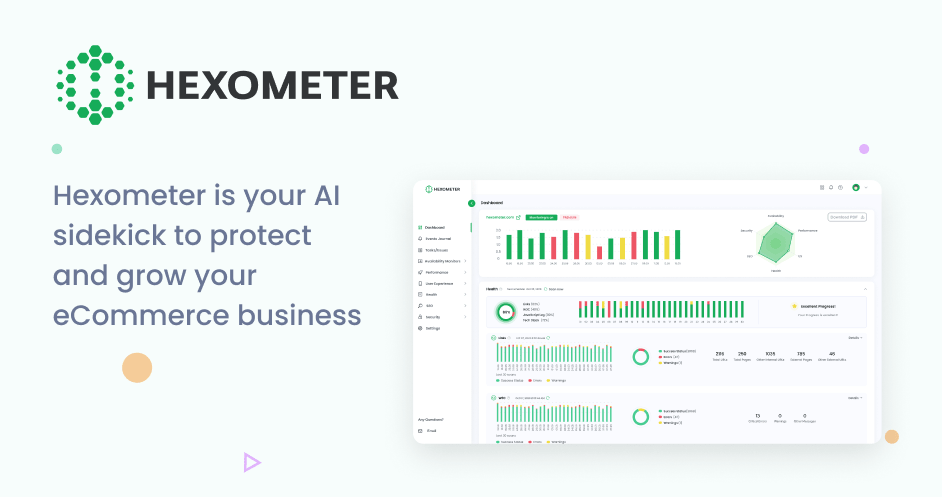
Hexometer
11 toolsAutomate website monitoring via Hexometer — monitor uptime, performance, and health directly from any AI agent.
Sitecore
9 toolsManage your Sitecore CMS via AI agents — create, search, and update content items, templates, layouts, and workflows directly from your chat.

ZenHub
8 toolsManage agile boards, epics, and estimates via the ZenHub API.
You might also like
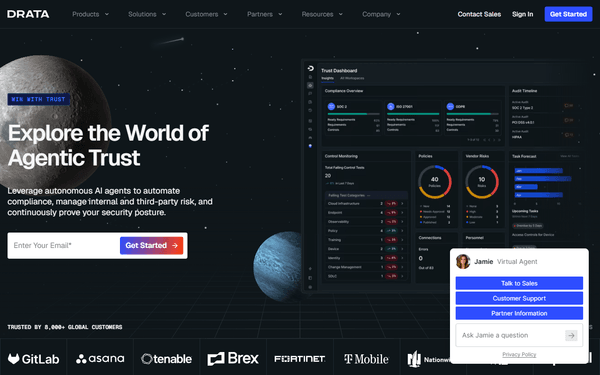
Drata
10 toolsAutomate compliance and security via Drata — monitor controls, track personnel onboarding, audit policies, and verify cloud asset security directly from any AI agent.
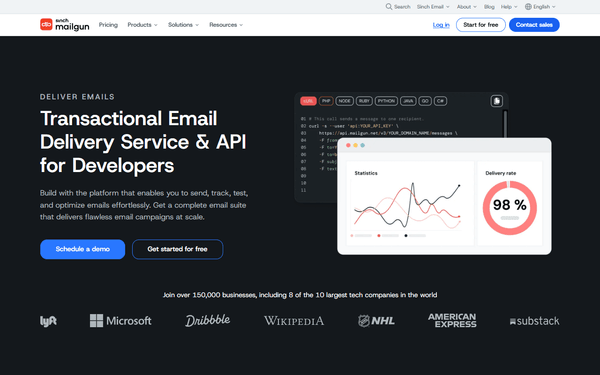
Mailgun (Transactional Email & Domains)
10 toolsManage email infrastructure via Mailgun — send transactional emails, monitor domain health, and audit delivery logs.

Paymo
10 toolsControl agency workflows via Paymo — trace tasks, submit time entries, structure project milestones, and securely fetch invoices using AI.