
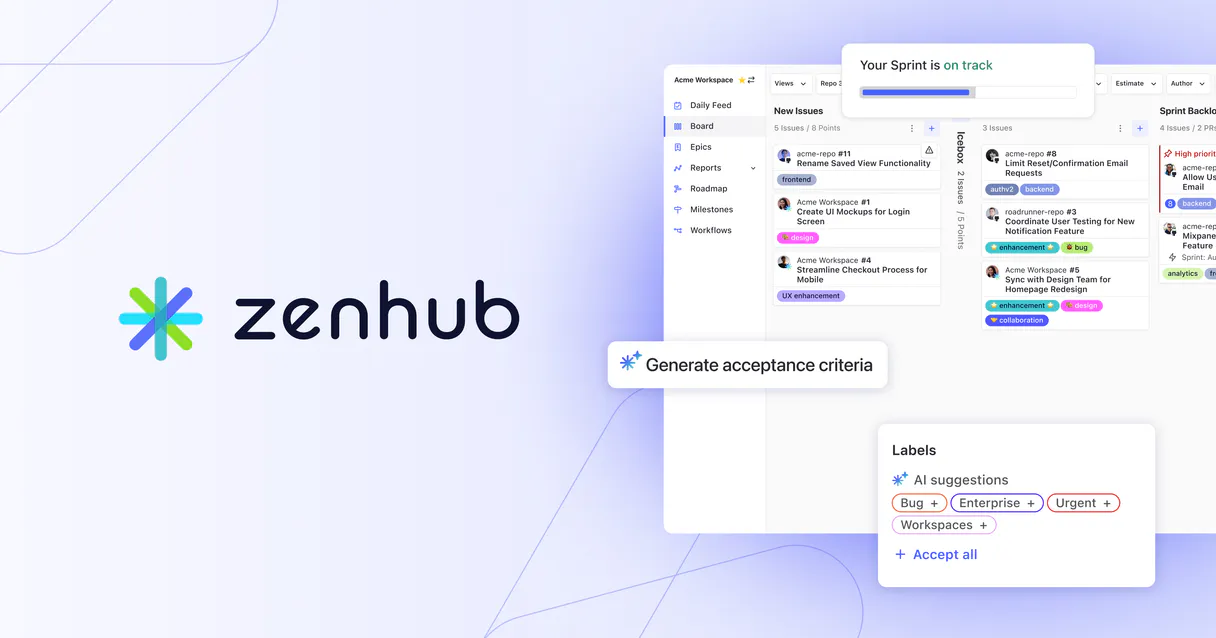
ZenHub MCP. Manage boards, epics, and estimates with text commands.
 Gemini
 Works with every AI agent you already use
…and any MCP-compatible client









Just plug in your AI agents and start using Vinkius.
ZenHub MCP connects your AI agent directly to ZenHub, giving you natural language control over agile boards, epics, and issue estimates.
Use it to monitor project progress, update issue statuses across pipelines, or list all associated epics without leaving your chat client.
What your AI agents can do
Get epic data
Gets specific details for a single, defined epic in the project.
Get repo board
Retrieves the full operational board view for any connected GitHub repository.
Get workspace board
Accesses and displays the ZenHub board status for an entire project workspace.
Retrieves the current structure and contents of ZenHub boards for either a specific repository or an entire workspace.
Moves issues from one pipeline to another, instantly updating the task's official status in your workflow.
Sets or reads the story point estimate for any specific issue in the system.
Retrieves full metadata and associated issues for a defined ZenHub epic.
Lists historical release reports, giving you visibility into project progress over time.
Ask AI about this MCP
Supported MCP Clients
OAuth 2.0 Compatible Gemini Waiting for input…
ZenHub with 8 Tools
These tools let you interact with every part of the ZenHub ecosystem—from listing basic repository boards to calculating detailed epic data.
Make your AI actually useful.
Add this MCP to Claude, Cursor, or Windsurf and your AI stops guessing. It gets real tools to look things up, take action, and handle the stuff you keep doing by hand.
Start using ZenHub on Vinkius019d7627get epic data
Gets specific details for a single, defined epic in the project.
019d7627get repo board
Retrieves the full operational board view for any connected GitHub repository.
019d7627get workspace board
Accesses and displays the ZenHub board status for an entire project workspace.
019d7627get zenhub issue data
Pulls specialized metadata unique to a specific GitHub issue from ZenHub.
019d7627list release reports
Generates and lists historical reports detailing progress for any project release.
019d7627list repo epics
Lists every epic associated with a given repository.
019d7627move issue between pipelines
Changes an issue's status by moving it from one workflow pipeline to another.
019d7627set issue estimate
Assigns or updates the story point estimate for a specific task.
Choose How to Get Started
Build a custom MCP for your own tools, or connect a ready-made integration from our catalog.
Build Your Own
Turn any API into an MCP. Import a spec, define Agent Skills, or deploy with MCPFusion.
- Import from OpenAPI, Swagger, or YAML specs
- Create Agent Skills with progressive disclosure
- Deploy to edge with MCPFusion framework
- Built in DLP, auth, and compliance on every call
- Real time usage dashboard and cost metering
- Publish to catalog or keep private
Make Your AI Do More
Start with ZenHub, then connect any of our 4,800+ other servers whenever your AI needs more. One click, no limits.
- Use this MCP plus 4,800+ others, all in one place
- Add new capabilities to your AI anytime you want
- Every connection is secured and compliant automatically
- Track usage and costs across all your servers
- Works with Claude, ChatGPT, Cursor, and more
- New servers added to the catalog every week
Independent Platform Disclaimer: Vinkius is an independent platform and is not affiliated with, endorsed by, sponsored by, verified by, or otherwise authorized by ZenHub. All third-party trademarks, logos, and brand names are the property of their respective owners. Their use on this website is strictly for informational purposes to identify service compatibility and interoperability.
VINKIUS INFRASTRUCTURE
Cloud Hosted
Managed infra
V8 Isolated
Sandboxed per request
Zero-Trust Proxy
No stored credentials
DLP Enforced
Policy on every call
GDPR Compliant
EU data residency
Token Compression
~60% cost reduction
Works with Claude, ChatGPT, Cursor, and more
The Model Context Protocol standardizes how applications expose capabilities to LLMs. Instead of operating in isolation, your AI gains direct access to external platforms, live data, and real-world actions through secure, standardized connections.
This server provides 8 capabilities that interface natively with Claude, ChatGPT, Cursor, and any MCP client. No middleware. No custom integration required.
Jumping Between Dashboards To Track Project Status
Today, tracking progress means logging into GitHub to see the repo board. Then you open ZenHub to check epics. Next, you jump to a separate system just to confirm if an issue has been moved out of 'Review/QA'. You copy data from one tab and paste it into another sheet for reporting.
With this MCP, that entire manual process disappears. Tell your agent: 'Show me the full board status for repo XYZ.' The agent pulls all necessary data—the board view, the epic list, and the current issue states—and gives you a single, synthesized answer.
The `move_issue_between_pipelines` Tool
Manually updating an issue's status means finding it on the board and clicking the correct column. If you forget to update that one field, your report is wrong. You risk leaving issues stranded in the wrong pipeline.
Now, just tell your agent: 'Move issue #123 to Done.' The MCP handles the state change directly in ZenHub. It's accurate and instant.
What you can do with this MCP connector
Managing an agile board usually means jumping between GitHub, a dedicated dashboard, and Jira—a massive context switch. This MCP changes that. It lets your agent talk directly to ZenHub, pulling in data about which issues are stalled, what the current estimate load is, or what release reports are ready.
Instead of clicking through five separate views just to understand team velocity, you ask for it. Your agent pulls everything together: checking list_repo_epics to see the big picture, then running get_zenhub_issue_data on specific tasks for details, and finally giving you a single summary report. Because this MCP runs on Vinkius, your agent can even combine ZenHub data with other systems—like chaining it with a messaging MCP—to build automations that span multiple platforms using one AI client.
Everything happens securely within the platform's zero-trust proxy, meaning your keys never sit on a disk.
It’s about keeping your focus where it belongs: on solving problems, not navigating dashboards.
019d7627-7a3a-7168-931c-978c4e4f72a2 
How ZenHub MCP Works
- 1 Subscribe to this MCP and provide your ZenHub API token credentials.
- 2 Connect your preferred AI client (Claude, Cursor, etc.) to the Vinkius platform.
- 3 Send a natural language command like, 'Show me the board for repo X and tell me which issues need their estimates set.'
The bottom line is that you talk to your agent, and it executes all the necessary API calls through this MCP.
Who Is ZenHub MCP For?
Anyone whose job involves tracking project progress across multiple systems. This hits Project Managers who are tired of manually generating status reports and Software Engineers who waste time switching between GitHub and internal dashboards.
Checks board health, tracks overall epic progress, and generates high-level release summaries.
Facilitates planning sessions by querying team velocity metrics or updating issue statuses for the next sprint.
Quickly checks and sets story point estimates on issues directly from their IDE without leaving code review.
What Changes When You Connect
- Stop manually checking the board. Your agent can read
get_repo_boardstatus on demand, showing you exactly where every issue sits in your pipeline. - Never lose track of scope again. Use
list_repo_epicsandget_epic_datato instantly pull up all related issues for any major project goal. - Keep the sprint moving fast. With
move_issue_between_pipelines, you update an issue's status from 'To Do' to 'In Progress' with a simple command, no dashboard clicks needed. -
set_issue_estimatelets engineers record story points directly via natural language, making planning data capture instantaneous and accurate. - Review project history easily. You can call
list_release_reportsto see progress metadata across multiple cycles without digging through archives.
Real-World Use Cases
The PM needs a status update before the standup
Instead of opening five tabs, the PM asks their agent: 'What's the board status for repo XYZ and which epics are blocked?' The agent runs get_workspace_board and list_repo_epics, returning an instant summary.
The Engineer is ready to start work
An engineer doesn't want to open the issue, find the estimation field, and input a number. They just say: 'Set story point estimate for this task.' The agent executes set_issue_estimate.
The Scrum Master needs to force a workflow update
A task is done in QA but isn't marked as such. The SM tells the agent: 'Move issue #123 to Done.' The agent calls move_issue_between_pipelines and updates the status immediately.
The Team needs to scope a new feature
A developer asks: 'List all epics for this repo, and what's the current estimate breakdown?' The agent uses list_repo_epics then runs get_zenhub_issue_data to calculate total points.
The Tradeoffs
Using GitHub directly for status updates
Manually navigating the board and changing the status of an issue one by one. This is slow, error-prone, and leaves no audit trail.
→
Use move_issue_between_pipelines. Just tell your agent to move it: 'Move issue #123 to Review/QA.' The MCP handles the state change reliably.
Trying to estimate points from memory
A PM remembers a task was worth 5 points but has to ask an engineer just to confirm, wasting time.
→
Use set_issue_estimate. Have the agent run this tool on your behalf: 'Set story point estimate for issue #45 to 8.' The data is recorded instantly.
Ignoring release scope
Only looking at today's board without understanding what was finished last month or planned next quarter.
→
Use list_release_reports to pull up the complete project timeline. This gives you context beyond just the current sprint.
When It Fits, When It Doesn't
Use this MCP if your workflow requires managing the entire lifecycle of an issue: from initial epic definition through board placement, status changes, and final estimation. You need a single source for everything related to project flow.
Don't use it if you only need basic data retrieval (e.g., 'What is the description of this one issue?'). For that, simple API calls might suffice. But if you need to change anything—move status, set estimates, or aggregate across boards and epics—this MCP handles the complexity. If your primary need is just viewing a list of users, look for a dedicated user directory MCP instead.
Common Questions About ZenHub MCP
How do I check all epics with get_epic_data? +
You first run list_repo_epics to see the list of available epics for a repository. Then, you pass the name of the specific epic into get_epic_data to pull its full details.
Does ZenHub MCP help me estimate tasks? +
Yes, you use set_issue_estimate. You just tell your agent which issue and what point value to assign. The tool updates the official record for you.
What is the difference between get_repo_board and get_workspace_board? +
Use get_repo_board when you only care about one specific repository's board view. Use get_workspace_board if you need to see the aggregate status across an entire project workspace.
Can I track progress over time using list_release_reports? +
Yes. Running list_release_reports retrieves historical data, letting you compare current performance against previous release cycles to spot trends.
How does using `get_zenhub_issue_data` secure my project metadata? +
The MCP uses a zero-trust proxy for all credentials. Your keys are only used during the call's transit and never stored on disk, meaning your data stays private throughout every operation.
If I run `move_issue_between_pipelines` with bad data, how does the agent handle the failure? +
The MCP provides structured error feedback. If an issue is invalid or already in a final state, the tool returns a specific error code and message, letting your agent report exactly what went wrong.
When I use `get_epic_data`, what detailed metadata does it provide about the epic? +
It gives full context beyond just issue names. You get the core details of the epic, including its creator, target release, and associated scope, allowing you to understand the entire project structure.
What if I run `list_repo_epics` too frequently in one session? +
The platform manages rate limiting automatically. If you exceed allowed calls, the MCP will pause the request and signal that limit has been reached, preventing unexpected failures.
How do I find my GitHub Repository ID? +
You can find your Repository ID in your GitHub settings, or use a GitHub MCP server to query your repository metadata.
Can I move an issue to a different pipeline using this agent? +
Yes, the move_issue_between_pipelines tool allows you to specify a workspace, repository, issue number, and target pipeline ID to update the status.
Is it possible to set story point estimates? +
Absolutely. Use the set_issue_estimate tool with the repository ID, issue number, and your desired point value.
Use it with your favorite AI tools
Connect this server to Cursor, Claude, VS Code, and more.