
Salesforce Service Cloud MCP Server
Manage support cases, search the knowledge base, track case metrics, and resolve customer issues through natural conversation.
Vinkius AI Gateway supports streamable HTTP and SSE.

Works with every AI agent you already use
…and any MCP-compatible client









Salesforce MCP Server: see your AI Agent in action
Built-in capabilities (8)
sf_add_case_comment
Set isPublished to true if the comment should be visible to the customer (e.g., in a customer portal). Default is internal-only. Use to log agent responses, internal notes, or resolution steps on a support case. Add a comment to a Salesforce case — internal note or customer-visible response
sf_case_comments
Returns comment body, whether it is published (customer-visible), creator name, and creation date. Comments provide the full conversation history of a support case. Use to review case discussions or get context before responding. Get all comments (internal and customer-visible) on a specific Salesforce case for case history review
sf_case_metrics
Returns summary data: how many cases at each status × priority intersection. Perfect for support team dashboards, capacity planning, and identifying volume trends. Use when the user asks "how many open cases do we have?" or "what is the case breakdown by priority?" Get aggregate support case metrics — case counts grouped by status and priority for a team dashboard view
sf_cases_by_status
Returns cases sorted by priority then creation date. Use for support queue management: "how many new cases are there?", "show escalated cases", or for case workload analysis by status. Get all Salesforce cases at a specific status for queue analysis — New, Working, Escalated, or Closed
sf_create_case
Subject is required. Status defaults to "New". Priority: High, Medium, Low. Origin: Web, Phone, Email. Link to a customer via contactId and their company via accountId (both use 18-char Salesforce IDs). Cases track the complete lifecycle of a customer support issue. Create a new support case in Salesforce Service Cloud with subject, description, priority, origin, and linked contact/account
sf_search_cases
Returns case number, subject, status (New/Working/Escalated/Closed), priority (High/Medium/Low), origin channel (Web/Phone/Email), case owner, and description. Use when the user wants to find a specific support case, look up a case number, or review customer issues. Search Salesforce Service Cloud cases by subject or case number to find customer support issues
sf_search_knowledge
Returns article title, summary, URL, and article type. Salesforce Knowledge is the built-in KB for self-service and agent-assist. Use when the user asks for help articles, documented solutions, or wants to check if an issue has been addressed in the knowledge base. Search the Salesforce Knowledge Base for published articles to find documented solutions and answers
sf_update_case
Common operations: advance Status from "New" to "Working" to "Closed", escalate Priority to "High", or append to Description. Only specified fields change. Update a Salesforce case — change status, escalate priority, or add description to reflect case progress
What this connector unlocks
Connect Salesforce Service Cloud to any AI agent.
What you can do
- Cases — Search, create, update, and filter by status or priority
- Comments — Read and add internal/public case comments
- Knowledge — Search published knowledge articles for instant answers
- Metrics — Aggregate case counts by status and priority
Who is this for?
- Support Agents — Resolve tickets without opening Salesforce
- CS Managers — Get instant support queue health checks
- Success Teams — Look up case history for any customer
Frequently asked questions
Give your AI agents the power of Salesforce
Access Salesforce and 2,000+ MCP servers — ready for your agents to use, right now. No glue code. No custom integrations. Just plug Vinkius AI Gateway and let your agents work.
More in this category

Google Analytics
12 toolsQuery GA4 analytics data via Google Analytics API — run reports, check realtime data, analyze funnels, and export audiences directly from any AI agent.
Salesforce Admin & Metadata
8 toolsManage users, explore object schemas, monitor org limits, search metadata, execute Apex, and audit profiles through natural conversation.

Honeywell Process
10 toolsConnect Honeywell Process to any AI agent via MCP.
You might also like
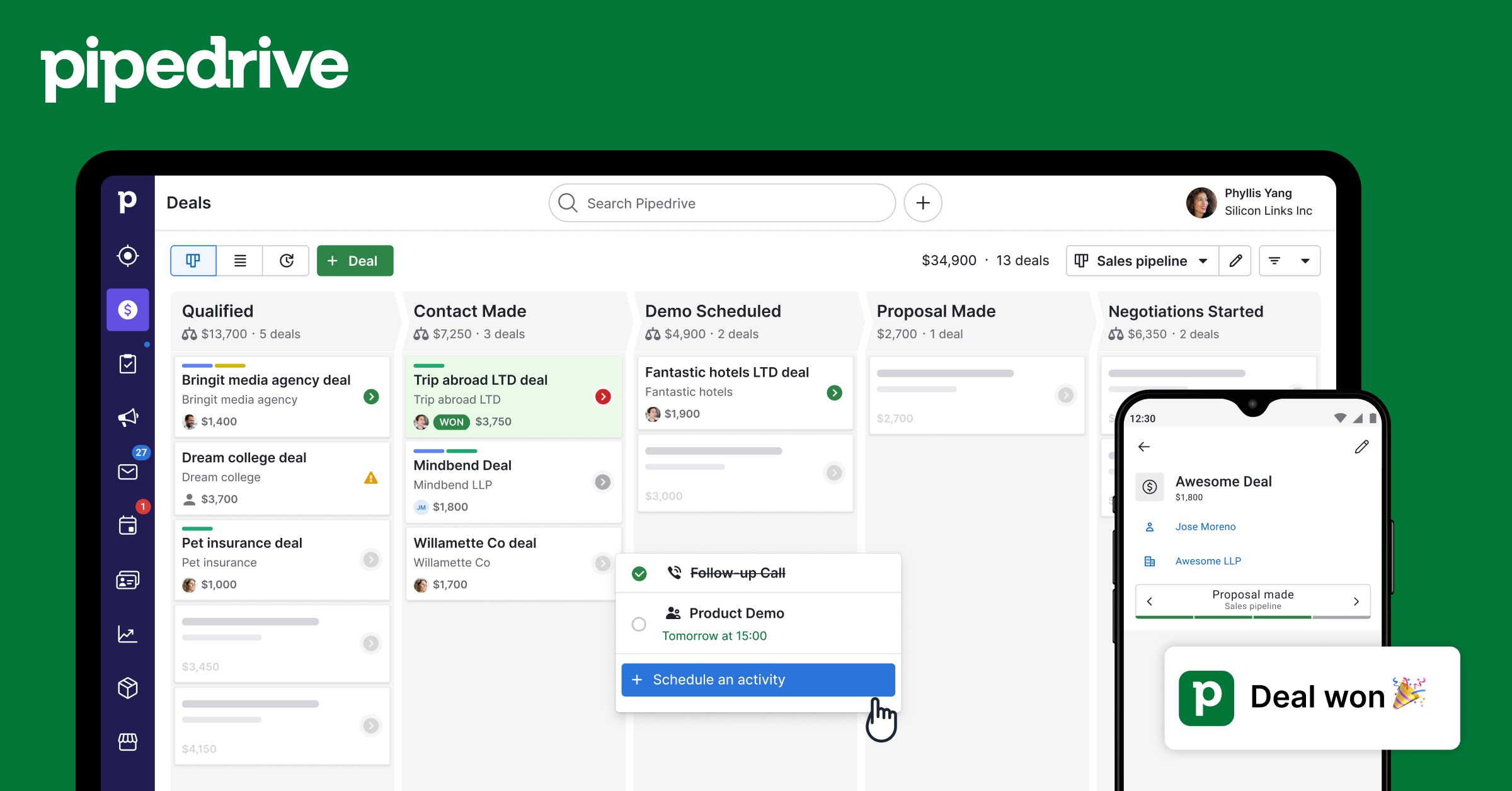
Pipedrive CRM (Full)
11 toolsManage deals, contacts, organizations, activities, notes, and pipelines — complete Pipedrive CRM access through natural conversation.
HiDeliver
9 toolsManage email lists and marketing broadcasts via HiDeliver exactly from any AI agent.

Intrinio
10 toolsAccess real-time and historical financial market data via Intrinio API.