
Make (Workflow Automation) MCP Server
Manage workflow automation via Make — audit scenarios, track execution logs, and monitor data stores.
Vinkius AI Gateway soporta streamable HTTP y SSE.
Funciona con todos los agentes de IA que ya usas
…y cualquier cliente compatible con MCP









Make MCP Server: mira tu AI Agent en acción
Capacidades integradas (7)
get_scenario
Get Make scenario details
list_connections
List Make connections linked to an organization
list_data_stores
List Make data stores
list_organizations
List Make organizations for the current authenticated user
list_scenario_logs
Helps debug automation errors. Get execution logs of a Make scenario
list_scenarios
Check the list of organizations if org_id is unknown. List Make scenarios
list_teams
Needs org_id. List Make teams inside an organization
Lo que este conector desbloquea
Connect your Make account to any AI agent and take full control of your visual workflow automation and scenario management through natural conversation.
What you can do
- Scenario Orchestration — List all managed scenarios and retrieve detailed flow design structures, including module mappings and trigger settings directly from your agent
- Execution Diagnostics — Extract historical scenario logs to identify errors, track data processing volumes, and debug automation failures in real-time
- Infrastructure Audit — Enumerate active organizations, teams, and connections to understand your automation footprint and verify authentication hooks securely
- Data Store Visibility — List and inspect internal Make Data stores (key-value tables) to monitor persistent data used across your automated workflows
- Environment Mapping — Retrieve precise organization and team IDs required for complex downstream API operations and organizational auditing
- Metadata Inspection — Deep-dive into specific scenario configurations to understand the logic and logic loops powering your business processes
How it works
1. Subscribe to this server
2. Enter your Make API Token and Zone (e.g., eu1, us1)
3. Start managing your automation infrastructure from Claude, Cursor, or any MCP-compatible client
Who is this for?
- Automation Engineers — verify scenario designs and audit connection statuses through natural conversation without manual dashboard navigation
- Ops Managers — monitor execution logs and scenario health across multiple teams to ensure business process reliability
- Developers — inspect data store contents and retrieve scenario metadata directly from your workspace for rapid debugging
Preguntas frecuentes
Dale a tus agentes de IA el poder de Make
Accede a Make y a más de 2.000 servidores MCP — listos para que tus agentes los usen, ahora mismo. Sin código pegamento. Sin integraciones personalizadas. Solo conecta el Vinkius AI Gateway y deja que tus agentes trabajen.
Más en esta categoría
Drift
10 herramientasEquip your AI agent to manage conversations, track contacts, and monitor agent availability via the Drift API.
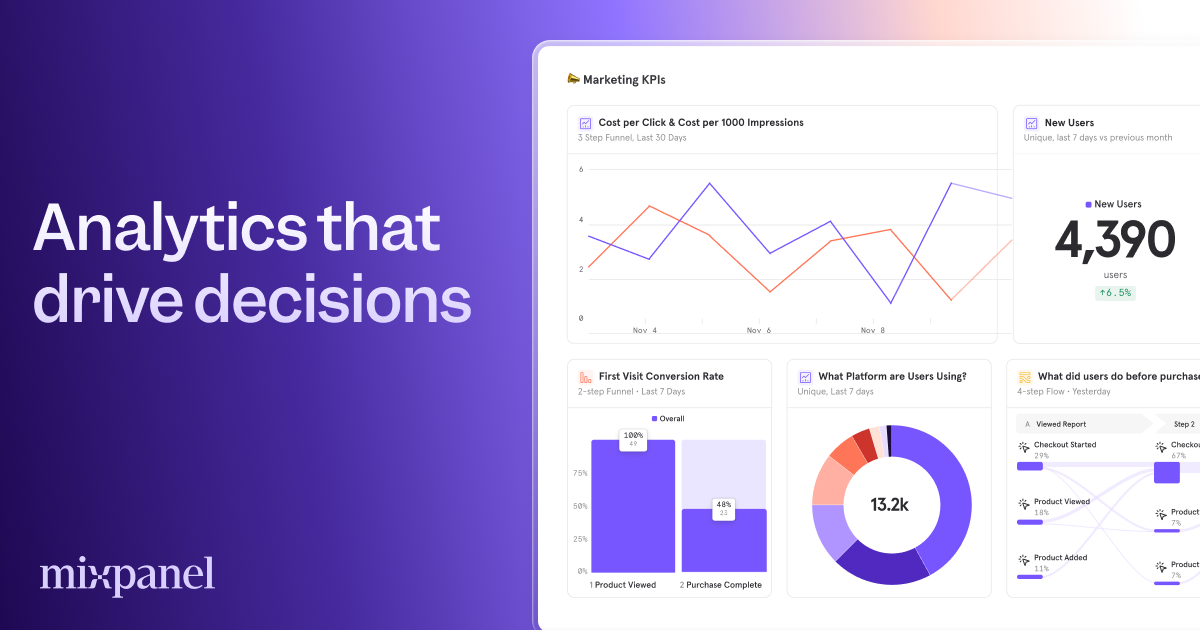
Mixpanel (Event Analytics & Insights)
10 herramientasManage product analytics via Mixpanel — query event trends, track conversion funnels, and audit user cohorts.

Amplitude
10 herramientasAnalyze product data via Amplitude — get user activity, calculate retention, analyze funnels, and track revenue directly from any AI agent.
También podría gustarte
NASA DONKI — Space Weather Intelligence
7 herramientasNASA's Space Weather Database: coronal mass ejections (CMEs), solar flares (C/M/X class), geomagnetic storms, interplanetary shocks, solar energetic particles, radiation belt events, and real-time notifications from the DONKI system.
Alpic
18 herramientasAI MCP infrastructure: deploy, manage, and monitor MCP servers programmatically via agents.

Knack
10 herramientasManage your Knack database — list objects, query records, and perform CRUD operations via natural language.