
Parseur MCP Server
Automate document processing via Parseur — list mailboxes, upload PDFs/Emails, extract structured data pipelines, and trigger template logic natively.
Vinkius AI Gateway prend en charge le streamable HTTP et le SSE.

Fonctionne avec tous les agents IA que vous utilisez déjà
…et tout client compatible MCP









Parseur MCP Server : voyez votre AI Agent en action
Capacités intégrées (10)
create_mailbox
The type determines the parsing engine (e.g., "pdf", "email", "attachment"). Once created, you can configure templates and forward documents to the mailbox for automatic extraction. Create a new Parseur mailbox for document parsing
create_template
Pass the template name and a JSON config string defining field mappings. Parseur will use this template to extract structured data from matching documents. Create a new extraction template for a Parseur mailbox
get_document_data
Fields depend on the template configuration (e.g., invoice_number, total_amount, line_items). Only works for documents with status "processed". Retrieve the fully extracted JSON data from a parsed document
get_document_details
Does not include the parsed data itself — use get_document_data for that. Get metadata of a single parsed document
get_mailbox
Use this to verify mailbox setup before sending documents. Get detailed configuration of a specific Parseur mailbox
list_documents
Each entry includes document ID, status (processed, failed, pending), and metadata like sender and received date. List all parsed documents inside a Parseur mailbox
list_mailboxes
Each mailbox represents a parsing pipeline for a specific document type (invoices, receipts, emails). Use the returned mailbox IDs for subsequent operations like listing documents or uploading files. List all Parseur parsing mailboxes
list_templates
Templates define the extraction rules (field names, locations, regex patterns) used to pull structured data from incoming documents. List available extraction templates for a Parseur mailbox
retry_document
Useful after fixing template rules or when the original parse failed due to a transient error. The document will be matched against the latest template rules. Retry parsing a failed or errored Parseur document
upload_document
eml) to the specified mailbox for automatic parsing. The document enters the processing queue and will be parsed according to the mailbox template. Returns the new document ID for tracking. Upload a document URL to a Parseur mailbox for parsing
Ce que ce connecteur débloque
Bring Parseur Document Extraction arrays directly into your AI workflows. By explicitly mapping into powerful OCR and templating engines, your agent can push unstructured PDFs or bulk emails into remote routing limits, parsing exact text fields securely. Extract fields, examine documents, list defined parse-templates, and retry pipelines without manual intervention.
What you can do
- Mailboxes & Templates — Examine specifically bound mailboxes tracking which explicit templates dictate data extraction limits mapped natively
- Document Navigation — Extract properties showing precisely which unstructured strings were identified inside uploaded payloads checking
status: parsedcorrectly - Payload Uploading — Instruct the node limits mapping
upload_documentgenerating raw payloads routing straight into the engine for OCR logic - Job Management — Discover disconnected states mitigating failed validations by pushing
retry_documentinstantly forcing physical pipeline resets
How it works
1. Subscribe to this server
2. Enter your Parseur API Key explicitly
3. Start evaluating explicit AI OCR workflows reliably via Claude, Cursor, or any MCP structure
Who is this for?
- Operational Workflows — explicitly map invoicing pipelines investigating extraction errors remotely avoiding web limits
- Finance Teams — trace OCR receipts dynamically identifying missing fields from Chat architectures directly into a JSON limit natively
- Developers — route manual document loads simulating continuous AI logic mapping testing integrations on webhook bounds
Questions fréquemment posées
Donnez à vos agents IA la puissance de Parseur
Accédez à Parseur et à plus de 2 000 serveurs MCP — prêts à être utilisés par vos agents, dès maintenant. Pas de code glue. Pas d'intégrations personnalisées. Branchez simplement Vinkius AI Gateway et laissez vos agents travailler.
Plus dans cette catégorie

ClickTime
8 outilsManage time tracking and resource planning via ClickTime — track entries, monitor projects, and audit client hours directly from any AI agent.

Homebase
10 outilsAutomate employee scheduling and time tracking via Homebase — manage shifts, locations, and timecards directly from any AI agent.

HappyFox
10 outilsAutomate support ticketing via HappyFox — manage tickets, contacts, and help desk categories directly from any AI agent.
Vous pourriez aussi aimer

Karbon
12 outilsManage your accounting firm's workflow, contacts, and work items directly via AI agents.
Dokku
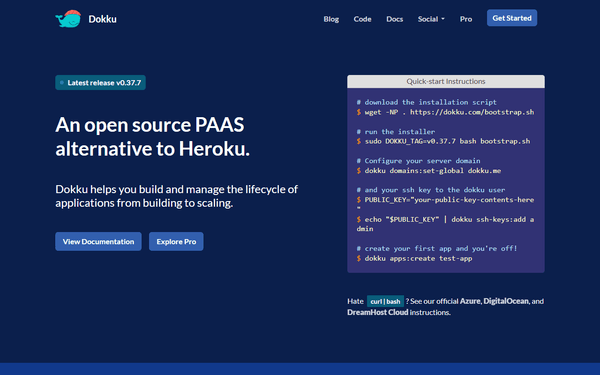
10 outilsManage self-hosted apps via Dokku — monitor containers, scale processes, handle environment variables, and stream logs directly from any AI agent.
Pipedrive Leads
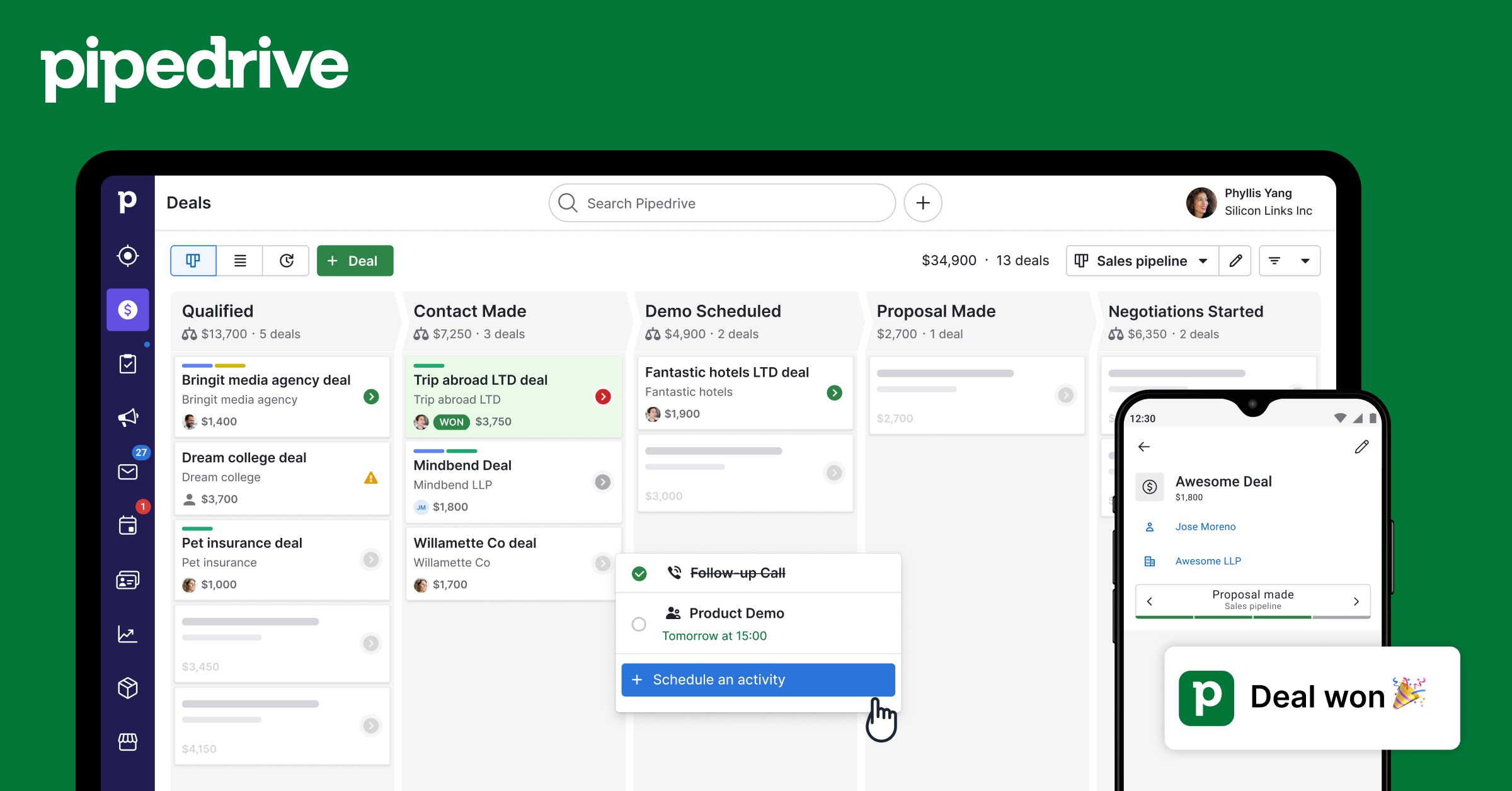
7 outilsManage your Pipedrive lead inbox — create, update, and organize leads with labels and sources before they become deals.