
RunPod MCP Server
Integrate your AI securely to RunPod to cleanly quickly provision scalable GPU pods, manage active instances, and inspect serverless endpoints and custom templates natively.
Vinkius AI Gateway suporta streamable HTTP e SSE.
Funciona com todos os agentes de IA que você já usa
…e qualquer cliente compatível com MCP









RunPod API MCP Server: veja o seu AI Agent em ação
Capacidades integradas (7)
create_pod
Specify name, GPU type, and Docker image. Creates a new GPU pod
get_pod
Retrieves details for a specific GPU pod
list_endpoints
Lists all serverless endpoints
list_gpu_types
Lists available GPU hardware types
list_pods
Lists all GPU pods in the account
list_templates
Lists saved pod templates
stop_pod
Stops a running GPU pod
O que esse conector desbloqueia
Connect your AI directly to RunPod, the leading cloud infrastructure provider for on-demand GPU computing and serverless execution. Empower your conversational agent to act as a highly proficient DevOp engineer, managing advanced computational workloads, exploring deployment options, and spinning up new hardware instances.
What you can do
- Manage Pods On-Demand — Effortlessly identify running and paused GPU machines across your cloud account (
list_pods,get_pod). Halt specific billable instances to control costs securely (stop_pod). - Provision GPU Workloads — Find verified templates or specific GPU architectures ready for deployment (
list_templates,list_gpu_types), and create entirely new hardware nodes immediately directly from chat (create_pod). - Audit Serverless Environments — Review all registered endpoints routing your containerized inference applications (
list_endpoints).
How it works
1. Successfully enable the RunPod orchestration integration inside your core interface.
2. Sign into your RunPod cloud console and navigate to 'Settings' > 'API Keys'.
3. Generate a new API Key with Read/Write permissions and insert this secret inside the secure connection module below.
4. Interact seamlessly: "List all active GPU pods and point out any that are sitting idle without active usage."
Who is this for?
- DevOps Engineers — Instantly provision and audit heavy workloads directly from chat interfaces without toggling through web dashboards.
- AI Developers — Manage high-power serverless LLM implementations organically via organic language requests.
Perguntas frequentes
Dê aos seus agentes de IA o poder do RunPod API
Acesse o RunPod API e mais de 2.000 servidores MCP — prontos para seus agentes usarem, agora mesmo. Sem código cola. Sem integrações customizadas. Apenas plugue o Vinkius AI Gateway e deixe seus agentes trabalharem.
Mais nesta categoria
CrewAI Platform
10 ferramentasOrchestrate multi-agent workflows via CrewAI — list crews and agents, kickoff autonomous runs, and monitor task execution directly from any AI agent.
NVIDIA AI
9 ferramentasAccess LLMs, embeddings, code generation, and reasoning via NVIDIA API Catalog.
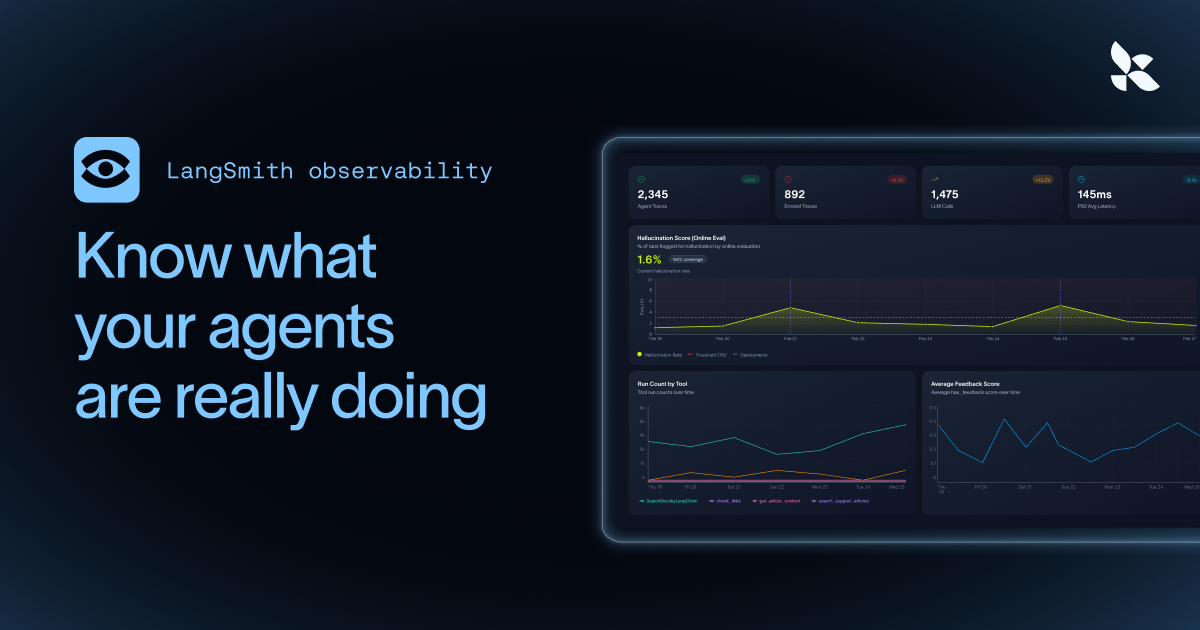
LangSmith (LLM Observability & Hub)
6 ferramentasMonitor LLM apps via LangSmith — track traces, audit prompt templates, and manage evaluation datasets.
Você também pode gostar
Watershed Climate
16 ferramentasAutomate carbon measurement and reporting via Watershed — manage inventories, upload emissions data, and track reduction targets directly from any AI agent.
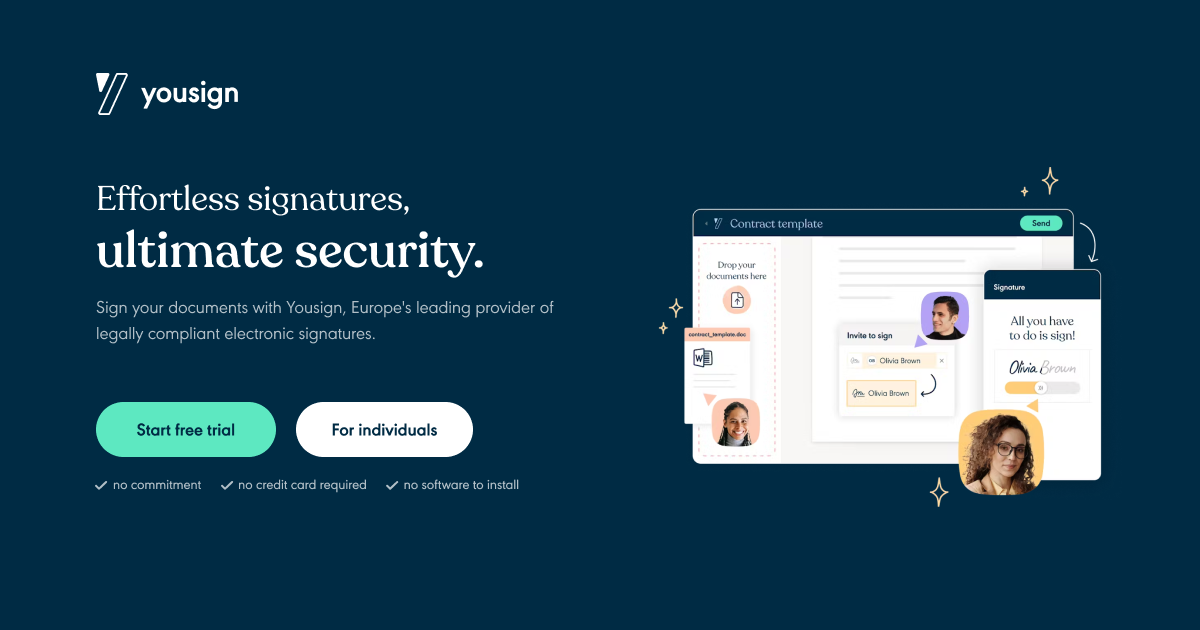
Yousign
8 ferramentasManage electronic signatures, signers, and document requests on Yousign — the leading eSignature platform for European teams.
Karbon
12 ferramentasManage your accounting firm's workflow, contacts, and work items directly via AI agents.