
HeyReach MCP. Automate LinkedIn outreach actions with your AI agent.
 Gemini
 Works with every AI agent you already use
…and any MCP-compatible client









Just plug in your AI agents and start using Vinkius.
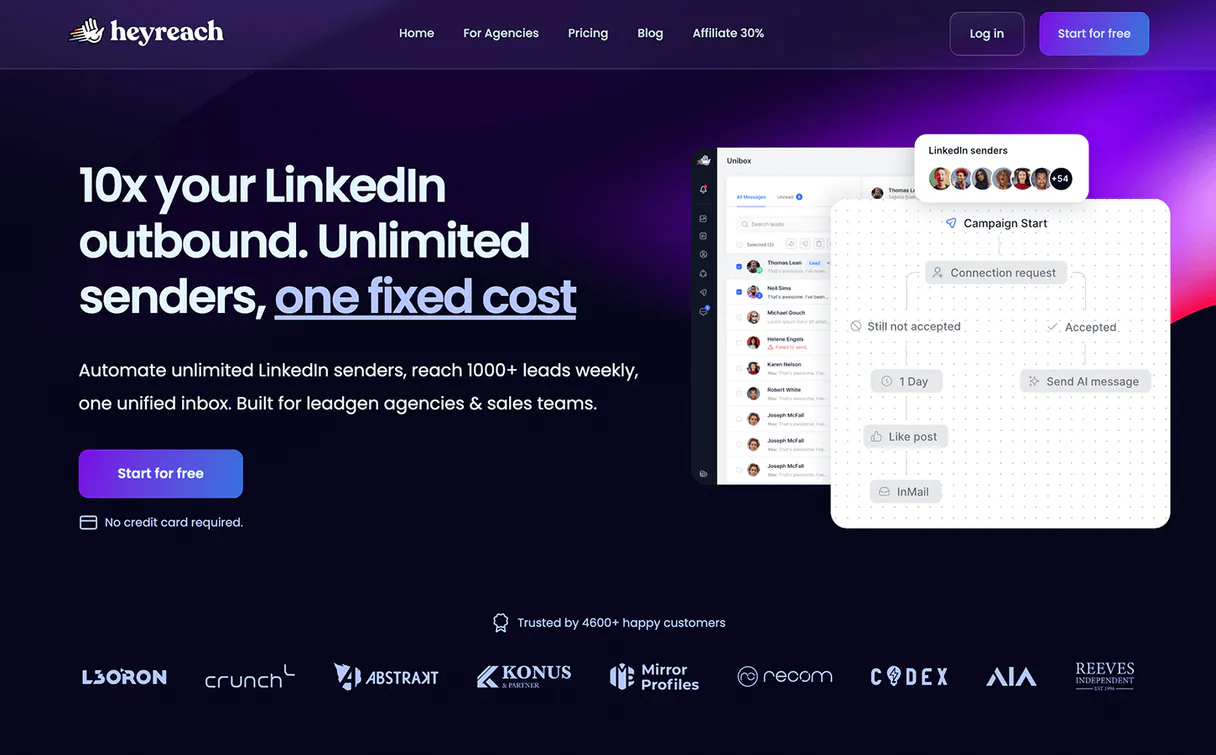
HeyReach MCP Server. Manage your LinkedIn outreach campaigns, leads, and connected accounts directly from your AI agent. List campaigns, grab lead details from profile URLs, and send messages without touching the web dashboard.
What your AI agents can do
Add leads to campaign
Imports new leads into a specific outreach campaign using a JSON array of profile URLs and names.
Get api profile
Checks the validity of the API key and retrieves basic account information.
Get lead details
Retrieves detailed information about a lead by providing their LinkedIn profile URL.
List all outreach campaigns, check status, and adjust campaign flow (pause/resume) using the agent.
Get detailed prospect information by providing a LinkedIn profile URL.
Import multiple new leads into a specific campaign using their profile URLs.
List recent conversations in your LinkedIn inbox and send direct replies to prospects.
List all connected LinkedIn accounts to track which sender profile is active.
Check which specific campaigns a lead is currently participating in.
Ask AI about this MCP
Supported MCP Clients
Gemini Waiting for input…
HeyReach MCP Server: 10 Tools for Sales Automation
These tools let your agent run every part of your B2B outreach process—from lead research to message sending—right inside your chat interface.
019d75b0add leads to campaign
Imports new leads into a specific outreach campaign using a JSON array of profile URLs and names.
019d75b0get api profile
Checks the validity of the API key and retrieves basic account information.
019d75b0get lead details
Retrieves detailed information about a lead by providing their LinkedIn profile URL.
019d75b0list campaigns
Lists all active and inactive LinkedIn outreach campaigns and their IDs.
019d75b0list conversations
Retrieves a list of recent conversations from your LinkedIn inbox.
019d75b0list lead campaigns
Shows all campaigns that a specific lead is currently enrolled in.
019d75b0list linkedin accounts
Lists all LinkedIn accounts (senders) connected to the workspace for monitoring.
019d75b0pause campaign
Temporarily halts an active LinkedIn outreach campaign.
019d75b0resume campaign
Restarts a paused LinkedIn outreach campaign.
019d75b0send linkedin message
Sends a message to a specific LinkedIn conversation thread using a JSON payload.
Choose How to Get Started
Build a custom MCP for your own tools, or connect a ready-made integration from our catalog.
Build Your Own
Turn any API into an MCP. Import a spec, define Agent Skills, or deploy with MCPFusion.
- Import from OpenAPI, Swagger, or YAML specs
- Create Agent Skills with progressive disclosure
- Deploy to edge with MCPFusion framework
- Built in DLP, auth, and compliance on every call
- Real time usage dashboard and cost metering
- Publish to catalog or keep private
Make Your AI Do More
Start with HeyReach, then connect any of our 4,700+ other servers whenever your AI needs more. One click, no limits.
- Use this MCP plus 4,700+ others, all in one place
- Add new capabilities to your AI anytime you want
- Every connection is secured and compliant automatically
- Track usage and costs across all your servers
- Works with Claude, ChatGPT, Cursor, and more
- New servers added to the catalog every week
What you can do with this MCP connector
Connect your HeyReach account to your AI client and run your LinkedIn outreach campaigns entirely through your agent. You'll manage leads, campaigns, and messaging without ever touching the web dashboard. Your agent can check all active and inactive outreach campaigns by calling list_campaigns, and it can tell you the IDs for those campaigns.
You can also pause a campaign using pause_campaign or restart it with resume_campaign.
Need to track who's doing the talking? Your agent can list every connected LinkedIn account for you with list_linkedin_accounts. You can also check which campaigns a specific lead is enrolled in by running list_lead_campaigns. Want to feed a fresh batch of prospects into a campaign? You can import new leads into a specific outreach campaign using add_leads_to_campaign, passing in a JSON array of profile URLs and names.
When it comes to researching prospects, your agent can grab detailed info about any lead by just giving it their LinkedIn profile URL, using get_lead_details. You can also verify the API key's validity and pull basic account info with get_api_profile.
When you're actually talking to people, your agent can pull up a list of recent conversations from your LinkedIn inbox via list_conversations. You can then send a direct reply to a prospect using send_linkedin_message, just by passing the conversation thread and a JSON payload.
How HeyReach MCP Works
- 1 First, subscribe to the HeyReach MCP Server and input your HeyReach API Key (found in Settings > API).
- 2 Next, prompt your AI agent with a specific task, like 'List all my active campaigns' or 'Send a follow-up message to John Doe.'
- 3 The agent calls the necessary tool, executes the action against HeyReach, and returns the results directly to you.
The bottom line is, your AI agent handles the API calls and data parsing, so you talk to it like you talk to a human sales manager.
Who Is HeyReach MCP For?
Sales Development Reps (SDRs) and Business Development Reps (BDRs) who need to run campaigns at scale. This is for the Marketing Operations team that's tired of switching between the LinkedIn web dashboard, a CRM, and a spreadsheet just to keep leads moving. You're here to automate the follow-up, not the manual clicking.
Uses the agent to grab lead details from profile URLs, add prospects to sequences, and send initial messages without leaving their core workflow.
Uses the agent to list connected accounts and check campaign statuses, ensuring multiple sender profiles are working correctly across different campaigns.
Uses the agent to trigger bulk actions (like adding 100 leads) and manage multiple client accounts from one place.
What Changes When You Connect
- Bulk Lead Import: Don't manually add leads. Use
add_leads_to_campaignto push up to 100 prospects into a sequence with a single agent command. - Real-Time Inbox Replies: Need to respond to a hot lead?
list_conversationsfetches your recent chats, andsend_linkedin_messagelets your agent reply instantly, keeping momentum. - Deep Lead Profiling: Don't guess who the lead is. Run
get_lead_detailswith a profile URL to pull structured data—like job title or company—before writing a message. - Campaign Flow Control: Campaigns stall when things go wrong. Use
list_campaignsto check statuses, andpause_campaign/resume_campaignto adjust the outreach flow on the fly. - Sender Accountability: Know which profile is sending messages.
list_linkedin_accountsshows all connected sender accounts, so you can track outreach by the correct person. - Targeted Sequencing: Before adding a lead, use
list_lead_campaignsto confirm they aren't already in a different sequence, ensuring consistent comms.
Real-World Use Cases
Scaling a New Outreach Campaign
You identified 75 new leads. Instead of manually uploading them, your agent calls list_campaigns to get the ID, then uses add_leads_to_campaign to import all 75 leads in one go. The campaign starts immediately.
Handling a Hot Lead Conversation
A prospect messages you with an urgent question. You use list_conversations to see the thread, and then your agent uses send_linkedin_message to draft and send a professional, immediate reply.
Cleaning Up Stalled Campaigns
The 'Q3 Sales' campaign stopped working. Your agent calls list_campaigns to confirm the status, then uses pause_campaign to stop it and resume_campaign once you've fixed the underlying issue.
Researching a Cold Lead
You get a cold profile URL. Your agent first runs get_lead_details to get their company history and role. Then, you use this data to write a hyper-personalized message before sending it.
The Tradeoffs
Doing batch actions manually
Trying to add 50 leads by manually opening the web dashboard, finding the campaign ID, and pasting URLs one by one. This takes hours and is prone to copy-paste errors.
→
Tell your agent to run add_leads_to_campaign with the full JSON list of leads. It handles the batch operation in one API call.
Not knowing campaign status
Sending a follow-up message to a lead that was already paused in a different campaign, wasting time and confusing the prospect.
→
First, use list_campaigns to check the overall status, and list_lead_campaigns to confirm the lead's current sequence enrollment.
Sending messages without context
Drafting a message based only on a name, forgetting to check if the conversation is active or who the sender is.
→
Always use list_conversations to find the conversationId, and then use send_linkedin_message to ensure the message hits the right thread.
When It Fits, When It Doesn't
Use this if you need to manage the entire lifecycle of LinkedIn outreach—from initial lead research to campaign execution and direct conversation management. You must be moving leads at scale and need the AI to handle the API plumbing. Don't use this if you just need to read basic data (like a single user's email). For that, a basic CRM sync tool is better. If your goal is just to build a simple message template library, you don't need this server at all. This is for full operational control.
Independent Platform Disclaimer: Vinkius is an independent platform and is not affiliated with, endorsed by, sponsored by, verified by, or otherwise authorized by HeyReach. All third-party trademarks, logos, and brand names are the property of their respective owners. Their use on this website is strictly for informational purposes to identify service compatibility and interoperability.
VINKIUS INFRASTRUCTURE
Cloud Hosted
Managed infra
V8 Isolated
Sandboxed per request
Zero-Trust Proxy
No stored credentials
DLP Enforced
Policy on every call
GDPR Compliant
EU data residency
Token Compression
~60% cost reduction
Works with Claude, ChatGPT, Cursor, and more
The Model Context Protocol standardizes how applications expose capabilities to LLMs. Instead of operating in isolation, your AI gains direct access to external platforms, live data, and real-world actions through secure, standardized connections.
This server provides 10 capabilities that interface natively with Claude, ChatGPT, Cursor, and any MCP client. No middleware. No custom integration required.
Available Capabilities
Managing outreach leads means clicking through dashboards constantly.
Today, if you want to add a batch of 50 leads, you jump into the HeyReach dashboard. You copy a campaign ID, paste it into a form, upload a CSV, and click 'Apply'. Then you have to switch tabs to check the status, and maybe another tab to find the right sender account. It's a mess of context switching.
With the HeyReach MCP Server, you just tell your agent: 'Add these 50 leads to the 'Q2 Founders' campaign.' The agent runs `add_leads_to_campaign` and handles the IDs and the bulk upload. Done. You stay in your chat window.
HeyReach MCP Server: Control every step of your outreach.
You no longer need to manually check campaign status. Your agent can run `list_campaigns` to show you the status, or `get_lead_details` to pull deep data on a prospect, all before you decide to use `send_linkedin_message`.
This gives you full control. The AI doesn't just send messages; it coordinates the entire flow, from research to deployment. It's a single conversation interface for a complex sales process.
Common Questions About HeyReach MCP
How do I find my HeyReach API Key? +
Log in to your HeyReach account, navigate to Settings, and you will find your unique API Key in the API section. Ensure you have the necessary administrative permissions.
Can I add leads to a campaign that hasn't been launched? +
No, campaigns must be launched at least once in the HeyReach web interface before you can add leads to them via the API or this integration.
How many leads can I add in one request? +
The add_leads_to_campaign tool supports adding up to 100 leads in a single batch request to ensure optimal performance and adherence to rate limits.
Is the integration secure for my LinkedIn data? +
Absolutely. The integration uses official HeyReach API keys over HTTPS. Your credentials and LinkedIn access tokens are encrypted and stored securely within the Vinkius Cloud infrastructure.
How do I use the `get_lead_details` tool to research a new prospect? +
The get_lead_details tool pulls detailed information using a LinkedIn profile URL. This lets you check a prospect's background, job title, and connections before reaching out.
How do I list all my campaigns using the `list_campaigns` tool? +
Just call list_campaigns to see all your outreach campaigns. You'll get a list of campaign IDs and names, which you need to target other tools.
What happens if I try to `send_linkedin_message` without a `conversationId`? +
The system requires a valid conversationId to send a message. If you omit it, the call fails, and you must specify the ID to target the correct chat.
Can the HeyReach MCP Server handle pausing and resuming campaigns? +
Yes, you can use pause_campaign and resume_campaign to manage campaign status. This lets you temporarily halt outreach or restart it without manual dashboard intervention.
Use it with your favorite AI tools
Connect this server to Cursor, Claude, VS Code, and more.
More in this category

ZoomInfo
Equip your AI agent with direct access to ZoomInfo — search company and contact records, enrich lead data, and build prospect lists without opening the ZoomInfo platform.

RocketReach
Find accurate contact information for professionals and companies with a database of verified emails and direct phone numbers.

Attio
Manage your CRM data with Attio — track objects, records, and relationships via AI.
You might also like

Blockdaemon (Blockchain Infrastructure)
Access institutional-grade blockchain data across multiple protocols — list blocks, track transactions, and retrieve financial reports via Blockdaemon Ubiquity.
Front
Manage shared inboxes across email, SMS, and social with team collaboration tools that keep customer conversations organized.

Time MS Converter
Stop AI math hallucinations. Convert human-readable time (e.g., '2 days', '1.5h') into exact milliseconds for DevOps scheduling.