
How to Use 3D AI Studio MCP Server with Cline using Vinkius
Give Cline instant access to 12 tools to Bake Textures 3d, Calculate Volume 3d, Convert 3d Format, and more using Vinkius.
 GDPR Free for Subscribers
Cline is an autonomous AI coding agent inside VS Code that plans, executes, and iterates on tasks. Wire 3D AI Studio through Vinkius and Cline gains direct access to every tool. from data retrieval to workflow automation. without leaving the terminal.
Ask AI about this MCP Server for Cline
The 3D AI Studio MCP Server for Cline is a standout in the Design Creative category, giving your AI agent 12 tools to work with, ready to go from day one.
Vinkius delivers Streamable HTTP and SSE to any MCP client
 Gemini
{
"mcpServers": {
"3d-ai-studio": {
"url": "https://edge.vinkius.com/[YOUR_TOKEN_HERE]/mcp"
}
}
}Vinkius Desktop App
The modern way to manage MCP Servers. No config files, no terminal commands. Install 3D AI Studio and every MCP Server in the catalog from a single visual interface.
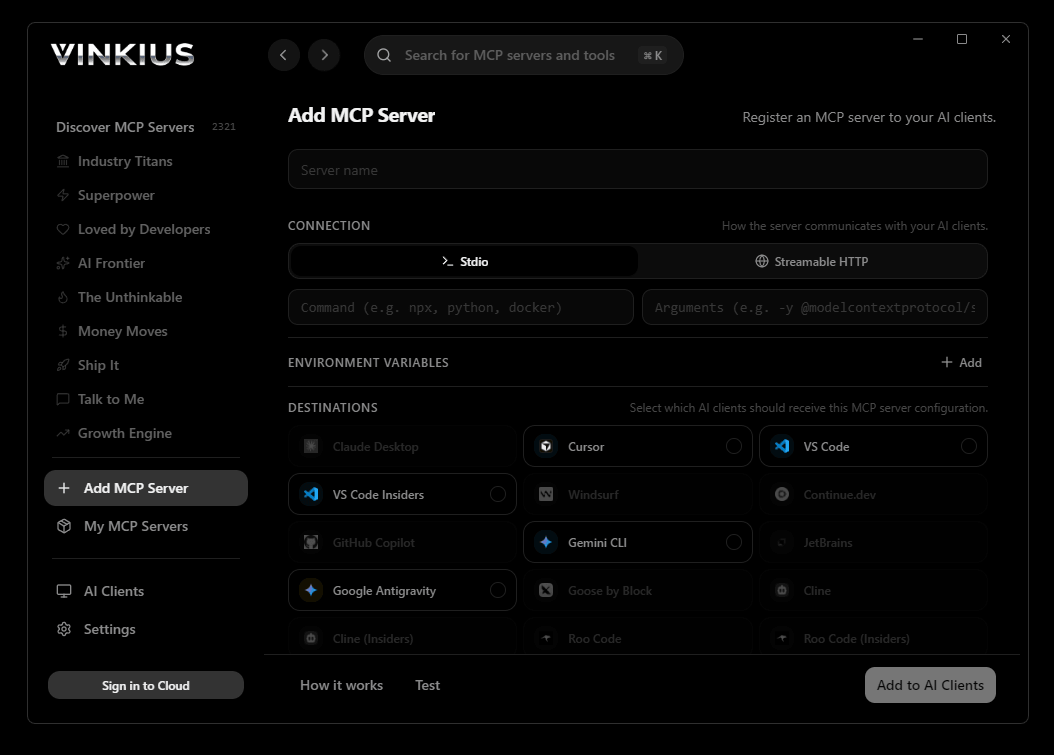

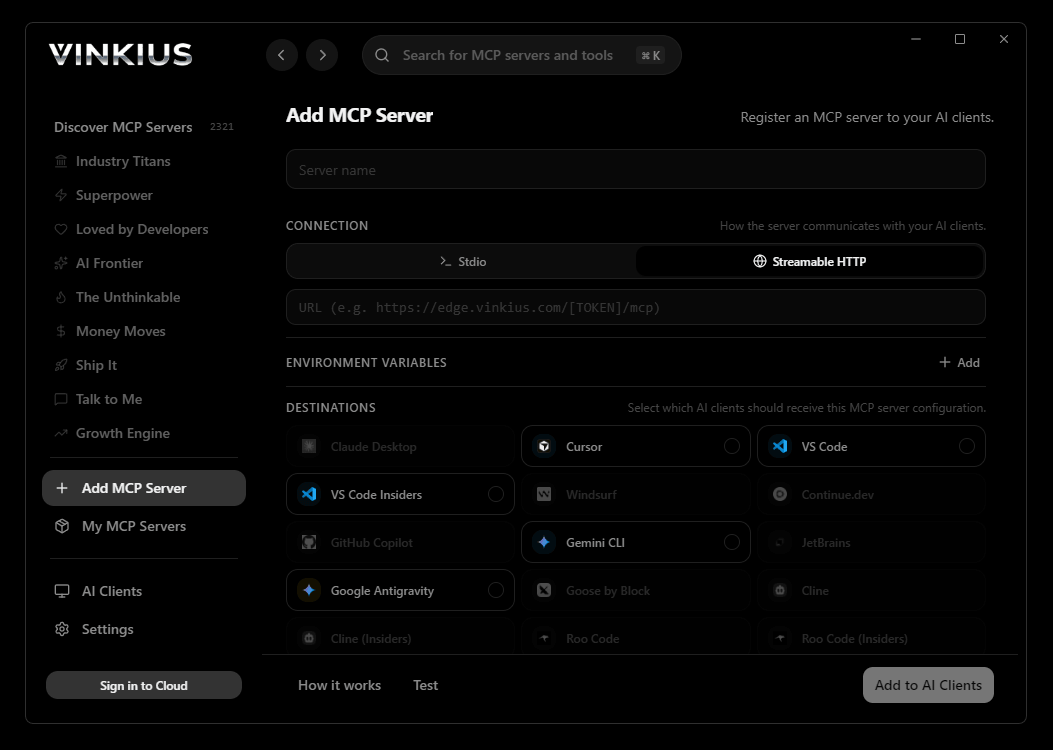
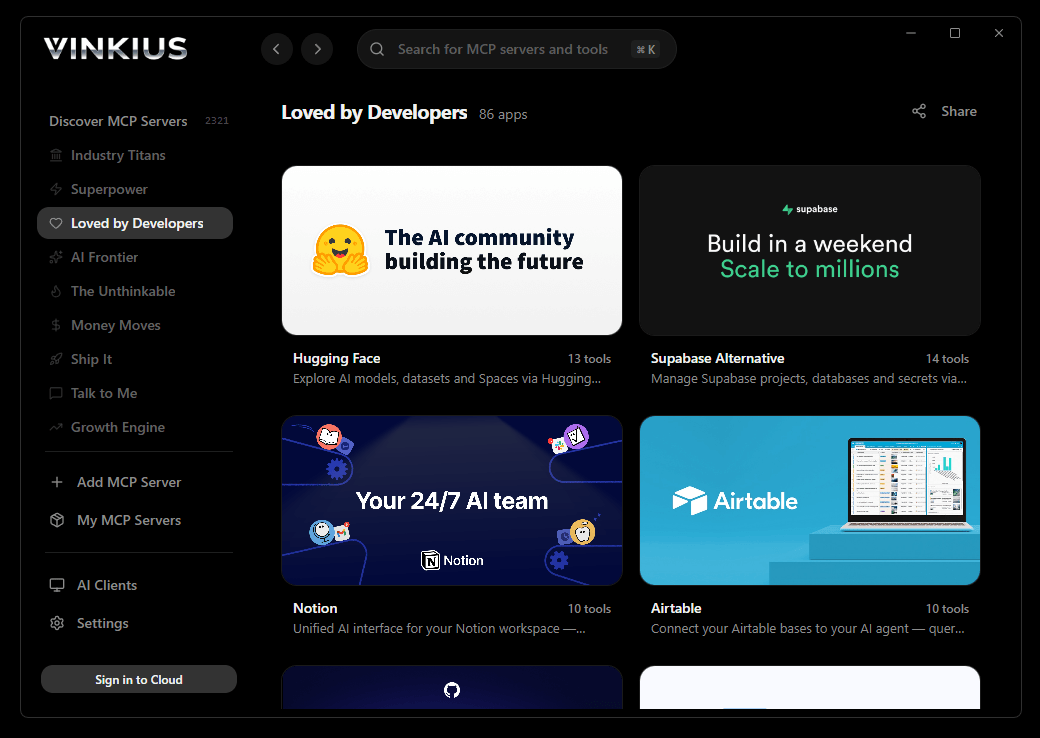
* Every connection is hosted and maintained by Vinkius. We handle the security, updates, and infrastructure so you don't have to write code or manage servers. See our infrastructure
About 3D AI Studio MCP Server
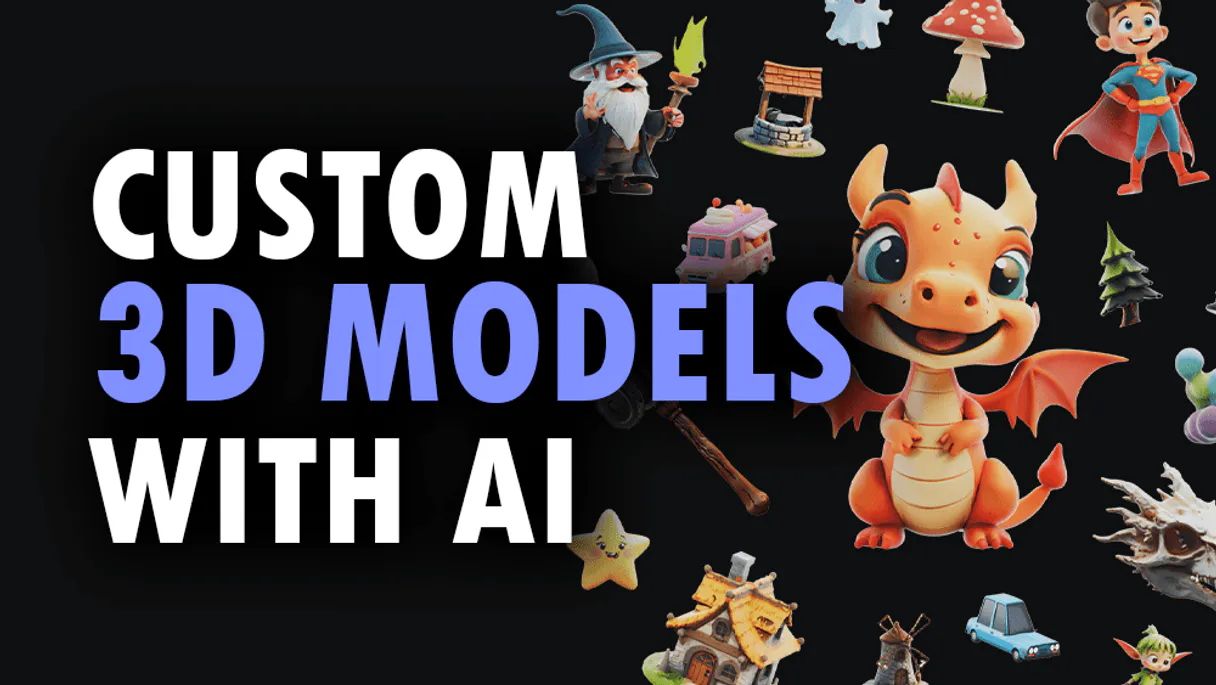
Connect your 3D AI Studio API to any AI agent and take full control of production-quality 3D generation, AI texturing, mesh processing, and rendering through natural conversation.
Cline does not stop at answering questions. It ships code. Connect 3D AI Studio through Vinkius and Cline gains the ability to fetch live data, reason about the results, generate implementation code, write tests, and stage a commit. All in a single autonomous session. No human intervention between steps. 12 tools become part of Cline's operational vocabulary, and every action is logged transparently for review before you push.
What you can do
- Text to 3D. Generate 3D models from text prompts using Hunyuan 3D, TRELLIS.2, and Tripo models
- Image to 3D. Convert any image to a 3D model with multiple AI model options
- Multi-View to 3D. Generate accurate 3D models from multiple reference images
- AI Texturing. Apply AI-powered PBR texturing to existing models using text or image prompts
- Remeshing. Optimize topology with tri or quad mesh remeshing
- Mesh Repair. Fix non-manifold geometry, holes, and inverted normals
- Format Conversion. Convert between GLB, OBJ, FBX, STL, PLY, USDZ, and 3MF formats
- Model Optimization. Reduce polygon count and compress for web and mobile
- 3D Rendering. Generate high-quality images and turntable videos up to 4K
- Mesh Segmentation. Automatically segment 3D mesh parts by semantic components
- Texture Baking. Bake high-poly details onto low-poly game-ready meshes
- Volume Calculator. Calculate volume, surface area, and weight estimates for 3D printing
The 3D AI Studio MCP Server exposes 12 tools through Vinkius. Connect it to Cline in under two minutes. Fully managed, no infrastructure to provision, no vendor lock-in.
12 tools included
Explore every tool 3D AI Studio exposes to Cline through Vinkius.
Connect 3D AI Studio to Cline via MCP
Follow these steps to connect 3D AI Studio to Cline. The setup takes under two minutes and requires no coding or server hosting.
Get your Vinkius Access Token
Open Cline MCP Settings
Add remote server
Enable the server
Start using 3D AI Studio
Why Use Cline with the 3D AI Studio MCP Server
Cline provides unique advantages when paired with 3D AI Studio through the Model Context Protocol.
Cline executes end-to-end: query 3D AI Studio through Vinkius, analyze the response, generate code, write tests, and prepare a commit. One autonomous session, no intermediate prompts
Every 3D AI Studio tool call through Vinkius appears in Cline's activity log. You see exactly what data was requested, what was returned, and what code was generated from it
Cline plans autonomously which of the 12 tools from 3D AI Studio to call based on your objective. Describe the goal, and Cline engineers the solution using live data
Vinkius manages 3D AI Studio credentials in an encrypted vault. Cline never sees raw tokens. The connection is secure, auditable, and revocable from the Vinkius dashboard
3D AI Studio + Cline Use Cases
Practical scenarios where Cline combined with the 3D AI Studio MCP Server delivers measurable value.
Autonomous feature building: tell Cline to fetch data from 3D AI Studio and scaffold a complete module with types, handlers, and tests
Codebase refactoring: use 3D AI Studio tools to validate live data while Cline restructures your code to match updated schemas
Automated testing: Cline fetches real responses from 3D AI Studio and generates snapshot tests or mocks based on actual payloads
Incident response: query 3D AI Studio for real-time status and let Cline generate hotfix patches based on the findings
Example Prompts for 3D AI Studio in Cline
Ready-to-use prompts you can give your Cline agent to start working with 3D AI Studio immediately.
"Generate a 3D model of a medieval castle from text description."
"Apply rusty metal texture to this 3D model: https://example.com/car.glb"
"Repair this mesh for 3D printing and calculate the volume in PLA material."
Troubleshooting 3D AI Studio MCP Server with Cline
Common issues when connecting 3D AI Studio to Cline through Vinkius, and how to resolve them.
Server shows error in sidebar
3D AI Studio + Cline FAQ
Common questions about integrating 3D AI Studio MCP Server with Cline.
How does Cline connect to MCP servers?
Can Cline run MCP tools without approval?
Does Cline support multiple MCP servers at once?
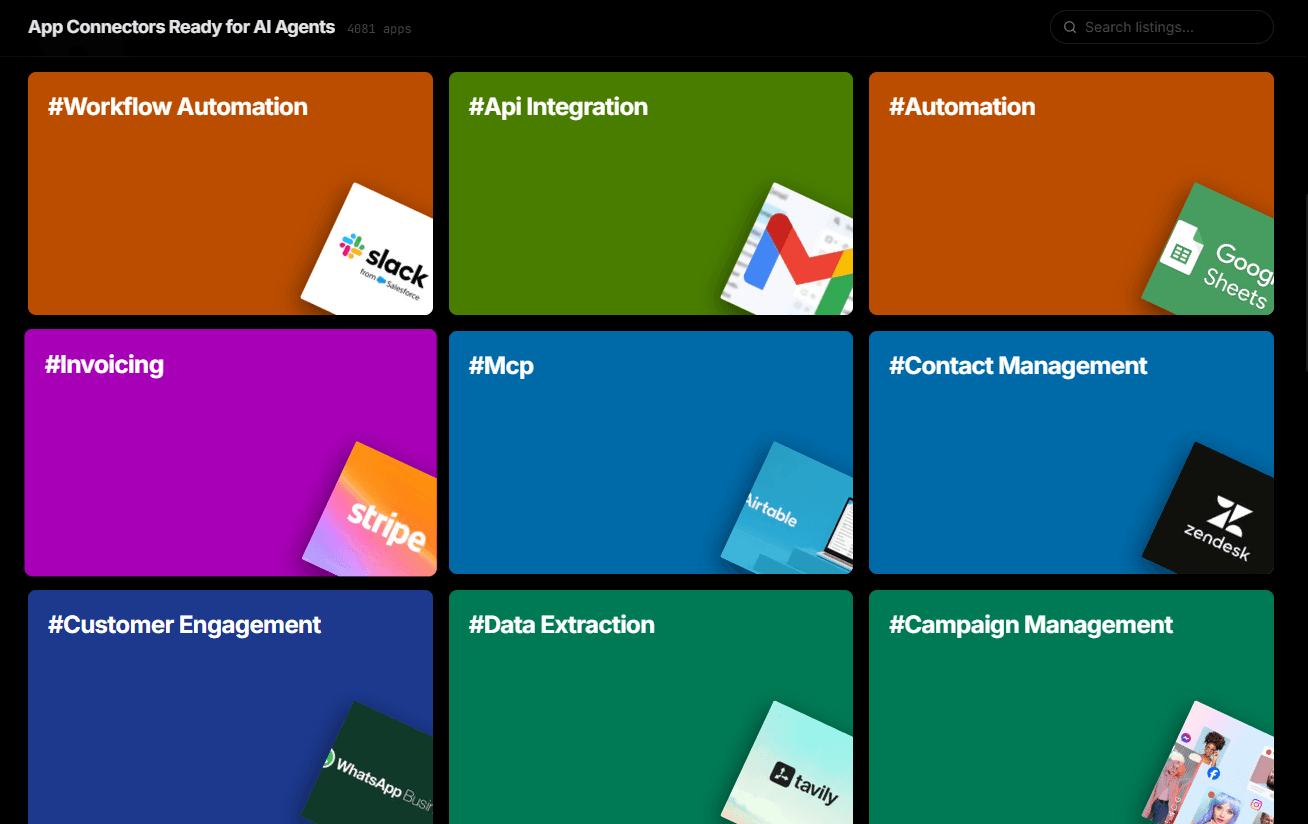
Over 4,000 integrations ready for AI agents
Explore a vast library of pre-built integrations, optimized and ready to deploy.
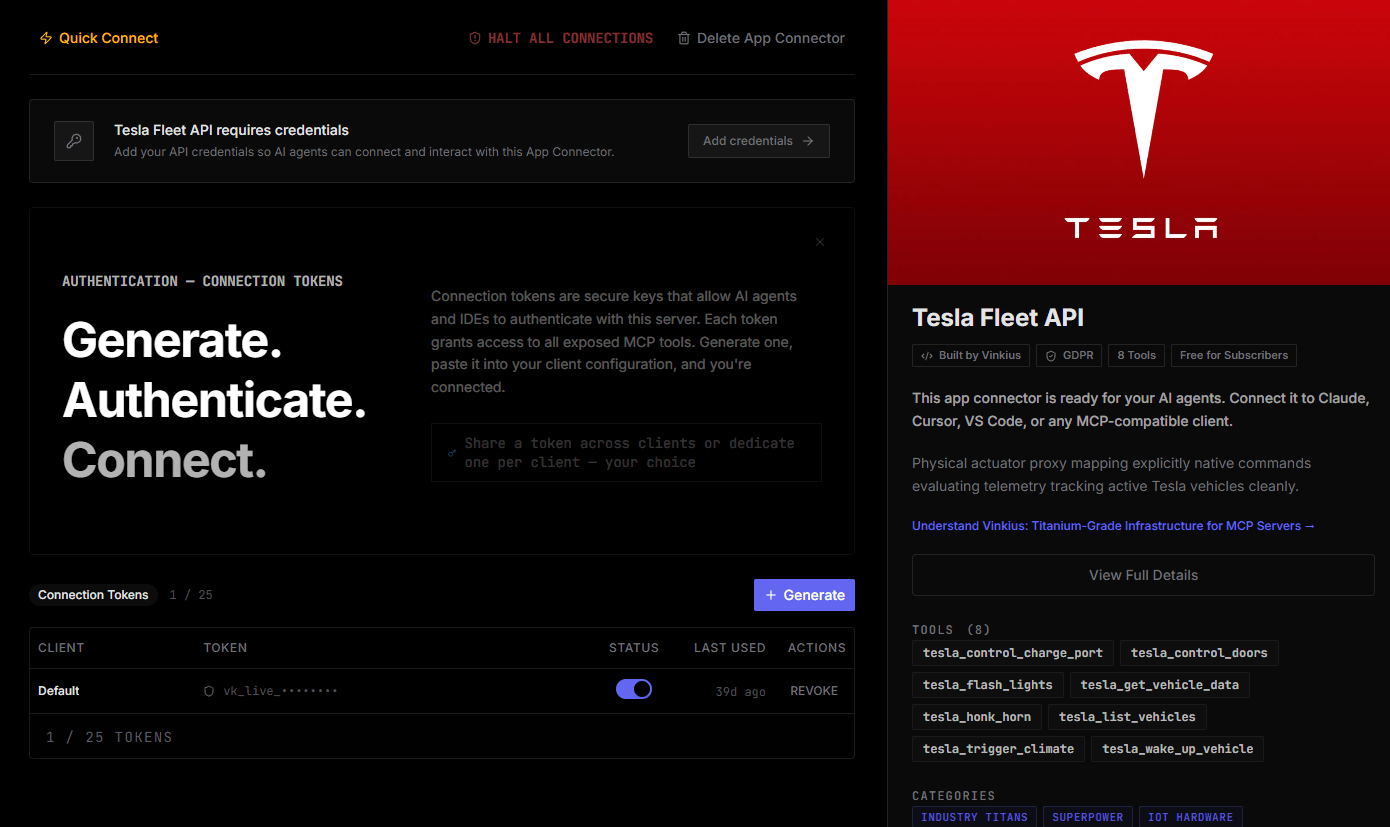
Connect securely in under 30 seconds
Generate tokens to authenticate and link external services in a single step.
Complete visibility into every agent action
Audit live requests, latency, success rates, and active security compliance policies.
Optimize spending and track token ROI
Analyze real-time token consumption and cost metrics detailed by connection.
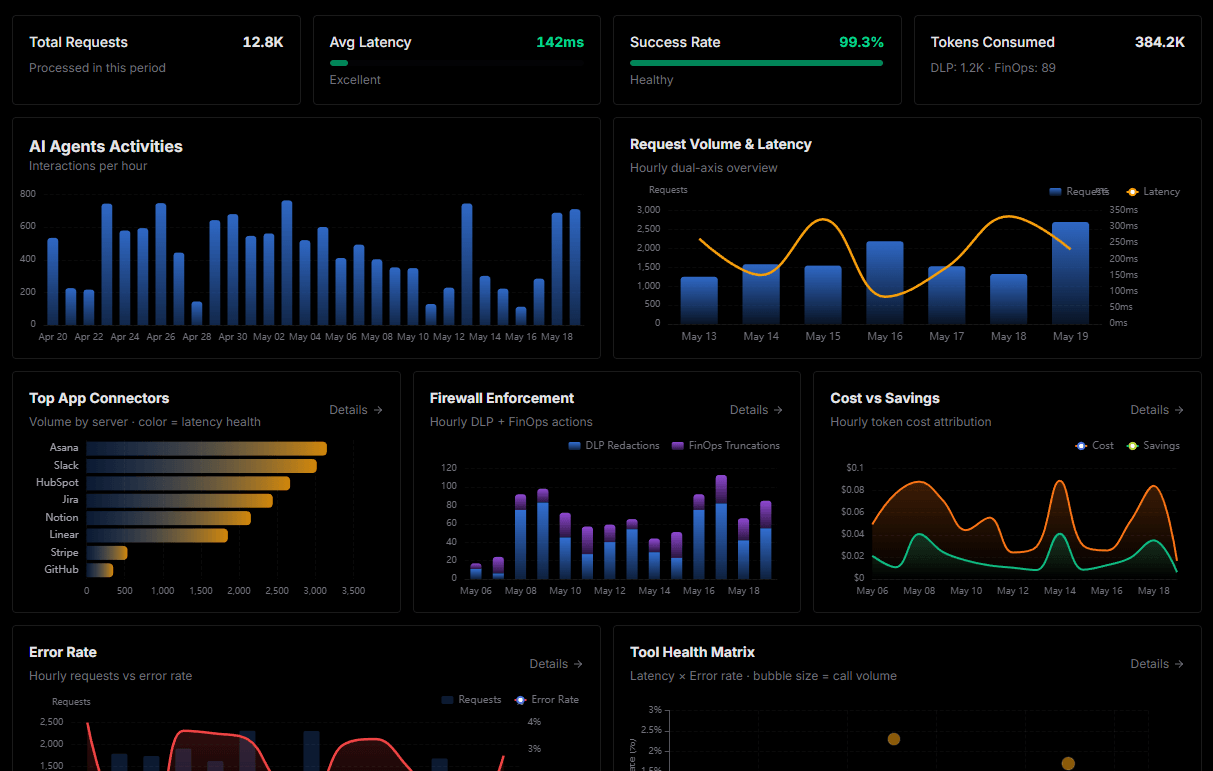
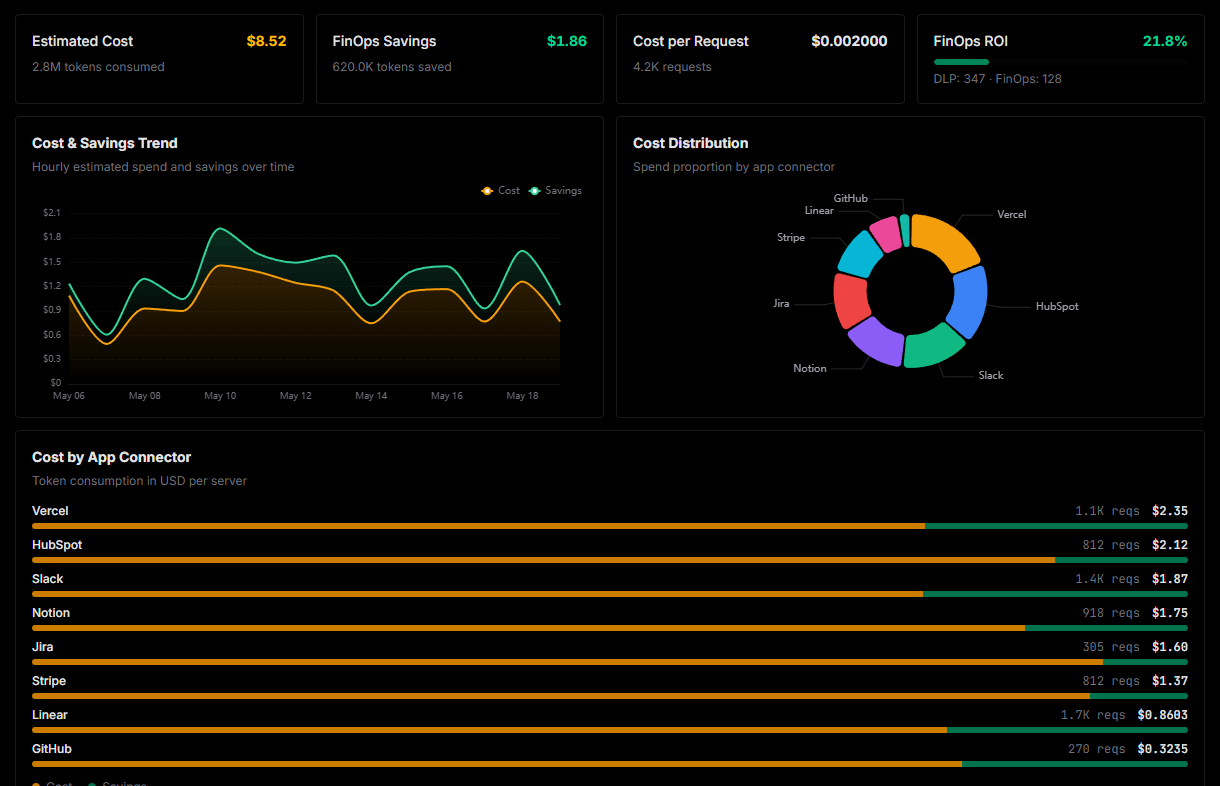
Explore our live AI Agents Analytics dashboard to see it all working
This dashboard is included when you connect 3D AI Studio using Vinkius. You will never be left in the dark about what your AI agents are doing with your tools.
Connect 3D AI Studio with your favorite client
Also available for these clients and frameworks:
Connect 3D AI Studio to Cline
One click to install, 12 tools ready instantly. Fully managed, no API key setup required.