
How to Use 3D AI Studio MCP Server with LangChain using Vinkius
Give LangChain instant access to 12 tools to Bake Textures 3d, Calculate Volume 3d, Convert 3d Format, and more using Vinkius.
 GDPR Free for Subscribers
LangChain is the leading Python framework for composable LLM applications. Connect 3D AI Studio through Vinkius and LangChain agents can call every tool natively. combine them with retrievers, memory, and output parsers for sophisticated AI pipelines.
Ask AI about this MCP Server for LangChain
The 3D AI Studio MCP Server for LangChain is a standout in the Design Creative category, giving your AI agent 12 tools to work with, ready to go from day one.
Vinkius delivers Streamable HTTP and SSE to any MCP client
 Gemini
import asyncio
from langchain_mcp_adapters.client import MultiServerMCPClient
from langchain_openai import ChatOpenAI
from langgraph.prebuilt import create_react_agent
async def main():
# Your Vinkius token. get it at cloud.vinkius.com
async with MultiServerMCPClient({
"3d-ai-studio": {
"transport": "streamable_http",
"url": "https://edge.vinkius.com/[YOUR_TOKEN_HERE]/mcp",
}
}) as client:
tools = client.get_tools()
agent = create_react_agent(
ChatOpenAI(model="gpt-4o"),
tools,
)
response = await agent.ainvoke({
"messages": [{
"role": "user",
"content": "Using 3D AI Studio, show me what tools are available.",
}]
})
print(response["messages"][-1].content)
asyncio.run(main())
* Every connection is hosted and maintained by Vinkius. We handle the security, updates, and infrastructure so you don't have to write code or manage servers. See our infrastructure
About 3D AI Studio MCP Server
Connect your 3D AI Studio API to any AI agent and take full control of production-quality 3D generation, AI texturing, mesh processing, and rendering through natural conversation.
LangChain's 500+ components exist for one reason: to let you compose exactly the pipeline your problem demands. When you connect 3D AI Studio through native MCP adapters, 12 tools join an ecosystem that includes vector stores, SQL databases, web scrapers, calculators, and custom retrievers. Use ReAct agents for dynamic reasoning, Plan-and-Execute for structured workflows, or build custom architectures. LangSmith tracing gives complete visibility into every 3D AI Studio tool call: latency, token cost, input parameters, response payloads. Nothing is a black box.
What you can do
- Text to 3D. Generate 3D models from text prompts using Hunyuan 3D, TRELLIS.2, and Tripo models
- Image to 3D. Convert any image to a 3D model with multiple AI model options
- Multi-View to 3D. Generate accurate 3D models from multiple reference images
- AI Texturing. Apply AI-powered PBR texturing to existing models using text or image prompts
- Remeshing. Optimize topology with tri or quad mesh remeshing
- Mesh Repair. Fix non-manifold geometry, holes, and inverted normals
- Format Conversion. Convert between GLB, OBJ, FBX, STL, PLY, USDZ, and 3MF formats
- Model Optimization. Reduce polygon count and compress for web and mobile
- 3D Rendering. Generate high-quality images and turntable videos up to 4K
- Mesh Segmentation. Automatically segment 3D mesh parts by semantic components
- Texture Baking. Bake high-poly details onto low-poly game-ready meshes
- Volume Calculator. Calculate volume, surface area, and weight estimates for 3D printing
The 3D AI Studio MCP Server exposes 12 tools through Vinkius. Connect it to LangChain in under two minutes. Fully managed, no infrastructure to provision, no vendor lock-in.
12 tools included
Explore every tool 3D AI Studio exposes to LangChain through Vinkius.
Connect 3D AI Studio to LangChain via MCP
Follow these steps to connect 3D AI Studio to LangChain. The setup takes under two minutes and requires no coding or server hosting.
Get your Vinkius Access Token
Install dependencies
pip install langchain langchain-mcp-adapters langgraph langchain-openaiReplace the token
[YOUR_TOKEN_HERE] with your Vinkius tokenRun the agent
python agent.pyExplore tools
Why Use LangChain with the 3D AI Studio MCP Server
LangChain provides unique advantages when paired with 3D AI Studio through the Model Context Protocol.
3D AI Studio tools from Vinkius connect through native MCP adapters and compose with LangChain's 500+ components: vector stores, SQL databases, retrievers, and output parsers in a single pipeline
Choose the right agent architecture for your 3D AI Studio workflow: ReAct for dynamic reasoning, Plan-and-Execute for structured multi-step operations, or custom architectures for domain-specific logic
LangSmith traces every 3D AI Studio tool call through Vinkius with full payload visibility: input parameters, response data, latency, and token cost. Nothing runs in the dark
Conversation memory and persistence let agents maintain context across multiple 3D AI Studio queries through Vinkius. Multi-turn analytical workflows that build on previous findings
3D AI Studio + LangChain Use Cases
Practical scenarios where LangChain combined with the 3D AI Studio MCP Server delivers measurable value.
RAG with live data: combine 3D AI Studio tool results with vector store retrievals for answers grounded in both real-time and historical data
Autonomous research agents: LangChain agents query 3D AI Studio, synthesize findings, and generate comprehensive research reports
Multi-tool orchestration: chain 3D AI Studio tools with web scrapers, databases, and calculators in a single agent run
Production monitoring: use LangSmith to trace every 3D AI Studio tool call, measure latency, and optimize your agent's performance
Example Prompts for 3D AI Studio in LangChain
Ready-to-use prompts you can give your LangChain agent to start working with 3D AI Studio immediately.
"Generate a 3D model of a medieval castle from text description."
"Apply rusty metal texture to this 3D model: https://example.com/car.glb"
"Repair this mesh for 3D printing and calculate the volume in PLA material."
Troubleshooting 3D AI Studio MCP Server with LangChain
Common issues when connecting 3D AI Studio to LangChain through Vinkius, and how to resolve them.
MultiServerMCPClient not found
pip install langchain-mcp-adapters3D AI Studio + LangChain FAQ
Common questions about integrating 3D AI Studio MCP Server with LangChain.
How does LangChain connect to MCP servers?
langchain-mcp-adapters to create an MCP client. LangChain discovers all tools and wraps them as native LangChain tools compatible with any agent type.Which LangChain agent types work with MCP?
Can I trace MCP tool calls in LangSmith?
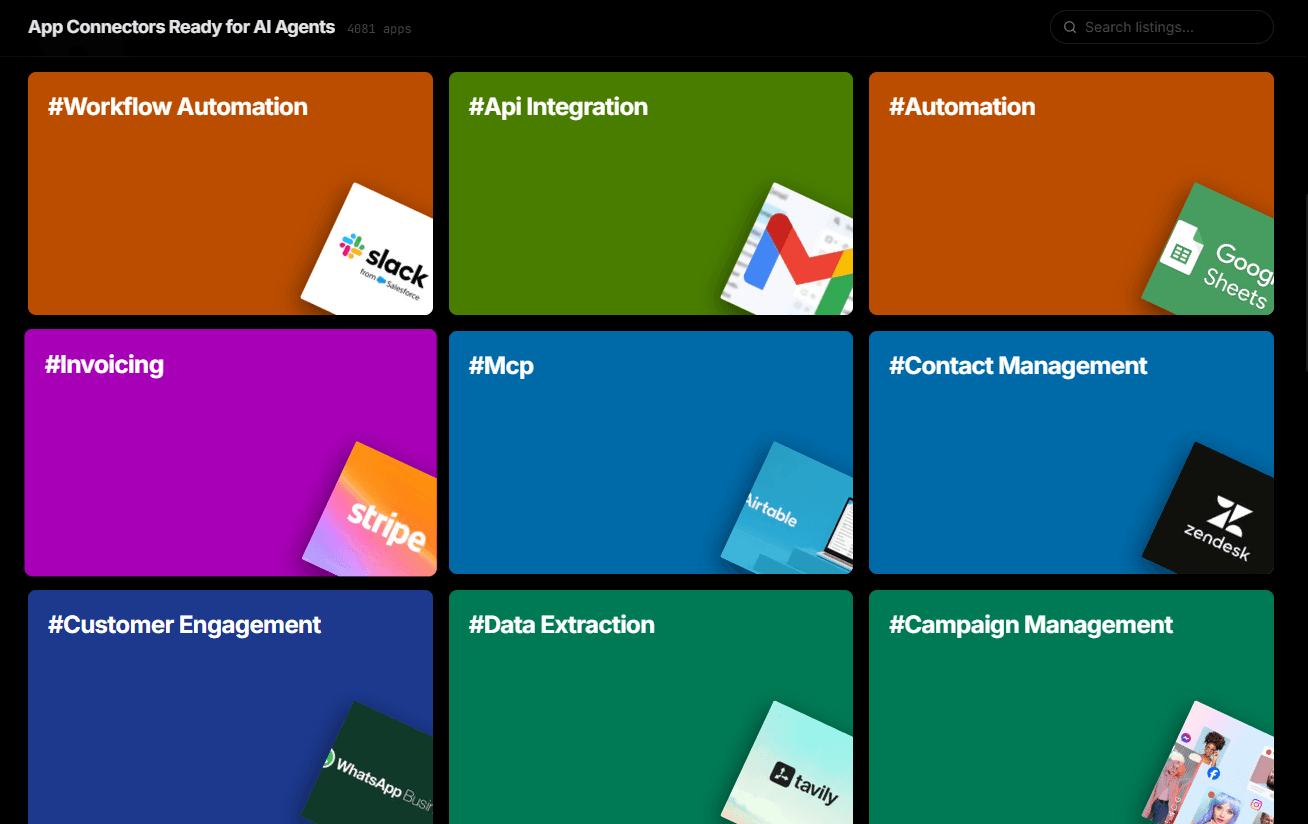
Over 4,000 integrations ready for AI agents
Explore a vast library of pre-built integrations, optimized and ready to deploy.
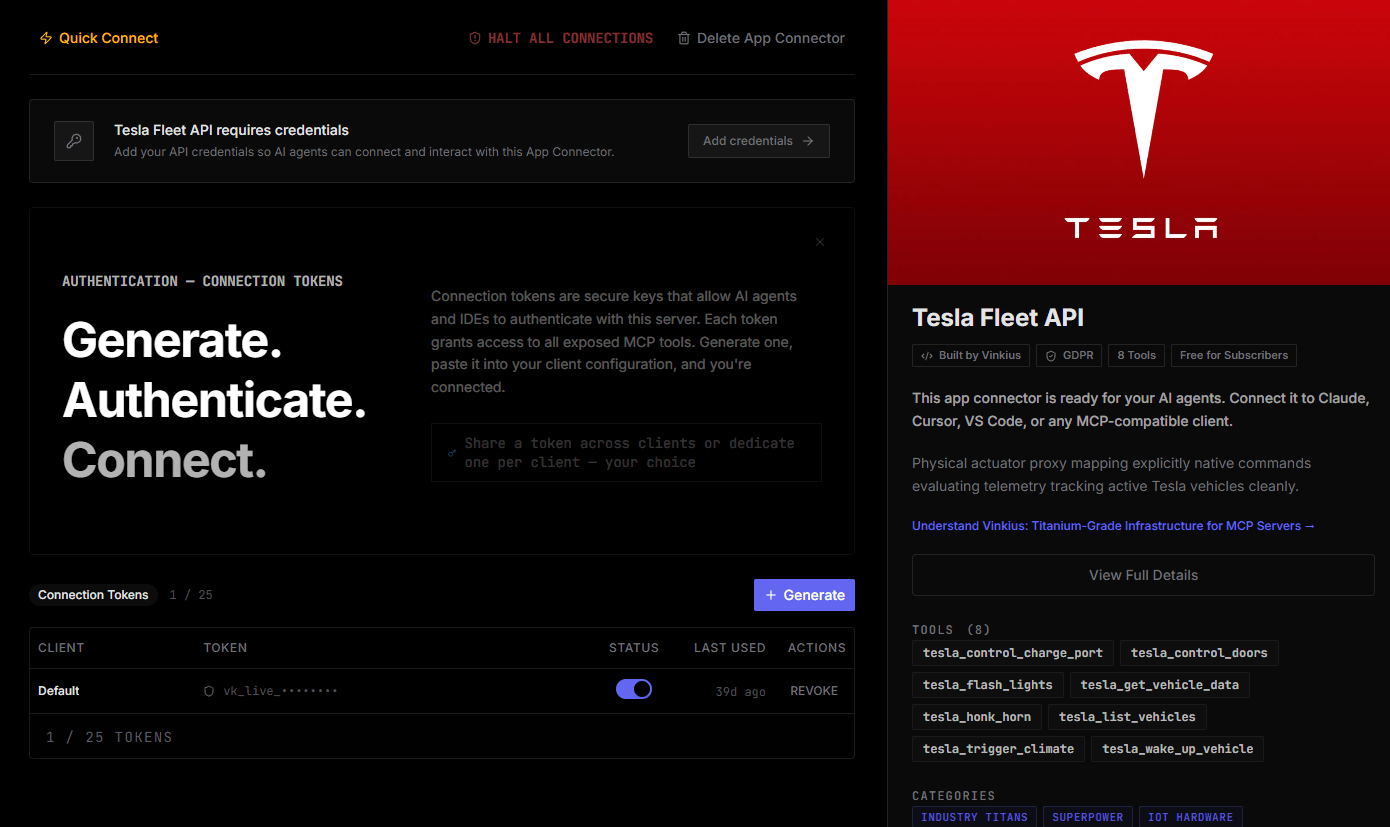
Connect securely in under 30 seconds
Generate tokens to authenticate and link external services in a single step.
Complete visibility into every agent action
Audit live requests, latency, success rates, and active security compliance policies.
Optimize spending and track token ROI
Analyze real-time token consumption and cost metrics detailed by connection.
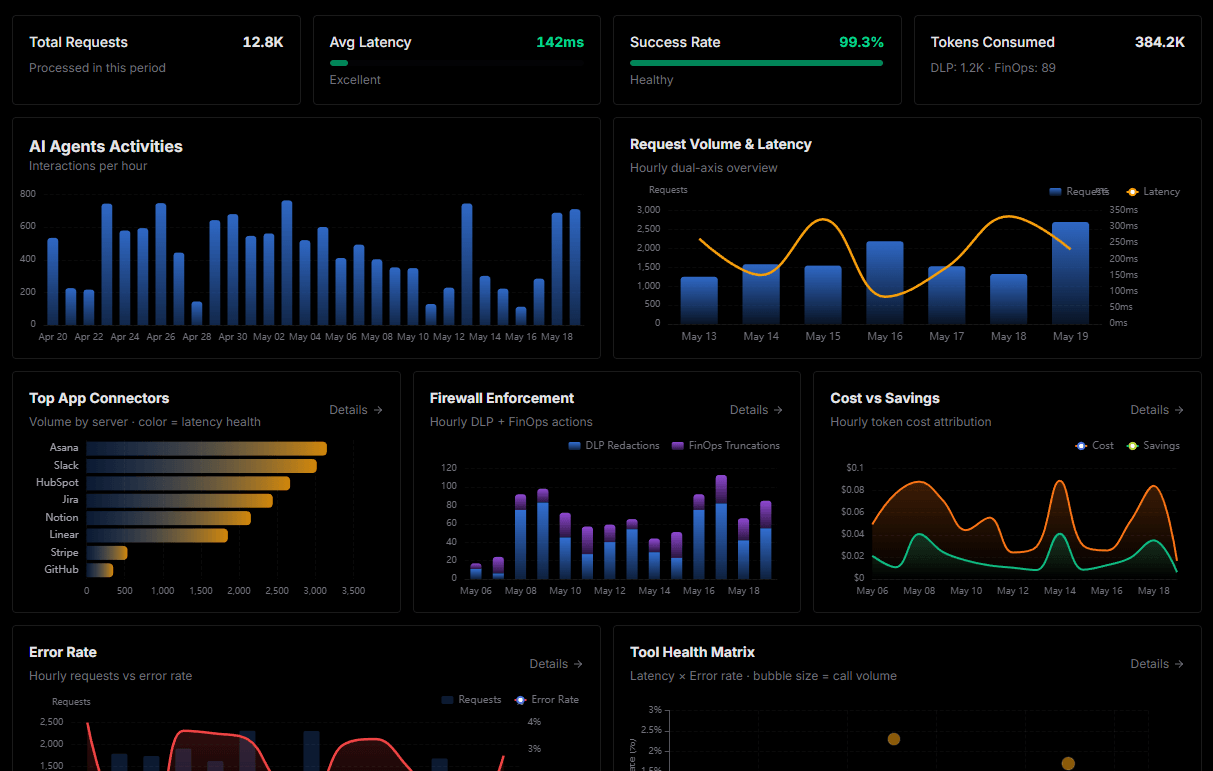
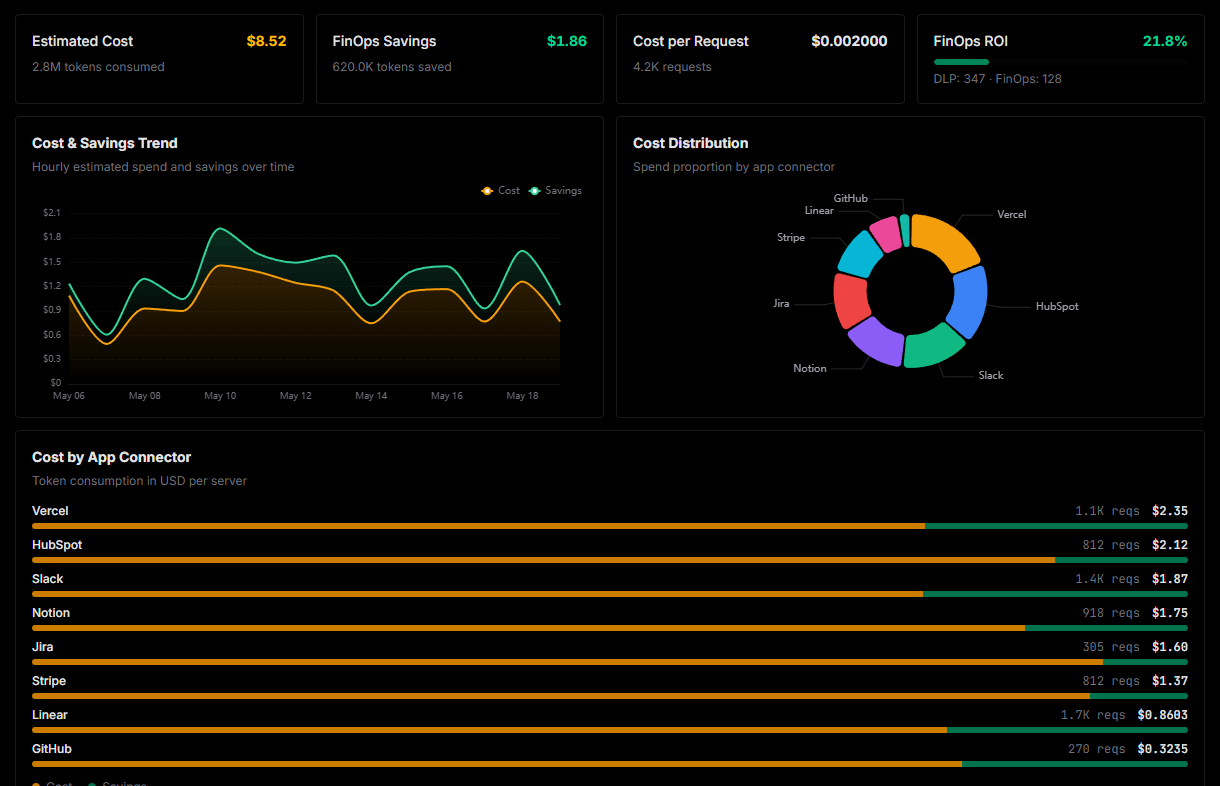
Explore our live AI Agents Analytics dashboard to see it all working
This dashboard is included when you connect 3D AI Studio using Vinkius. You will never be left in the dark about what your AI agents are doing with your tools.
Connect 3D AI Studio with your favorite client
Also available for these clients and frameworks:
Connect 3D AI Studio to LangChain
One click to install, 12 tools ready instantly. Fully managed, no API key setup required.