
How to Use 3D AI Studio MCP Server with Windsurf using Vinkius
Give Windsurf instant access to 12 tools to Bake Textures 3d, Calculate Volume 3d, Convert 3d Format, and more using Vinkius.
 GDPR Free for Subscribers
Windsurf brings agentic AI coding to a purpose-built IDE. Connect 3D AI Studio through Vinkius and Cascade will auto-discover every tool. ask questions, generate code, and act on live data without leaving your editor.
Ask AI about this MCP Server for Windsurf
The 3D AI Studio MCP Server for Windsurf is a standout in the Design Creative category, giving your AI agent 12 tools to work with, ready to go from day one.
Vinkius delivers Streamable HTTP and SSE to any MCP client
 Gemini
{
"mcpServers": {
"3d-ai-studio": {
"url": "https://edge.vinkius.com/[YOUR_TOKEN_HERE]/mcp"
}
}
}Vinkius Desktop App
The modern way to manage MCP Servers. No config files, no terminal commands. Install 3D AI Studio and every MCP Server in the catalog from a single visual interface.
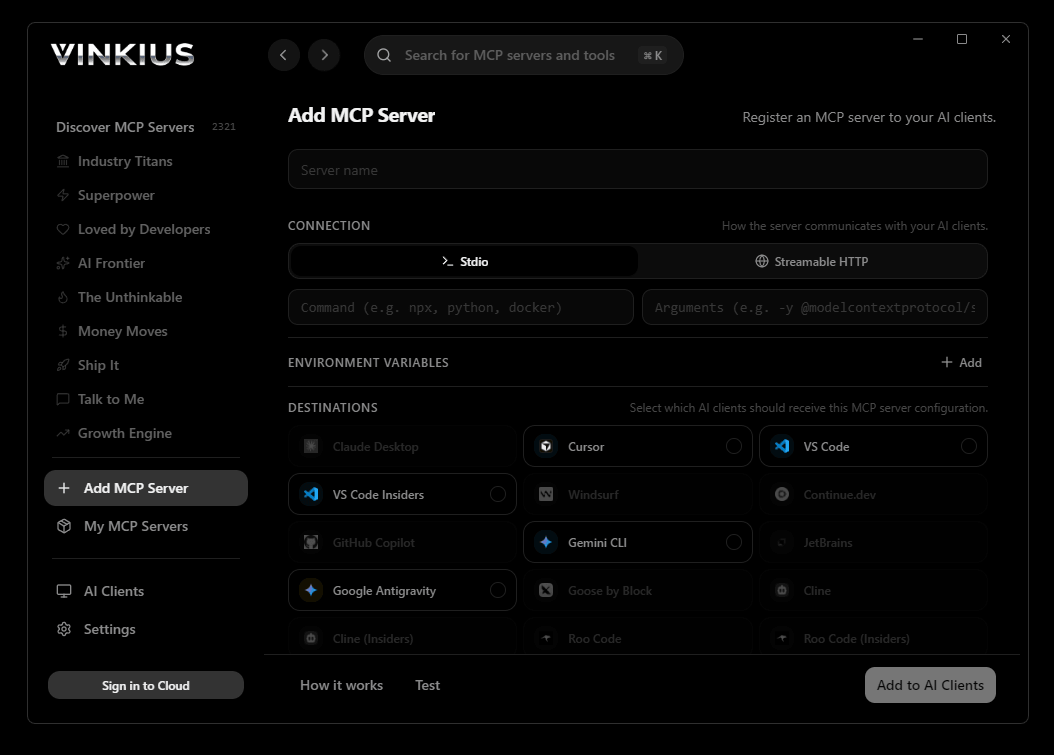

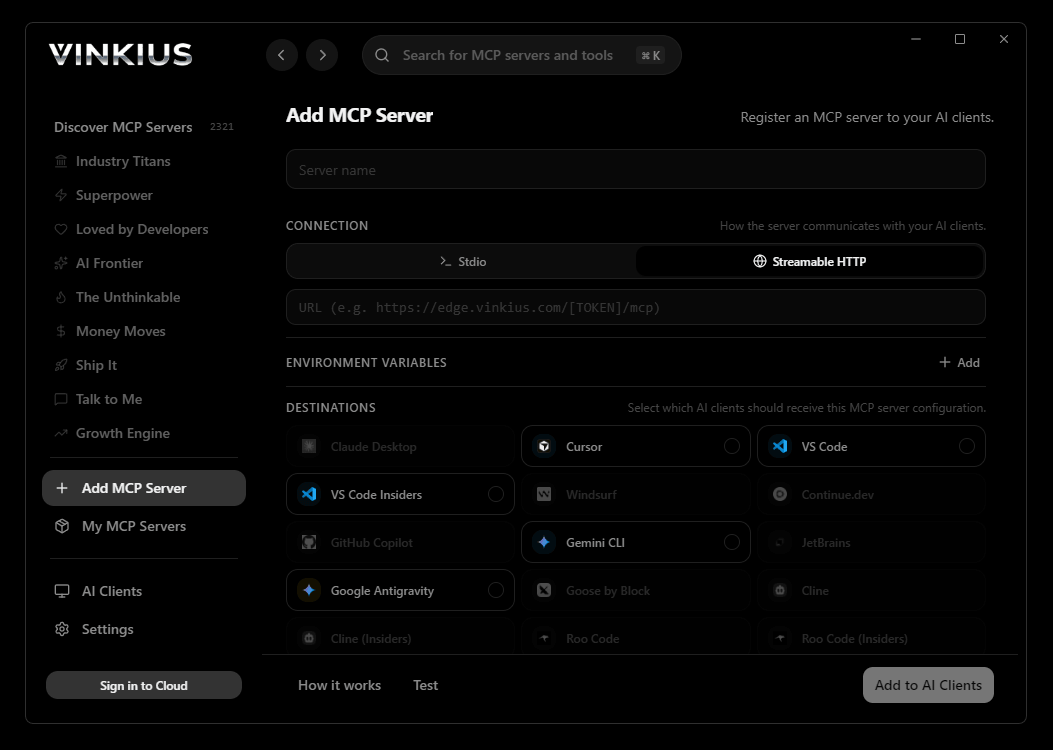
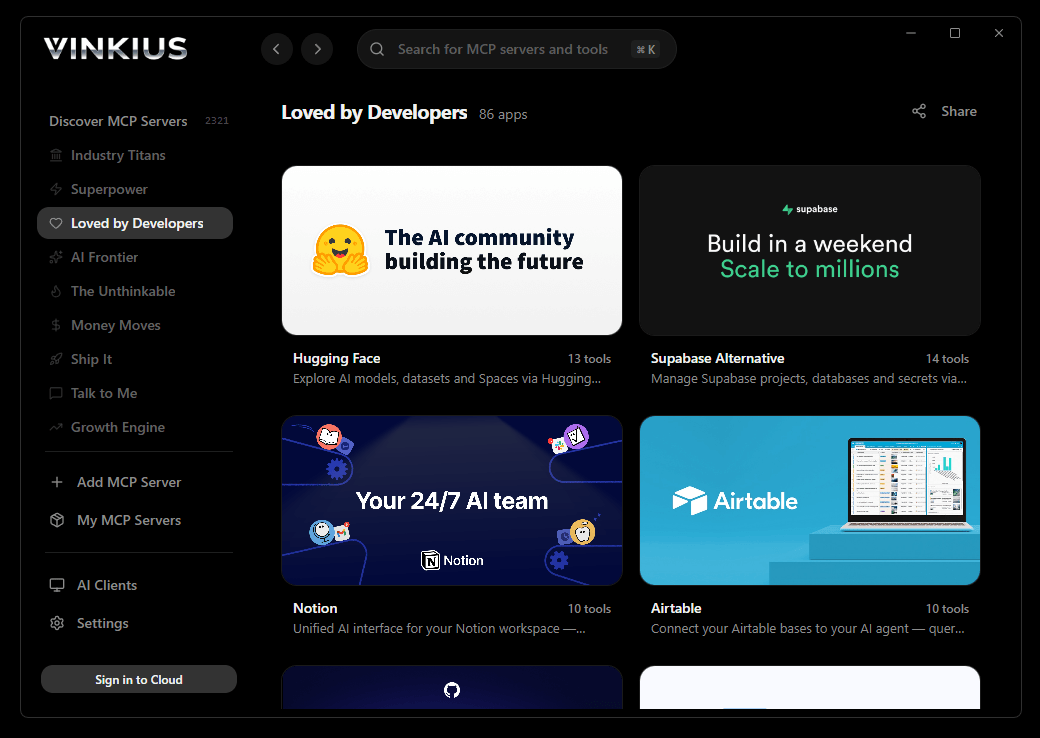
* Every connection is hosted and maintained by Vinkius. We handle the security, updates, and infrastructure so you don't have to write code or manage servers. See our infrastructure
About 3D AI Studio MCP Server
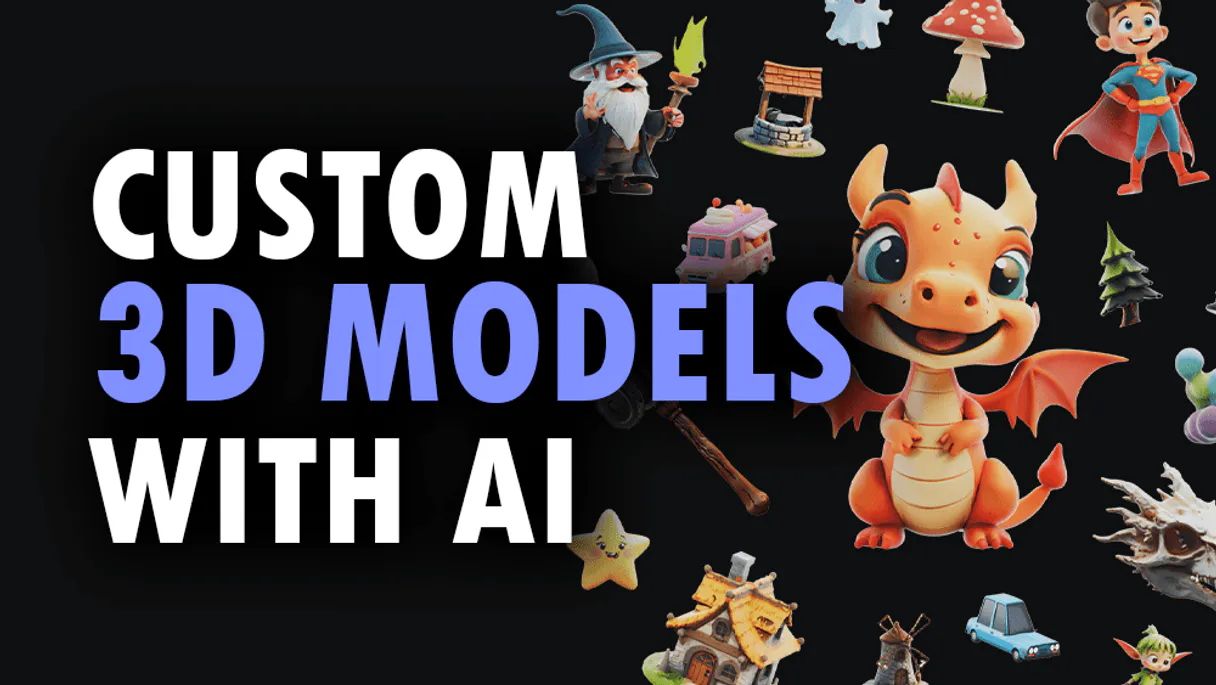
Connect your 3D AI Studio API to any AI agent and take full control of production-quality 3D generation, AI texturing, mesh processing, and rendering through natural conversation.
Windsurf's Cascade agent does not wait for instructions between steps. It plans. When you connect 3D AI Studio through Vinkius, Cascade internalizes all 12 tools and chains them autonomously: query data, analyze the response, cross-reference with a second tool, and generate code from the combined output. A single natural language request triggers a multi-step execution pipeline where 3D AI Studio operations happen inline, with real-time feedback visible directly in your editor.
What you can do
- Text to 3D. Generate 3D models from text prompts using Hunyuan 3D, TRELLIS.2, and Tripo models
- Image to 3D. Convert any image to a 3D model with multiple AI model options
- Multi-View to 3D. Generate accurate 3D models from multiple reference images
- AI Texturing. Apply AI-powered PBR texturing to existing models using text or image prompts
- Remeshing. Optimize topology with tri or quad mesh remeshing
- Mesh Repair. Fix non-manifold geometry, holes, and inverted normals
- Format Conversion. Convert between GLB, OBJ, FBX, STL, PLY, USDZ, and 3MF formats
- Model Optimization. Reduce polygon count and compress for web and mobile
- 3D Rendering. Generate high-quality images and turntable videos up to 4K
- Mesh Segmentation. Automatically segment 3D mesh parts by semantic components
- Texture Baking. Bake high-poly details onto low-poly game-ready meshes
- Volume Calculator. Calculate volume, surface area, and weight estimates for 3D printing
The 3D AI Studio MCP Server exposes 12 tools through Vinkius. Connect it to Windsurf in under two minutes. Fully managed, no infrastructure to provision, no vendor lock-in.
12 tools included
Explore every tool 3D AI Studio exposes to Windsurf through Vinkius.
Connect 3D AI Studio to Windsurf via MCP
Follow these steps to connect 3D AI Studio to Windsurf. The setup takes under two minutes and requires no coding or server hosting.
Get your Vinkius Access Token
Open MCP Settings
Cmd+Shift+P and search "MCP"Add the server
mcp_config.jsonSave and reload
Start using 3D AI Studio
Why Use Windsurf with the 3D AI Studio MCP Server
Windsurf provides unique advantages when paired with 3D AI Studio through the Model Context Protocol.
Cascade plans multi-step 3D AI Studio tool chains autonomously through Vinkius. One natural language request triggers a sequence of API calls without prompting between steps
Windsurf was purpose-built for agentic workflows. Cascade does not treat 3D AI Studio tools as external calls. It treats them as native operations in its execution pipeline
Real-time tool feedback from 3D AI Studio via Vinkius renders inline as Cascade works. You see API responses, processing status, and generated output directly in the editor
Vinkius Edge handles 3D AI Studio connection stability, authentication, and rate limiting. Cascade handles planning and execution. Zero infrastructure management on your end
3D AI Studio + Windsurf Use Cases
Practical scenarios where Windsurf combined with the 3D AI Studio MCP Server delivers measurable value.
Automated code generation: ask Cascade to fetch data from 3D AI Studio and generate models, types, or handlers based on real API responses
Live debugging: query 3D AI Studio tools mid-session to inspect production data while debugging without leaving the editor
Documentation generation: pull schema information from 3D AI Studio and have Cascade generate comprehensive API docs automatically
Rapid prototyping: combine 3D AI Studio data with Cascade's code generation to scaffold entire features in minutes
Example Prompts for 3D AI Studio in Windsurf
Ready-to-use prompts you can give your Windsurf agent to start working with 3D AI Studio immediately.
"Generate a 3D model of a medieval castle from text description."
"Apply rusty metal texture to this 3D model: https://example.com/car.glb"
"Repair this mesh for 3D printing and calculate the volume in PLA material."
Troubleshooting 3D AI Studio MCP Server with Windsurf
Common issues when connecting 3D AI Studio to Windsurf through Vinkius, and how to resolve them.
Server not connecting
3D AI Studio + Windsurf FAQ
Common questions about integrating 3D AI Studio MCP Server with Windsurf.
How does Windsurf discover MCP tools?
mcp_config.json file on startup and connects to each configured server via Streamable HTTP. Tools are listed in the MCP panel and available to Cascade automatically.Can Cascade chain multiple MCP tool calls?
Does Windsurf support multiple MCP servers?
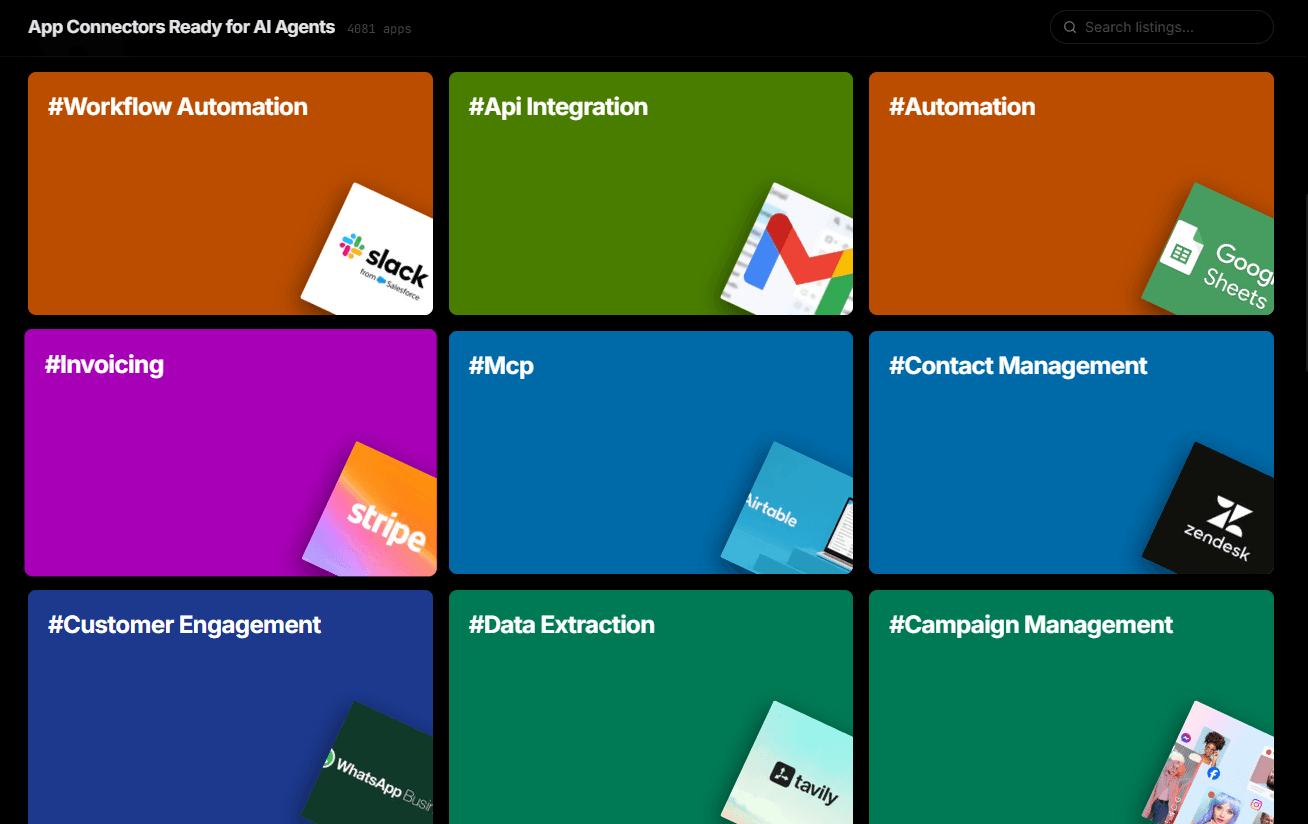
mcp_config.json. Each server's tools appear in the MCP panel and Cascade can use tools from different servers in a single flow.Over 4,000 integrations ready for AI agents
Explore a vast library of pre-built integrations, optimized and ready to deploy.
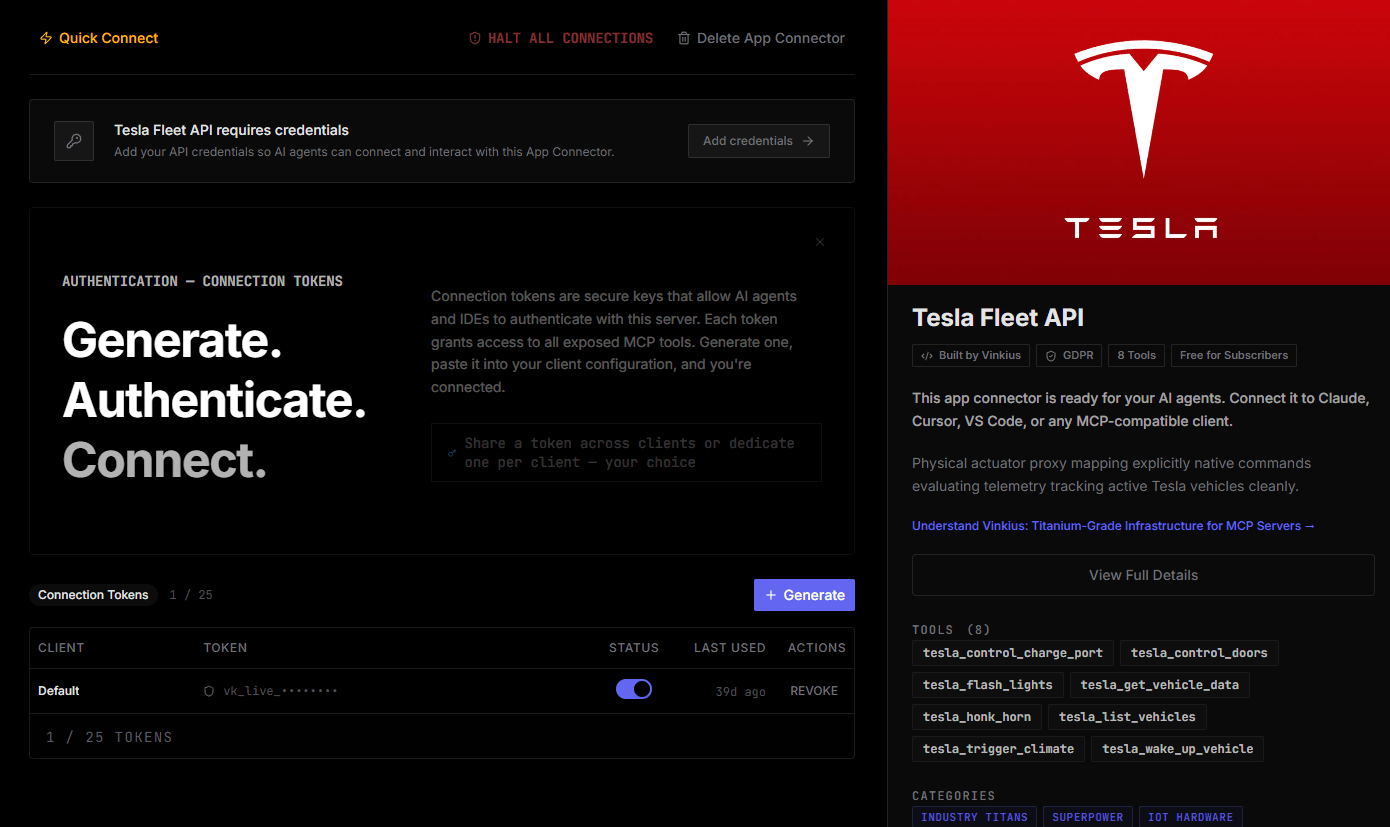
Connect securely in under 30 seconds
Generate tokens to authenticate and link external services in a single step.
Complete visibility into every agent action
Audit live requests, latency, success rates, and active security compliance policies.
Optimize spending and track token ROI
Analyze real-time token consumption and cost metrics detailed by connection.
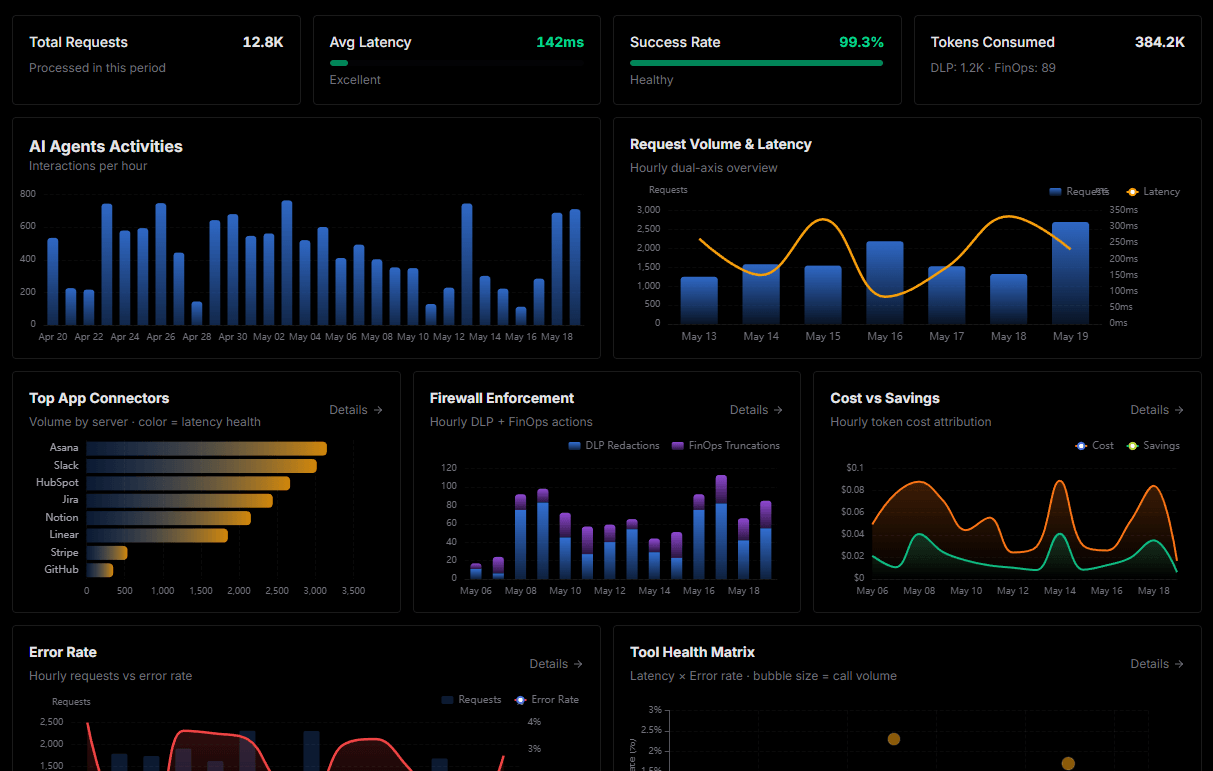
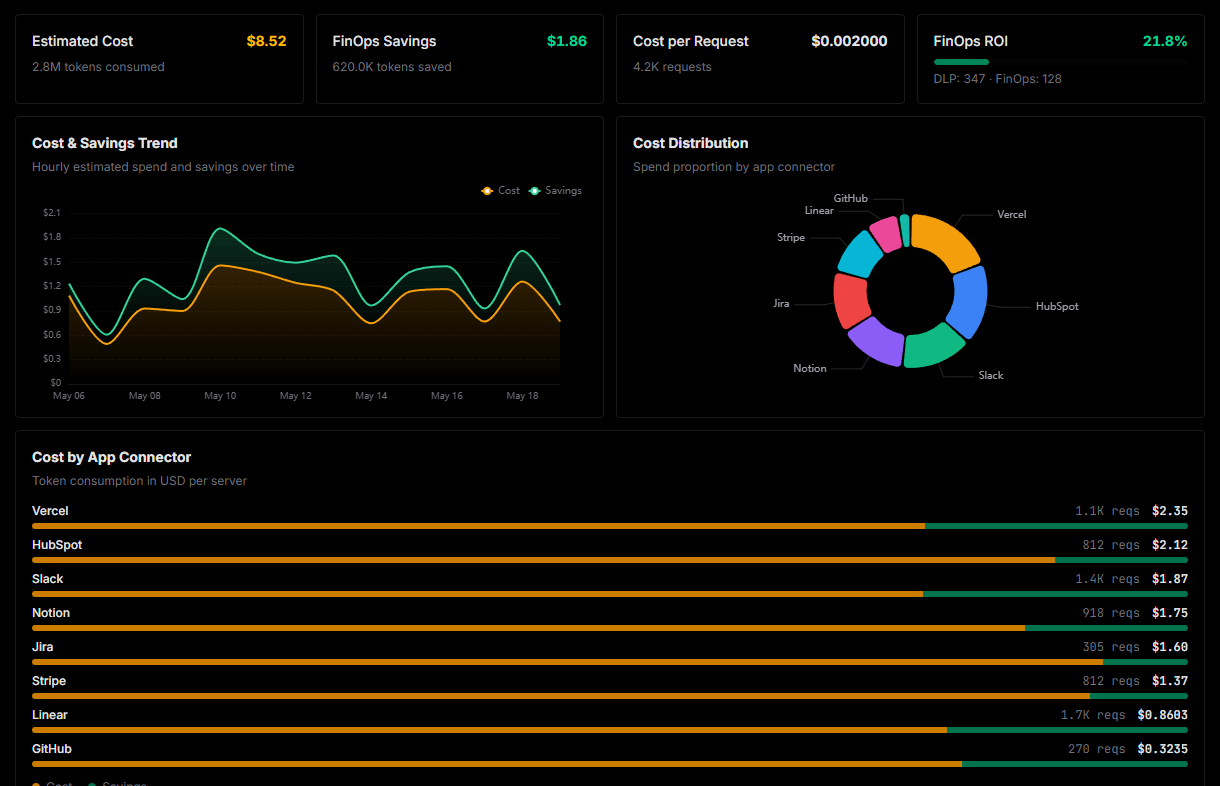
Explore our live AI Agents Analytics dashboard to see it all working
This dashboard is included when you connect 3D AI Studio using Vinkius. You will never be left in the dark about what your AI agents are doing with your tools.
Connect 3D AI Studio with your favorite client
Also available for these clients and frameworks:
Connect 3D AI Studio to Windsurf
One click to install, 12 tools ready instantly. Fully managed, no API key setup required.